Your Browsing History
- Free 30-day Returns
$170.94
Ships from China.
Meet Your Seller
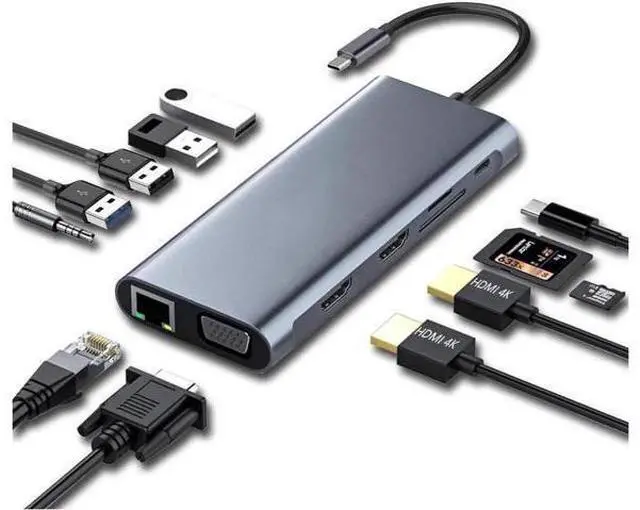
USB 3.1 Type C Docking Station, USB C Hub, 12-in-1 Triple Display Dual 4K HDMI, VGA, PD100W,Gigabit Ethernet RJ45, USB3.0,SD/TF, Type C Laptop Dock Station Adapter Compatible for MacBook
Limited time offer, ends 07/13 By VoltSync
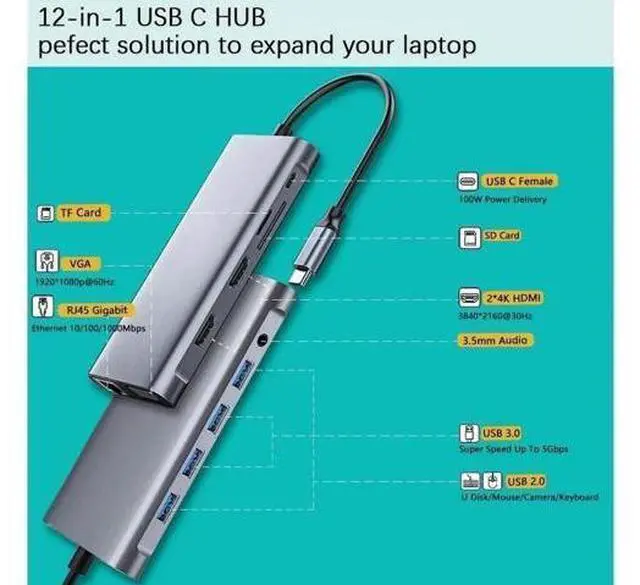
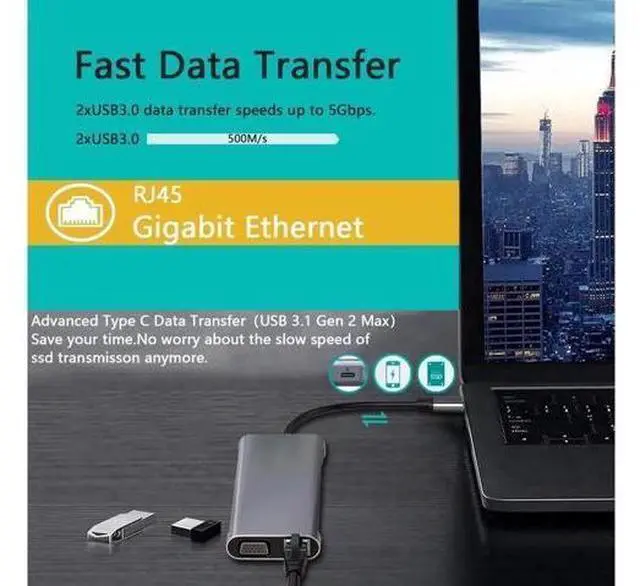
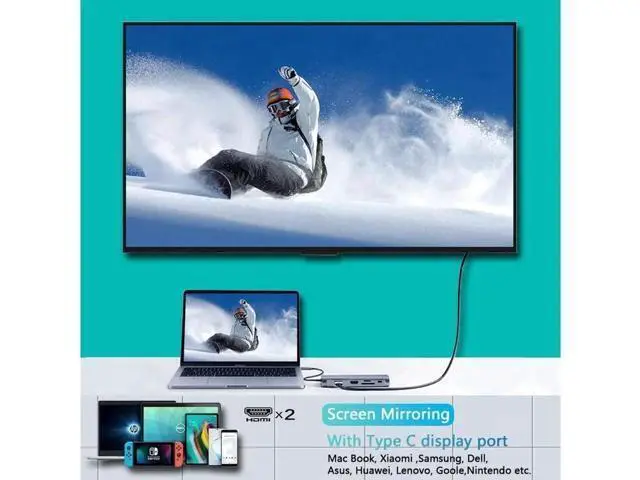
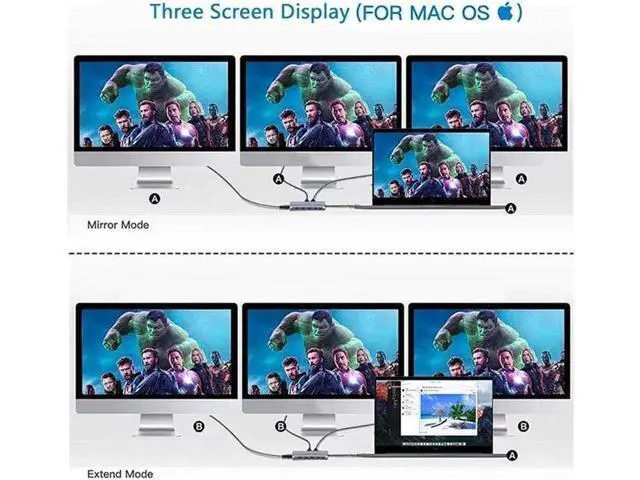
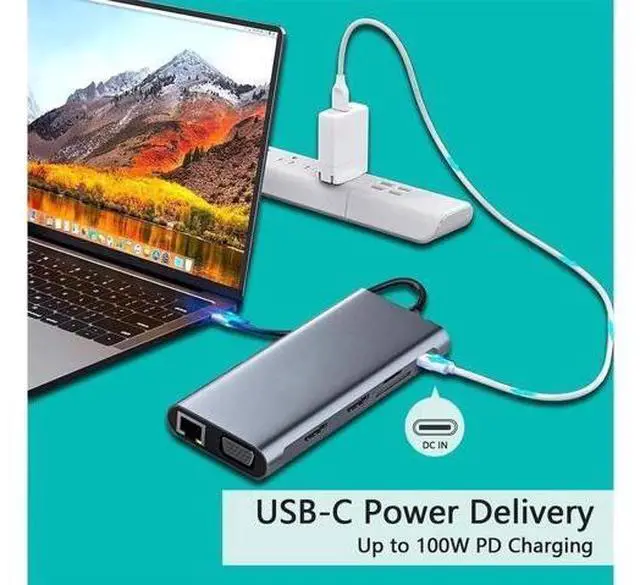
- Plug and play Docking Station :Charging your type-c laptop devices up via the PD 100W Output, All necessary functions required at work complete, Include Dual 4K HDMI, VGA, PD, 2*USB 3.0, 2*USB 2.0, Gigabit Ethernet, SD/TF card, 3.5mm Audio. This USB C HUB turns any MacBook or USB C capable PC laptop into a mobile workstation.; Clear video synchronization: Dual 4K HDMI (3840 x 2160) @ 30HZ / VGA (1920 x 1080) @ 60 Hz, which can be connected to HDTV, monitor or projector via port. So you can enjoy the realistic 3D effect video. Enjoy movies and games with your family on the ultra-high-definition large screen.; Triple Display Docking Station: Support MST. For Win system in extended mode, you can enjoy up to 4 multi-monitor displays through 2 HDMI outputs, 1 VGA output and 1 laptop screen. (Mac only supports mirror mode) (Windows supports mirror mode and extended mode) Using the triple display at the same time will reduce the resolution.; Stable transmission Type C USB 3.1 Gen 2 Max: To h
+
+
Overview
Specs
Reviews
Any questions? Our AI beta will help you find out quickly.
Try me now
REMINDER: 1. For Apple computer users (MAC OS), displays are Mirror mode only. 2. Please plug in the Laptop's power adapter to the USB-C Power Delivery port before connecting an external hard drive or multiple display purpose. 3. The Type C PD Charging port for power passing-thru only. 4. SD and the TF card cannot use at the same time. 5. Each monitor will be limited to a maximum resolution of 1920 x 1080@60Hz when connecting a dual or triple monitor. 6. Power will be a community between all dock-connected USB C devices. For a fast charge result, please choose Adapter that is over 72W to charge. 7. EDID (Extended Display Identification Data) may blackout for a few seconds(1 minute at max, depends on Laptop and monitor) when data transfer; Please be patient wait for the data completed.

Warranty & Returns
Warranty, Returns, And Additional Information
Warranty
- Please contact the Seller directly for warranty information. Warranty information may also be found on the Manufacturer's website.
- CONTACT
Return Policies
- Return for refund within: 30 days
- Return for replacement within: 30 days
- This item is covered by VoltSync Return Policy
Manufacturer Contact Info
- For a directory of all our manufacturers, please click below.
- Manufacturers Directory
LOADING...