

Your Browsing History

Meet Your Seller


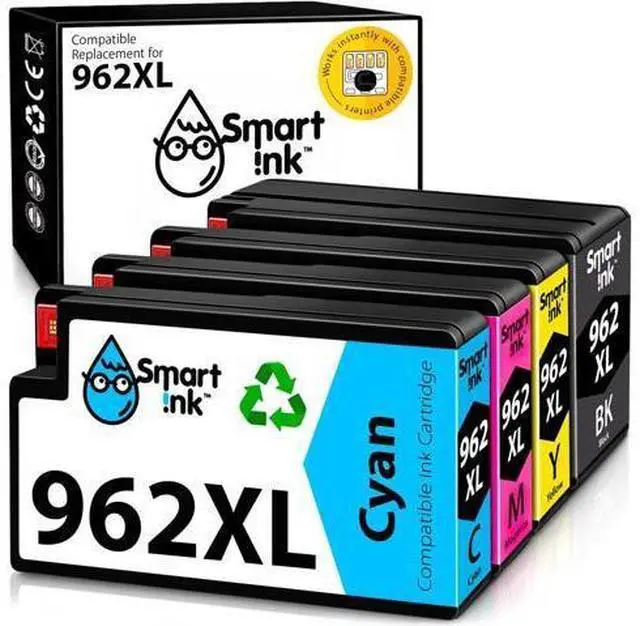
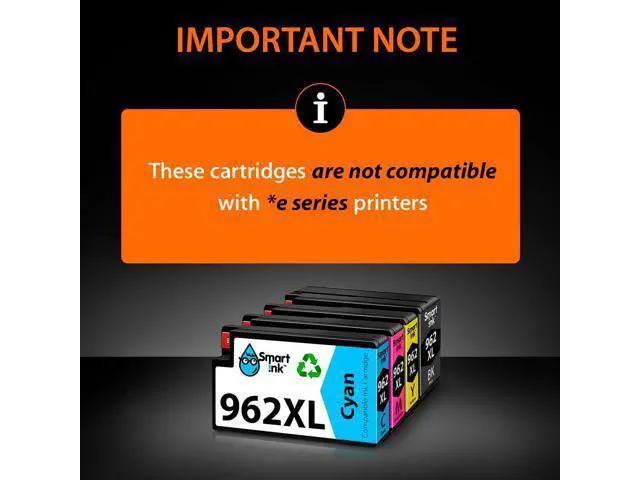
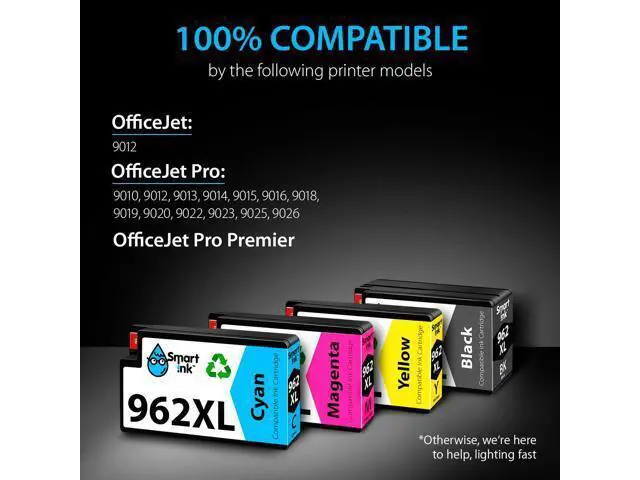
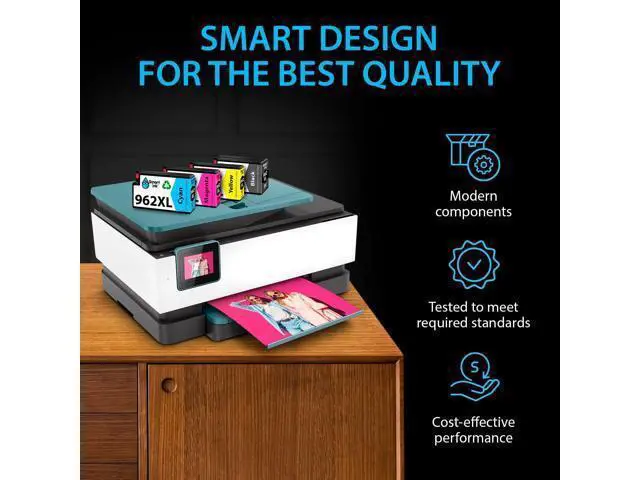



Smart Ink Compatible Ink Cartridge Replacement 962XL 962 XL (Black XL & C/M/Y XL 4 Combo Pack) to use with Officejet Pro 9015 9010 9018 9022 9025 9020 9019 9013 9016 Officejet 9012
- Note: Smart Ink 962 cartridges ARE NOT COMPATIBLE with *e series printers
- Compatible with HP OfficeJet 9012, HP OfficeJet Pro 9010, 9012, 9013, 9014, 9015, 9016, 9018, 9019, 9020, 9022, 9023, 9025, 9026, HP OfficeJet Pro Premier printers
- Package Contents: 1 x Black 962XL, 1 x Cyan 962XL, 1 x Magenta 962XL, 1 x Yellow 962XL (4 high-yield cartridges in total)
- Print More with XL: Up to 2,000 pages per XL Black, 1,600 pages per XL color cartridges (Cyan, Magenta, Yellow)
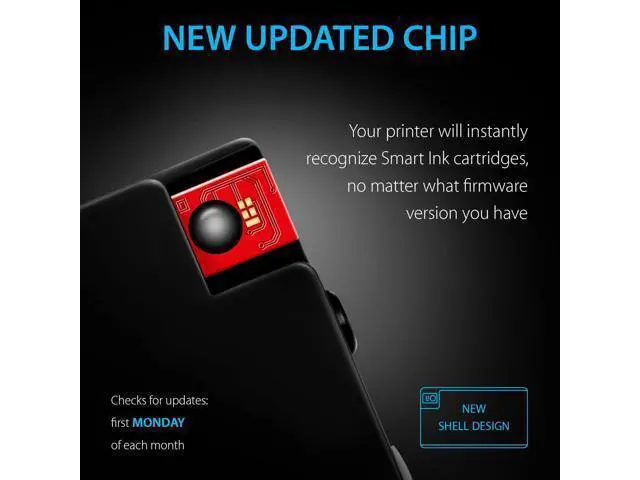
- Always the Latest Chip Version: Every Smart Ink replacement for an HP ink 962XL cartridge is equipped with a newly released updated chip version and works instantly with all compatible printers, including those with the latest firmware
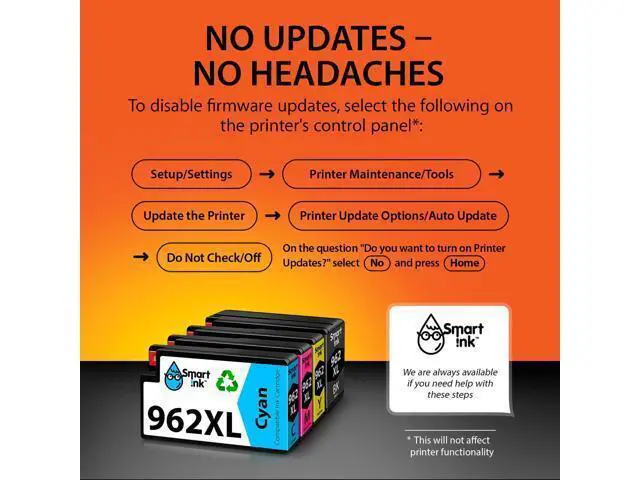
- No updates - No headaches: Printer auto-updates may interrupt your printing with compatible cartridges when most needed
- we recommend turning off the auto-updates to avoid unpleasant surprises (the instruction in image 4)
- Ink Level Tracking Technology: Smart Ink cartridges
+
+
Overview
Specs
Reviews

Any questions? Our AI mode will help you find out quickly.
Try me now
Previous page Next page At Smart Ink, we strictly control the printer's firmware updates to provide you the most up-to-date version of the chip. That's why your printer will always work with our cartridges, no matter what firmware version you have. 1 x Black 962XL 1 x Cyan 962XL 1 x Magenta 962XL 1 x Yellow 962XL 1 x Easy-to-understand instruction 2 x
Gloves Black: up to 2, 000 pages*
C/M/Y: up to 1, 600 pages* per each cartridge
Type of ink: Pigment for black, Dye for color * at 5% coverage
HP OfficeJet: 9012
HP OfficeJet Pro: 9010, 9012, 9013, 9014, 9015, 9016, 9018, 9019, 9020, 9022, 9023, 9025, 9026
HP OfficeJet Pro Premier Note: Smart Ink 962 cartridges ARE NOT COMPATIBLE with *e series printers Take off the yellow tape Do not remove protective seal covering the ink port Install the cartridge into the corresponding slot Do not touch the chip during installation Next page of related Sponsored Products Your Smart Cartridge Choice!
Shop All STEP 1: STEP
2: STEP
3: ATTENTION Feedback Website (Online) Store (Offline)
Gloves Black: up to 2, 000 pages*
C/M/Y: up to 1, 600 pages* per each cartridge
Type of ink: Pigment for black, Dye for color * at 5% coverage
HP OfficeJet: 9012
HP OfficeJet Pro: 9010, 9012, 9013, 9014, 9015, 9016, 9018, 9019, 9020, 9022, 9023, 9025, 9026
HP OfficeJet Pro Premier Note: Smart Ink 962 cartridges ARE NOT COMPATIBLE with *e series printers Take off the yellow tape Do not remove protective seal covering the ink port Install the cartridge into the corresponding slot Do not touch the chip during installation Next page of related Sponsored Products Your Smart Cartridge Choice!
Shop All STEP 1: STEP
2: STEP
3: ATTENTION Feedback Website (Online) Store (Offline)
Warranty & Returns
Warranty, Returns, And Additional Information
Warranty
- Please contact the Seller directly for warranty information. Warranty information may also be found on the Manufacturer's website.
- CONTACT
Return Policies
- Return for refund within: 30 days
- Return for replacement within: 30 days
- This item is covered by PixelCore Return Policy
Manufacturer Contact Info
- For a directory of all our manufacturers, please click below.
- Manufacturers Directory
LOADING...