Your Browsing History
- Free 45-day Returns
$20.54
Ships from China.
Meet Your Seller
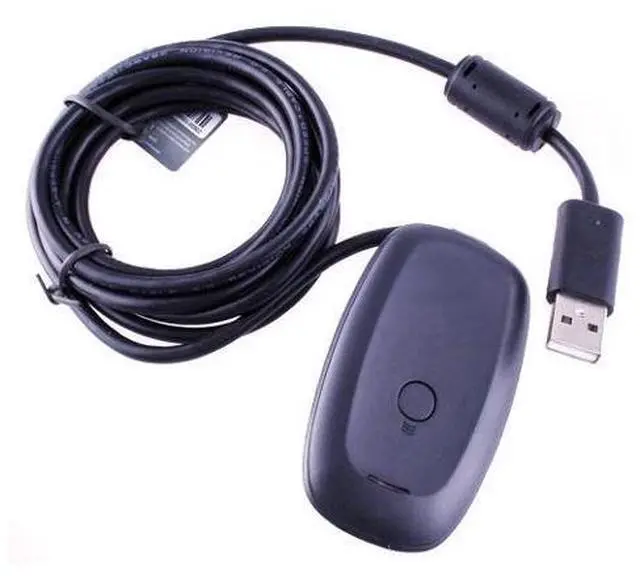
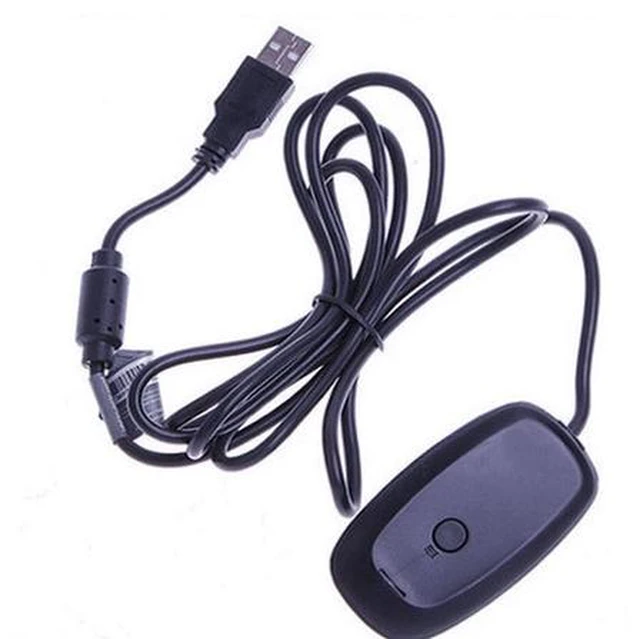
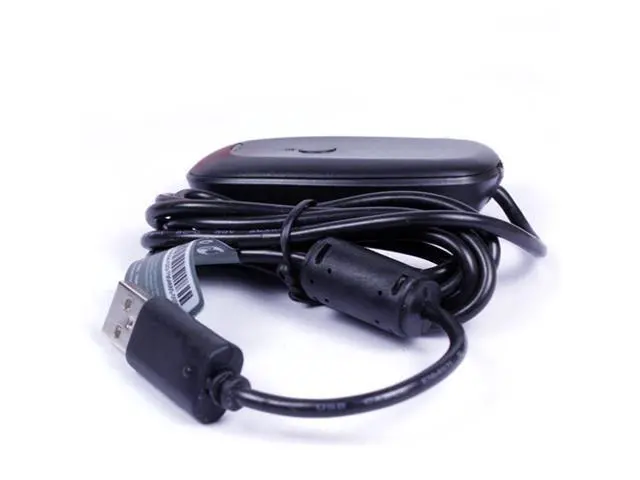
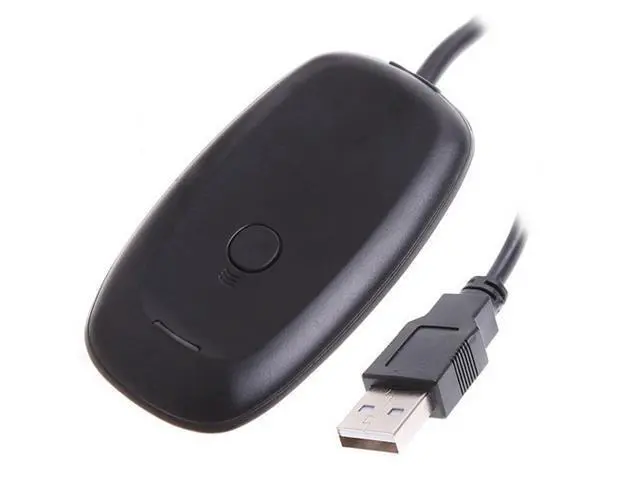
Black PC Wireless Controller Gaming Receiver Adapter For Microsoft XBOX 360
Limited time offer, ends 10/22 By PeakCircuit Technology
- 1. This wireless receiver is a simple adapter that connects into a USAB.; 2. Will work with future Xbox 360 Wireless Accessories.; 3. Provides up to a 30-foot range for complete wireless freedom.
+
+
Overview
Specs
Reviews
Any questions? Ask CelesteSM will help you find out quickly.
Try me now
Description: The Xbox 360 Wireless Gaming Receiver for Windows lets you take your quality, wireless gaming experiences that you enjoy on your console and experience them on your Windows gaming platform. The Xbox 360 Wireless Gaming Receiver provides up to a 30-foot range for complete wireless freedom. use up to four Wireless Controllers and four Wireless Headsets simultaneously with one Wireless Gaming Receiver. The Receiver easily integrates with PC gaming scenarios and utilizes the same binding technology as Xbox
360. It provides a great value by eliminating the need for additional accessories for Windows-based gaming at an attractive price point.
Noted: This wireless gaming receive can not completely compatible with Windows
8.
Features: This wireless receiver is a simple adapter that connects into a USB. Will work with future Xbox 360 Wireless Accessories. Provides up to a 30-foot range for complete wireless freedom. use up to four Wireless Controllers and four Wireless Headsets. Simultaneously with one Wireless Gaming Receiver. Easily integrates with PC gaming scenarios and utilizes the same binding technology as Xbox
360.
Note: This is NOT a genuine product from Microsoft company!!!!! In Windows 7, this is the process to install the gaming receiver: Enter
the website:
http: //www. microsoft. com/uk/hardware/download/download. aspx? category=Gaming Download the latest driver from Microsoft Go to Control Panel>Hardware and Sound>Devices and Printers Right click on 'unspecified Device' Click on 'Properties' Click on the 'Hardware' tab Click on 'Update Driver' Click on 'Browse my computer for driver software' Click on 'Let me pick from a list... ' Select the Microsoft Controller. Then select the Xbox 360 Wireless receiver for Windows Version 2.1. 0.1349 You can download the drive for what operating system you are using from the below link:
http: //www. microsoft. com/hardware/en-us/d/xbox-360-wireless-controller-for-windows If your PC is running win 7 64 bit system, please refer to below links to install it.
(1) Youtube video guide: www. youtube. com/watch? v=P5Ng-zQ7-Vk (2) driver install insturection:
http: //www. nikingstore.
com/blog/tutorial-on-how-to-install-the-driver-for-a-generic-xbox-360-wireless-receiver-on-windows7/ What is included: 1 x Wireless Gaming Receiver 1 x Driver CD

360. It provides a great value by eliminating the need for additional accessories for Windows-based gaming at an attractive price point.
Noted: This wireless gaming receive can not completely compatible with Windows
8.
Features: This wireless receiver is a simple adapter that connects into a USB. Will work with future Xbox 360 Wireless Accessories. Provides up to a 30-foot range for complete wireless freedom. use up to four Wireless Controllers and four Wireless Headsets. Simultaneously with one Wireless Gaming Receiver. Easily integrates with PC gaming scenarios and utilizes the same binding technology as Xbox
360.
Note: This is NOT a genuine product from Microsoft company!!!!! In Windows 7, this is the process to install the gaming receiver: Enter
the website:
http: //www. microsoft. com/uk/hardware/download/download. aspx? category=Gaming Download the latest driver from Microsoft Go to Control Panel>Hardware and Sound>Devices and Printers Right click on 'unspecified Device' Click on 'Properties' Click on the 'Hardware' tab Click on 'Update Driver' Click on 'Browse my computer for driver software' Click on 'Let me pick from a list... ' Select the Microsoft Controller. Then select the Xbox 360 Wireless receiver for Windows Version 2.1. 0.1349 You can download the drive for what operating system you are using from the below link:
http: //www. microsoft. com/hardware/en-us/d/xbox-360-wireless-controller-for-windows If your PC is running win 7 64 bit system, please refer to below links to install it.
(1) Youtube video guide: www. youtube. com/watch? v=P5Ng-zQ7-Vk (2) driver install insturection:
http: //www. nikingstore.
com/blog/tutorial-on-how-to-install-the-driver-for-a-generic-xbox-360-wireless-receiver-on-windows7/ What is included: 1 x Wireless Gaming Receiver 1 x Driver CD
Warranty & Returns
Warranty, Returns, And Additional Information
Warranty
- Please contact the Seller directly for warranty information. Warranty information may also be found on the Manufacturer's website.
- CONTACT
Return Policies
- Return for refund within: 45 days
- Return for replacement within: 30 days
- This item is covered by PeakCircuit Technology Return Policy
Manufacturer Contact Info
- For a directory of all our manufacturers, please click below.
- Manufacturers Directory
LOADING...