
 Holiday Shipping Details & Extended Holiday Returns





iDPRT Wifi Smart Digital Photo Frame - Zeva 102F
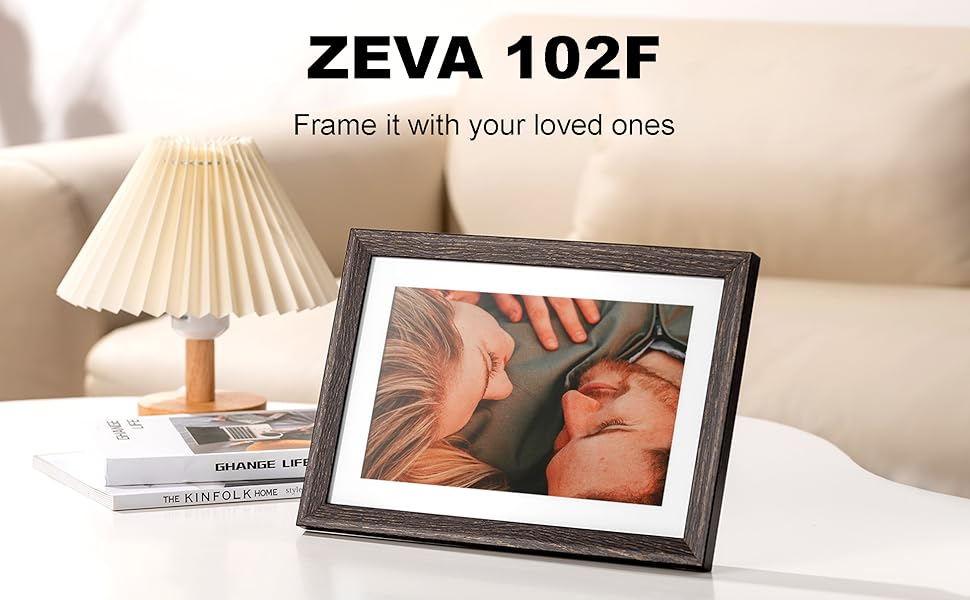
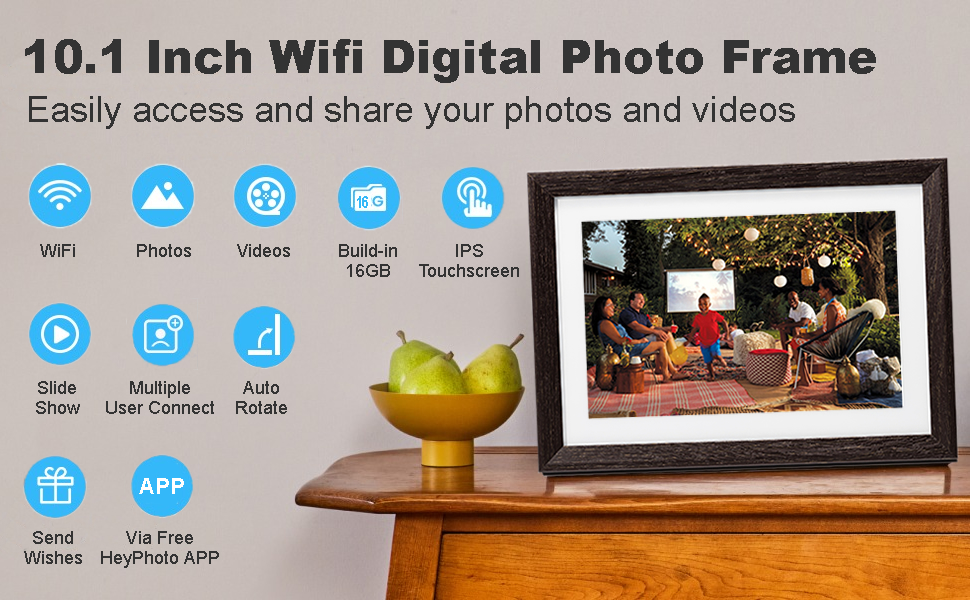
Why Choose An iDPRT 10.1 inch Digital Picture Frame?
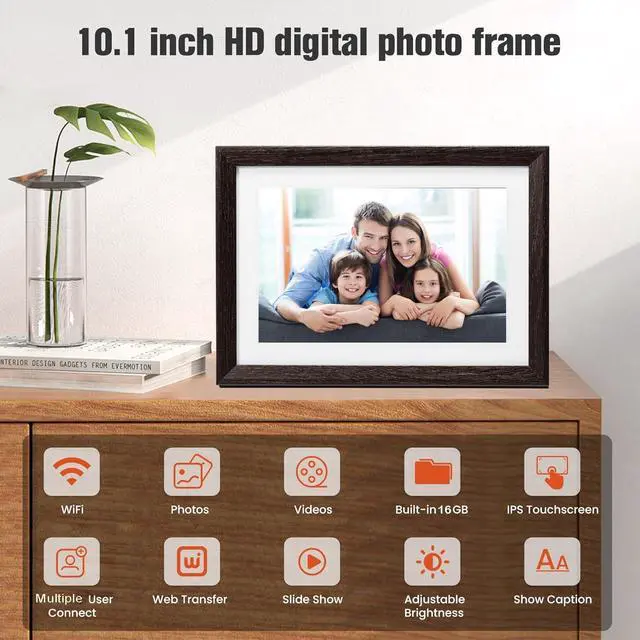
- Easy to share your photos or videos via HeyPhoto APP. Available on both Android & iOS.
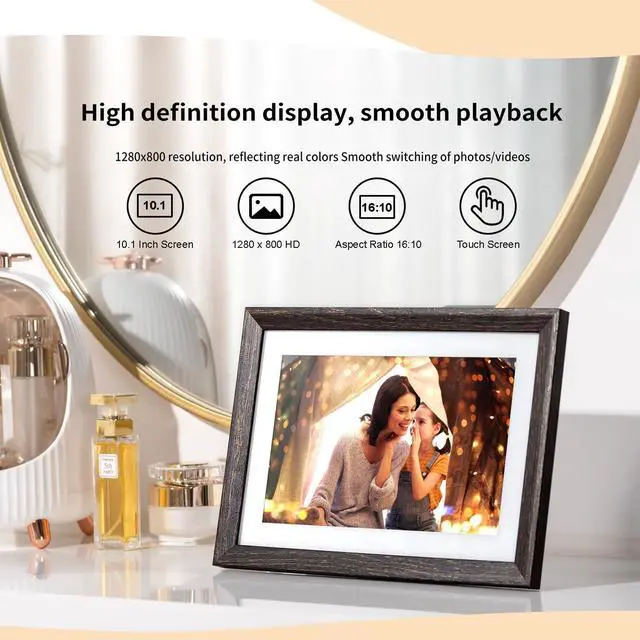
- Super clear 1280*800 IPS screen, more delicate picture quality, recalling your precious memories.
- High-speed WiFi transmission can share videos and photos anytime and anywhere.
- Easy to setup and use with touchscreen - even by people who has not used computers or social media yet.
- HeyPhoto is secure and safe. 100% GDPR & CCPA compliant. Much more secure than sharing photos via email.
- A Perfect gift to your loved ones. A great option for birthdays, weddings, graduations, family gatherings gift.
Multifunction

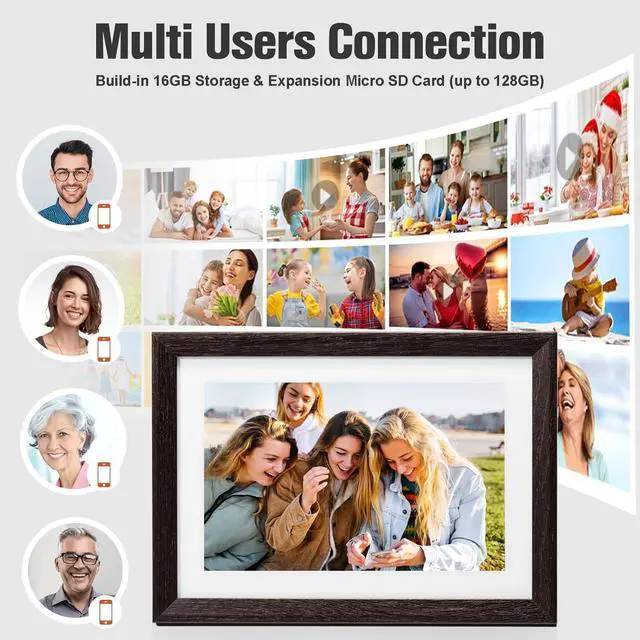
Built-in 16GB, Support Micro SD Card
This WiFi frame has 5G free cloud storage and built-in 16GB memory. Support Micro SD Card extend storage, which provides you more options to export or import photos and videos for better album management.

Wi-Fi & App “HeyPhoto”
iDPRT digital photo frame can receive photos and videos with WiFi(2.4GHZ) connected. With the free App "HeyPhoto"(no subscription required) downloaded from Google Play or App Store, you can quickly and easily send your photo from mobile phone to the frame.
Instant Wireless Sharing
No matter when and where you are, you can easily transfer any photos/videos(up to 60s) in your life or journey to the digital photo frame via "HeyPhoto" APP. You can instantly share every moment in your life with your family or friends at all times.

Share Photos Even Videos
The digital photo frame is not just a traditional frame which can only display photos, it can also play videos! The videos support format mp4, avi, 3gp, m4v, mkv, mov, webm etc. and can be sent from app “HeyPhoto” or be imported from Mirco SD Card. Besides, you can put a unique caption on photos and videos.
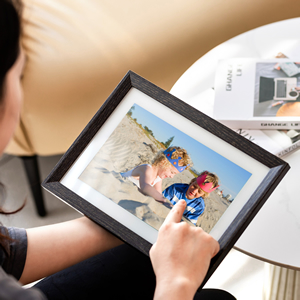
Easy to Operate by Touching
This 10.1 inch HD IPS touchscreen with 1280*800 resolution stays clear in any light, that enables perfect display with families at any angle, recalling your precious memories. Send photos/videos or customize setting just by touching the screen that makes the usage much easier than ever, even for people who have not used computers or social media.
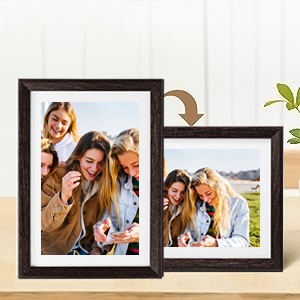
Auto-Rotate Function
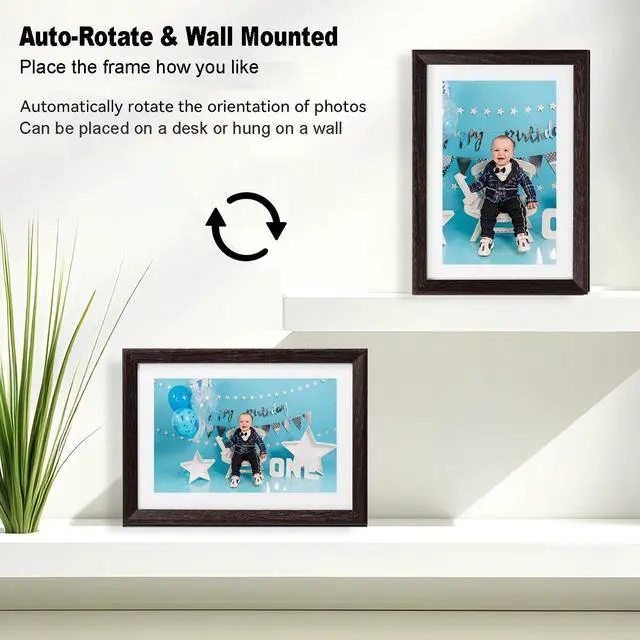
This WiFi digital photo frame can automatically rotate photos according to the direction so that you can place it vertically or horizontally at will. You can hang it on the wall or place on a table for best viewing experience. Enjoy your wonderful photos in either way you like.
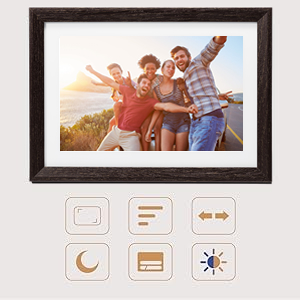
Customized Settings
You can personalize the digital photo frame with your own preferred settings, such as language, date, sync from the cloud, display/hide photos, display caption, play slideshows, adjustable brightness, sleep mode, photo interval, video volume settings, automatic backup, etc.

Multi User Connections
Share the digital photo frame code with your friends to make the photo/video sharing between relatives and friends more convenient. They will be added automatically once they connect to the frame through the mobile app "HeyPhoto". One frame can be connected with up to 5 accounts and one account can connect to up to 5 frames.
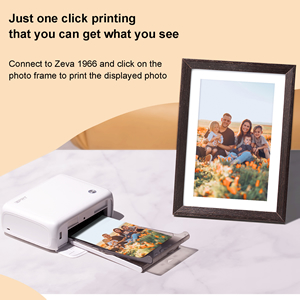
Print Displayed Photo
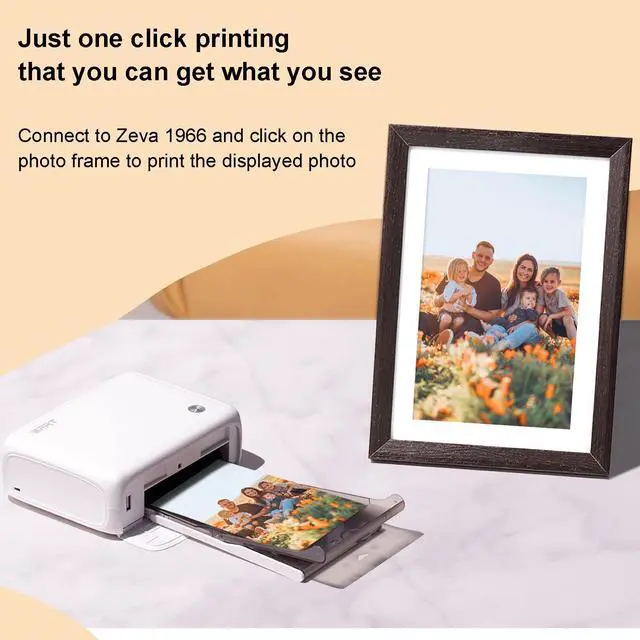
Connect to Zeva 1966(CP4000L) and click on the photo frame to print the displayed photo, then you will get what you are viewing. (Not: videos can not be printed)

FAQs
Q1: The frame cannot be powered on?
A1: 1.Check whether the power supply voltage of the socket is normal. 2.Check whether the power adapter is powered on. 3.If the machine still fails to start after the above tests, please tell us via .
Note: Please use the original adapter.
Q2: The screen keeps flashing after power on or the frame will be powered off as soon as the screen appears?
A2: The power supply is unstable. Check whether the adapter is in good connection.
Q3: No sound can be heard when playing video?
A3: 1.Please check whether the volume of the machine is set to 0. and the path is: "Settings->Notifications->Device volume". 2.Check whether the synchronization file is damaged. Try playing other audio and video files to determine. If the file is damaged, it may cause serious noise or skip. 3.Check whether the network is smooth and whether the file transfer is complete.
Q4: The machine cannot be operated during use?
A4: Due to the unstable operation of the machine, which causes a crash, the user can click the power button to rest the screen and then light it up for recovery or directly disconnect the adapter DC interface and then restart it(This frame has no built-in battery. It can be started directly by connecting DC interface.)
Q5: The photo frame did not receive photos?
A5: 1.Check whether the frame is connected to Wifi. 2.After the frame is connected to Wifi, click to restore photos from the cloud. The path is : “Setting->Photo management->Sync from the cloud”.
iDPRT Wifi Smart Digital Photo Frame - Zeva 102F
Why Choose An iDPRT 10.1 inch Digital Picture Frame?
- Easy to share your photos or videos via HeyPhoto APP. Available on both Android & iOS.
- Super clear 1280*800 IPS screen, more delicate picture quality, recalling your precious memories.
- High-speed WiFi transmission can share videos and photos anytime and anywhere.
- Easy to setup and use with touchscreen - even by people who has not used computers or social media yet.
- HeyPhoto is secure and safe. 100% GDPR & CCPA compliant. Much more secure than sharing photos via email.
- A Perfect gift to your loved ones. A great option for birthdays, weddings, graduations, family gatherings gift.
Multifunction
Built-in 16GB, Support Micro SD Card
This WiFi frame has 5G free cloud storage and built-in 16GB memory. Support Micro SD Card extend storage, which provides you more options to export or import photos and videos for better album management.
Wi-Fi & App “HeyPhoto”
iDPRT digital photo frame can receive photos and videos with WiFi(2.4GHZ) connected. With the free App "HeyPhoto"(no subscription required) downloaded from Google Play or App Store, you can quickly and easily send your photo from mobile phone to the frame.
Instant Wireless Sharing
No matter when and where you are, you can easily transfer any photos/videos(up to 60s) in your life or journey to the digital photo frame via "HeyPhoto" APP. You can instantly share every moment in your life with your family or friends at all times.
Share Photos Even Videos
The digital photo frame is not just a traditional frame which can only display photos, it can also play videos! The videos support format mp4, avi, 3gp, m4v, mkv, mov, webm etc. and can be sent from app “HeyPhoto” or be imported from Mirco SD Card. Besides, you can put a unique caption on photos and videos.
Easy to Operate by Touching
This 10.1 inch HD IPS touchscreen with 1280*800 resolution stays clear in any light, that enables perfect display with families at any angle, recalling your precious memories. Send photos/videos or customize setting just by touching the screen that makes the usage much easier than ever, even for people who have not used computers or social media.
Auto-Rotate Function
This WiFi digital photo frame can automatically rotate photos according to the direction so that you can place it vertically or horizontally at will. You can hang it on the wall or place on a table for best viewing experience. Enjoy your wonderful photos in either way you like.
Customized Settings
You can personalize the digital photo frame with your own preferred settings, such as language, date, sync from the cloud, display/hide photos, display caption, play slideshows, adjustable brightness, sleep mode, photo interval, video volume settings, automatic backup, etc.
Multi User Connections
Share the digital photo frame code with your friends to make the photo/video sharing between relatives and friends more convenient. They will be added automatically once they connect to the frame through the mobile app "HeyPhoto". One frame can be connected with up to 5 accounts and one account can connect to up to 5 frames.
Print Displayed Photo
Connect to Zeva 1966(CP4000L) and click on the photo frame to print the displayed photo, then you will get what you are viewing. (Not: videos can not be printed)
FAQs
Q1: The frame cannot be powered on?
A1: 1.Check whether the power supply voltage of the socket is normal. 2.Check whether the power adapter is powered on. 3.If the machine still fails to start after the above tests, please tell us via .
Note: Please use the original adapter.
Q2: The screen keeps flashing after power on or the frame will be powered off as soon as the screen appears?
A2: The power supply is unstable. Check whether the adapter is in good connection.
Q3: No sound can be heard when playing video?
A3: 1.Please check whether the volume of the machine is set to 0. and the path is: "Settings->Notifications->Device volume". 2.Check whether the synchronization file is damaged. Try playing other audio and video files to determine. If the file is damaged, it may cause serious noise or skip. 3.Check whether the network is smooth and whether the file transfer is complete.
Q4: The machine cannot be operated during use?
A4: Due to the unstable operation of the machine, which causes a crash, the user can click the power button to rest the screen and then light it up for recovery or directly disconnect the adapter DC interface and then restart it(This frame has no built-in battery. It can be started directly by connecting DC interface.)
Q5: The photo frame did not receive photos?
A5: 1.Check whether the frame is connected to Wifi. 2.After the frame is connected to Wifi, click to restore photos from the cloud. The path is : “Setting->Photo management->Sync from the cloud”.