



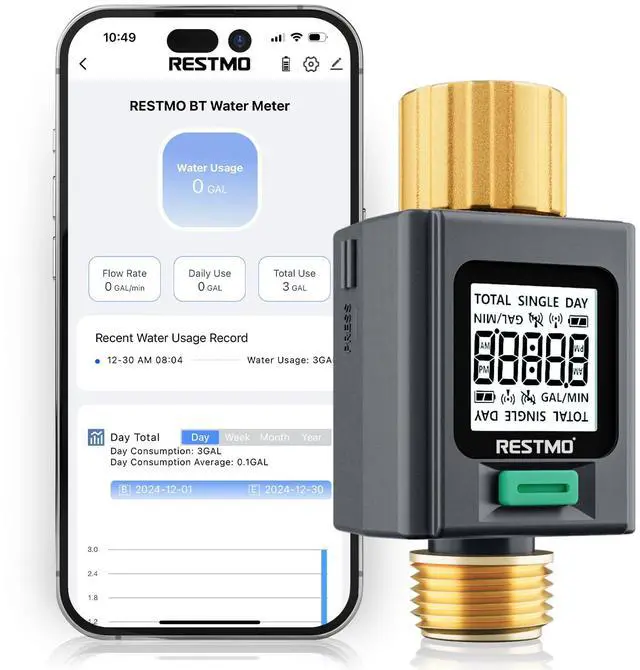
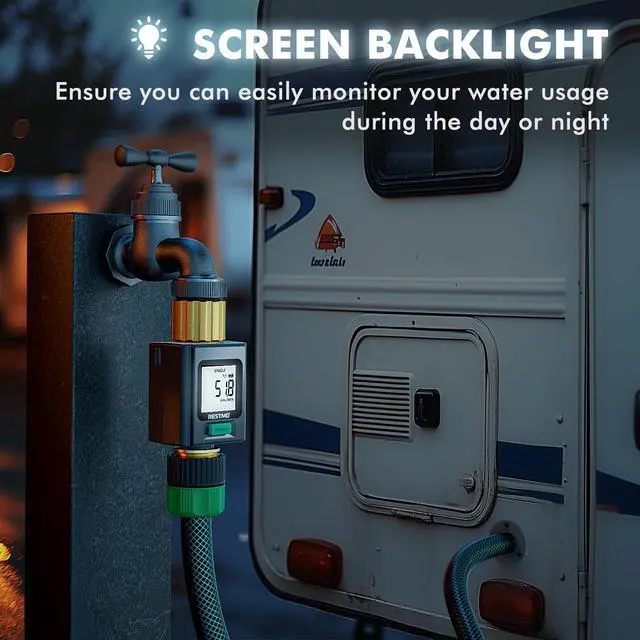
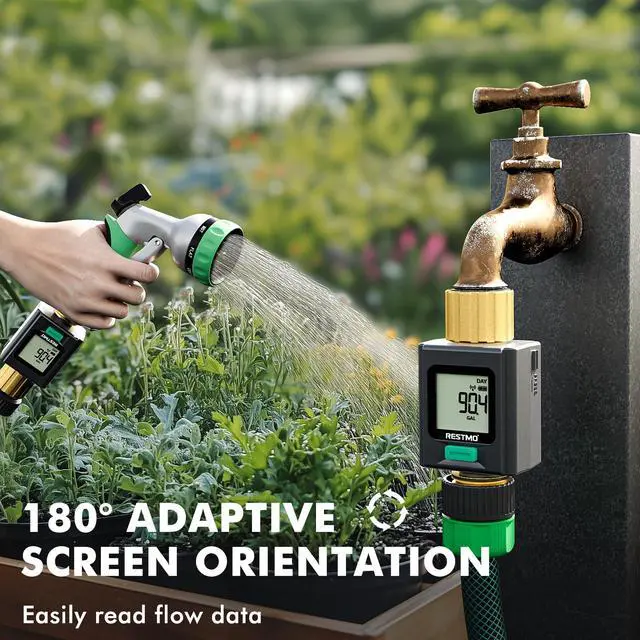
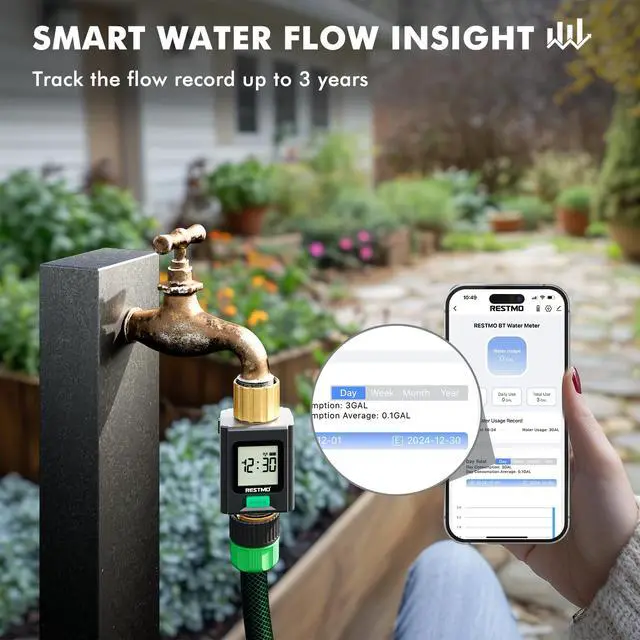


How to Connect Device?
SPECIFICATIONS
Cannot connect the device.
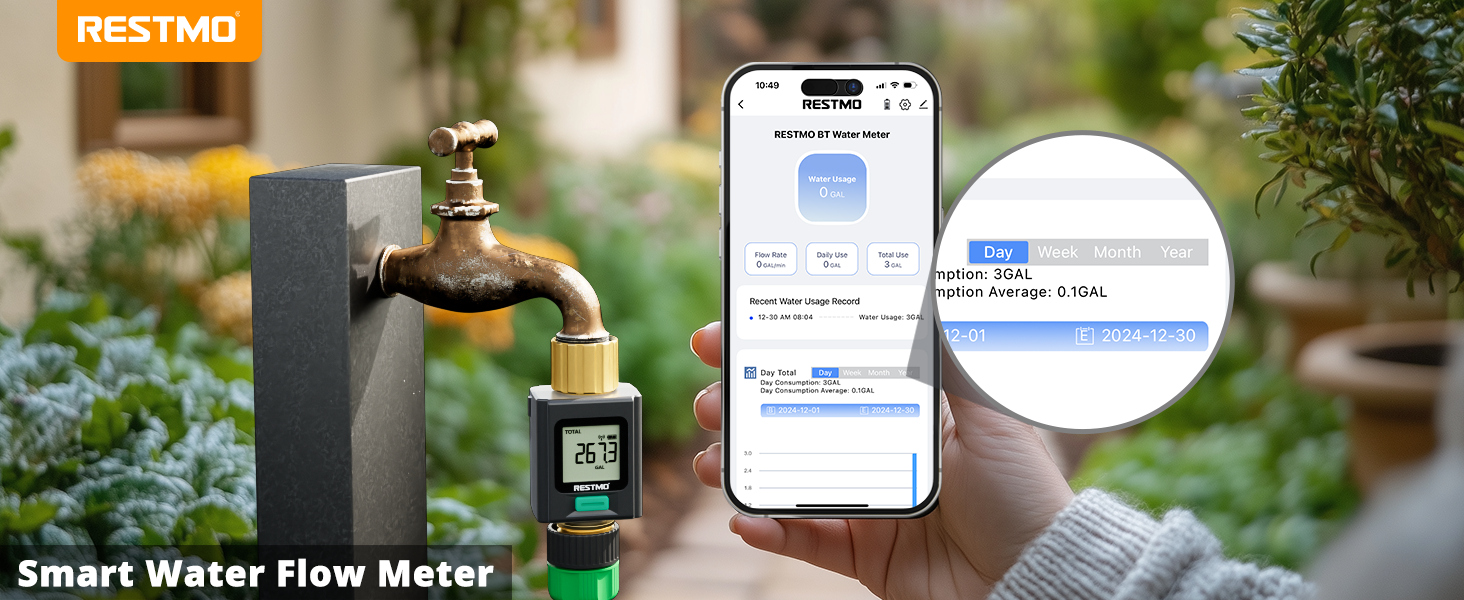
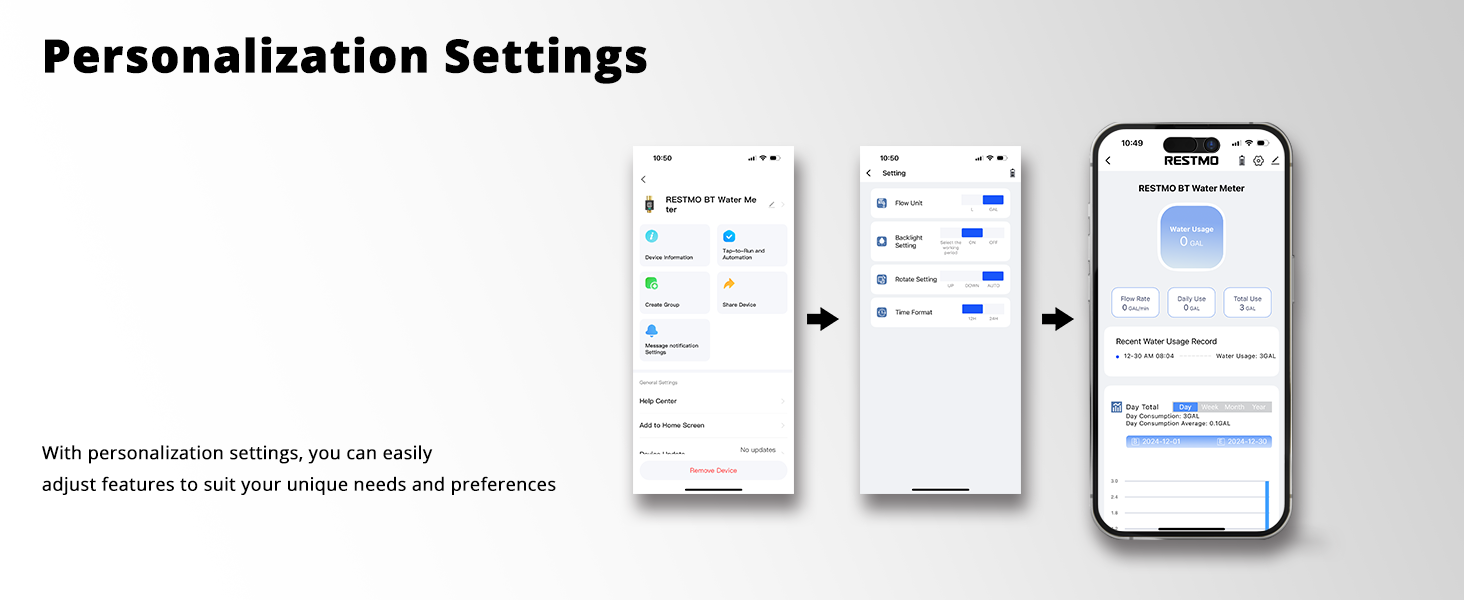
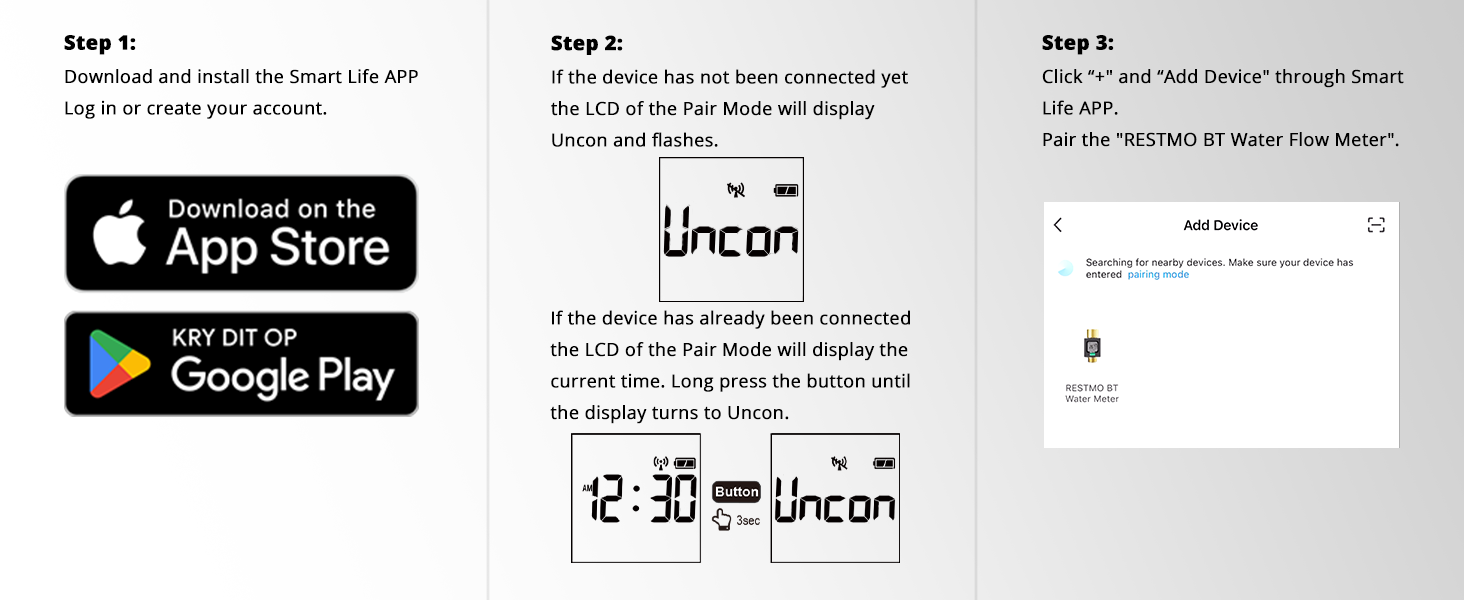
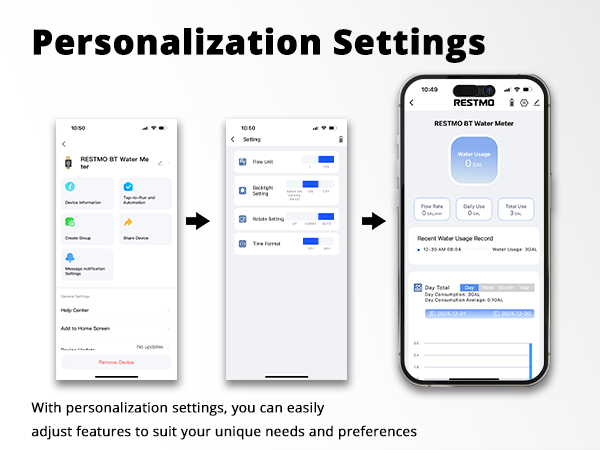
Turn on the Bluetooth of the smart phone.
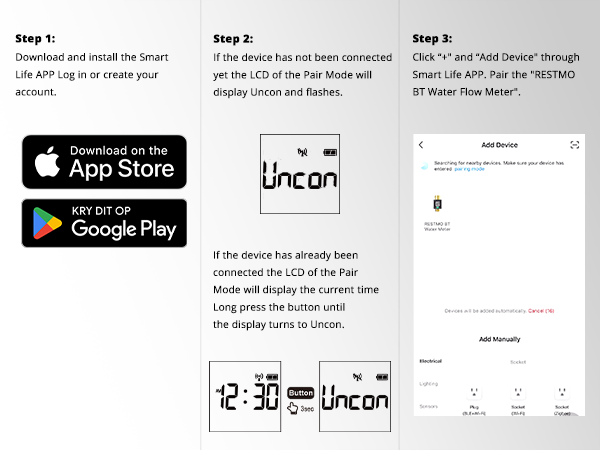
Download the latest version Smart Life APP via Apple or Google APP store.
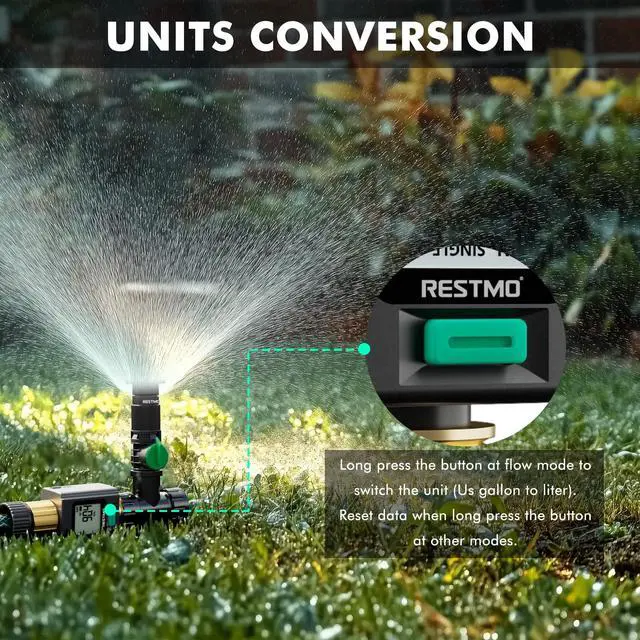
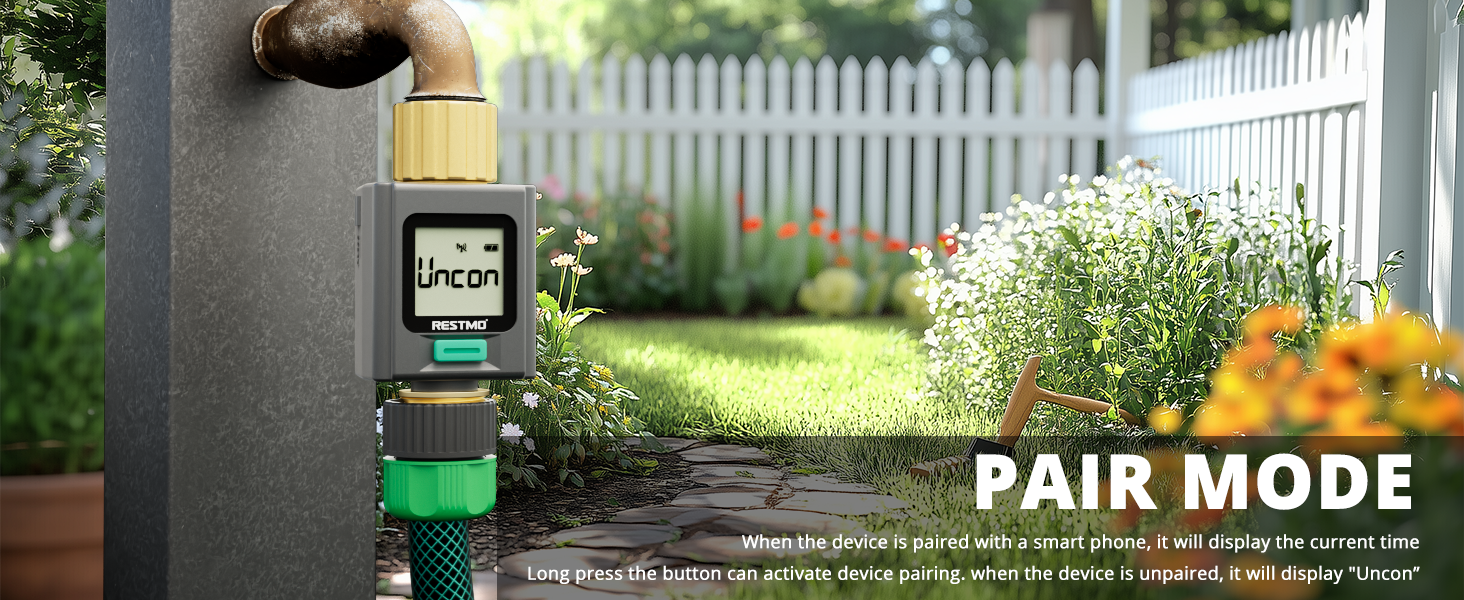
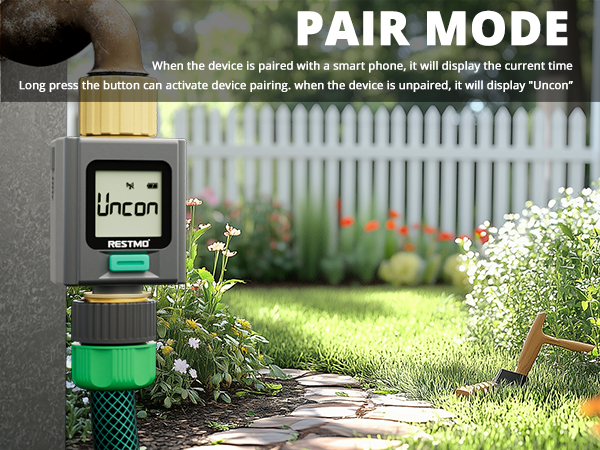
Press the device button and turn it to Pair Mode(The screen displays Uncon). Long press the button and activate device pairing.
Display keeps H.HH or HH.H.
Water flow rate is higher than 11GPM (41.9LPM).
Turn down the faucet.
Cannot Connect to New Device
Please check whether the flowmeter has been disconnected from the previous device.
Press and hold the pairing button until the screen displays "Uncon", then reconnect with the new device.
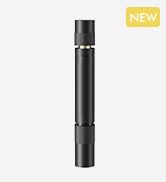
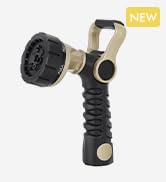
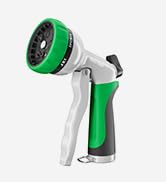
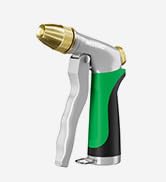
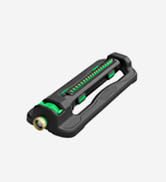
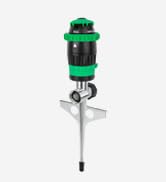
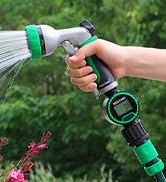
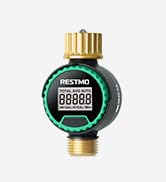




Less hassle, more rest
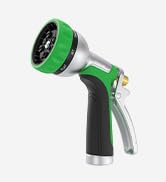
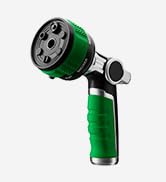
Hose Nozzle
Hose Nozzle Heavy Duty
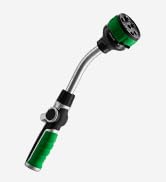
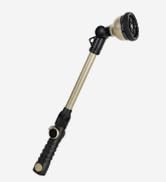
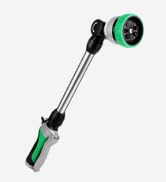
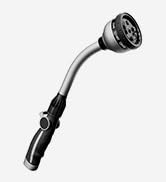
Watering Wand
Hose Splitter Heavy Duty
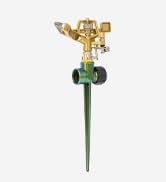
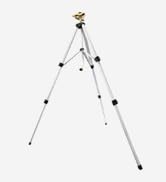
Lawn Sprinkler
Water Flow Meter
Gardening Tools
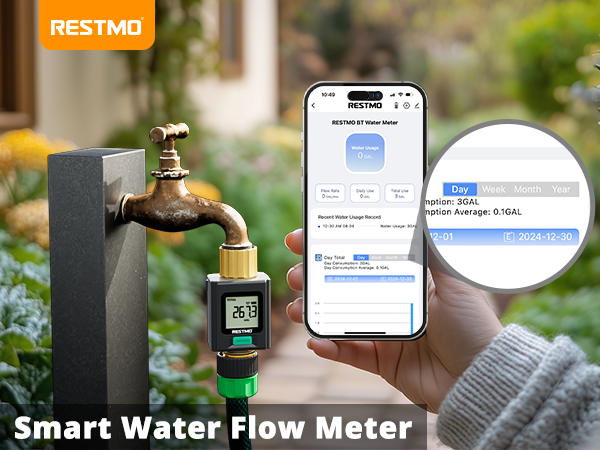
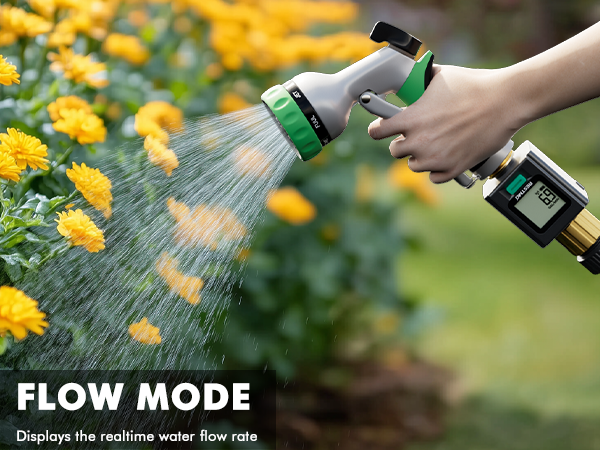
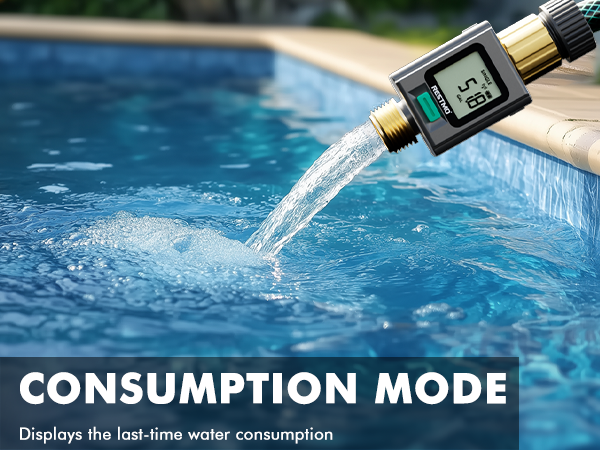
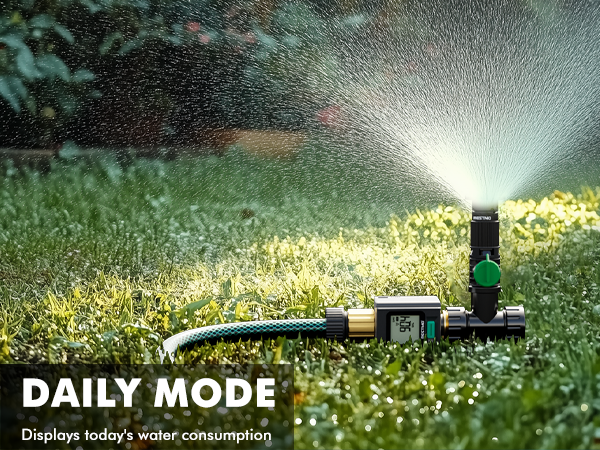
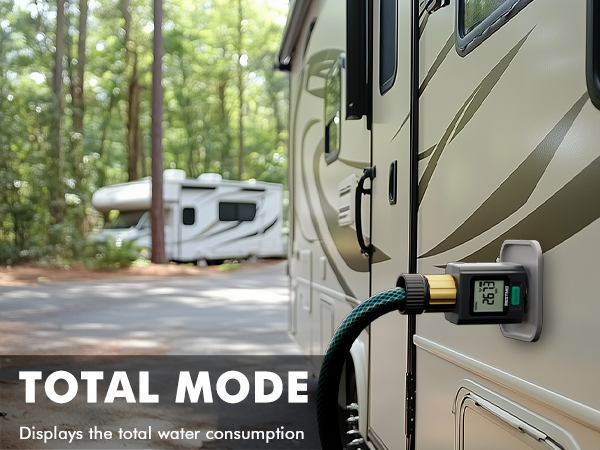

How to Connect Device?
SPECIFICATIONS
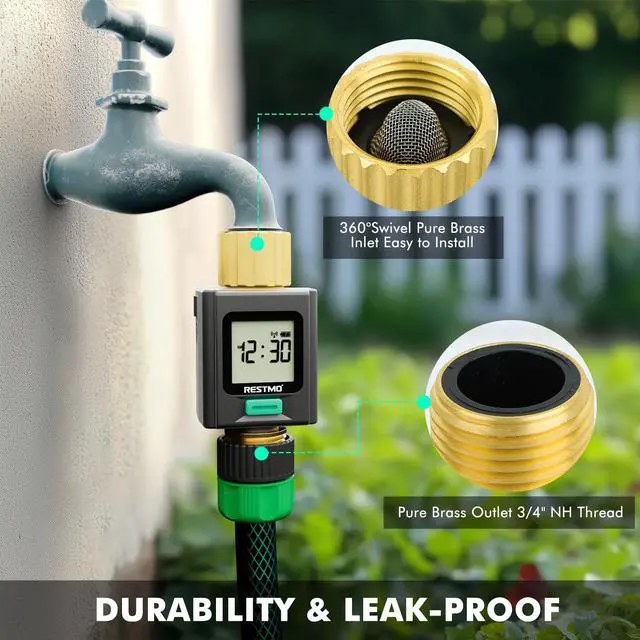
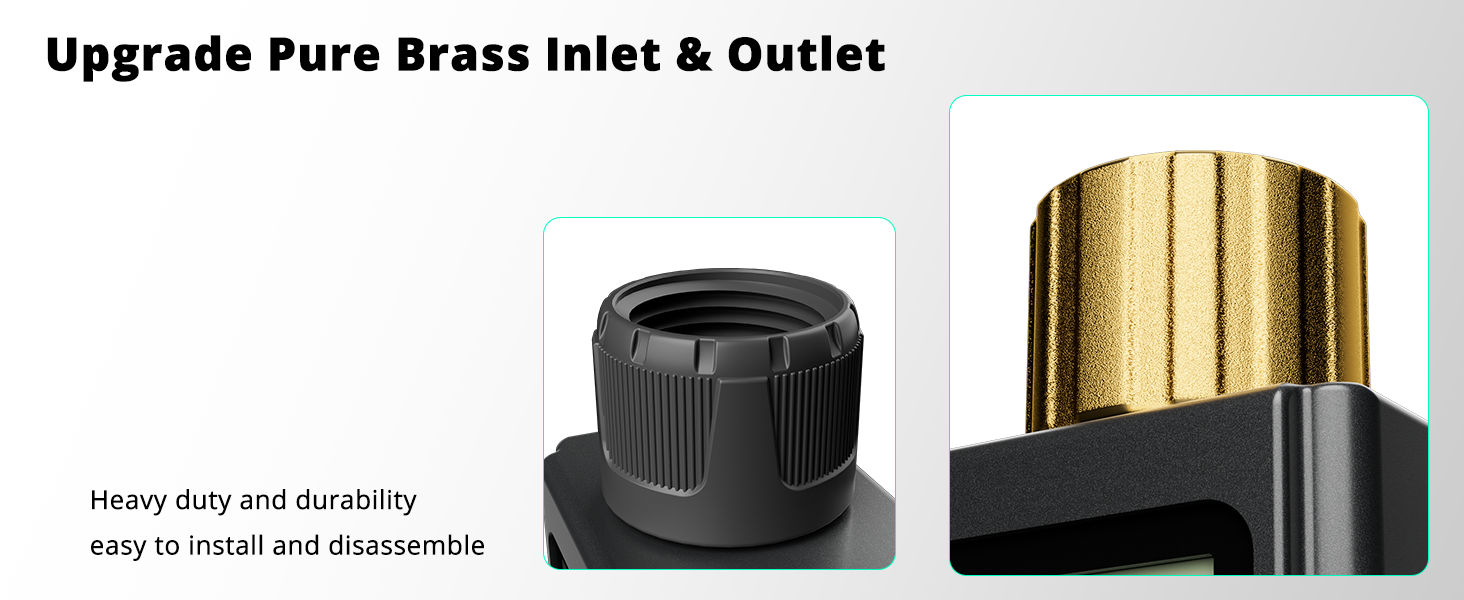
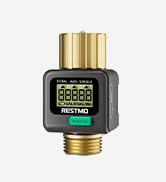
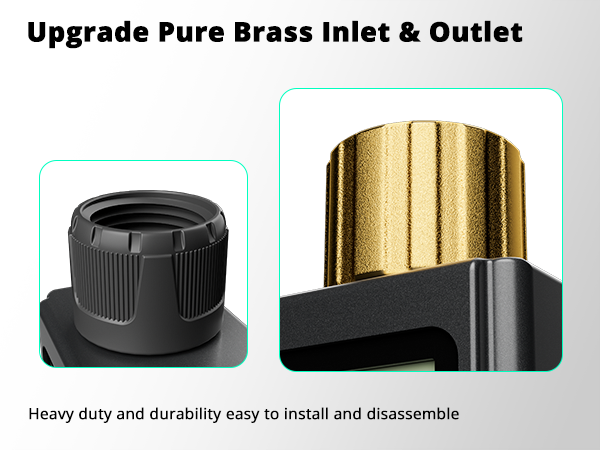
| Inlet Thread | 3/4” NH Female (pure brass) |
|---|---|
| Outlet Thread | 3/4” NH Male (pure brass) |
| Water Flow Rate | 0.3~11 GPM (1~41.9 L/min) |
| Max Water Consumption | 99999 Gal (99999 L) |
| Working Pressure | 8~116 psi (0.5~8 bar) |
| Bluetooth Range | =230ft (70m) |
| Waterproof Grade | IP54 |
| Measurement Tolerance | ± 5% |
| Battery | 2 x AAA Alkaline Batteries (not included) |
Cannot connect the device.
Turn on the Bluetooth of the smart phone.
Download the latest version Smart Life APP via Apple or Google APP store.
Press the device button and turn it to Pair Mode(The screen displays Uncon). Long press the button and activate device pairing.
Display keeps H.HH or HH.H.
Water flow rate is higher than 11GPM (41.9LPM).
Turn down the faucet.
Cannot Connect to New Device
Please check whether the flowmeter has been disconnected from the previous device.
Press and hold the pairing button until the screen displays "Uncon", then reconnect with the new device.