


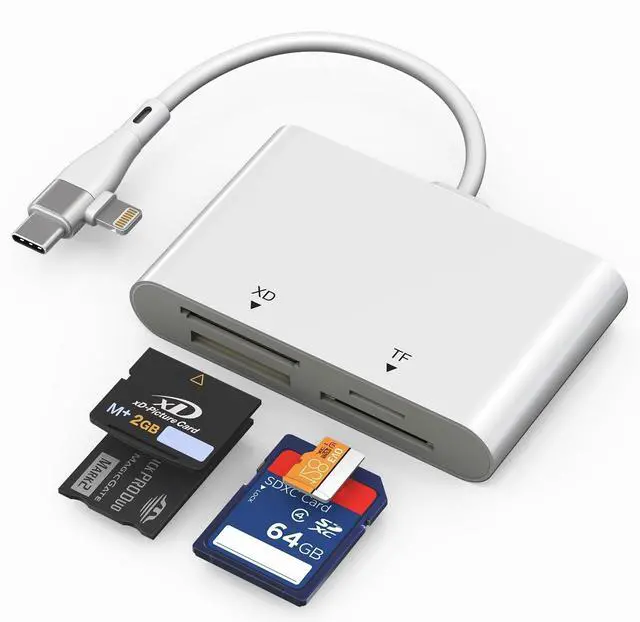
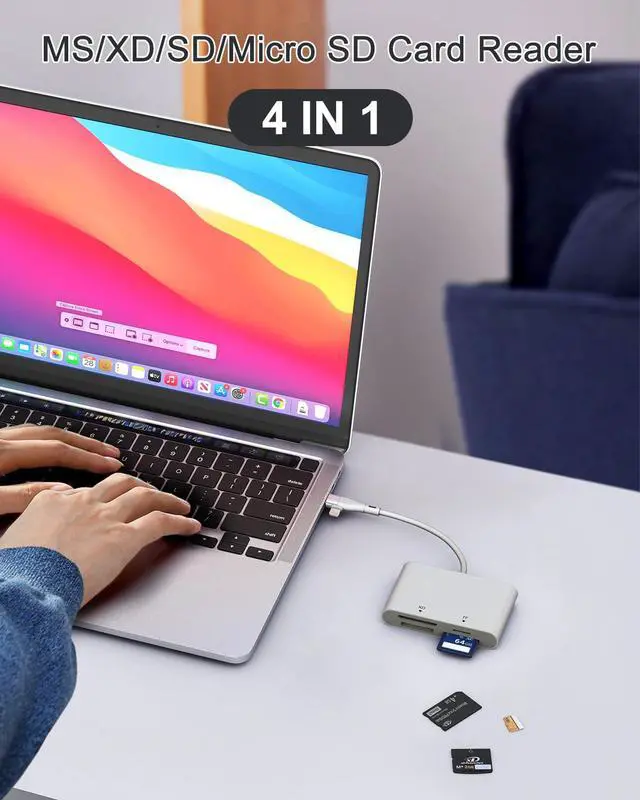


4-in-1 Multi-Card Reader with Lightning & USB-C Dual Connectors

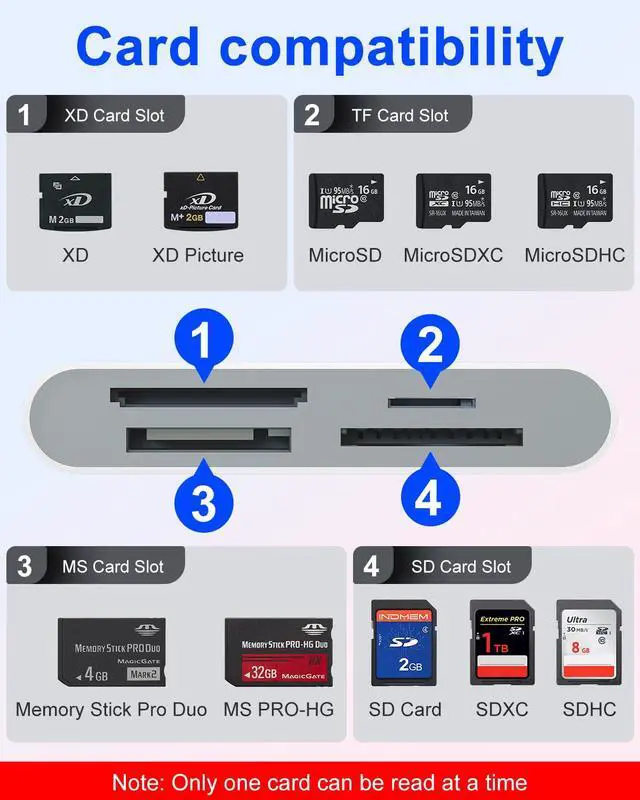
Supports Multiple Card Types
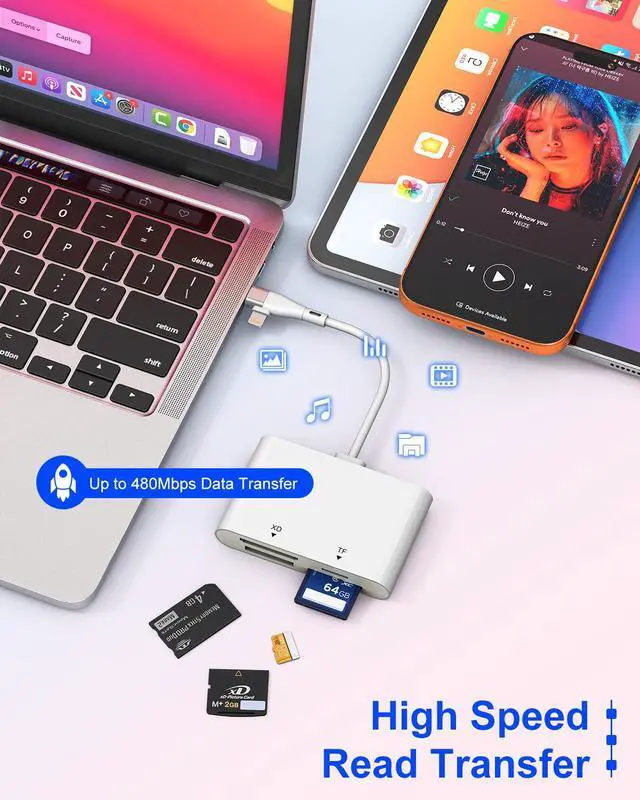
- SD card: SDXC / SDHC / SD / MMC (mini SD) / Mini SDHC / RS-MMC
- Micro SD (TF): Micro SDXC / Micro SDHC / Micro SD
- MS: MS Pro / Memory Stick Duo / Memory Stick Pro Duo
- XD: Olympus XD Picture
Note: Reading two cards at the same time is not supported.

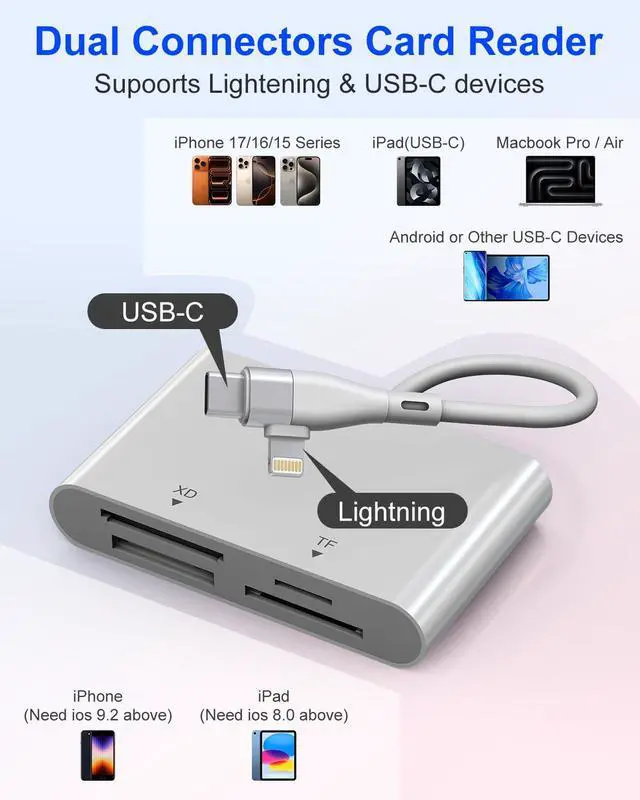
2 in 1 Lightning & USB-C Connectors
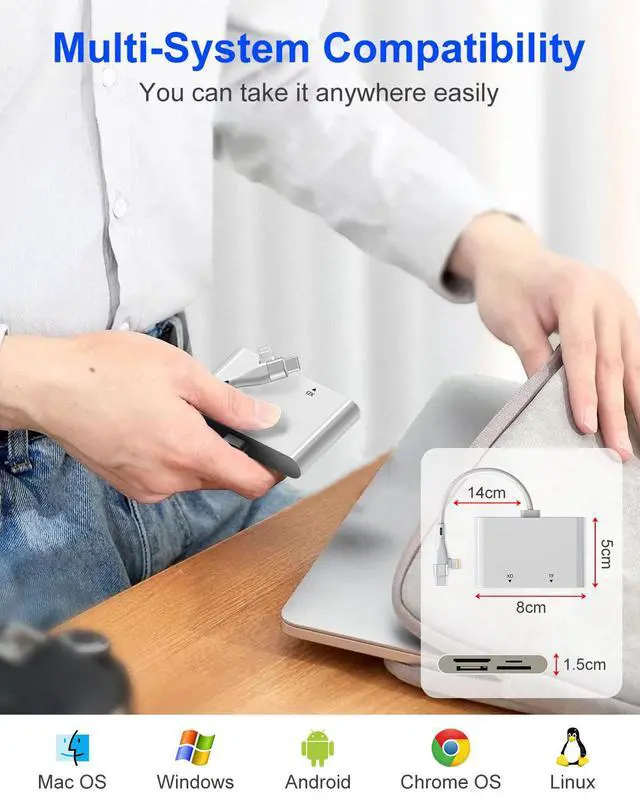
- USB C port supports iPhone 17-15 series, Samsung Galaxy, Huawei, tablet, laptop, Macbook and so on.
- Lightning port supports iPhone 14/14 Plus/13/13 Pro/12/12 Mini/11 Pro/11 Pro Max/ XS Max/ XS and so on.
High-Speed Transmission
- The multi card reader supports data transfer speeds of up to 480Mbps, significantly improving work efficiency. Note: Actual speed varies by device.
- Supports card capacity up to 2TB, the 15cm cable provides enough space to connect different devices without obstruction.

Notes:
- Before purchasing, please make sure your USB-C device supports OTG functionality.
- For Android devices, OTG functionality is required. (Please enable [OTG connection] in [Settings] > [Other settings].)
- For Android devices, insert the memory card into the card reader first, then connect the card reader to the device. When changing memory cards, unplug the card reader and reconnect it after inserting the new card to avoid recognition issues.
- This compact card reader is equipped with SD/TF/XD/MS card slots. However, due to system limitations, only one card can be read at a time. Please do not insert two cards simultaneously.
- For iOS versions 9.2 to 12.4: Only photo and video transfers from the camera to the Phone or iPad are supported. For iOS 13 and later: Bidirectional transfer and material transfer are supported. Data exchange between systems with USB ports (Windows, Android, iOS) is possible.
- If the card is not recognized, please check if the card is formatted in a supported format, such as exFAT.


OS How to store from phone to memory card?
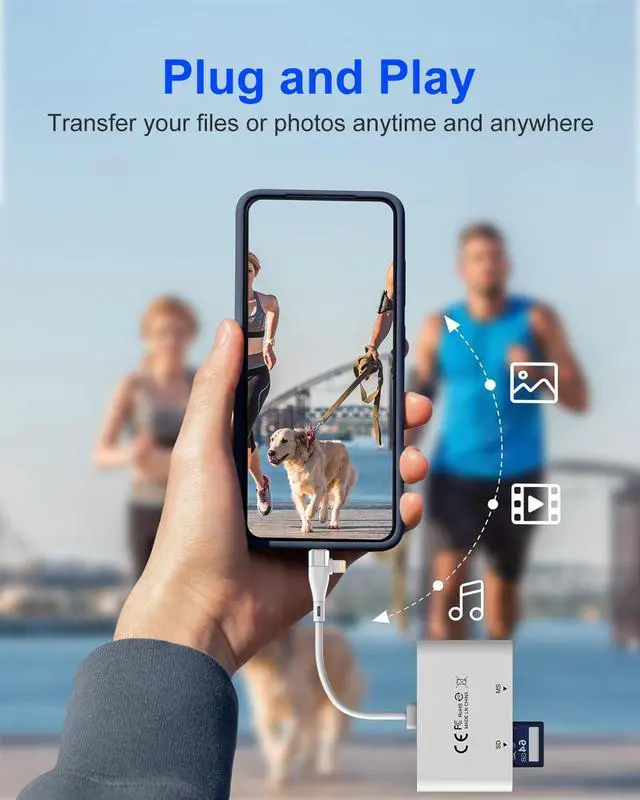
- Insert the memory card into the card reader
- Then insert the caard reader into the iPhone find the "photos" app
- Select the picture or video you want to save to the memory card
- Click on "save to files"
- Find the card reader file and select Save File to complete the operation.(generally data of memory card is on “Untiled” or "NONAME", which is the name of your memory card)
OS How to store from memory card to phone?
- Insert the memory card into the card reader
- Then insert tthe card reader into the iPhone
- Find the "files" app, Click"Untitled"
- Selsct the photo or video you want to import into your iPhhone
- Select "Save Items" to complete the ooperation
4-in-1 Multi-Card Reader with Lightning & USB-C Dual Connectors
Supports Multiple Card Types
- SD card: SDXC / SDHC / SD / MMC (mini SD) / Mini SDHC / RS-MMC
- Micro SD (TF): Micro SDXC / Micro SDHC / Micro SD
- MS: MS Pro / Memory Stick Duo / Memory Stick Pro Duo
- XD: Olympus XD Picture
Note: Reading two cards at the same time is not supported.
2 in 1 Lightning & USB-C Connectors
- USB C port supports iPhone 17-15 series, Samsung Galaxy, Huawei, tablet, laptop, Macbook and so on.
- Lightning port supports iPhone 14/14 Plus/13/13 Pro/12/12 Mini/11 Pro/11 Pro Max/ XS Max/ XS and so on.
High-Speed Transmission
- The multi card reader supports data transfer speeds of up to 480Mbps, significantly improving work efficiency. Note: Actual speed varies by device.
- Supports card capacity up to 2TB, the 15cm cable provides enough space to connect different devices without obstruction.
Notes:
- Before purchasing, please make sure your USB-C device supports OTG functionality.
- For Android devices, OTG functionality is required. (Please enable [OTG connection] in [Settings] > [Other settings].)
- For Android devices, insert the memory card into the card reader first, then connect the card reader to the device. When changing memory cards, unplug the card reader and reconnect it after inserting the new card to avoid recognition issues.
- This compact card reader is equipped with SD/TF/XD/MS card slots. However, due to system limitations, only one card can be read at a time. Please do not insert two cards simultaneously.
- For iOS versions 9.2 to 12.4: Only photo and video transfers from the camera to the Phone or iPad are supported. For iOS 13 and later: Bidirectional transfer and material transfer are supported. Data exchange between systems with USB ports (Windows, Android, iOS) is possible.
- If the card is not recognized, please check if the card is formatted in a supported format, such as exFAT.
OS How to store from phone to memory card?
- Insert the memory card into the card reader
- Then insert the caard reader into the iPhone find the "photos" app
- Select the picture or video you want to save to the memory card
- Click on "save to files"
- Find the card reader file and select Save File to complete the operation.(generally data of memory card is on “Untiled” or "NONAME", which is the name of your memory card)
OS How to store from memory card to phone?
- Insert the memory card into the card reader
- Then insert tthe card reader into the iPhone
- Find the "files" app, Click"Untitled"
- Selsct the photo or video you want to import into your iPhhone
- Select "Save Items" to complete the ooperation