


• $25.99
  • Price alert
    Shop it at NeweggBusiness.

    Meet Your Seller

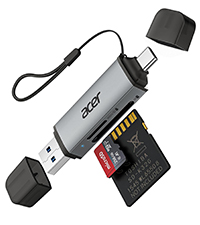
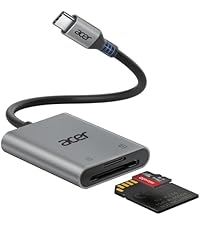
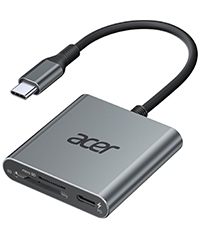
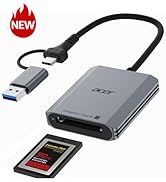
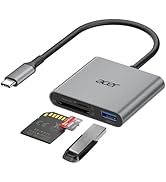
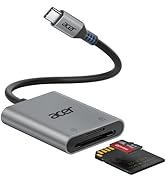
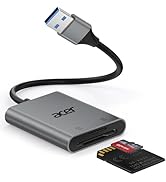
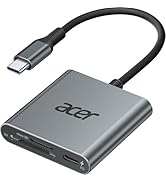
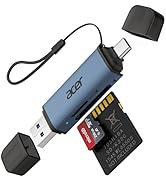
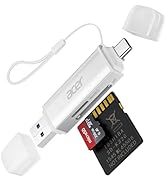
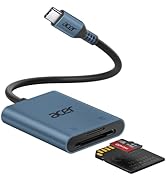
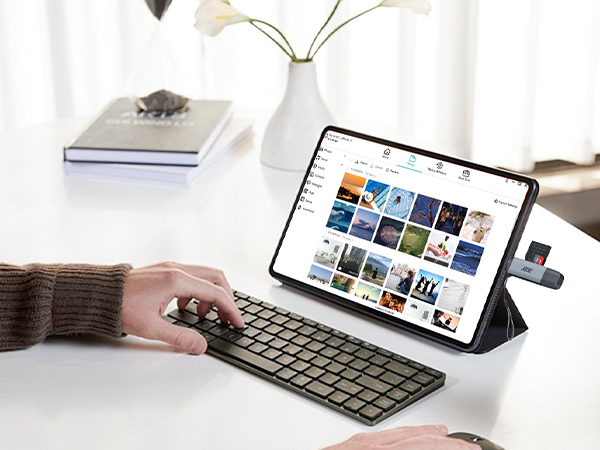
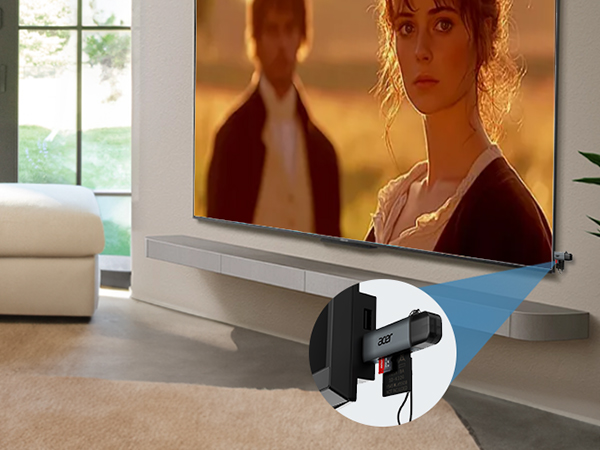
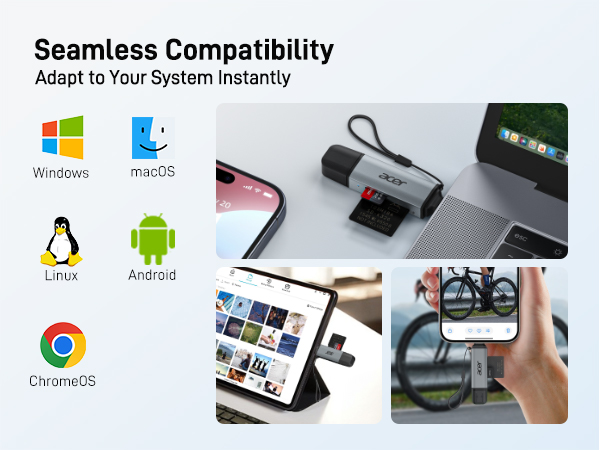
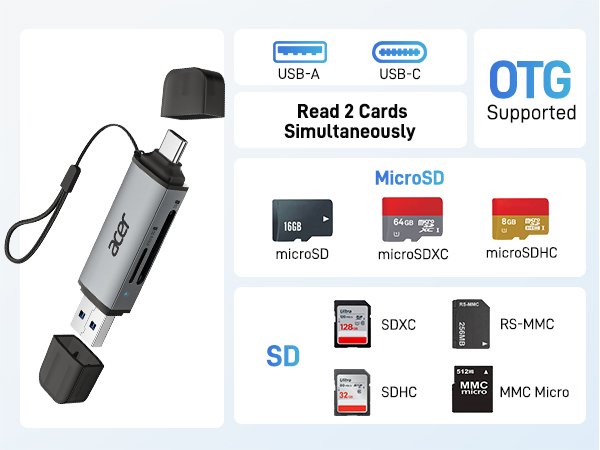
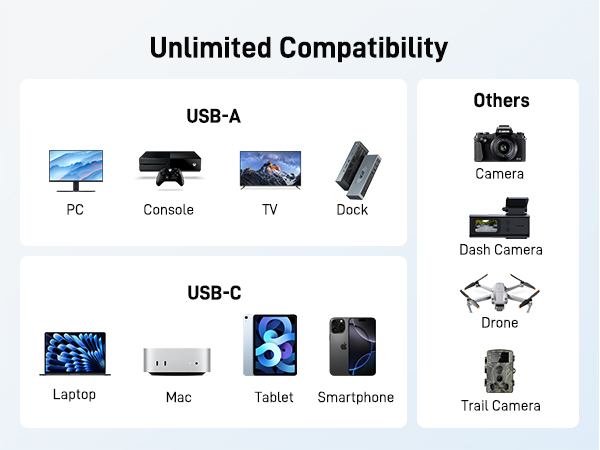
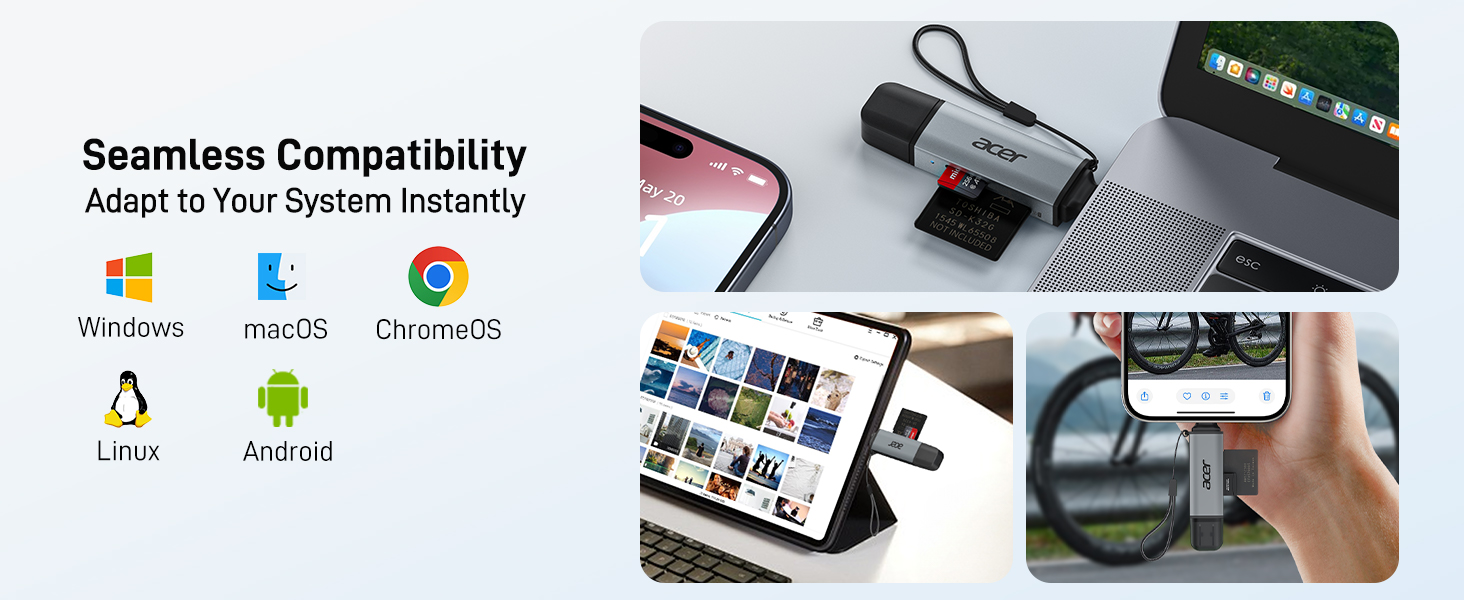
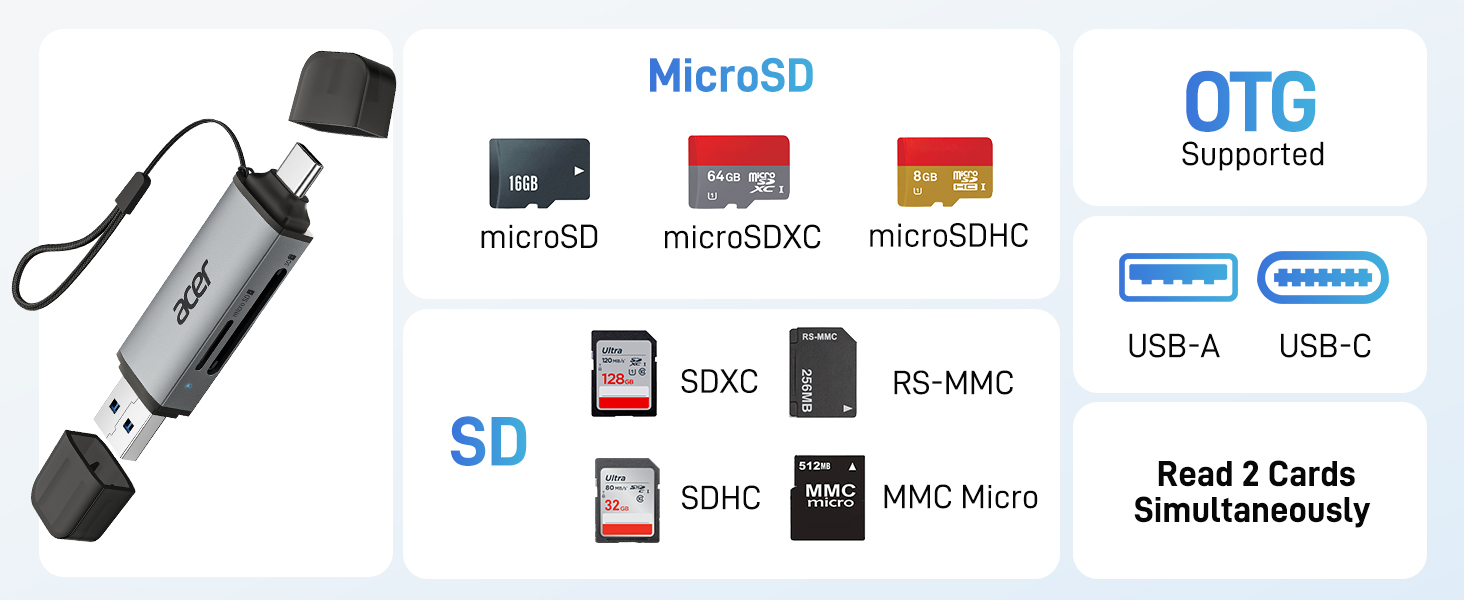
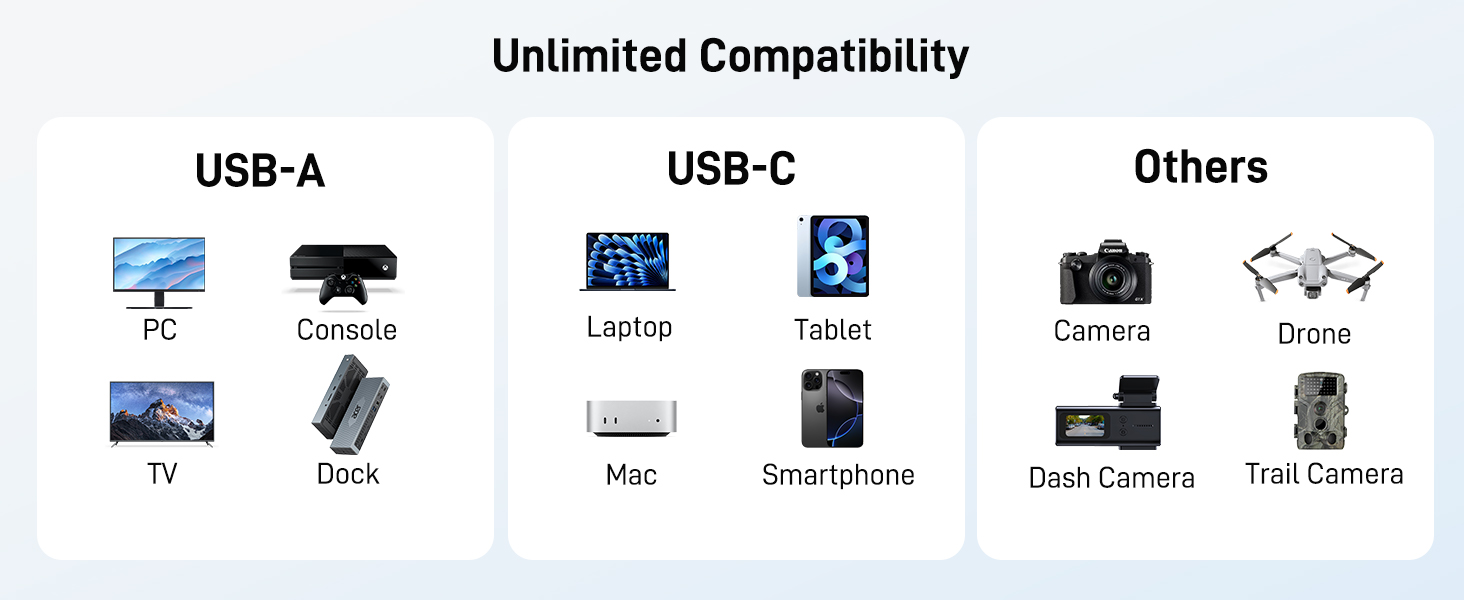
    SD Card Reader USB C, Dual Slots USB 3.0 Type C to Micro SD Card Adapter, Memory Card Reader for MicroSD, SDHC, SDXC, Compatible with Laptop, PC, iPhone16/15, MacBook Pro/Air, iPad Pro, Android

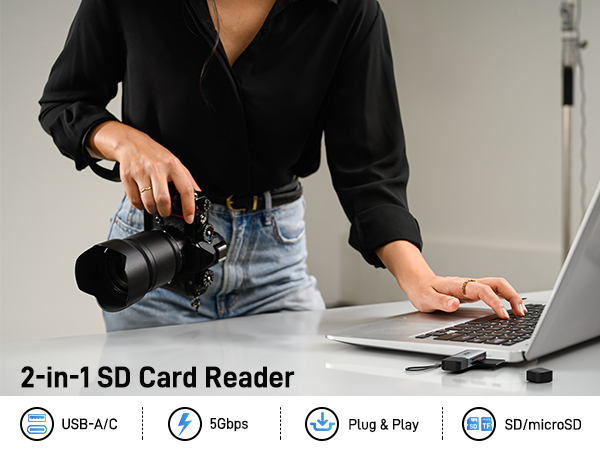
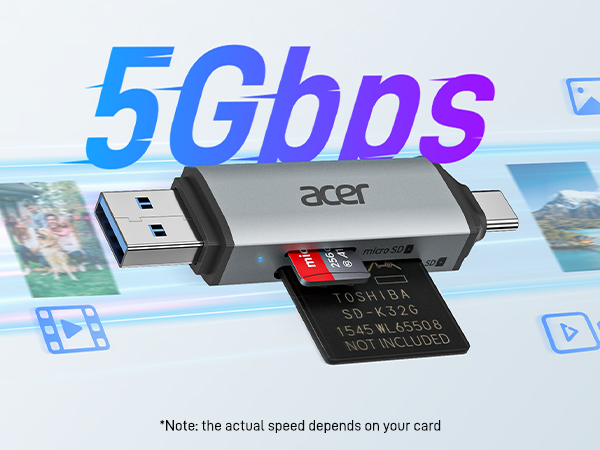
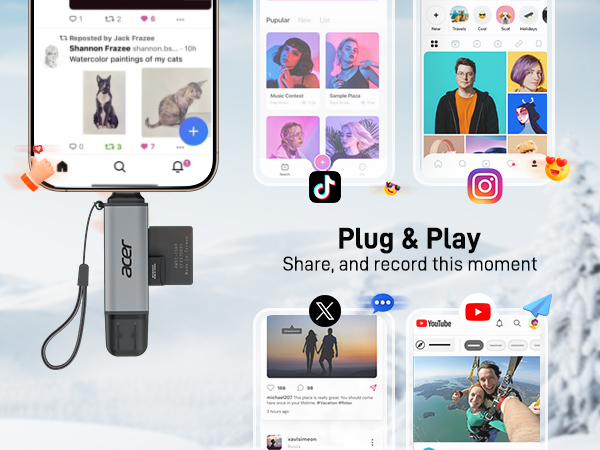
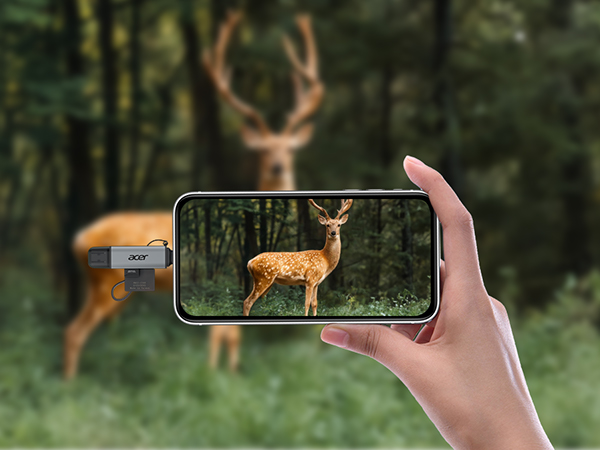
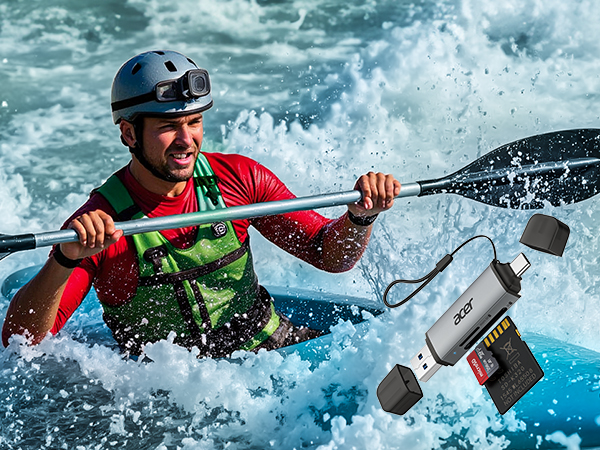
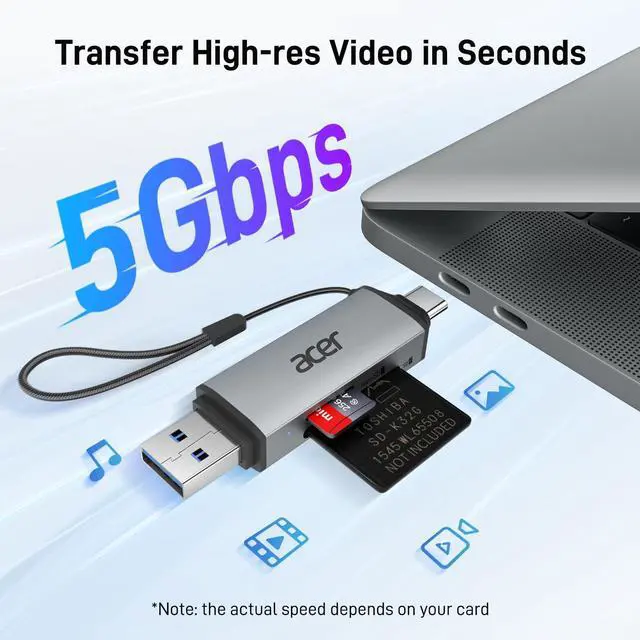
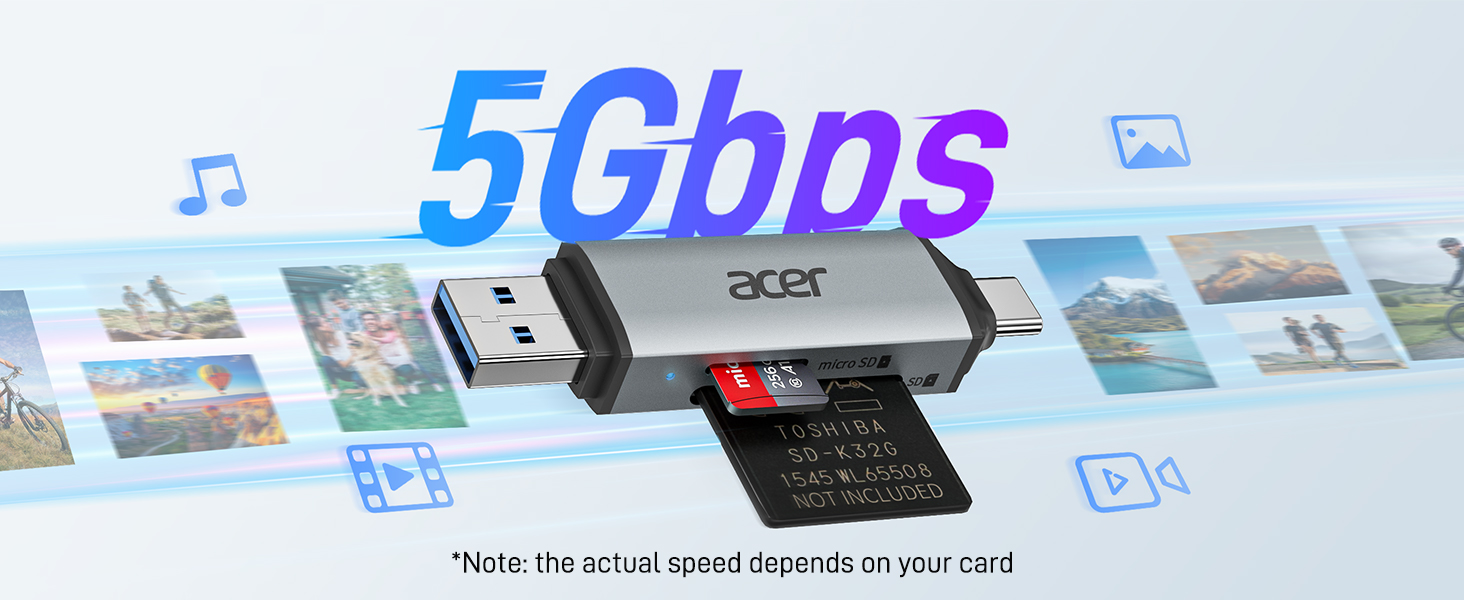
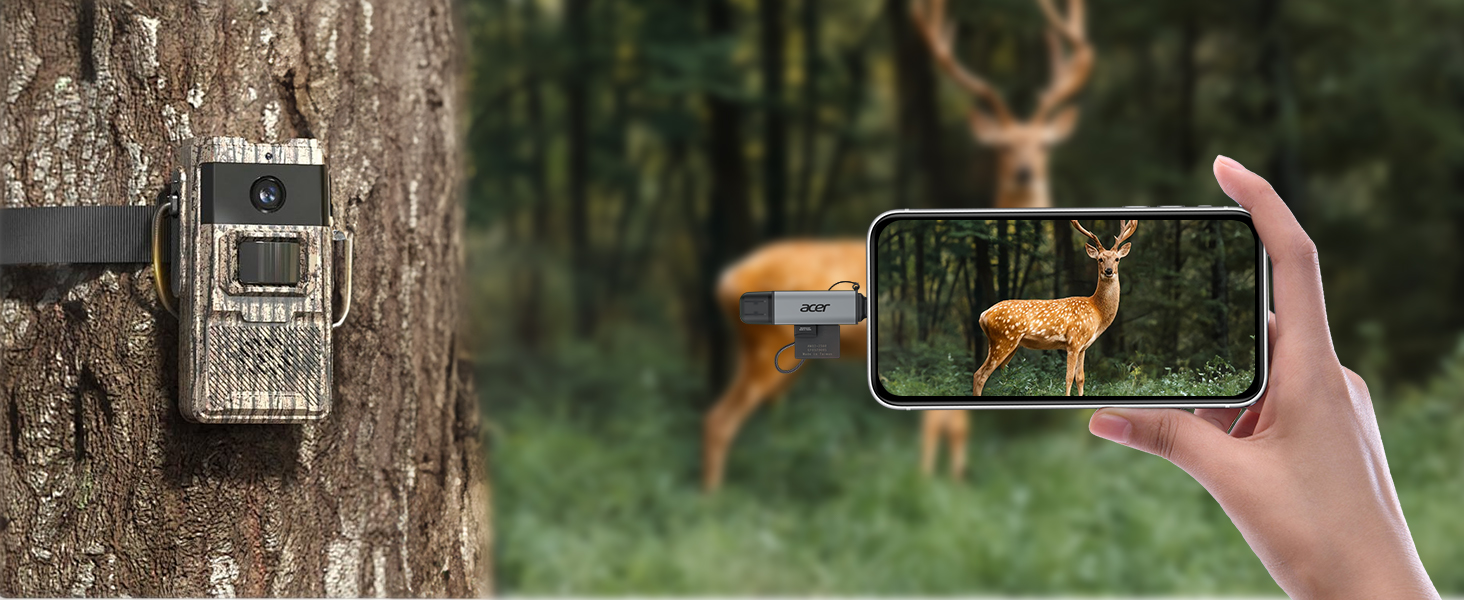
    • Ultra-Fast Data TransferExperience blazing-fast 5Gbps data transfer with this USB 3.0 SD Card Reader, ensuring quick and efficient file transfers for photos, videos, and other media. Backward-compatible with USB 2.0 for added flexibility. Easily review and transfer data from security cameras, wildlife monitors, or car cameras, gopro without hassle(Note:only reads and transfers data from the SD and TF card, not directly connect to the camera)
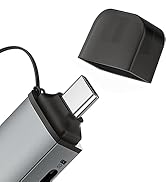
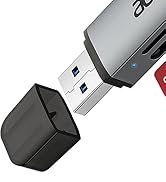
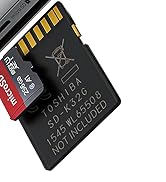
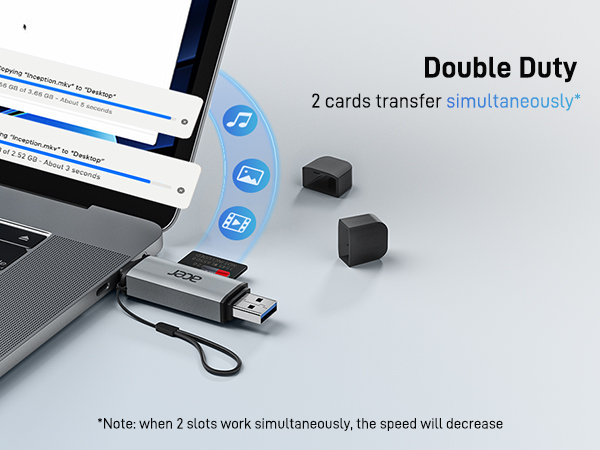
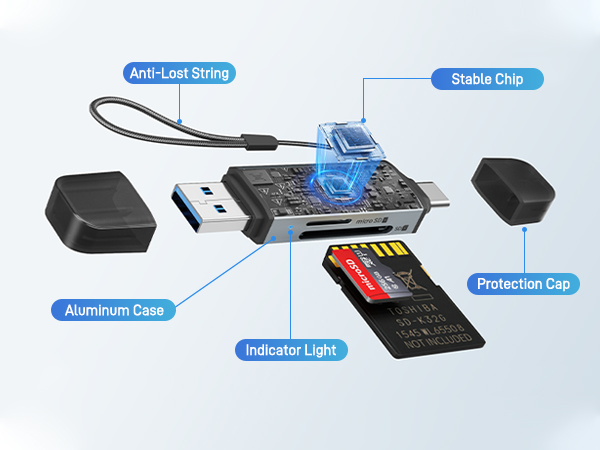
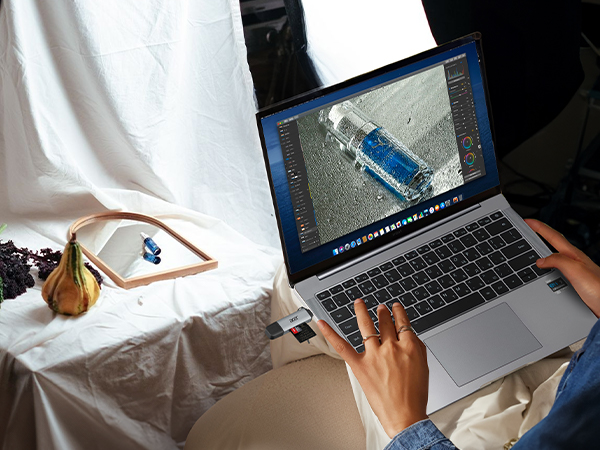
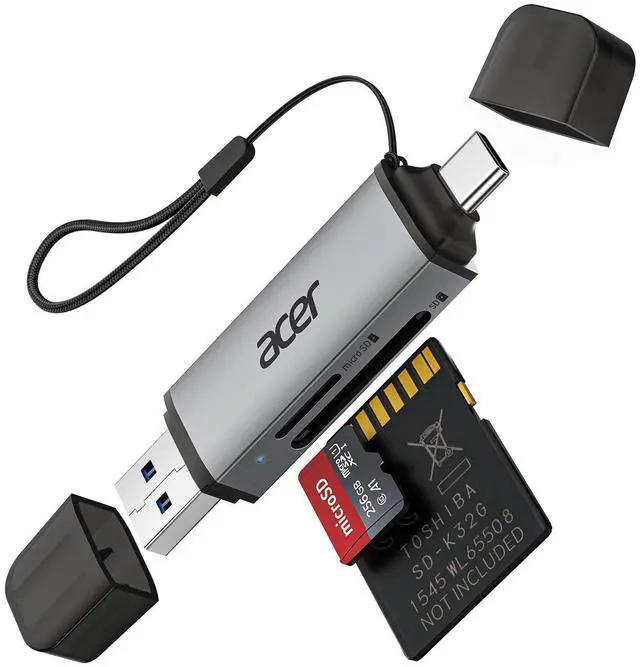
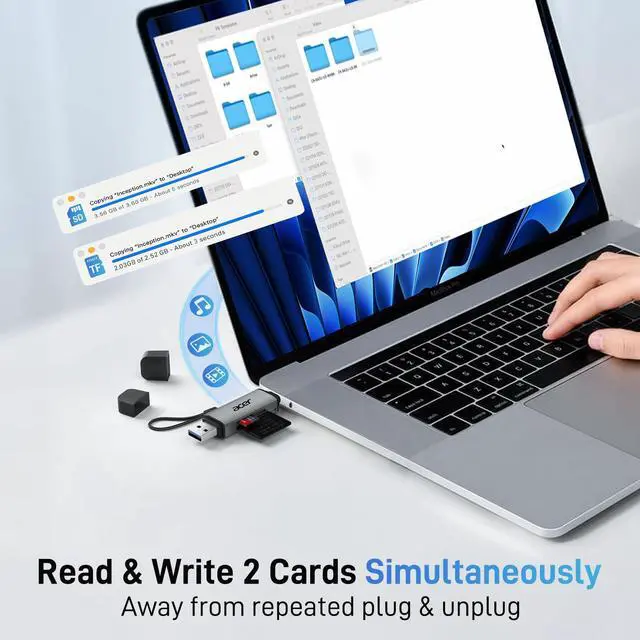
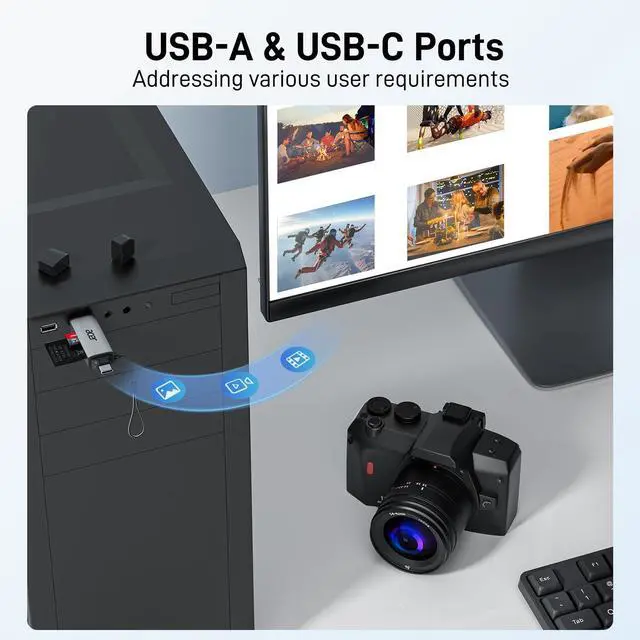
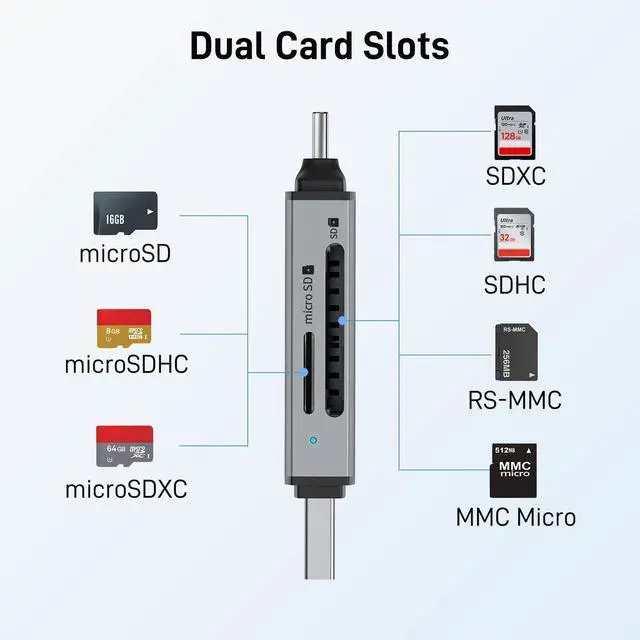
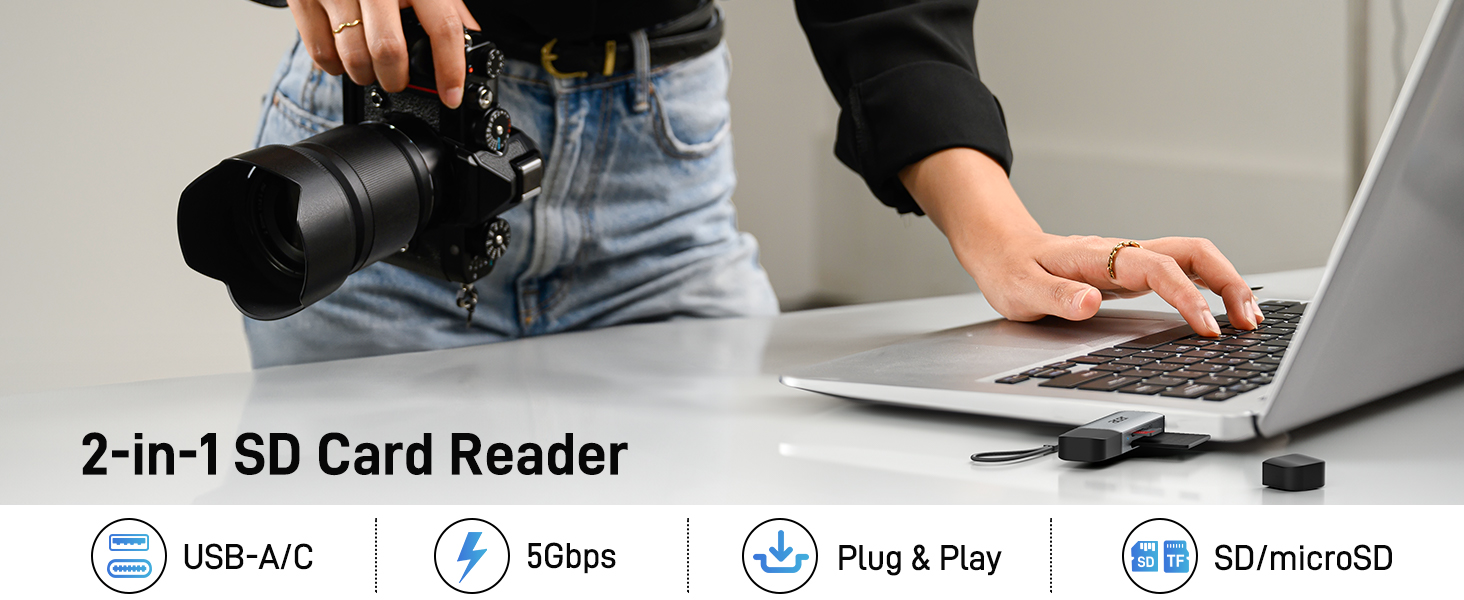
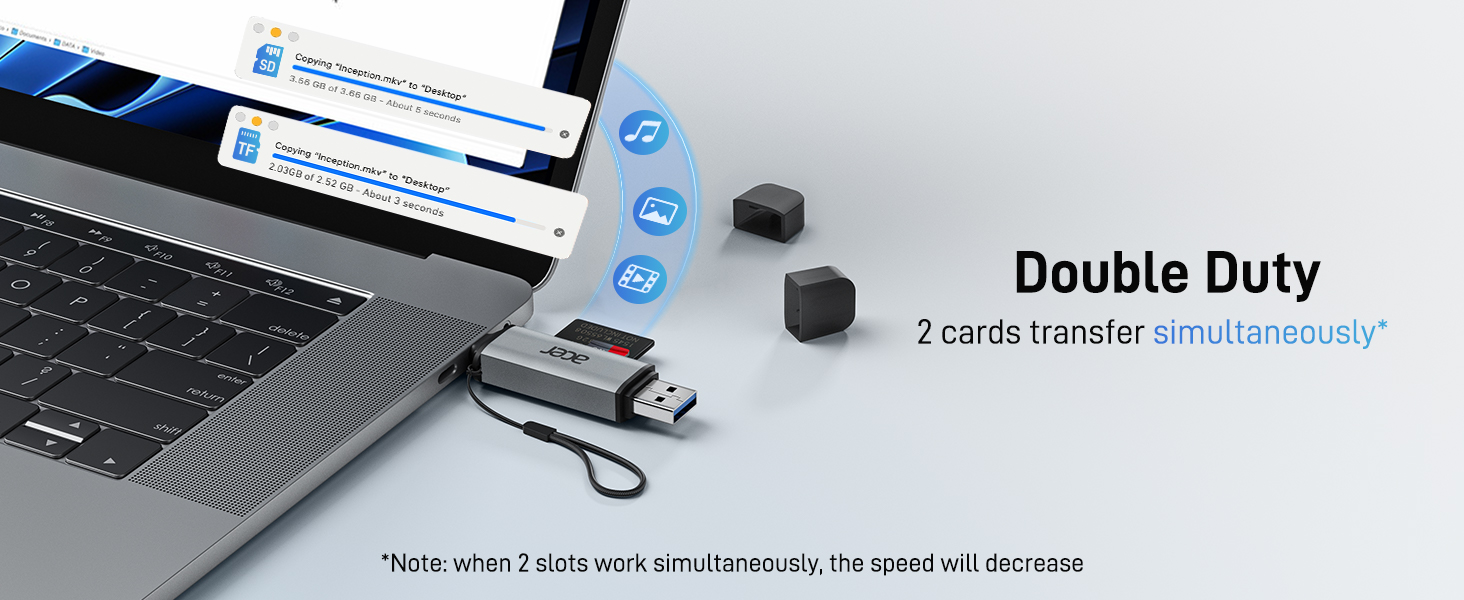
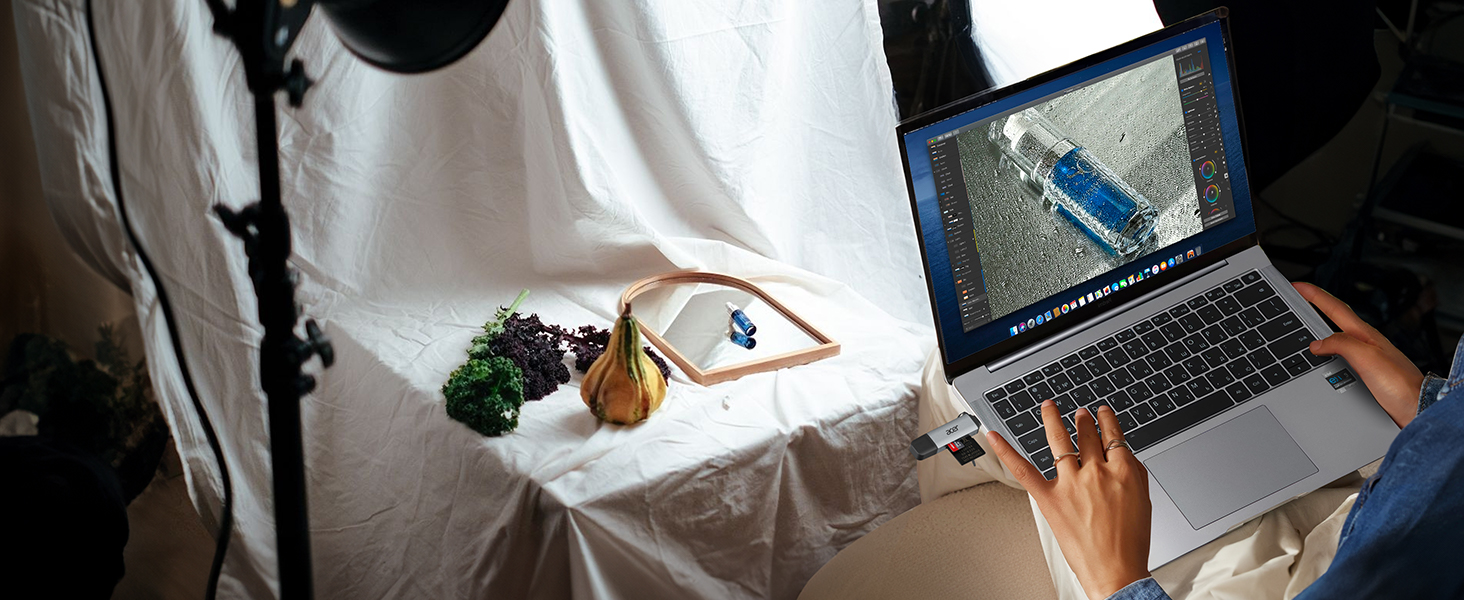
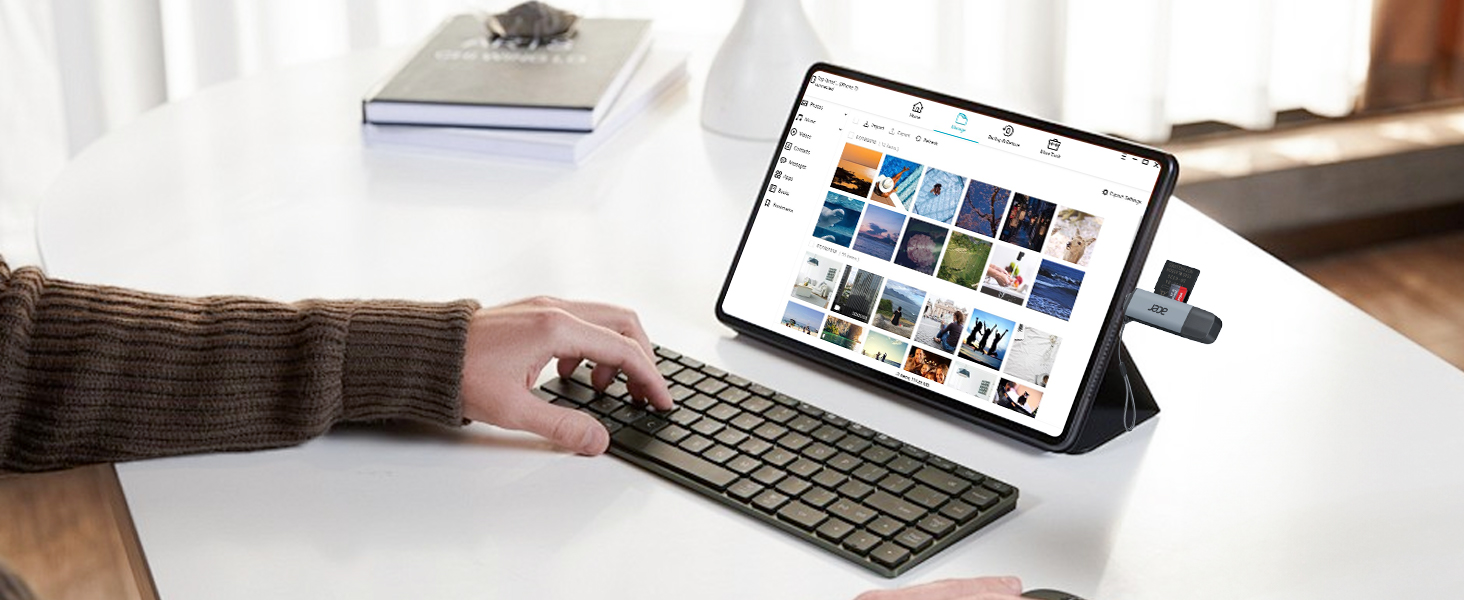
    • Simultaneous Dual-CardSave time and boost productivity with dual card slots that allow simultaneous reading and writing on both microSD and SD cards. USB-A and USB-C dual header design makes the micro SD Card Reader perfect for photographers, video editors who need quick and efficient file management(Note:Thick cases may prevent full insertion
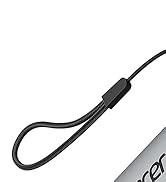
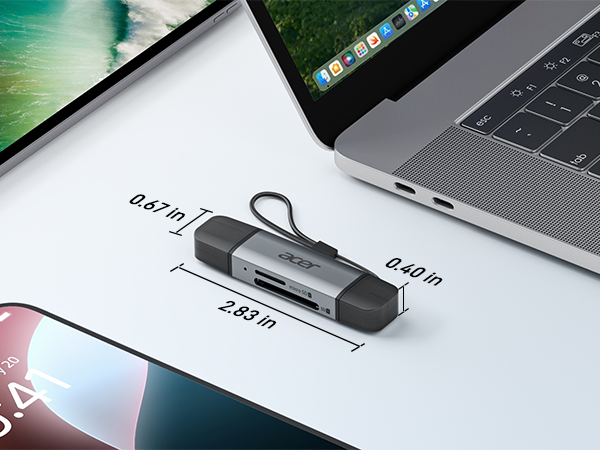
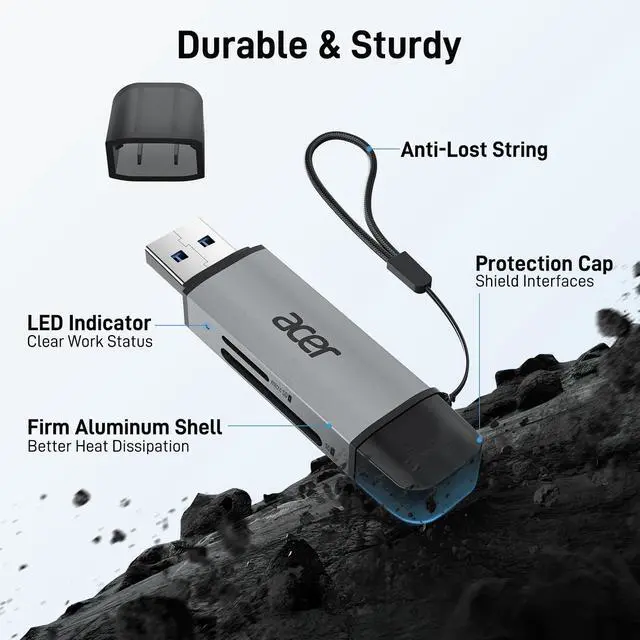
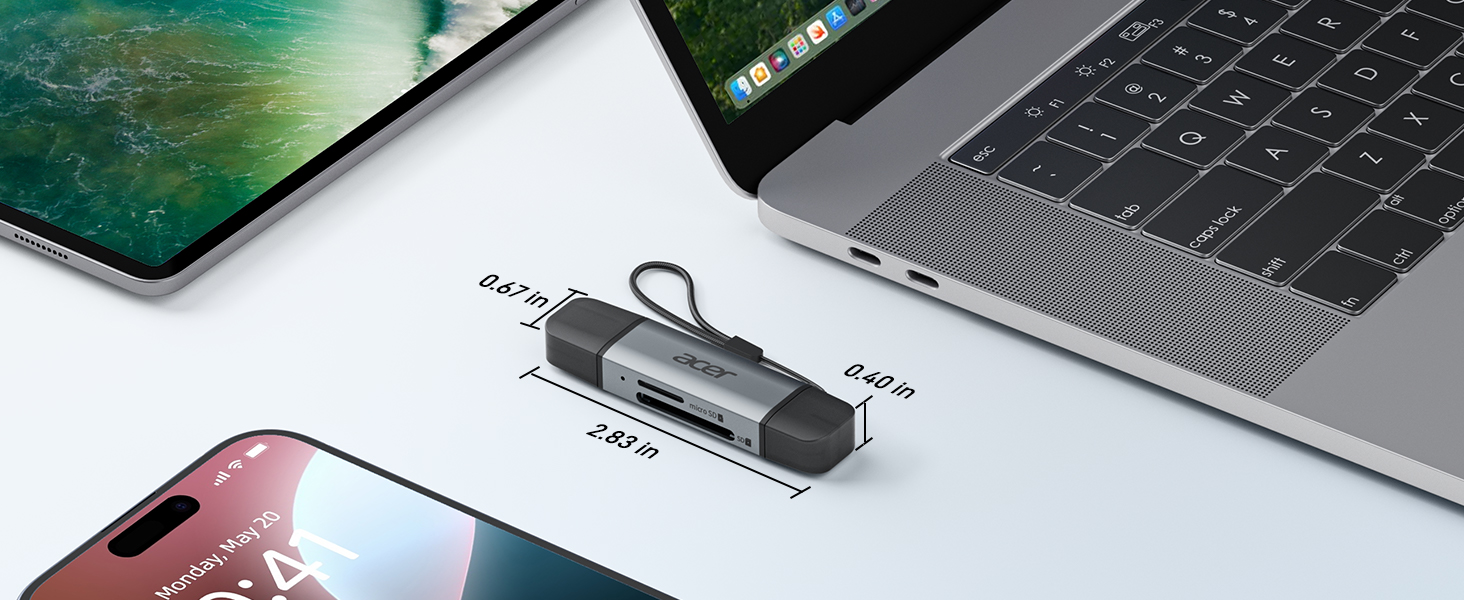
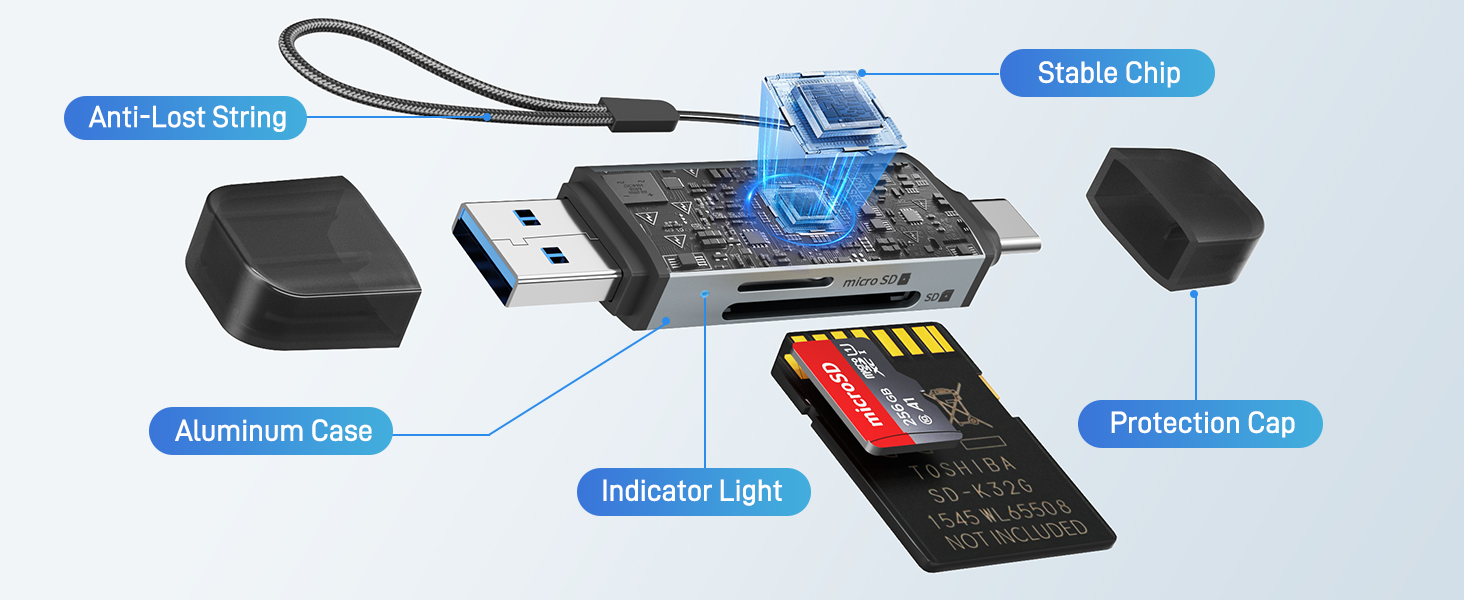
    • Compact & Travel-FriendlyDesigned for convenience, the slim and lightweight card reader for camera memory card fits perfectly in your camera bag or laptop sleeve. Protective covers at both ends shield the ports from dust and liquid, while the attached cord keeps everything secure and easily accessible. A reliable companion for on-the-go professionals and creatives(Note: "SD"card and "Micro SD" card not included.
    +
    +
    Overview
    Specs
    Reviews
    avatar

    Any questions? Our AI beta will help you find out quickly.

    SD Card Reader

    Matters for Attention

    Q1 Incompatible devices
    - 1. Devices that do not support the "Lightning" interface
    - 2. Some SD/TF cards with encryption or special formats (such as camera-specific formats)
    - 3. Android phones and tablets that do not support OTG function (OTG support can be checked in settings or official specifications)
    Q2 What to do if the card reader does not work?
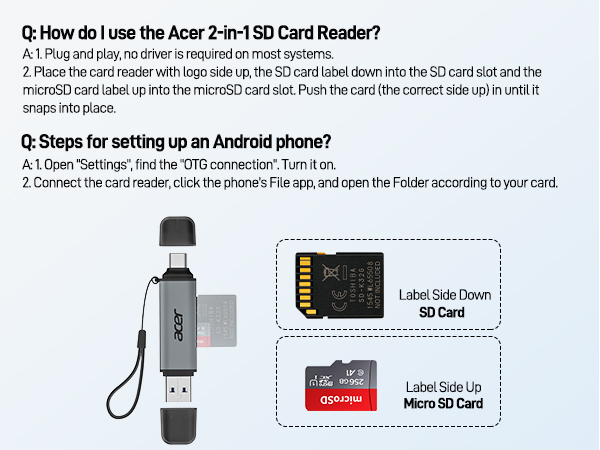
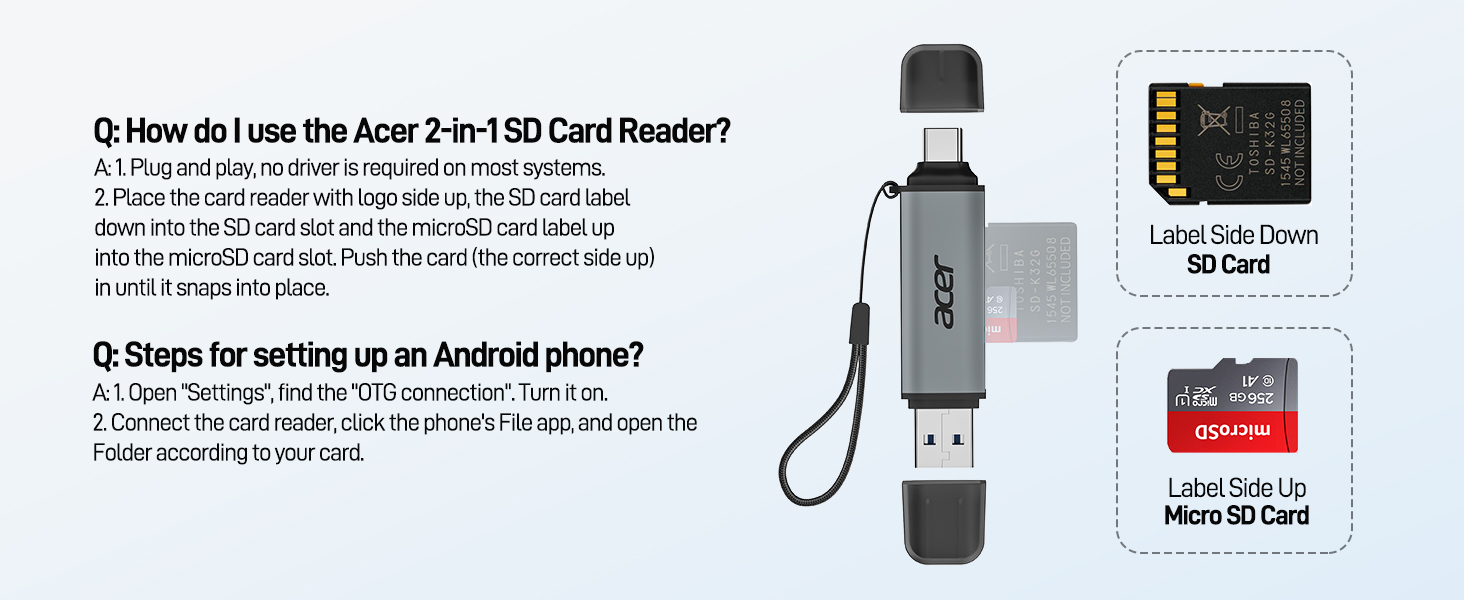
    - 1. Ensure the indicator light is on, the card is properly inserted, and the metal contacts are clean.
    - 2. Devices that support the OTG function, enable OTG on your device and find the SD card in the settings. Please refer to the manual for details.
    - 3. If it still does not work, you can always ask us and we will help you solve it as soon as possible.
    Q3 How to find files on SD Card on iPhone?
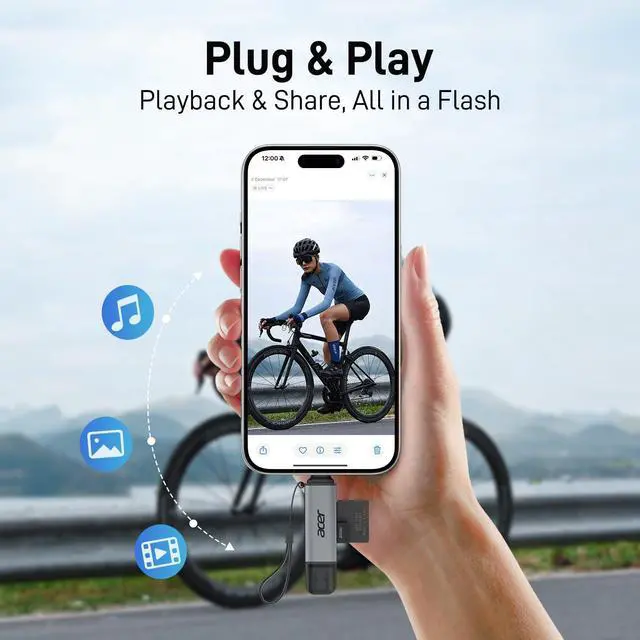
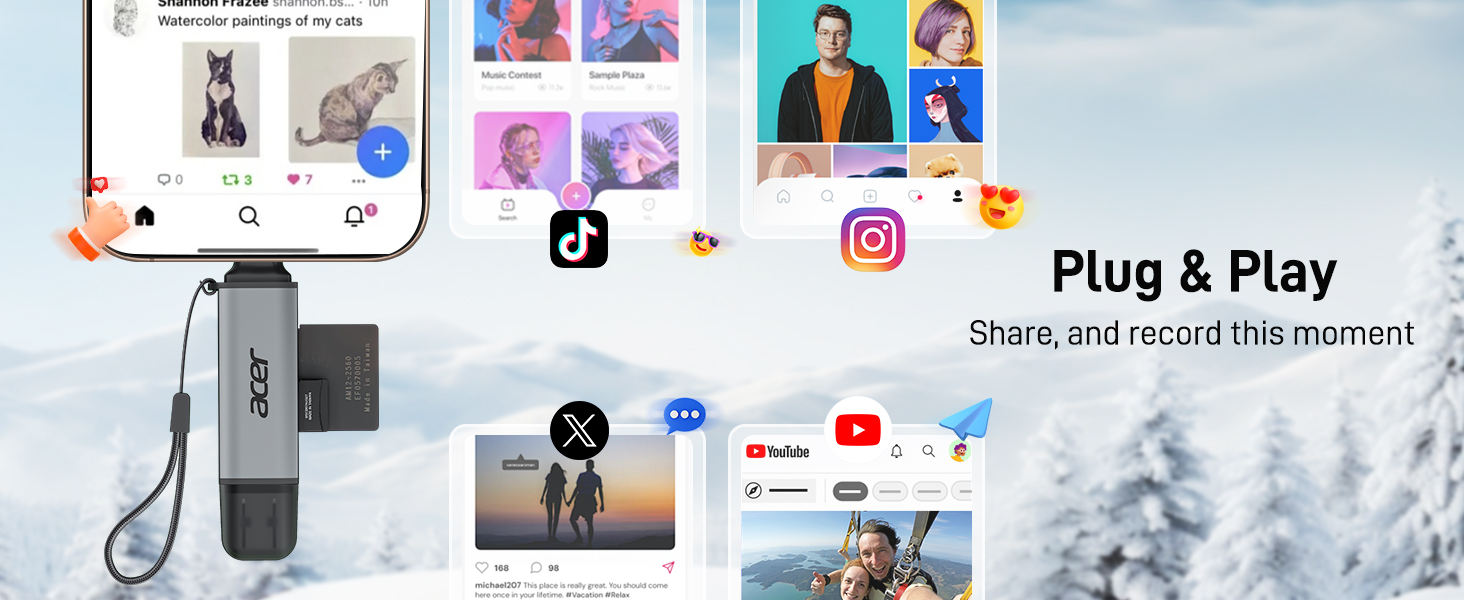
    - Insert the SD card into the reader > plug the device card reader into thhe iPhone(TYPE-C) > click on the "FILES" app > click on iCloud Drive's "Browse" > click on Browse's SD card name>Now you can view your files from your SD card on "Your SD card name"
    Q4 Can I use the adapter with a device that has a protective case?
    - If the case is too tightly wrapped, the product may not be fully inserted into the device.
    Q5 Data transfer speed is slow?
    - Data transfer rates are subject to the speed of the memory card itselfand your computer's USB ports.The SD card reader is USB 3.0 version, the theoretical of USB-A port transfer speed is 5Gbps; for micro SD/SD slot, theoretical speed is UHS-I (104MB/s).
    Q6 Error message when transferring files?
    - (1)If you fail to transfer large files, please try to format the SD/MicroSD cards to the right format for your devices. Recommend using MS-DOS (FAT) for 32GB or smaller cards, and exFAT for 64GB cards; (2)macOS system devices can only read NTFS by default, but not write.

    Acer SD Card Reader

    https://m.media-amazon.com/images/S/aplus-media-library-service-media/7fd1504d-37d2-4a6f-be5b-d74cfd1d0619.__CR0,0,200,225_PT0_SX200_V1___.jpg

    Acer 2 in1 SD Card Reader

    https://m.media-amazon.com/images/S/aplus-media-library-service-media/d4c6c627-d8dc-4ccd-b6fe-5c90bab8ca8d.__CR0,0,400,450_PT0_SX200_V1___.jpg

    Acer Type B SD Card Rader

    https://m.media-amazon.com/images/I/41UsPaBhOIL.__AC_SR200,225___.jpg

    3 in 1 SD Card Reader

    https://m.media-amazon.com/images/I/41MgPQ%2BKZuL.__AC_SR200,225___.jpg

    USB-A SD Card Reader

    https://m.media-amazon.com/images/S/aplus-media-library-service-media/704a4f8b-c808-40f4-8e53-d223d76af776.__AC_SR200,225___.jpg

    USB-C SD Card Reader

    https://m.media-amazon.com/images/S/aplus-media-library-service-media/e04a143c-8b7a-40e6-99c0-847f8ddc9239.__CR0,0,200,225_PT0_SX200_V1___.jpg

    SD 4.0 Card Reader

    Customer Reviews
    Price
    Input
    USB-C & USB-A USB-C & USB-A USB-C USB-A USB-C USB-C
    SD / micro SD Slot
    104MB/S ? 104MB/S 104MB/S 104MB/S 312MB/S
    CFexpress Type B Slot
    ? 1250MB/S ? ? ?
    USB-A Data Port
    ? ? 5Gbps ? ? ?
    Charging Port
    ? ? ? ? ? USB-C PD 100W
    Material
    Aluminum Aluminum Aluminum Aluminum Aluminum Aluminum
    USB SD Card Reader

    Matters for Attention

    Q1 Incompatible devices
    - 1. Devices that do not support the "Lightning" interface
    - 2. Some SD/TF cards with encryption or special formats (such as camera-specific formats)
    - 3. Android phones and tablets that do not support OTG function (OTG support can be checked in settings or official specifications)
    Q2 What to do if the card reader does not work?
    - 1. Ensure the indicator light is on, the card is properly inserted, and the metal contacts are clean.
    - 2. Devices that support the OTG function, enable OTG on your device and find the SD card in the settings. Please refer to the manual for details.
    - 3. If it still does not work, you can always ask us and we will help you solve it as soon as possible.
    Q3 How to find files on SD Card on iPhone?
    - Insert the SD card into the reader > plug the device card reader into thhe iPhone(TYPE-C) > click on the "FILES" app > click on iCloud Drive's "Browse" > click on Browse's SD card name>Now you can view your files from your SD card on "Your SD card name"
    Q4 Can I use the adapter with a device that has a protective case?
    - If the case is too tightly wrapped, the product may not be fully inserted into the device.
    Q5 Data transfer speed is slow?
    - Data transfer rates are subject to the speed of the memory card itselfand your computer's USB ports.The SD card reader is USB 3.0 version, the theoretical of USB-A port transfer speed is 5Gbps; for micro SD/SD slot, theoretical speed is UHS-I (104MB/s).
    Q6 Error message when transferring files?
    - (1)If you fail to transfer large files, please try to format the SD/MicroSD cards to the right format for your devices. Recommend using MS-DOS (FAT) for 32GB or smaller cards, and exFAT for 64GB cards; (2)macOS system devices can only read NTFS by default, but not write.

    Acer SD Card Reader

    https://m.media-amazon.com/images/S/aplus-media-library-service-media/7fd1504d-37d2-4a6f-be5b-d74cfd1d0619.__CR0,0,200,225_PT0_SX200_V1___.jpg

    Acer 2 in1 SD Card Reader

    https://m.media-amazon.com/images/S/aplus-media-library-service-media/d4c6c627-d8dc-4ccd-b6fe-5c90bab8ca8d.__CR0,0,400,450_PT0_SX200_V1___.jpg

    Acer Type B SD Card Rader

    https://m.media-amazon.com/images/I/41UsPaBhOIL.__AC_SR200,225___.jpg

    3 in 1 SD Card Reader

    https://m.media-amazon.com/images/I/41MgPQ%2BKZuL.__AC_SR200,225___.jpg

    USB-A SD Card Reader

    https://m.media-amazon.com/images/S/aplus-media-library-service-media/704a4f8b-c808-40f4-8e53-d223d76af776.__AC_SR200,225___.jpg

    USB-C SD Card Reader

    https://m.media-amazon.com/images/S/aplus-media-library-service-media/e04a143c-8b7a-40e6-99c0-847f8ddc9239.__CR0,0,200,225_PT0_SX200_V1___.jpg

    SD 4.0 Card Reader

    Customer Reviews
    Price
    Input
    USB-C & USB-A USB-C & USB-A USB-C USB-A USB-C USB-C
    SD / micro SD Slot
    104MB/S ? 104MB/S 104MB/S 104MB/S 312MB/S
    CFexpress Type B Slot
    ? 1250MB/S ? ? ?
    USB-A Data Port
    ? ? 5Gbps ? ? ?
    Charging Port
    ? ? ? ? ? USB-C PD 100W
    Material
    Aluminum Aluminum Aluminum Aluminum Aluminum Aluminum
    SD Card Reader USB C, Dual Slots USB 3.0 Type C to Micro SD Card Adapter, Memory Card Reader for MicroSD, SDHC, SDXC, Compatible with Laptop, PC, iPhone16/15, MacBook Pro/Air, iPad Pro, Android

    Warranty & Returns

    Warranty, Returns, And Additional Information

    Warranty

    • Please contact the Seller directly for warranty information. Warranty information may also be found on the Manufacturer's website.
    • CONTACT

    Return Policies

    Manufacturer Contact Info

    LOADING...