






Matters for Attention
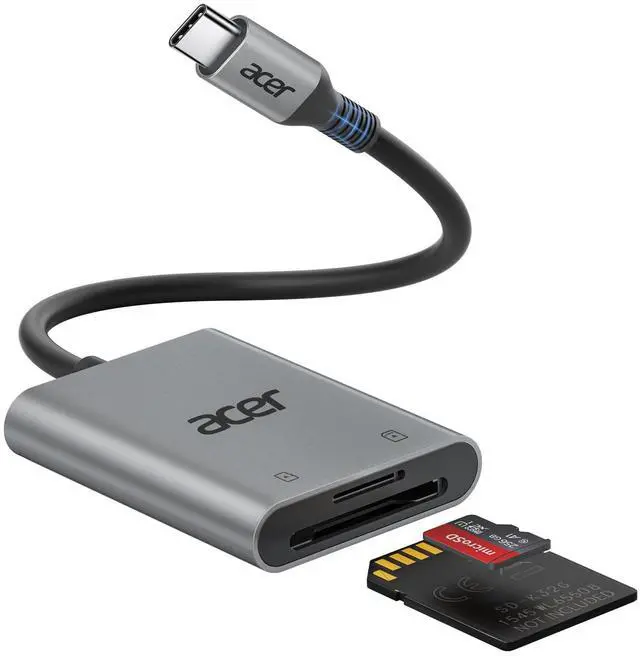
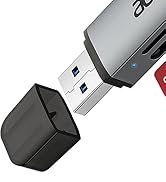
Acer SD Card Reader
 USB C SD Card Reader |  Type B SD Card Rader |  3 in 1 SD 3.0 Card Reader |  USB-A SD Card Reader | 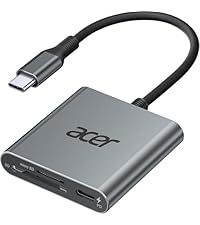 3 in 1 SD 4.0 Card Reader | 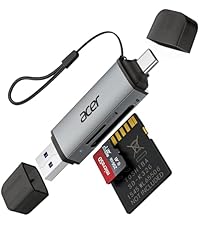 2 in 1 SD 3.0 Card Reader | |
|---|---|---|---|---|---|---|
Customer Reviews | — | — | — | — | — | — |
Price | — | — | — | — | — | — |
Input | USB-C | USB-C & USB-A | USB-C | USB-A | USB-C | USB-C & USB-A |
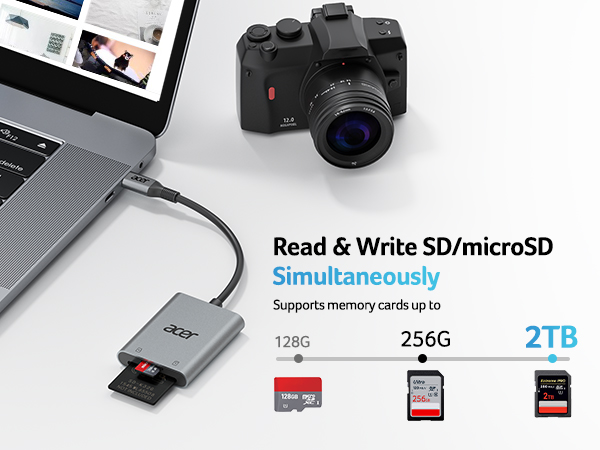
SD / micro SD Slot | 104MB/S | ? | 104MB/S | 104MB/S | 312MB/S | 104MB/S |
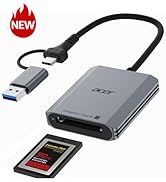
CFexpress Type B Slot | ? | 1250MB/S | ? | ? | ? | ? |
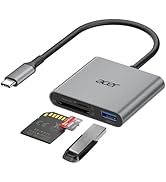
USB-A Data Port | ? | ? | 5Gbps | ? | ? | ? |
Charging Port | ? | ? | ? | ? | USB-C PD 100W | ? |
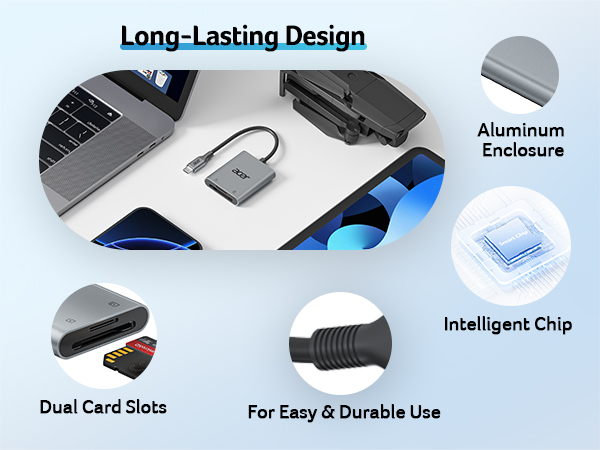
Material | Aluminum | Aluminum | Aluminum | Aluminum | Aluminum | Aluminum |


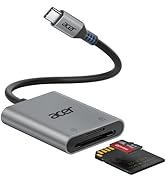
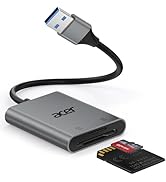
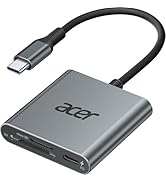
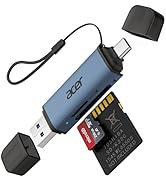
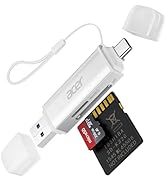
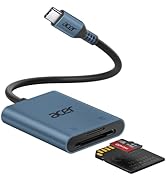
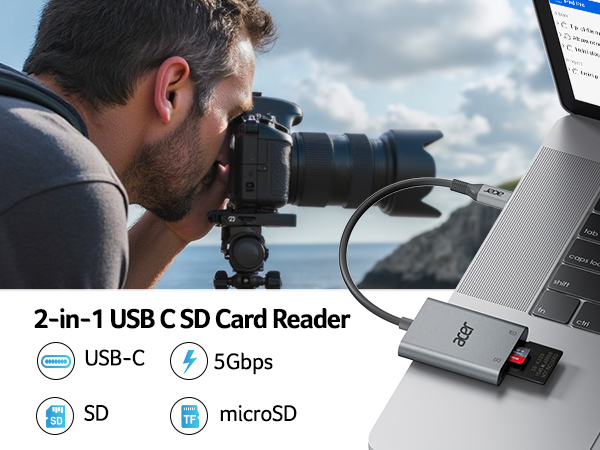
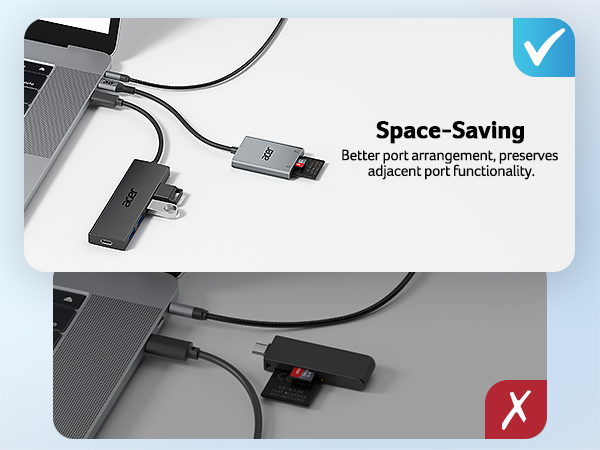


Matters for Attention
| Q1 | Incompatible devices |
|---|---|
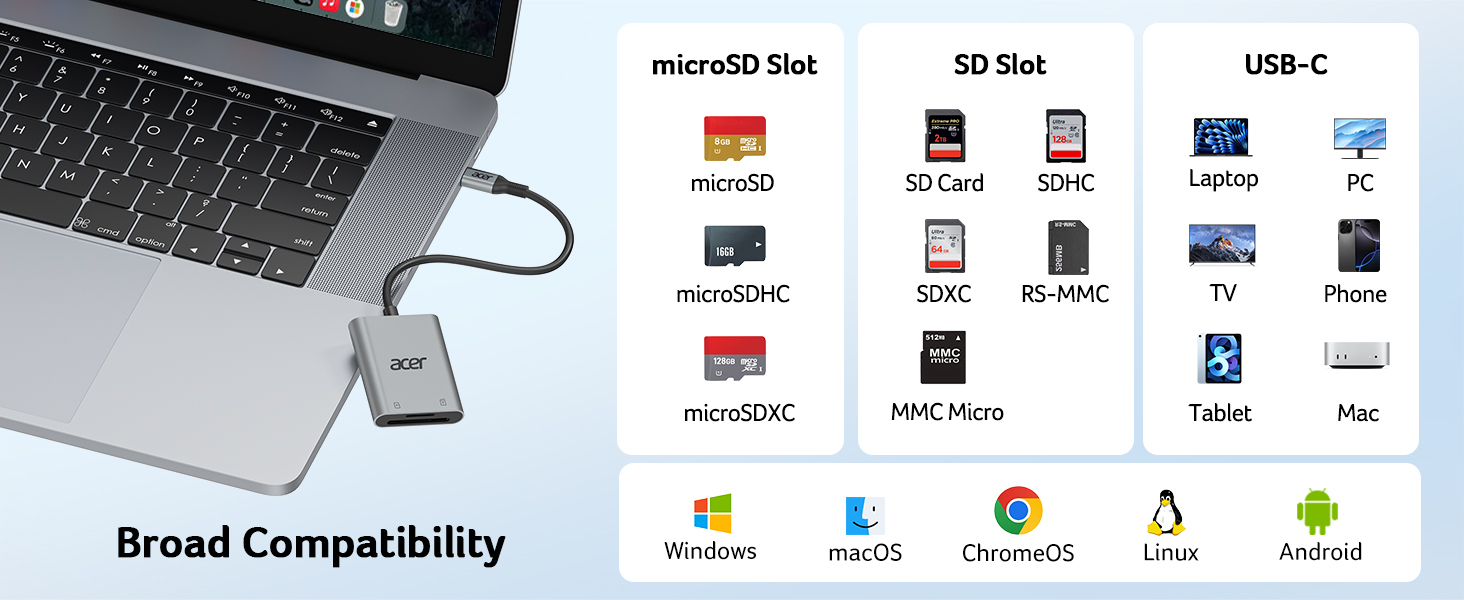
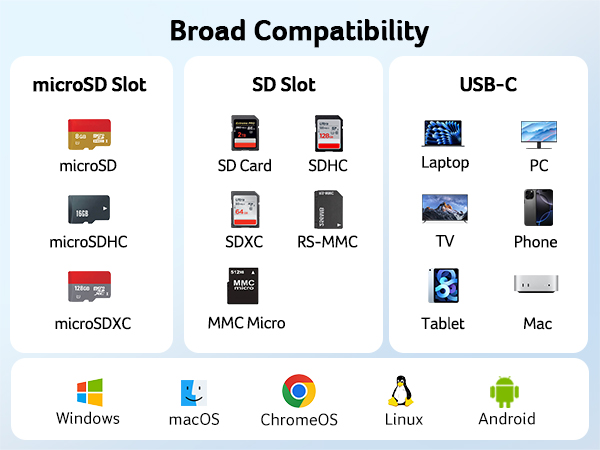
| - | 1. Devices that do not support the "Lightning" and "USB-A" interface(such as only "USB-A" port of PC) |
| - | Some SD cards were exFAT/NTFS with encryption or special formats (such as camera-specific formats) |
| - | 3. Android phones and tablets that do not support OTG function (OTG support can be checked in settings or official specifications) |
| Q2 | What to do if the card reader does not work? |
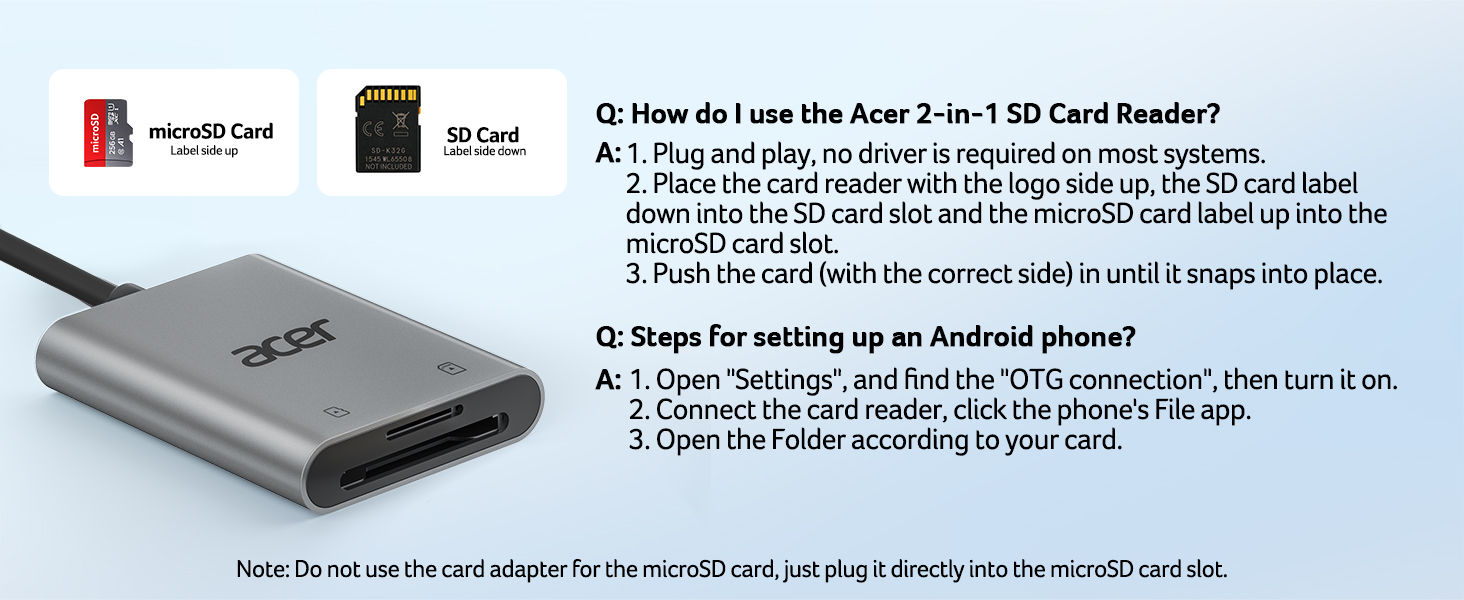
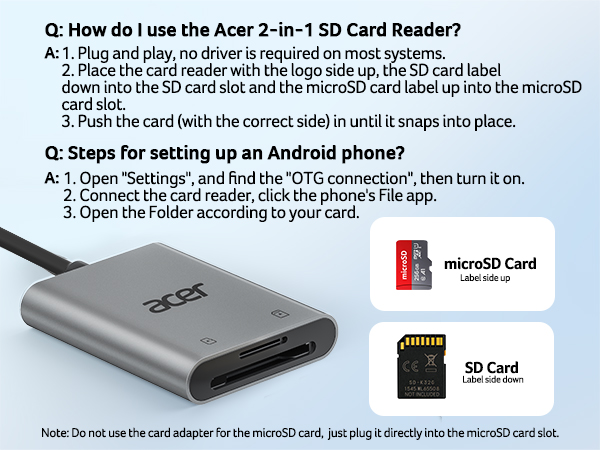
| - | 1. Make sure the card is inserted in the correct orientation |
| - | 2. Devices that support the OTG function, enable OTG on your device and find the SD card in the settings. |
| - | 3. If it still does not work, you can always ask us and we will help you solve it as soon as possible. |
| Q3 | How to find files on SD Card on iPhone? |
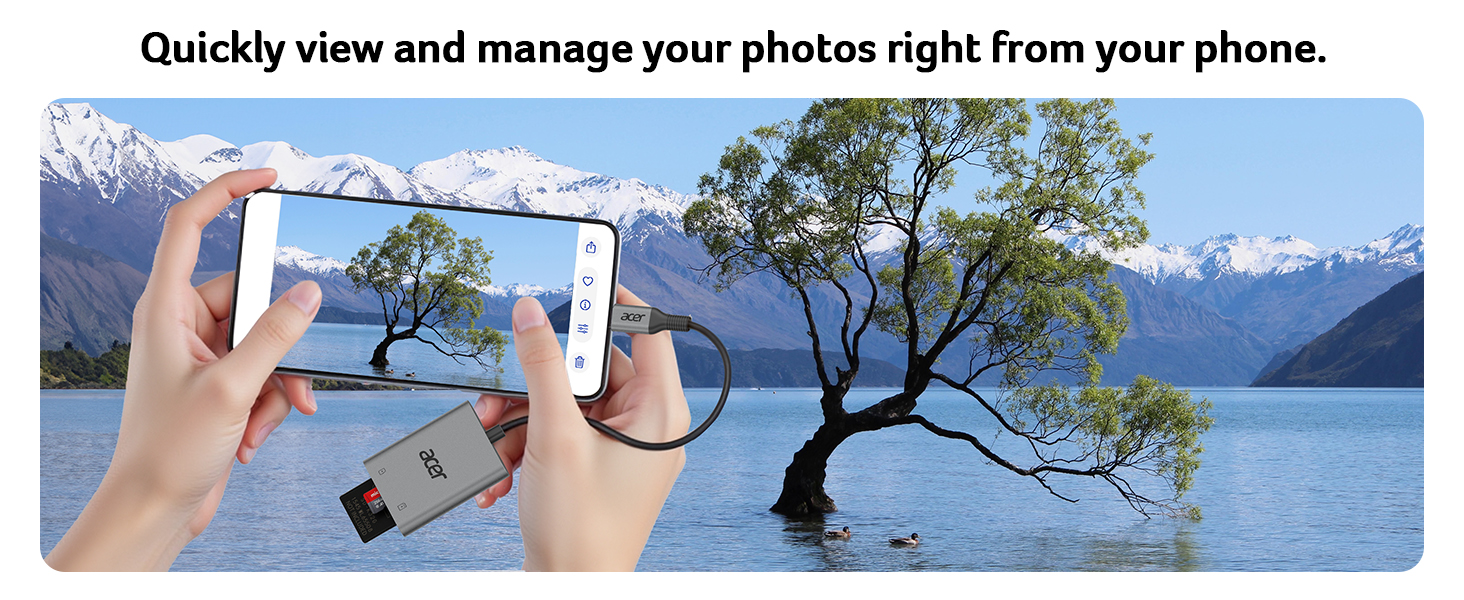
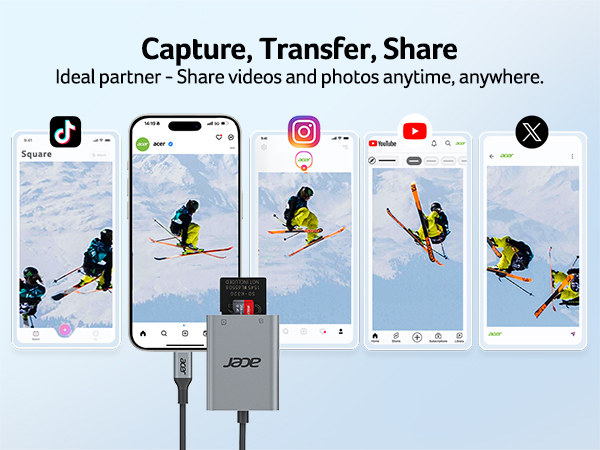
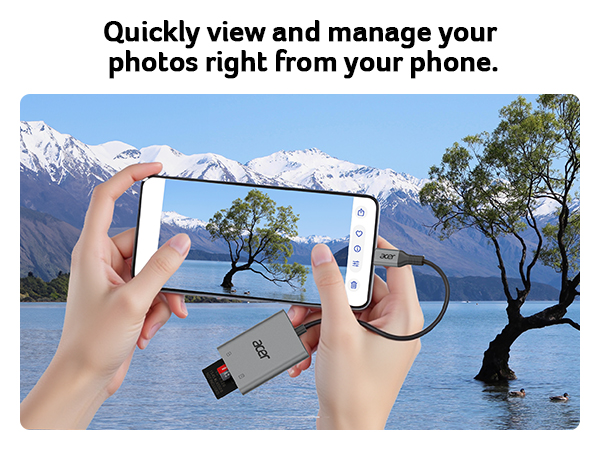
| - | Insert the SD card into the reader > plug the device card reader into thhe iPhone(TYPE-C) > click on the "FILES" app > click on iCloud Drive's "Browse" > click on Browse's SD card name>Now you can view your files from your SD card on "Your SD card name" |
| Q4 | How to easily insert and remove the card? |
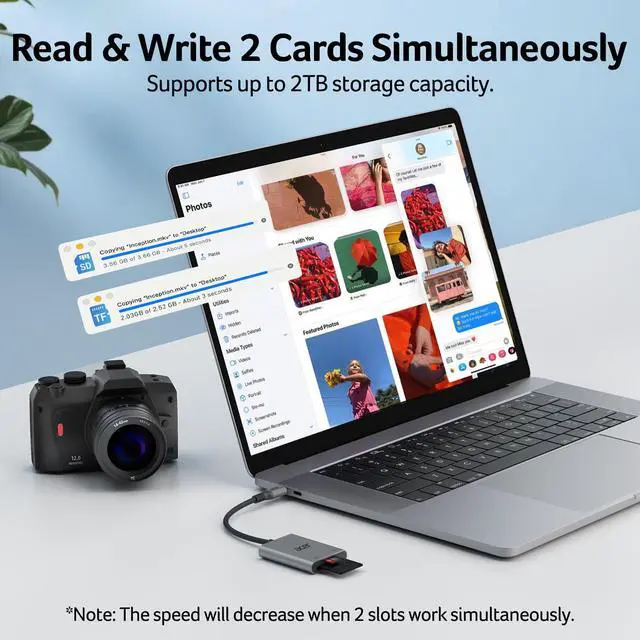
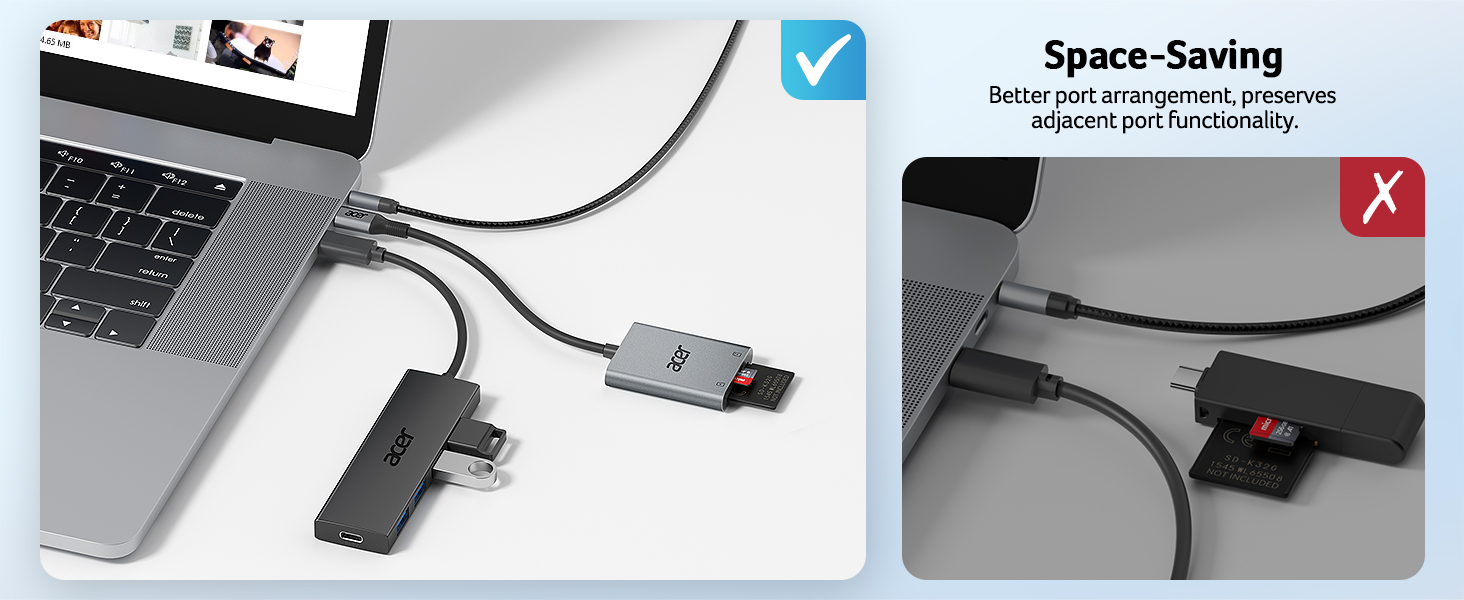
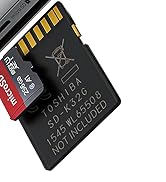
| - | Insert the micro SD first, then the SD. To remove, take out the SD first, then the micro SD — it’s easier this way. |
| Q5 | Data transfer speed is slow? |
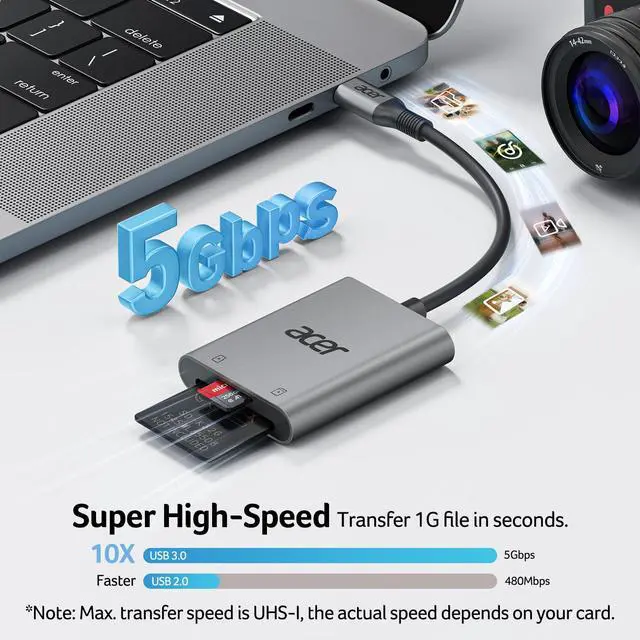
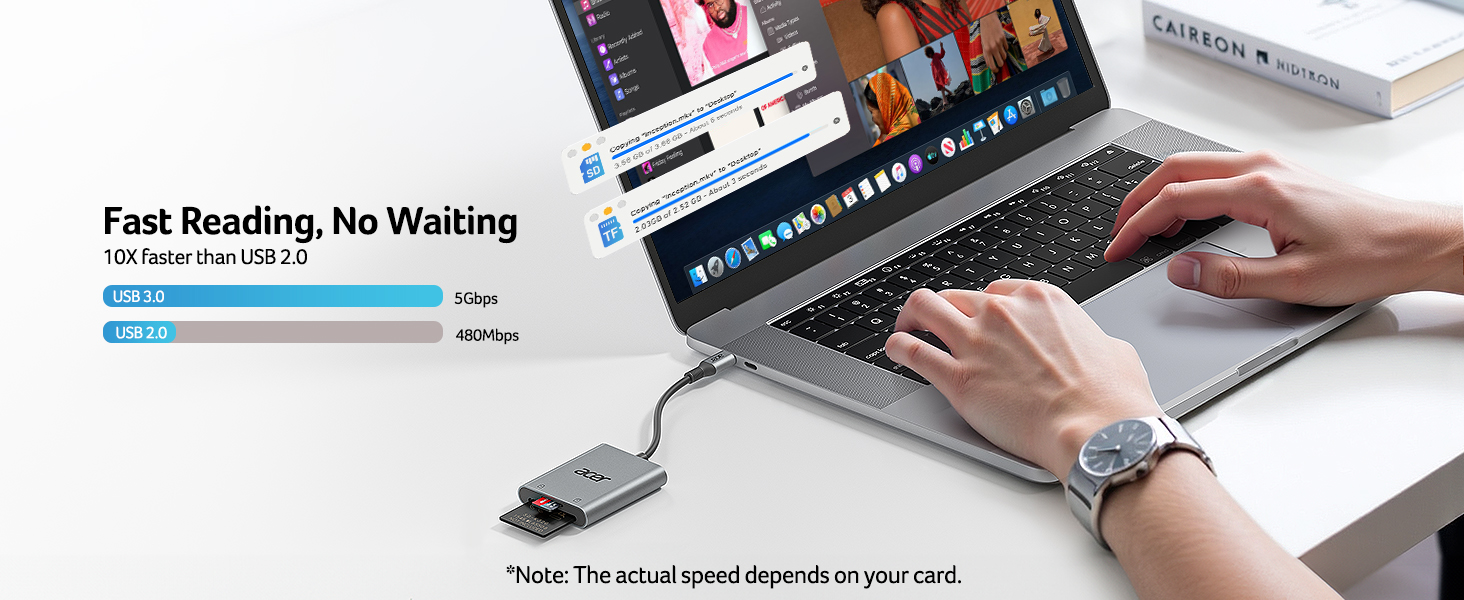
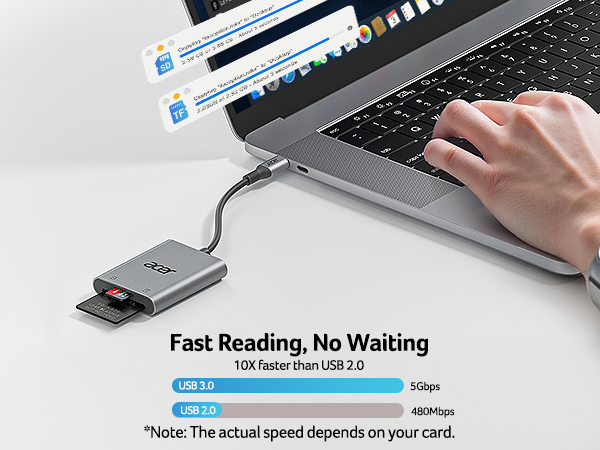
| - | Data transfer rates are subject to the speed of the memory card itselfand your computer's USB-C ports.The SD card reader is USB 3.0 version, the theoretical of USB-C port transfer speed is 5Gbps; for micro SD/SD slot, theoretical speed is UHS-I (104MB/s). |
| Q6 | Error message when transferring files? |
| - | (1)If you fail to transfer large files, please try to format the SD/MicroSD cards to the right format for your devices. Recommend using MS-DOS (FAT) for 32GB or smaller cards, and exFAT for 64GB cards; (2)macOS system devices can only read NTFS by default, but not write. |
Acer SD Card Reader
USB C SD Card Reader | Type B SD Card Rader | 3 in 1 SD 3.0 Card Reader | USB-A SD Card Reader | 3 in 1 SD 4.0 Card Reader | 2 in 1 SD 3.0 Card Reader |
|---|---|---|---|---|---|
| Customer Reviews | |||||
| — | — | — | — | — | — |
| Price | |||||
| — | — | — | — | — | — |
| Input | |||||
| USB-C | USB-C & USB-A | USB-C | USB-A | USB-C | USB-C & USB-A |
| SD / micro SD Slot | |||||
| 104MB/S | ? | 104MB/S | 104MB/S | 312MB/S | 104MB/S |
| CFexpress Type B Slot | |||||
| ? | 1250MB/S | ? | ? | ? | ? |
| USB-A Data Port | |||||
| ? | ? | 5Gbps | ? | ? | ? |
| Charging Port | |||||
| ? | ? | ? | ? | USB-C PD 100W | ? |
| Material | |||||
| Aluminum | Aluminum | Aluminum | Aluminum | Aluminum | Aluminum |
acer SD Card Reader
USB-A & USB-C SD Card Reader
More colors are available