




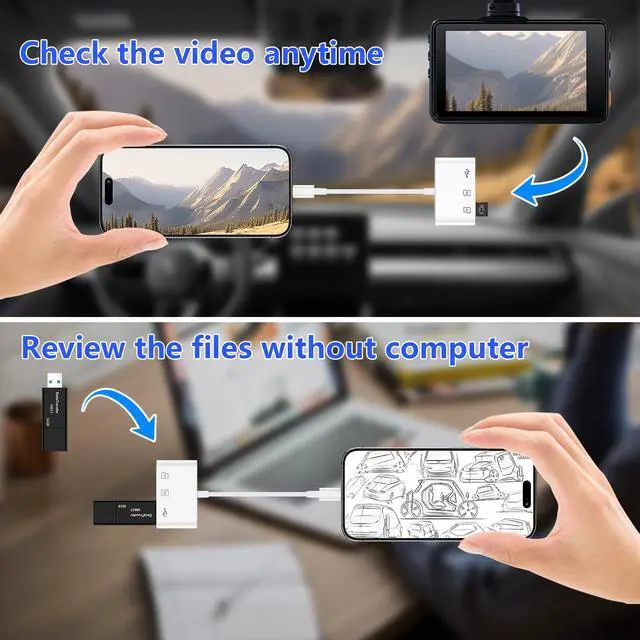


How to Read & Transfer Files/Photos from Memory Card to iPad/ iPhone 17/16/15 ?
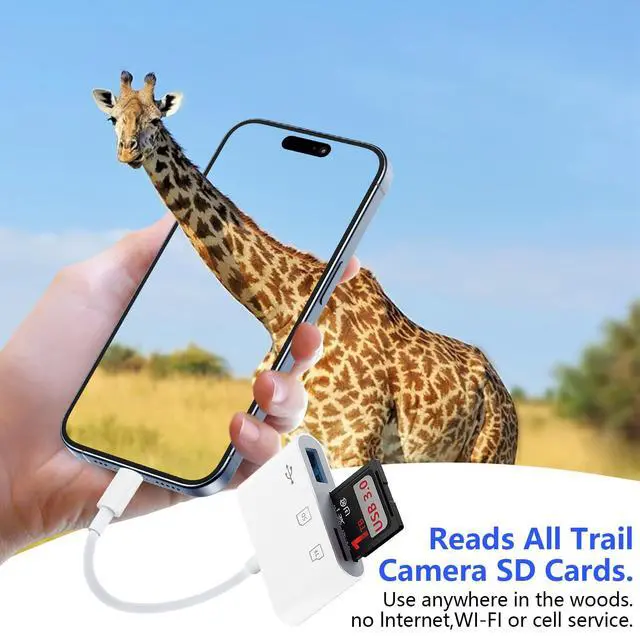
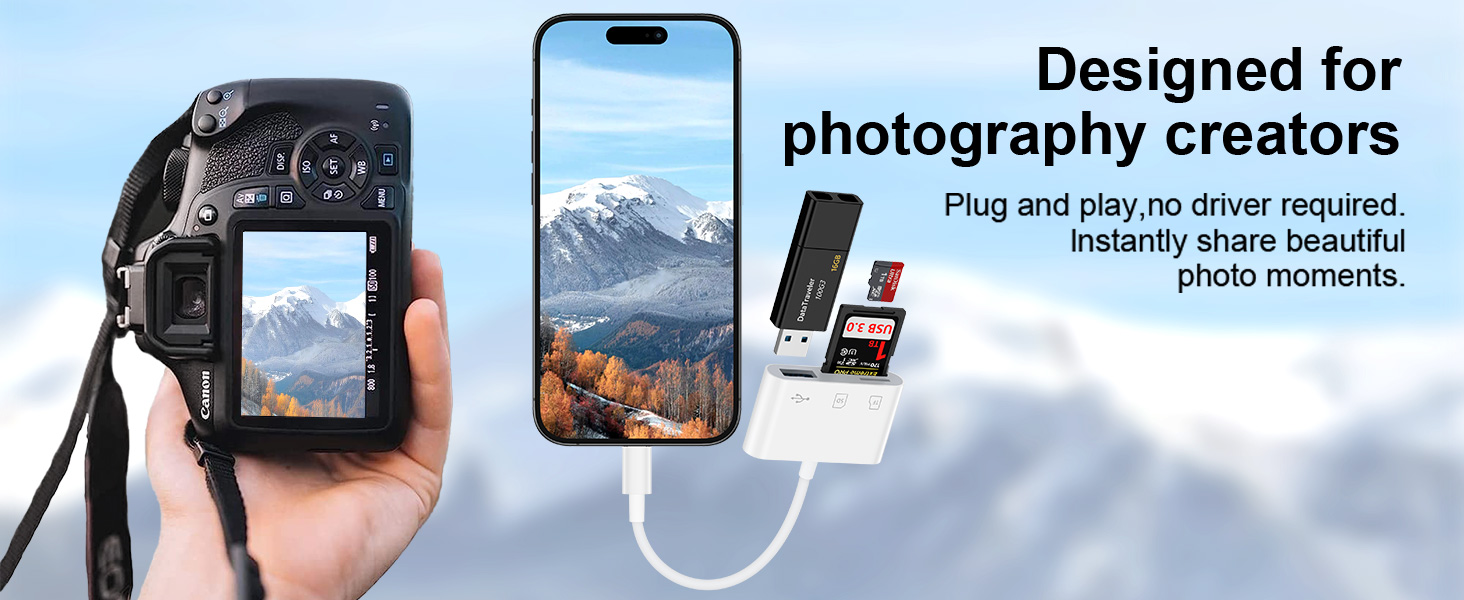
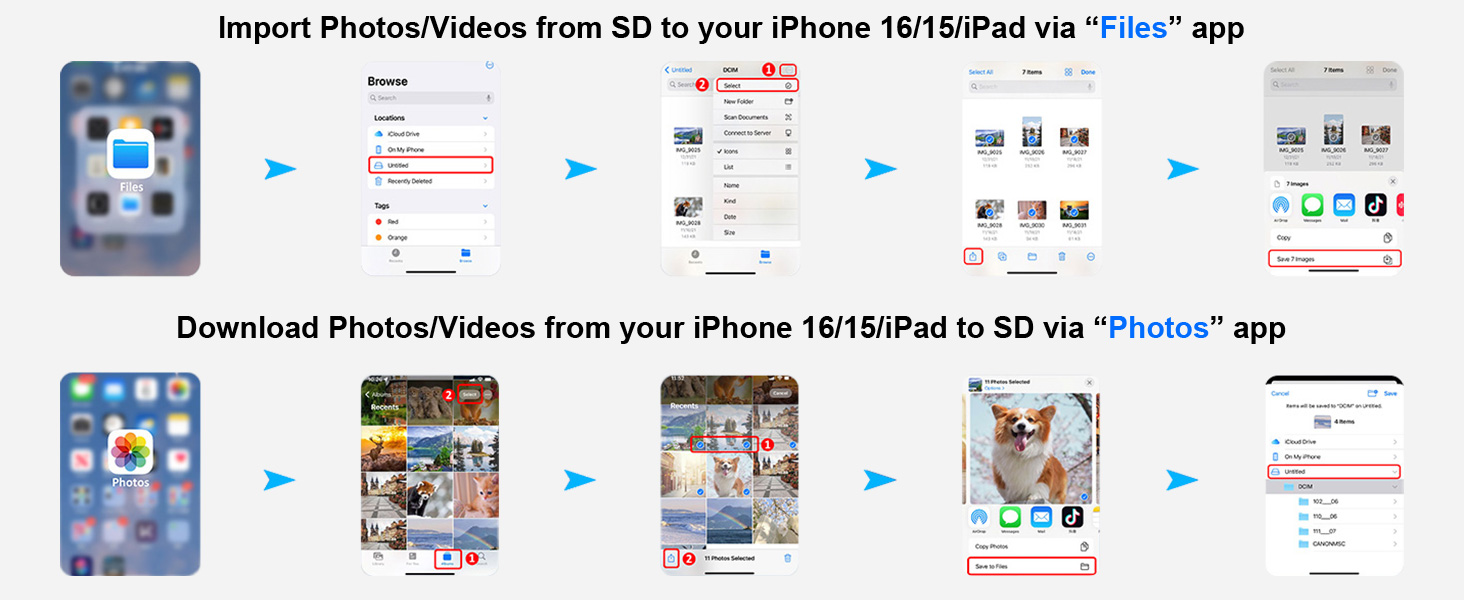
- Simply insert a memory card into the reader. Turn on the iPhone and iPad, and connect the reader to the USB-C port.
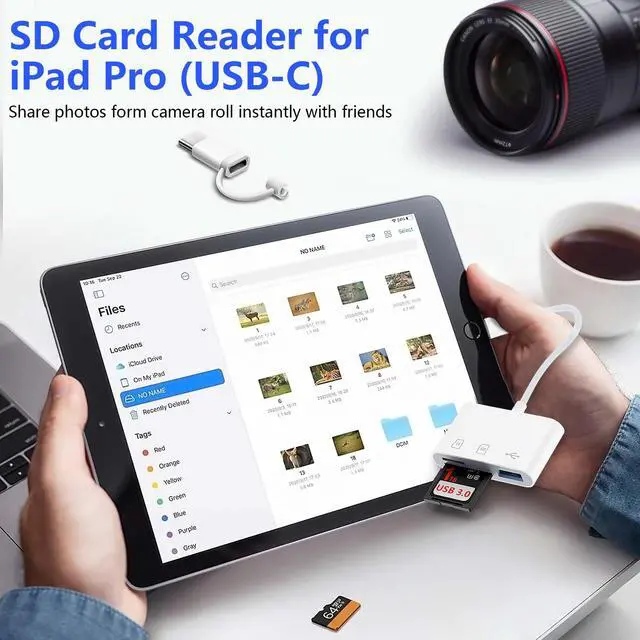
- Open the "Files" app on your iPhone 17 16 15/ iPad. When you access the “ABC” folder, you will find three options at the bottom of the screen: “Recents,” “Shared,” and “Browse.” Please ensure that you select “Browse.” The other two options do not pertain to the contents on your memory card.
- Please select "NO NAME" or "Untitled" (default name of most memory card). If your memory card were named “ABC”, you will see “ABC” there, plz just tap “ABC”. Then you will be able to read a variety of files such as jpg, MP3, word, excel, PDF, etc. You can transfer data from a memory card to an iPhone 17/16/15. You can remove, copy, and paste files from your memory card into your iPhone or iPad. Alternatively, copy files from your iPhone or iPad to a memory card.
- The “Files” app, which is incorporated into iOS, usually you don’t have to download, allows you to easily transfer data from a memory card to your iPhone. If there is no “Files” App, please download it from App Store. If you can see the files but fail to open them, you may need to download a third-party app to read and open them.
What can I do if I see nothing on my iPhone?
- Please make sure your iPhone is iPhone 15-17 series. This SD card reader cannot be used with iPhone 5-14 series with lightning port.
- If you see nothing, please make certain the memory card is properly put into the slot. You can follow with the orientation symbol on the card reader if you have no idea how to insert a memory card. If you still see nothing, please unlock the OTG function on your USB-C phones before plugging it in.
- If you can see files but fail to open it, you may have to download a third-party app to read these files. Similarly happened to a computer, you may click on an MP3 file and it won't play if it doesn't have an MP3 player,
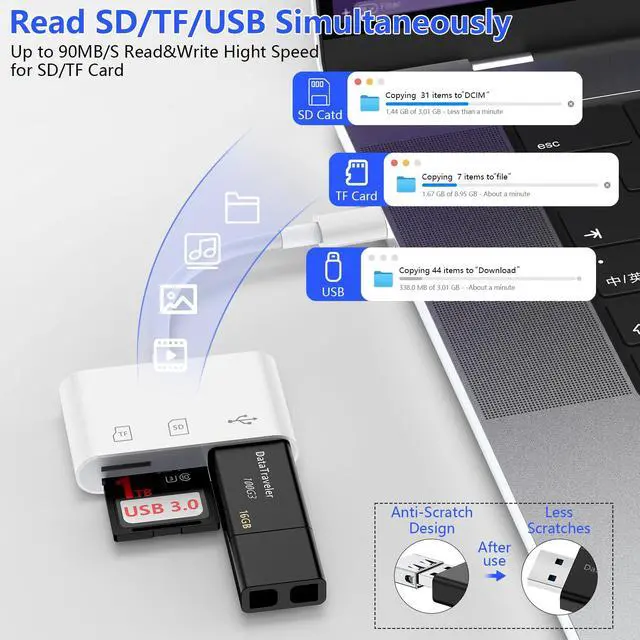
- Only support at most one card and one USB drive to read at the same time. (SD card, TF card, and USB 3 ports can NOT be read simultaneously.
- All cellphones only support FAT32 or exFat formats. If your memory card is in NTFS format, please backup the files and format it to FAT32 or exFAT as it will not be recognized.

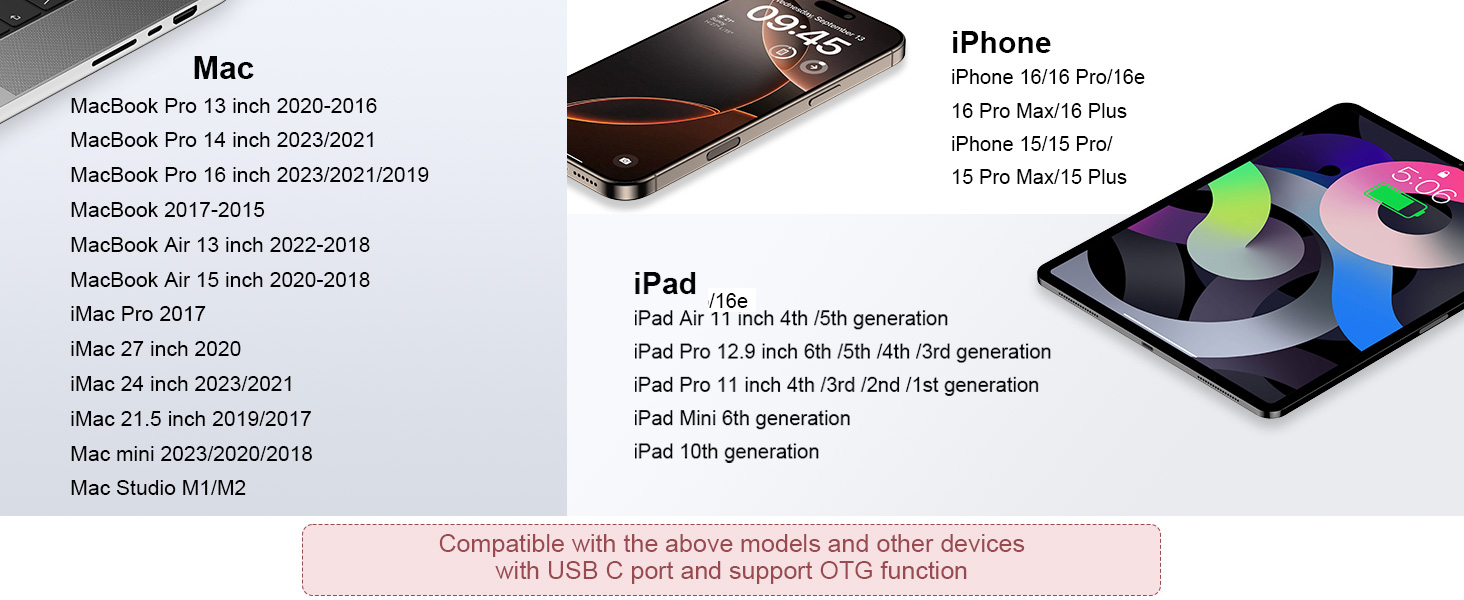
Compatible Devices (Partail list)

VIFIGEN
VIFIGEN is a professional manufacturer of Wall Charger Adapter, Charger Block, Charging Cable, Car Charger, Phone Stand Holder, etc.




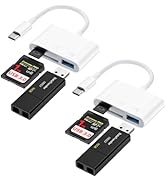
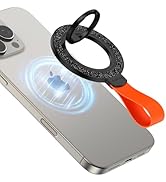
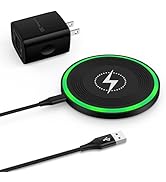
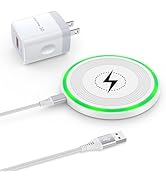
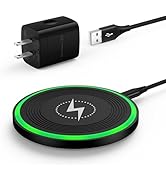







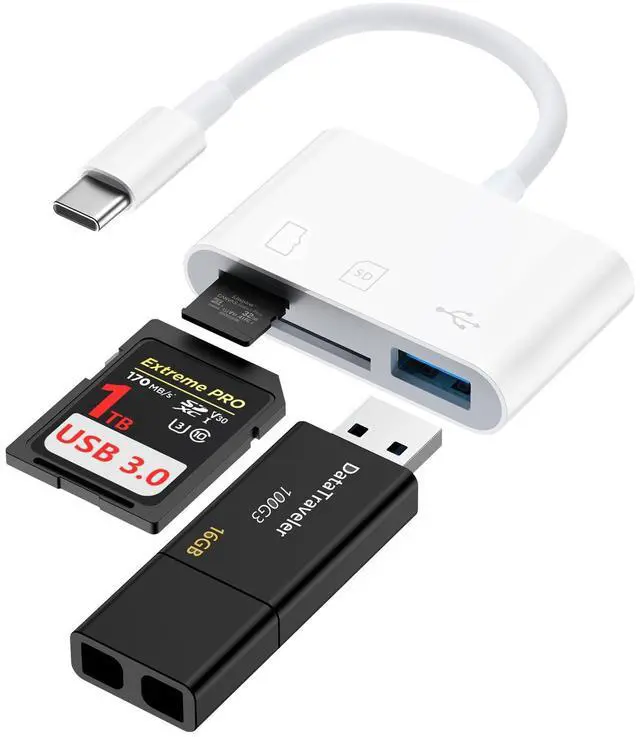
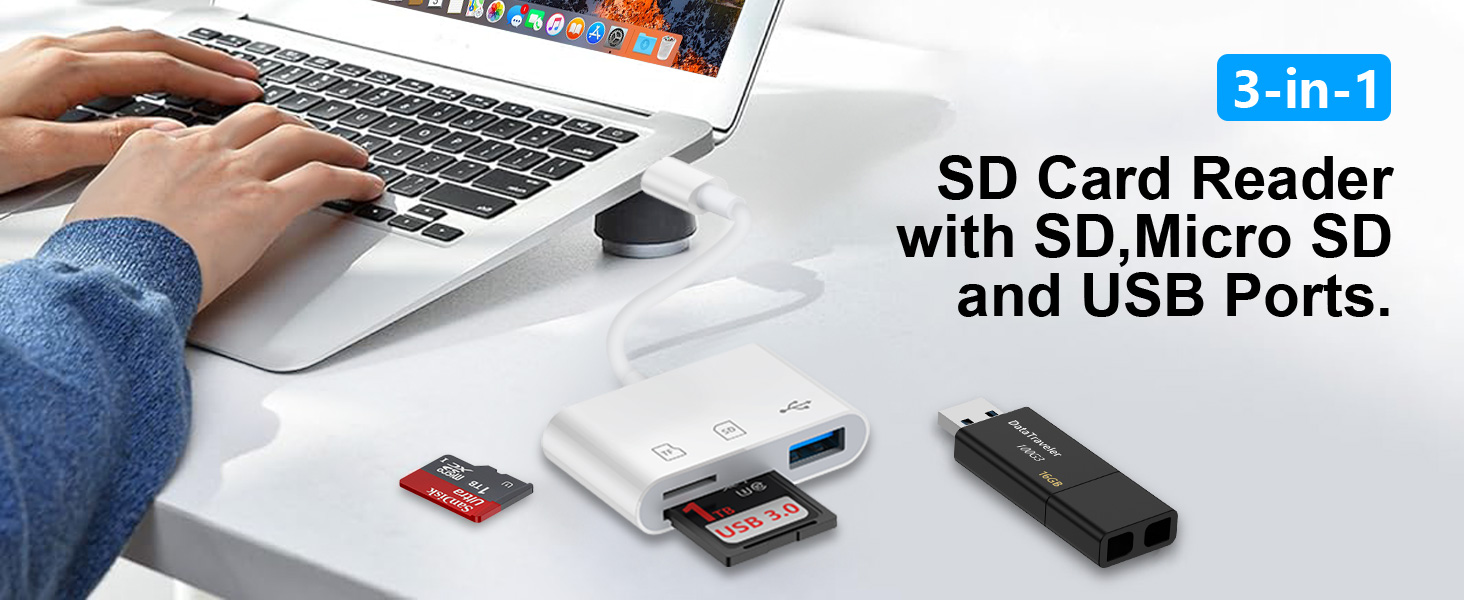
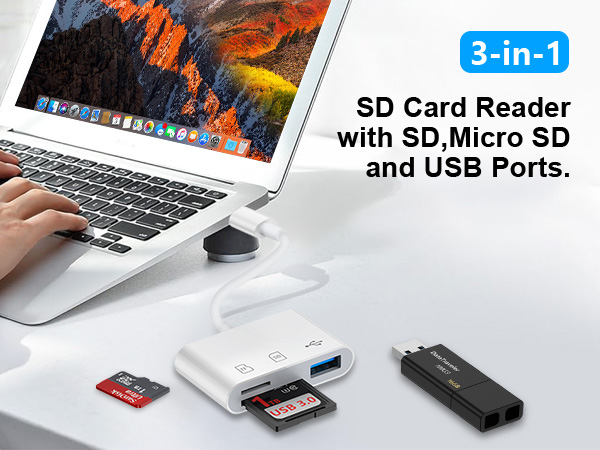
3 IN 1 SD Card Reader with SD, Micro SD and USB Ports
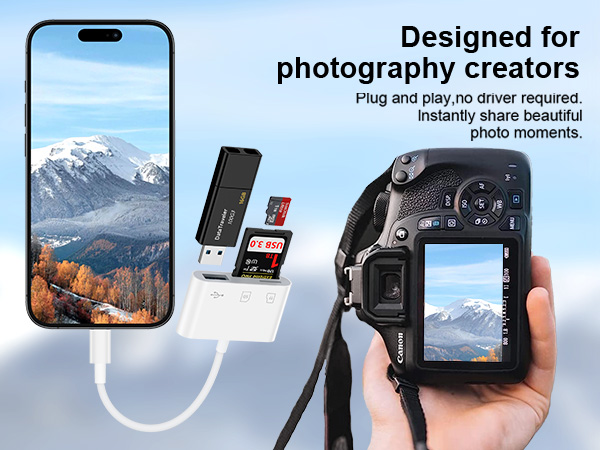
How to Read & Transfer Files/Photos from Memory Card to iPad/ iPhone 17/16/15 ?
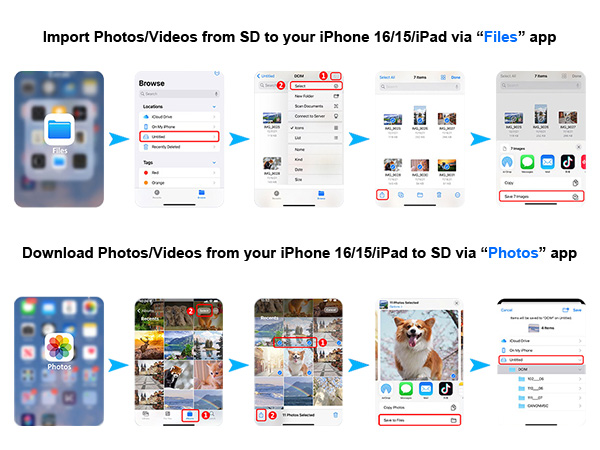
- Simply insert a memory card into the reader. Turn on the iPhone and iPad, and connect the reader to the USB-C port.
- Open the "Files" app on your iPhone 17 16 15/ iPad. When you access the “ABC” folder, you will find three options at the bottom of the screen: “Recents,” “Shared,” and “Browse.” Please ensure that you select “Browse.” The other two options do not pertain to the contents on your memory card.
- Please select "NO NAME" or "Untitled" (default name of most memory card). If your memory card were named “ABC”, you will see “ABC” there, plz just tap “ABC”. Then you will be able to read a variety of files such as jpg, MP3, word, excel, PDF, etc. You can transfer data from a memory card to an iPhone 17/16/15. You can remove, copy, and paste files from your memory card into your iPhone or iPad. Alternatively, copy files from your iPhone or iPad to a memory card.
- The “Files” app, which is incorporated into iOS, usually you don’t have to download, allows you to easily transfer data from a memory card to your iPhone. If there is no “Files” App, please download it from App Store. If you can see the files but fail to open them, you may need to download a third-party app to read and open them.
What can I do if I see nothing on my iPhone?
- Please make sure your iPhone is iPhone 15-17 series. This SD card reader cannot be used with iPhone 5-14 series with lightning port.
- If you see nothing, please make certain the memory card is properly put into the slot. You can follow with the orientation symbol on the card reader if you have no idea how to insert a memory card. If you still see nothing, please unlock the OTG function on your USB-C phones before plugging it in.
- If you can see files but fail to open it, you may have to download a third-party app to read these files. Similarly happened to a computer, you may click on an MP3 file and it won't play if it doesn't have an MP3 player,
- Only support at most one card and one USB drive to read at the same time. (SD card, TF card, and USB 3 ports can NOT be read simultaneously.
- All cellphones only support FAT32 or exFat formats. If your memory card is in NTFS format, please backup the files and format it to FAT32 or exFAT as it will not be recognized.
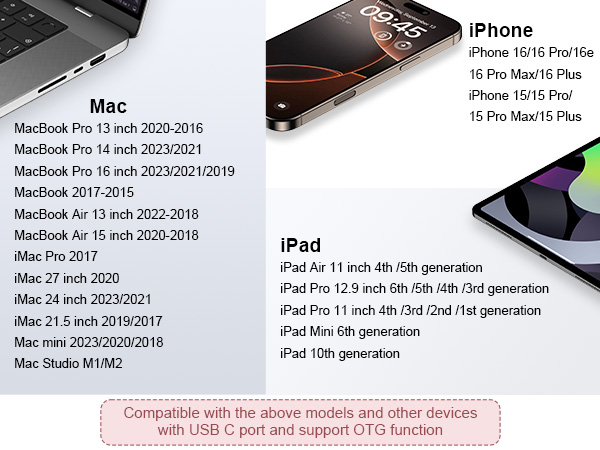
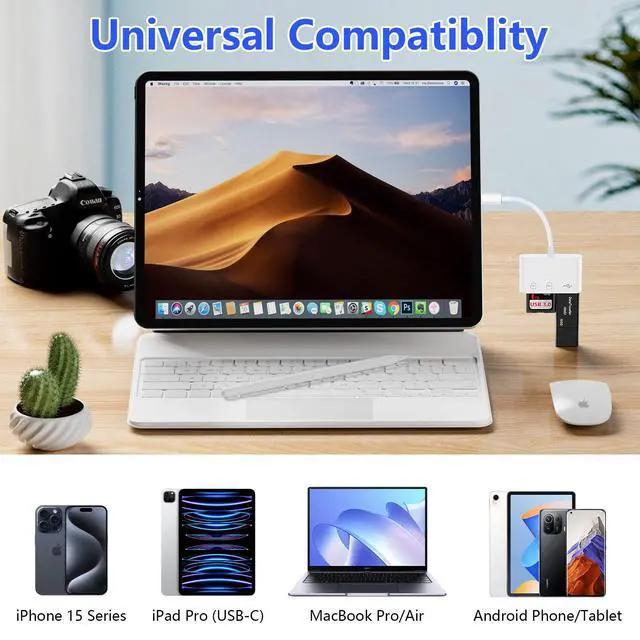
Compatible Devices (Partail list)
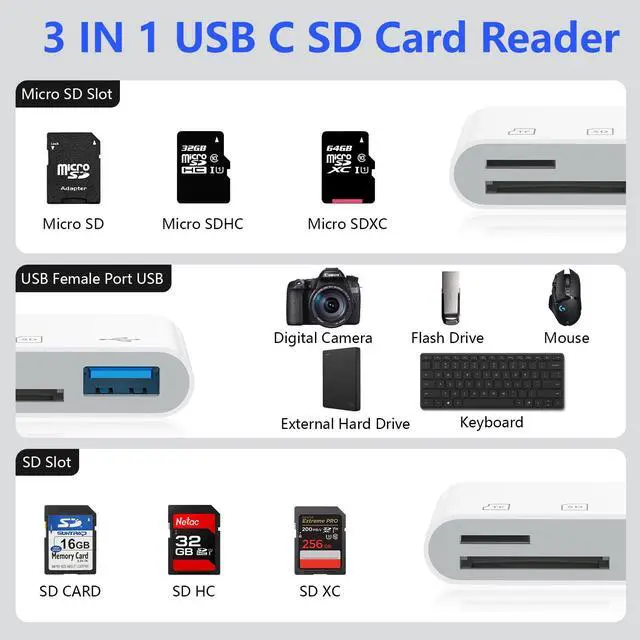
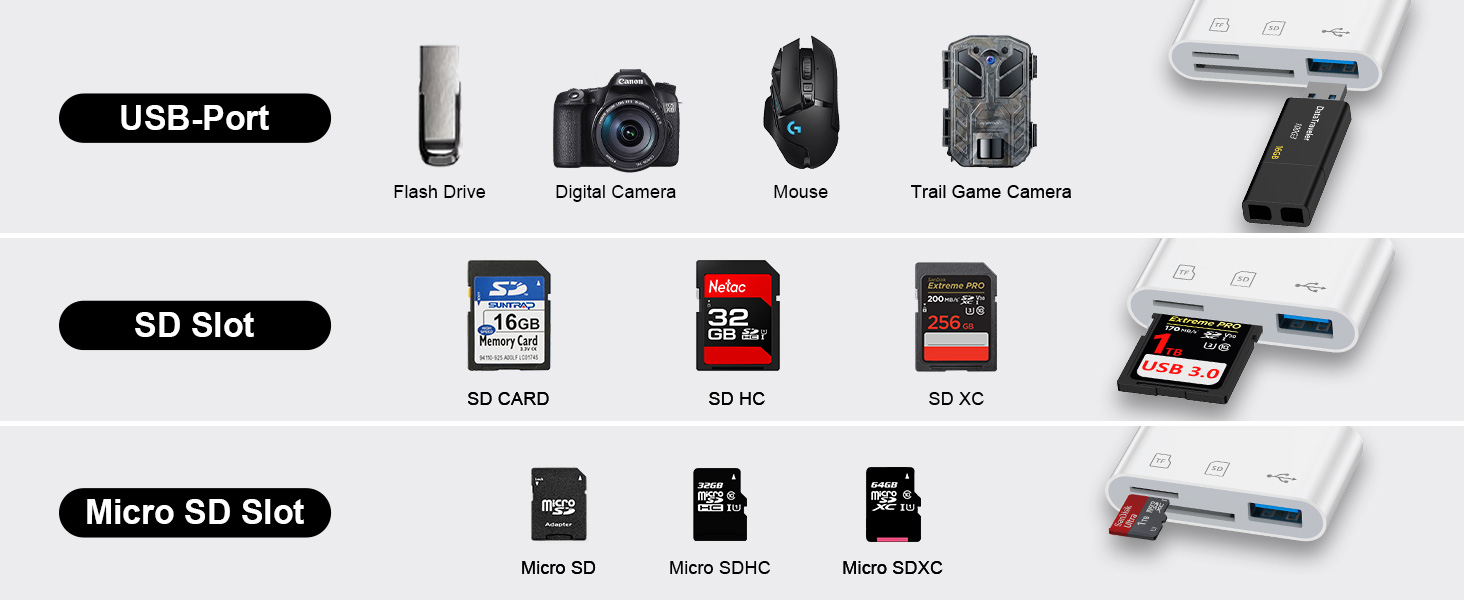
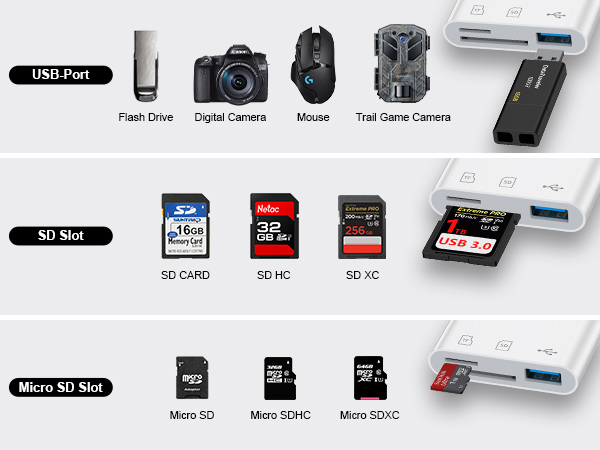
| SD Card Slot | Supports SD cards (Secure digital), SDHC cards, SDXC cards, MMC, RS-MMC. |
|---|---|
| Micro Card Slot | Supports Micro SD cards, Micro SDHC cards, Micro SDXC cards, UHS-I, UHS-II. |
| USB-A Slot | Connects devices such as digital cameras, USB flash drives, Bluetooth mice, Bluetooth keyboards, electronic keyboards, MIDI keyboards, and 6yD card reader as a USB extension connection, enabling more connectivity possibilities for your iPhone 16/iPhone 15 series or iPad. |
| iPhone | iPhone 17, iPhone Air, iPhone 17 Pro,iPhone 17 Pro max, iPhone 16e, iPhone 16, iPhone 16 Plus, iPhone 16 Pro, iPhone 16 Pro Max; iPhone 15, iPhone 15 Plus, iPhone 15 Pro, iPhone 15 Pro Max. |
| Samsung Galaxy | S25 FE,S25 Edge,S25 Ultra,S25,S25+, S24 FE,S24 Ultra,S24,S24 Plus, S23 FE,S23 Ultra,S23,S23 Plus,S22,S22 Plus,S22 Ultra, S21,S21 Plus,S21 Ultra,S21 FE 5G, S20,S20+ 5G,S20 Ultra,S20 FE 5G |
| Samsung Galaxy | A17 A16 5G A56 A36 A26 A06 5G A15 5G A14 5G A55 A54 A35 A25 A13 A23 A34 A24 4G A53 A03s A04s A33, Z Fold 7 6 5 4 3, Z Flip 7 FE 7 6 5 4 3, Note 20 Ultra 5G,20,10,9,8 |
| Google Pixel | Google Pixel 10/10 Pro/10 Pro XL/10 Pro Fold/ 9a/9 Pro XL/9 Pro Fold/9 Pro/9/8a/8 Pro/8/7a/7 Pro/7/6a/6 Pro/6/5a/5/4a/4,etc. |
| Moto | Edge/Razr/Razr+/G Power/G Pure/G Stylus/G Play |
| One Plus | 9/9Pro/8/8 Pro/7T/ 7T Pro/7/ Pro/ 6T |
| iPad | iPad Pro 12.9-inch 6th Gen/5th Gen/4th Gen/3th Gen, 11-inch 3th Gen/2th Gen/1th Gen, iPad Air 12.9-inch/11-inch 5th Gen/4th Gen; iPad 10.9-inch 10th Gen; iPad Mini 8.3-inch 6th Gen. |
| Mac Book | Mac Book Pro/Air, iMac, Mac mini, Mac Stuido, Mac Pro. |
| for DELL / for Asus | for DELL XPS 13, XPS 15; for Asus: Zenbook Flip S UX370UA, ZenBook3, ZenBook Pro |
| for HP | HP Envy 13, Spectre x360, HP EliteBook Folio G1, HP Elite X2 1012 G1, HP Elite x3 |
| Microsoft | Microsoft Surface Book 2, Surface Go, Surface Studio 2, Surface Pro 7, Surface Pro X, Surface Laptop 3 |
| for L e n o v o | for L e n o v o: Yoga 920, 910, 900S, 900, 720, ThinkPad X1, Ideapad Air 12, Miix 630 |
| **Important Note** | NOT compatible with iPhone 5 to 14 series (lightning port), because this card reader uses a USB-C connector. |
VIFIGEN
VIFIGEN is a professional manufacturer of Wall Charger Adapter, Charger Block, Charging Cable, Car Charger, Phone Stand Holder, etc.
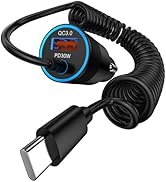
Coiled Cable Car Charger Cord
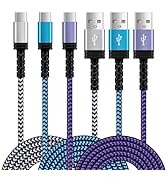
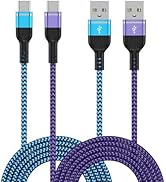
USB to USB C Charger Cable
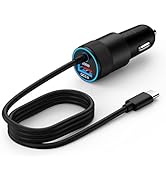
Fast USB C Car Charger
Retractable Car Charger Cord
Printer Cable USB A to USB B
Magnetic Fast Wireless Charger
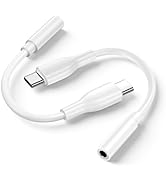
Headphone and Charger Adapter
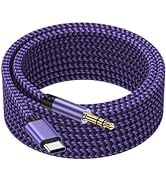
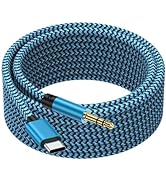
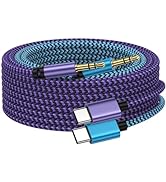
USB C to 3.5mm Audio Adapter
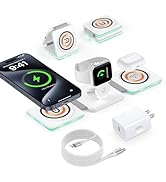

Other Accessories
