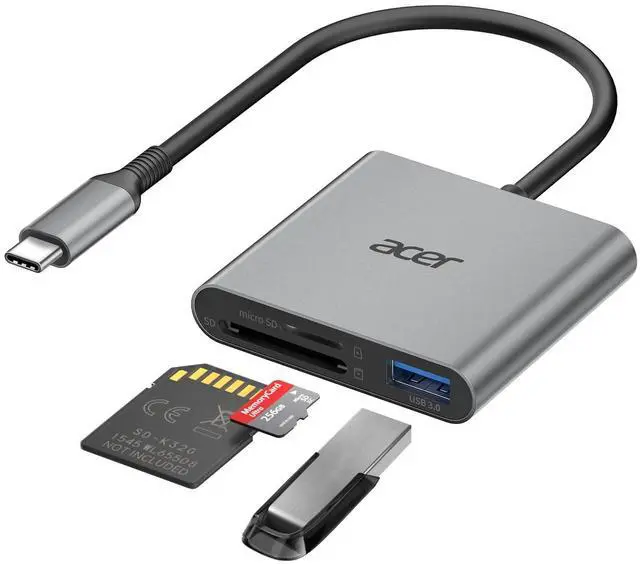
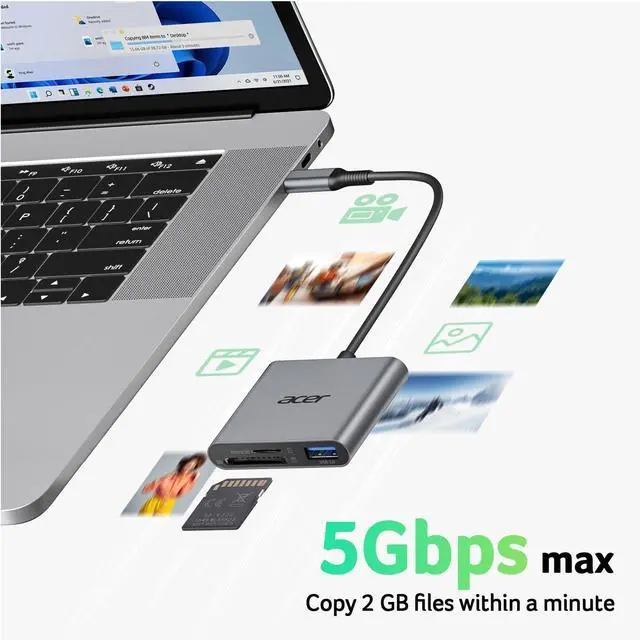
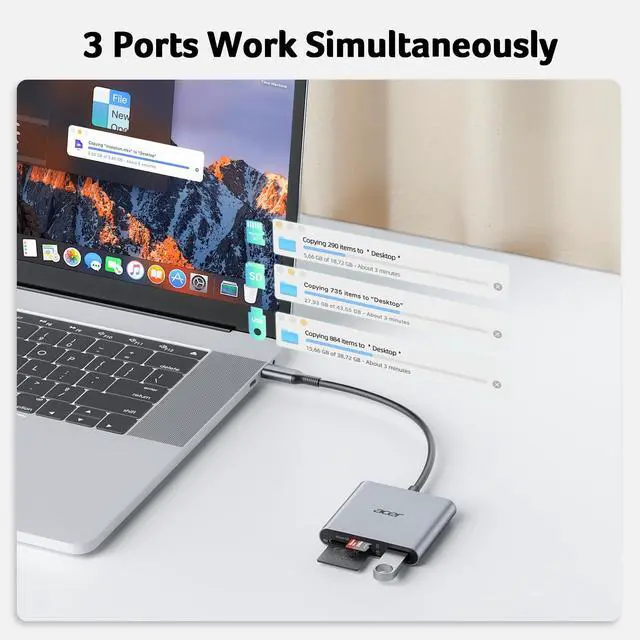
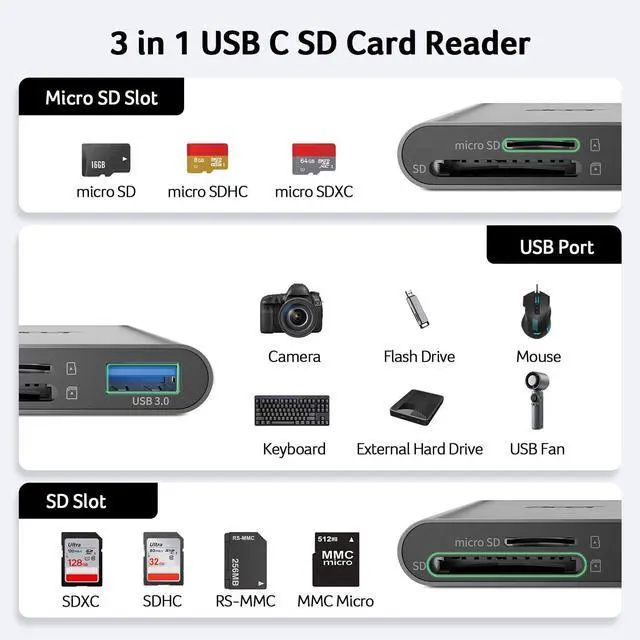
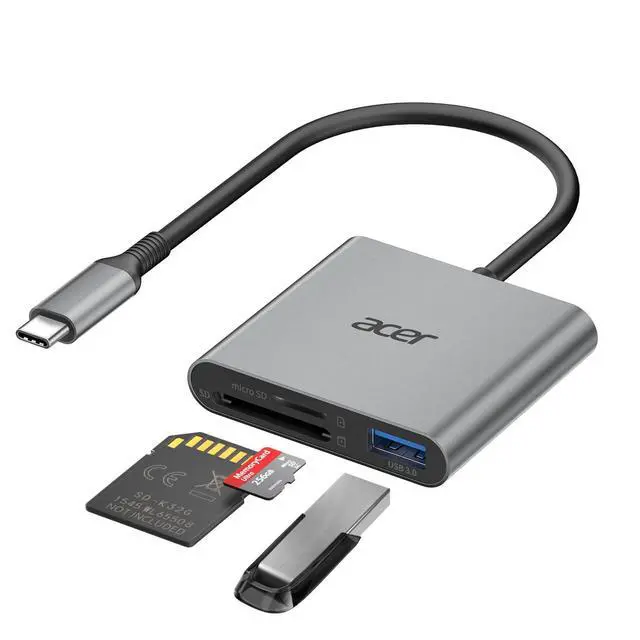
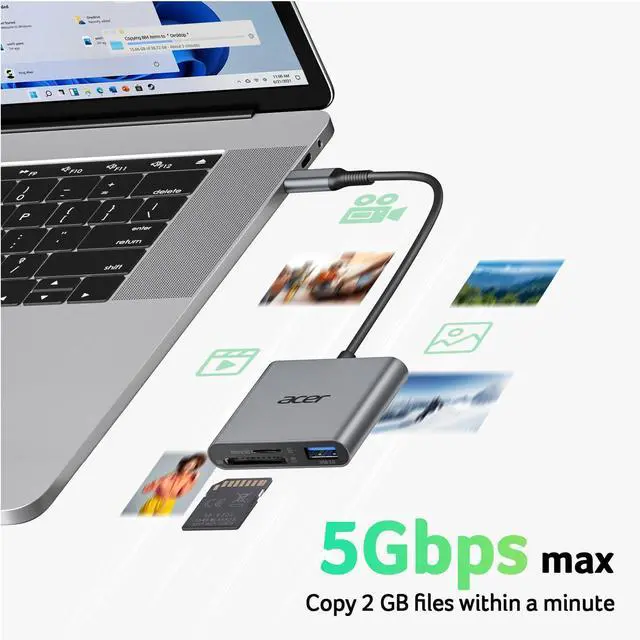
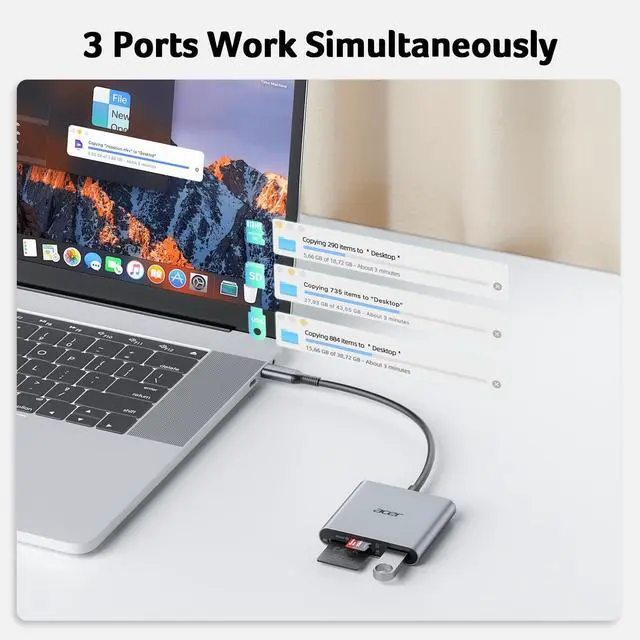
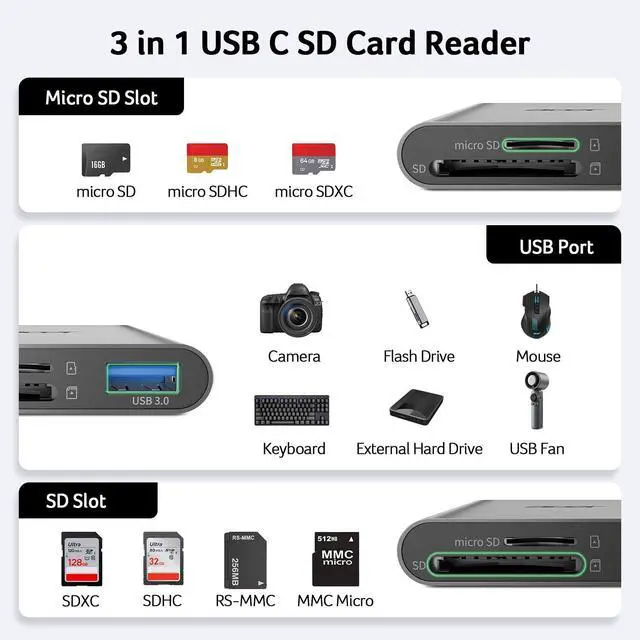
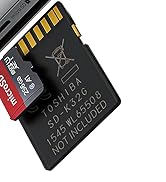
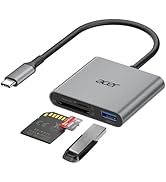
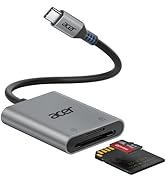
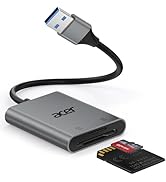
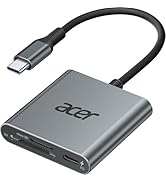
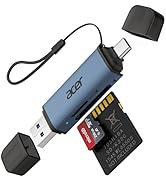
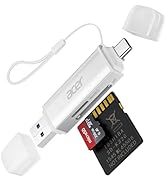
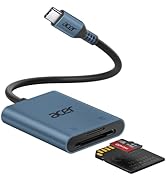
3-in-1 Card ReaderThe USB C SD Card Reader features dual card slots and a USB 3.0 port, enabling simultaneous data transfer from SD, microSD, and USB devices at up to 5Gbps. Transfer photos, videos, and files fastno need to swap devices(Note:Thick cases may prevent full insertion
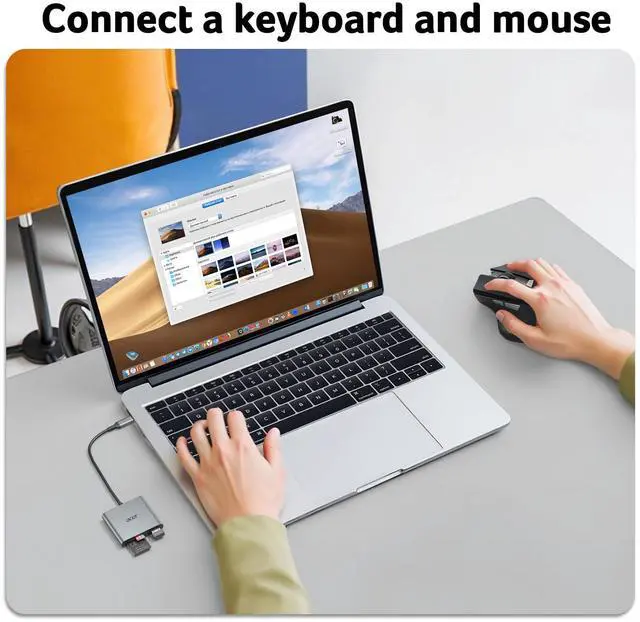
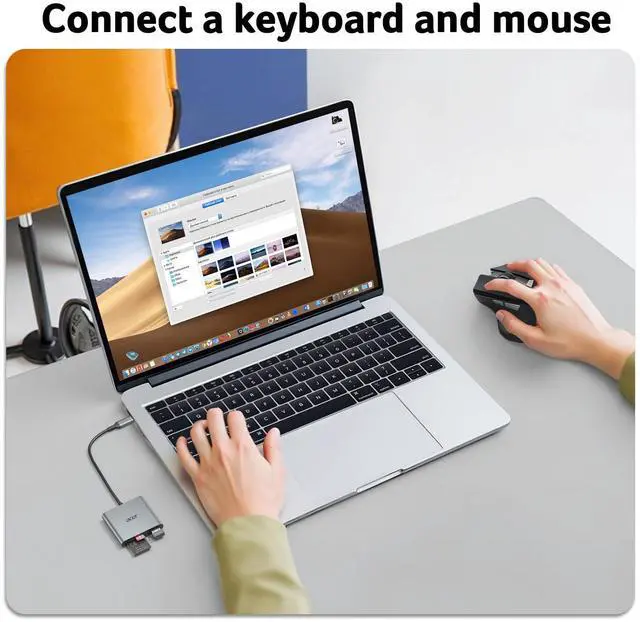
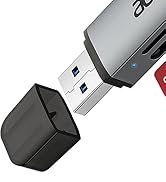
Versatile USB 3.0 PortThis Memory Card Reader is additionally equipped with a USB 3.0 port, which supports high-speed data transfer and can also seamlessly connect to USB A devices like wireless mouse/keyboard receivers, etc. (Note: Not compatible with Lightning and "USB-A" port devices)
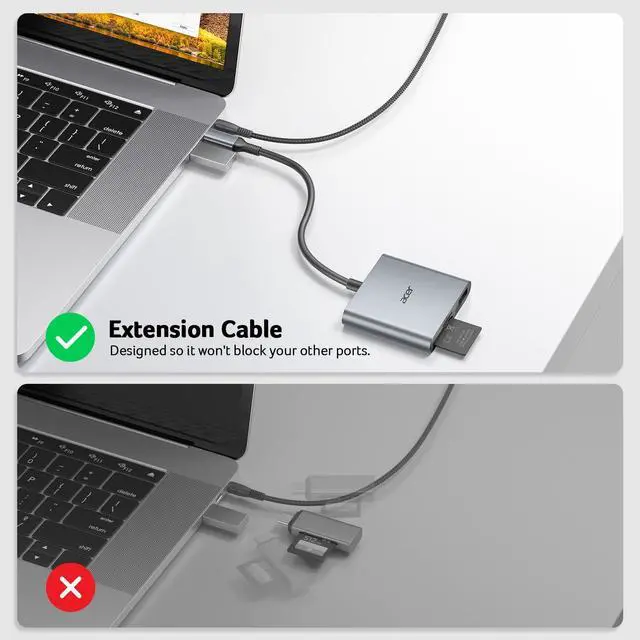
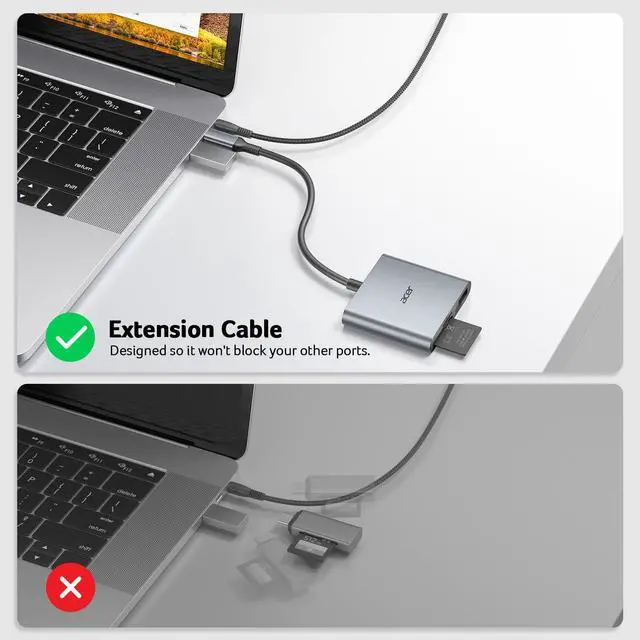
Heat-Resistant & PortableThis SD Card Adpater features a durable aluminum shell for excellent heat dissipation and stable data transfers. Compact and lightweight, it fits easily in your pocket or bag. The 15cm cable keeps ports freeideal for travel, remote shoots, or mobile work.(Note: "SD" card and "Micro SD" card not included)
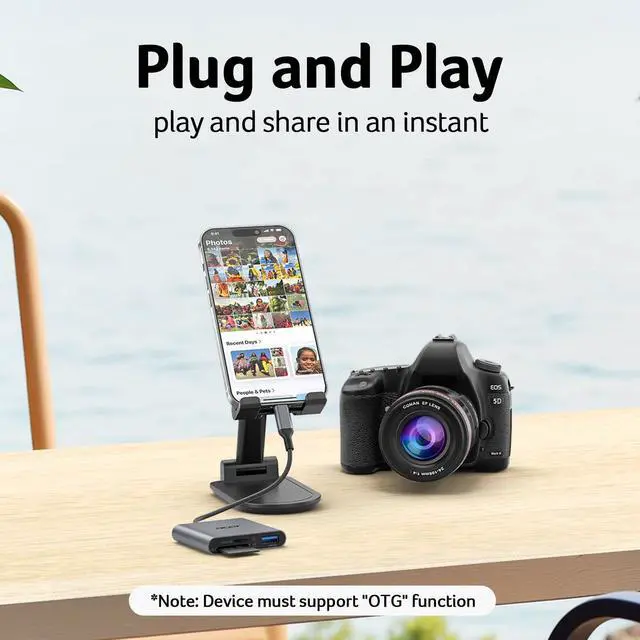
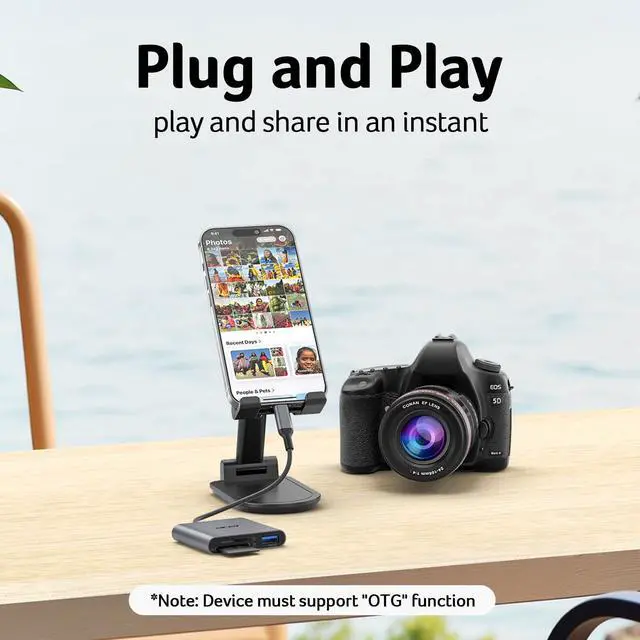
Plug & PlayNo drivers needed. Just connect your device to the micro SD Card Reader USB-C port and start transferring data instantly. Easy and convenient for laptops, tablets, and compatible smartphones. (Note: SD Slot does not support Type A/B/C Cards, CF, MS, Compact Flash, SDUC, UFS, credit, XQD and UHS-II Cards)
+
+
Overview
Specs
Reviews
Any questions? Our AI mode will help you find out quickly.
Try me now
Support connection and transmission of SD, micro SD and USB devices
1. Devices that do not support the "Lightning" and "USB-A"interface (?)
-
2. NoT support for charging-only USB-C ports (?)
-
3. Some SD/TF cards with encryption or special formats (such as camera-specific formats) (?)
-
4. Android phones and tablets that do not support OTG function (OTG support can be checked in settings or official specifications) (?)
Q2
What to do if the card reader does not work?
-
1. Make sure the card is inserted in the correct orientation
-
2. Devices that support the OTG function, enable OTG on your device and find the SD card in the settings.(Older devices or systems may take around one minute to recognize the device.)
Q3
How to find files on SD Card on iPhone?
-
Insert the SD card into the reader > plug the device card reader into thhe iPhone(TYPE-C) > click on the "FILES" app > click on iCloud Drive's "Browse" > click on Browse's SD card name>Now you can view your files from your SD card on "Your SD card name"
Q4
How to easily insert and remove the card?
-
Insert the micro SD first, then the SD. To remove, take out the SD first, then the micro SD — it’s easier this way.
Q5
Data transfer speed is slow?
-
Data transfer rates are subject to the speed of the memory card itselfand your computer's USB-C ports.The SD card reader is USB 3.0 version, the theoretical of USB-C port transfer speed is 5Gbps; for micro SD/SD slot, theoretical speed is UHS-I (104MB/s)
Q6
Error message when transferring files?
-
(1)If you fail to transfer large files, please try to format the SD/MicroSD cards to the right format for your devices. Recommend using MS-DOS (FAT) for 32GB or smaller cards, and exFAT for 64GB cards; (2)macOS system devices can only read NTFS by default, but not write.
Support connection and transmission of SD, micro SD and USB devices
Matters for Attention
Q1
Incompatible devices
-
1. Devices that do not support the "Lightning" and "USB-A"interface (?)
-
2. NoT support for charging-only USB-C ports (?)
-
3. Some SD/TF cards with encryption or special formats (such as camera-specific formats) (?)
-
4. Android phones and tablets that do not support OTG function (OTG support can be checked in settings or official specifications) (?)
Q2
What to do if the card reader does not work?
-
1. Make sure the card is inserted in the correct orientation
-
2. Devices that support the OTG function, enable OTG on your device and find the SD card in the settings.(Older devices or systems may take around one minute to recognize the device.)
Q3
How to find files on SD Card on iPhone?
-
Insert the SD card into the reader > plug the device card reader into thhe iPhone(TYPE-C) > click on the "FILES" app > click on iCloud Drive's "Browse" > click on Browse's SD card name>Now you can view your files from your SD card on "Your SD card name"
Q4
How to easily insert and remove the card?
-
Insert the micro SD first, then the SD. To remove, take out the SD first, then the micro SD — it’s easier this way.
Q5
Data transfer speed is slow?
-
Data transfer rates are subject to the speed of the memory card itselfand your computer's USB-C ports.The SD card reader is USB 3.0 version, the theoretical of USB-C port transfer speed is 5Gbps; for micro SD/SD slot, theoretical speed is UHS-I (104MB/s)
Q6
Error message when transferring files?
-
(1)If you fail to transfer large files, please try to format the SD/MicroSD cards to the right format for your devices. Recommend using MS-DOS (FAT) for 32GB or smaller cards, and exFAT for 64GB cards; (2)macOS system devices can only read NTFS by default, but not write.
acer SD Card Reader
USB-A & USB-C SD Card Reader
More colors are available
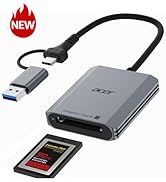
SD Card Reader USB C, 3 in 1 Memory Card Reader with Dual Slots & USB 3.0, Micro SD Card Adapter for iPhone 17/16/15 Compatible with Camera, Android, MacBook Neo/Pro/Air, Laptop
Learn more about the Generic Brand ODK4H0
General
Brand
acer
Model
ODK4H0
Part Number
ODK4H0
Conntectors
Connectors
USB Type C, ??Not USB-A/Lightning?
Dimensions & Weight
Dimensions
1.7 L x 9.3 W x 13 H centimeters
Weight
0.06 kilograms
Additional Information
First Listed on Newegg
April 08, 2026
Customer Reviews of the Generic Brand ODK4H0
There are no reviews yet.
Do you own this product?
Warranty & Returns
Warranty, Returns, And Additional Information
Warranty
Please contact the Seller directly for warranty information. Warranty information may also be found on the Manufacturer's website.