





No Need for a Third-Party App, No Need for an Internet Connection

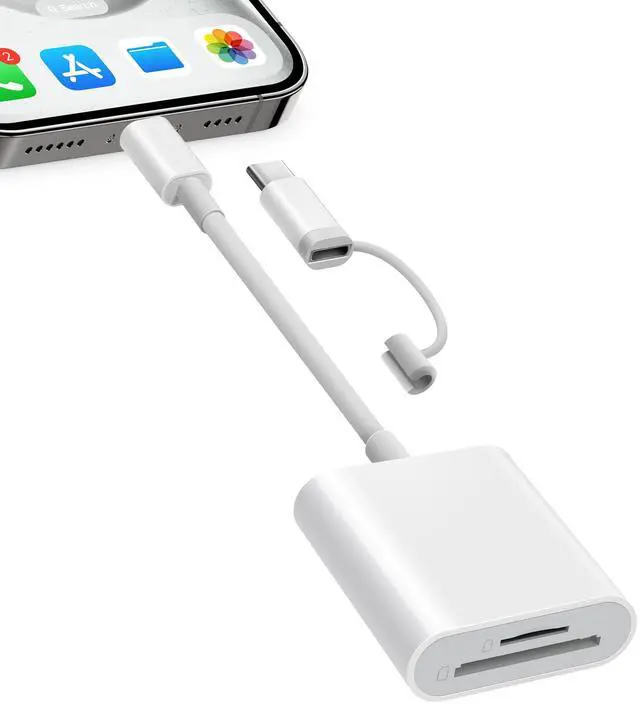
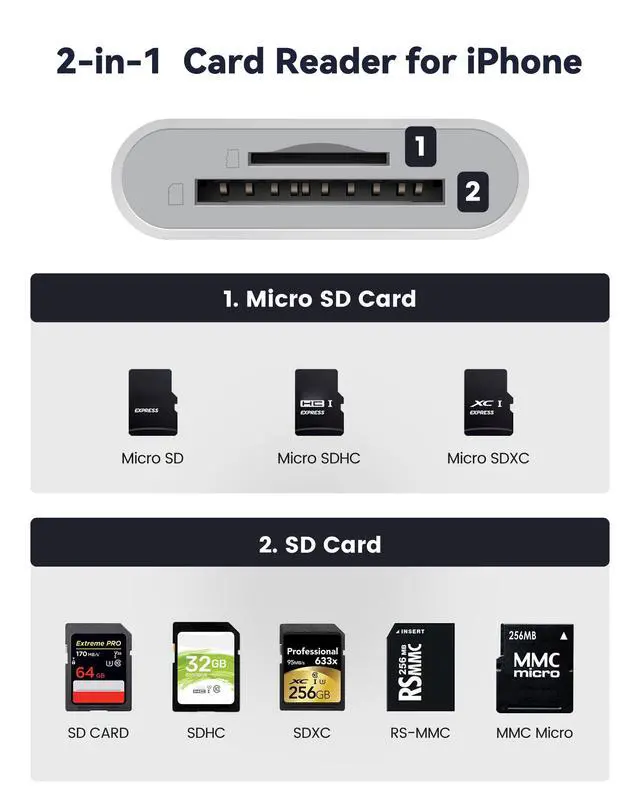
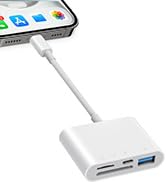
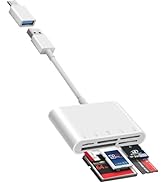
SD&TF Dual Card Slots Card Reader for iPhone iPad
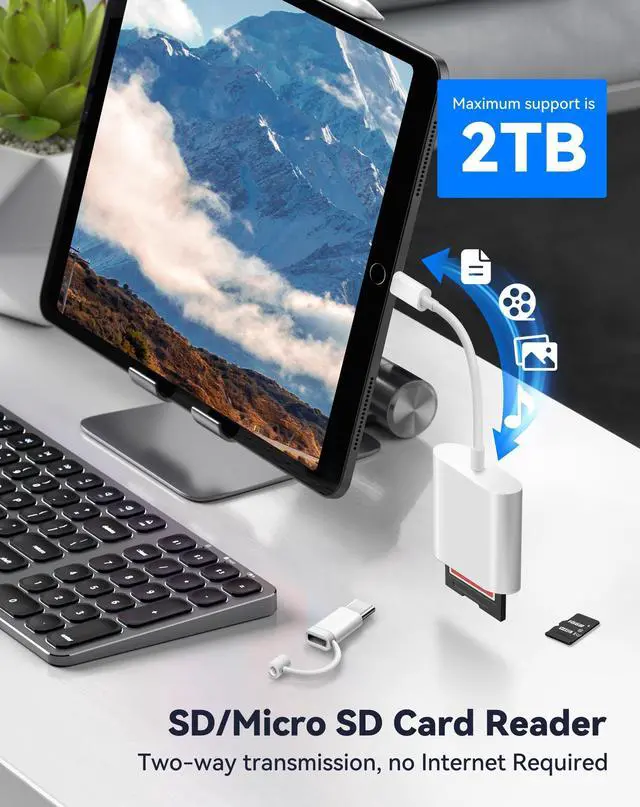
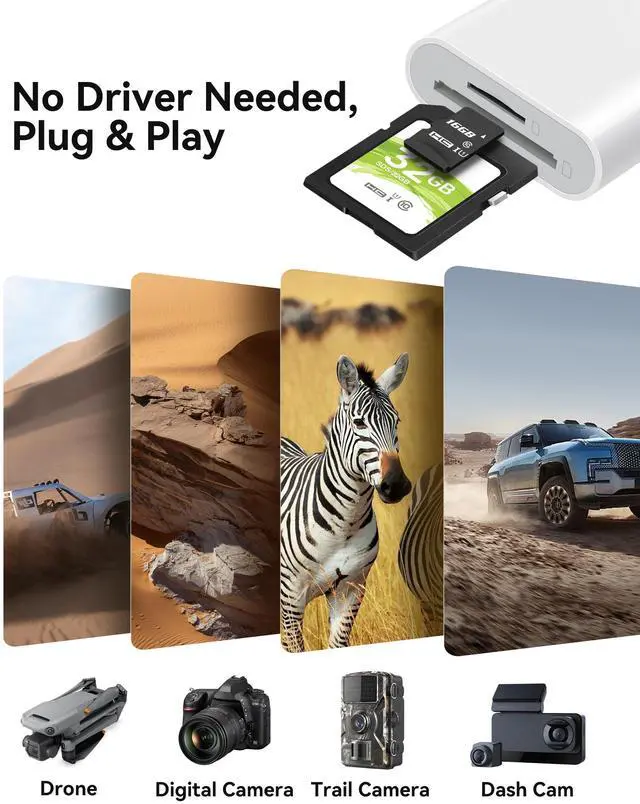
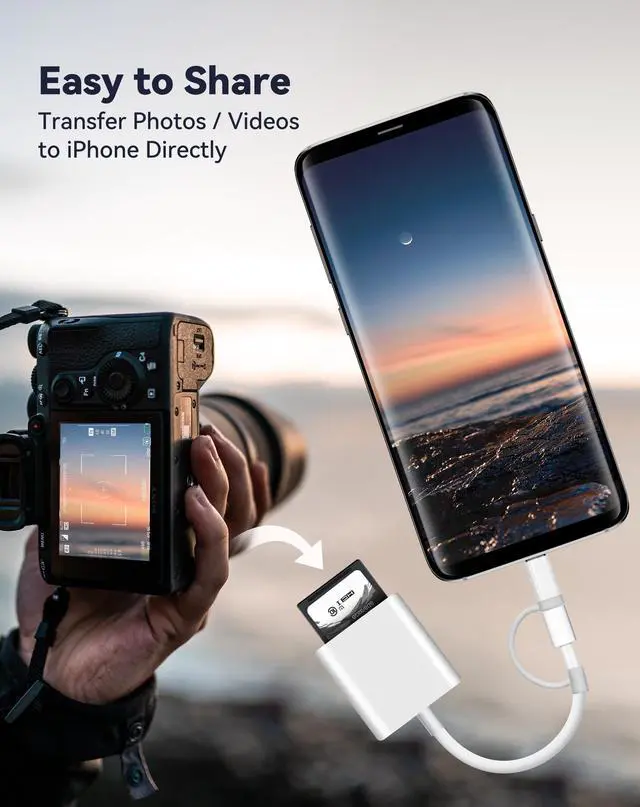
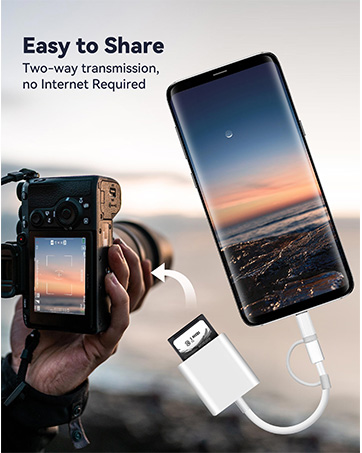
- Insert the memory card in the SD/Micro SD card reader and connect it to the iPhone. Click on the 'Photos' application and find 'Import', plug and play.
- With our memory card adapter, you can read SD card or Micro SD card taken by digital camera, Dash Cam or Trail Camera.
- You can also share photos or videos anytime and anywhere, having fun with friends or family in the wild.

Ideal Photography Accessories
- Data Transfer in Seconds: With 40MB/s~60MB/s data transfer speed, you can share photos or videos to social media quickly and easily.
- Up to 2 TB Capacity: Enough storage space for our Micro SD card adapter to meet your daily needs, no longer have the trouble of insufficient capacity!

Dual Connector(Lightening&USB-C) Memory SD Card Adapter
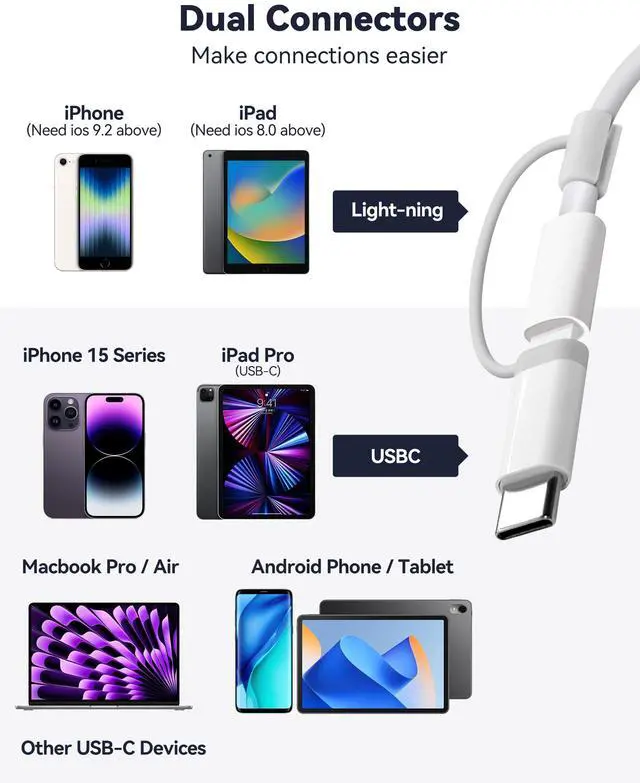
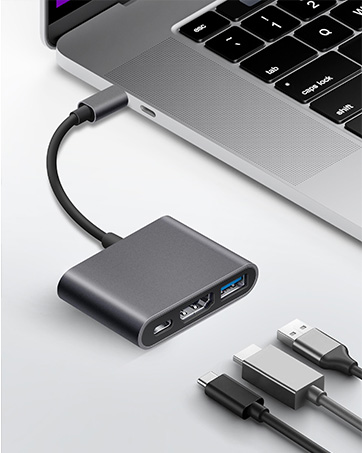
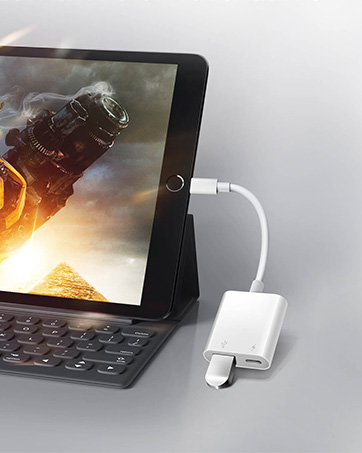
Two interface methods for our SD card reader for iPhone iPad, that not only work with iPhone with lightening ports but also with iPhone iPad/Macbook/iMac and Android devices with USB-C ports.
- Supports iPhone 5 to 14 series with Lightening connector.
- Support for iPhone 16 series, iPhone 15 series, iPad or Macbook and others with USB-C ports.
- Support for Android phones/tablets/laptops with USB-C ports.

Wide Compatibility
Warm Tips
Please make sure that the memory card is properly inserted into the sd card reader. If photos or videos are not transmitted, unplug the reader and memory card and reconnect.
Two-way transmission for users of iOS13.0 or later
- For iOS13 and iPadOS Users: There is no pop-up, you can find 'import' in the "Photos" app or" Files "app.
- For iOS13 and iPadOS Users: You can view the full resolution directly in the files app. You can also long press the thumbnail in the "photos" app to view the full resolution directly.
One-way transmission for users of iOS 9.2-12.4
- For iOS9.2-12.4 Users: You can directly view the full resolution by long pressing the thumbnail in the "photos" app.
- For iOS9.2-12.4 Users: When the SD Card Reader is inserted, the Photos app will pop up automatically.
Support USB C Phone and Tablets
- For Android devices, please ensure that the memory card file format of your phone or tablet is FAT32/EXFAT, as most phones or tablets do not support NTFS.
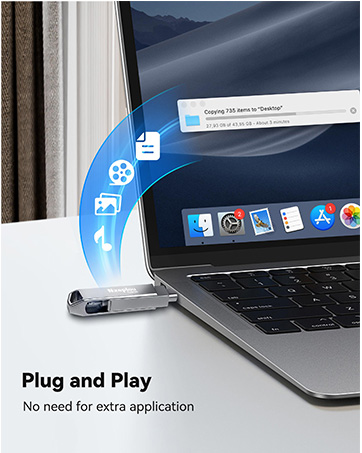
For MacBook/iMac/Mac, no driver is required - simply plug and play
 SD Card Reader for iPhone iPad |  SD Card Reader for iPhone iPad USB-C |  SD Card Reader for iPhone iPad |  5 in 1 USB USB-C SD Card Reader |  USB Adapter for iPhone |  128GB Flash Drive for iPhone iPad | |
|---|---|---|---|---|---|---|
| Customer Reviews | — | — | — | — | — | — |
| Price | — | — | — | — | — | — |
| Number of Connector | 2Ports | 3Ports | 4Ports | 5Ports | 2Ports | 2Ports |
| Hardware Interface | SD/Micro SD Card | USB, SD/Micro SD Card | USB, Charging Port, SD/Micro SD Card | SD/TF/CF/Micro SD/XD/MS | USB, Charging Port | Lightening, USB-C (3.0) Connector |
| Connections | Lightening &USB-C Connector | USB-C Connector | Lightening Connector | USB &USB-C Connector | Lightening Connector | Lightening, USB-C (3.0) Connector |
| Plug & Play | ? | ? | ? | ? | ? | ? |
| Data transfer speed | 40MB/s ~ 60MB/s | 40MB/s ~ 60MB/s | 40MB/s ~ 60MB/s | 40MB/s ~ 60MB/s | 30MB/s ~ 50MB/s | 90MB/s ~ 100MB/s |

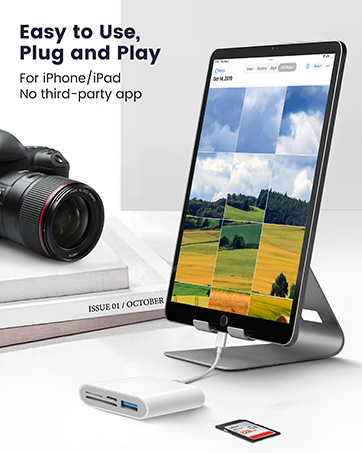
No Need for a Third-Party App, No Need for an Internet Connection
SD&TF Dual Card Slots Card Reader for iPhone iPad
- Insert the memory card in the SD/Micro SD card reader and connect it to the iPhone. Click on the 'Photos' application and find 'Import', plug and play.
- With our memory card adapter, you can read SD card or Micro SD card taken by digital camera, Dash Cam or Trail Camera.
- You can also share photos or videos anytime and anywhere, having fun with friends or family in the wild.
Ideal Photography Accessories
- Data Transfer in Seconds: With 40MB/s~60MB/s data transfer speed, you can share photos or videos to social media quickly and easily.
- Up to 2 TB Capacity: Enough storage space for our Micro SD card adapter to meet your daily needs, no longer have the trouble of insufficient capacity!
Dual Connector(Lightening&USB-C) Memory SD Card Adapter
Two interface methods for our SD card reader for iPhone iPad, that not only work with iPhone with lightening ports but also with iPhone iPad/Macbook/iMac and Android devices with USB-C ports.
- Supports iPhone 5 to 14 series with Lightening connector.
- Support for iPhone 16 series, iPhone 15 series, iPad or Macbook and others with USB-C ports.
- Support for Android phones/tablets/laptops with USB-C ports.
Wide Compatibility
| Double Slots | Support SD, SDHC, SDXC, Micro SD, TF Card, Micro SDHC, Micro SDXC. |
| Dual Connectors | Suitable for Lightening & USB-C devices. |
| For iPhone 5 to 14 | Compatible with iPhone 14/14 Pro Max/13/13 Mini/13 Pro/13 Pro Max/12 Mini/12/12 Pro/12 Pro Max/11/11 Pro/11 Pro Max/XS/XR/X/SE/8/8 Plus/7/7 Plus/6/5 with Lightening port |
| For iPhone 16 and iPhone 15 | This USB-C connector of SD card reader is compatible for iPhone 15/15 Plus/15 Pro/15 Pro Max/iPhone 16/16 Plus/16 Pro/16 Pro Max. |
| For iPad | Compatible with iPad, iPad Pro, iPad Air, iPad Mini and later models. |
| For Mac | Compatible with MacBook Pro/Air, iMac, Mac mini, Mac Studio, Mac Pro. |
| For Android | Compatible for Samsung Galaxy Tab Pro/S21/S20/S20 Plus/S20 Ultra, Pixel 5A/5/4A/4, and most other USB-C devices. |
| For Photographic Memory Card | Supports memory cards for digital cameras, sports cameras, drones, off-road game cameras and driving recorders. |
| Compatible System | Compatible with iOS, Windows, Mac OS, Chrome OS, Linux, iPadOS, iOS with USB-C Connector, Android. |
Warm Tips
Please make sure that the memory card is properly inserted into the sd card reader. If photos or videos are not transmitted, unplug the reader and memory card and reconnect.
Two-way transmission for users of iOS13.0 or later
- For iOS13 and iPadOS Users: There is no pop-up, you can find 'import' in the "Photos" app or" Files "app.
- For iOS13 and iPadOS Users: You can view the full resolution directly in the files app. You can also long press the thumbnail in the "photos" app to view the full resolution directly.
One-way transmission for users of iOS 9.2-12.4
- For iOS9.2-12.4 Users: You can directly view the full resolution by long pressing the thumbnail in the "photos" app.
- For iOS9.2-12.4 Users: When the SD Card Reader is inserted, the Photos app will pop up automatically.
Support USB C Phone and Tablets
- For Android devices, please ensure that the memory card file format of your phone or tablet is FAT32/EXFAT, as most phones or tablets do not support NTFS.
For MacBook/iMac/Mac, no driver is required - simply plug and play
SD Card Reader for iPhone iPad | SD Card Reader for iPhone iPad USB-C | SD Card Reader for iPhone iPad | 5 in 1 USB USB-C SD Card Reader | USB Adapter for iPhone | 128GB Flash Drive for iPhone iPad | |
|---|---|---|---|---|---|---|
| Customer Reviews | — | — | — | — | — | — |
| Price | — | — | — | — | — | — |
| Number of Connector | 2Ports | 3Ports | 4Ports | 5Ports | 2Ports | 2Ports |
| Hardware Interface | SD/Micro SD Card | USB, SD/Micro SD Card | USB, Charging Port, SD/Micro SD Card | SD/TF/CF/Micro SD/XD/MS | USB, Charging Port | Lightening, USB-C (3.0) Connector |
| Connections | Lightening &USB-C Connector | USB-C Connector | Lightening Connector | USB &USB-C Connector | Lightening Connector | Lightening, USB-C (3.0) Connector |
| Plug & Play | ? | ? | ? | ? | ? | ? |
| Data transfer speed | 40MB/s ~ 60MB/s | 40MB/s ~ 60MB/s | 40MB/s ~ 60MB/s | 40MB/s ~ 60MB/s | 30MB/s ~ 50MB/s | 90MB/s ~ 100MB/s |
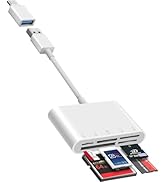
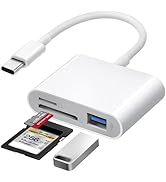
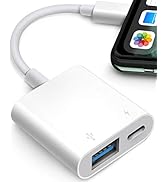
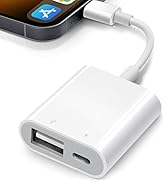
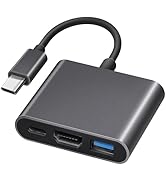
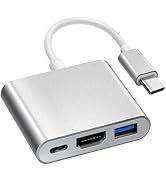
SD Card Reader for iPhone iPad
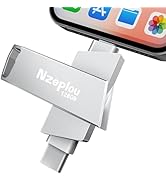
USB3.0 Flash Drive for iPhone
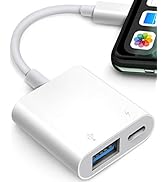
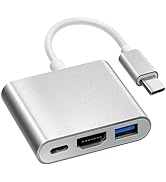
USB Adapter for iPhone iPad
