• $39.97
  • Price alert
    Shop it at NeweggBusiness.

    Meet Your Seller

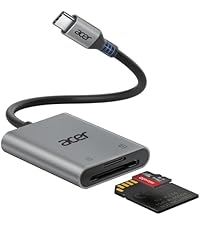
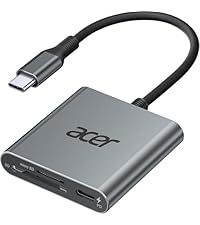
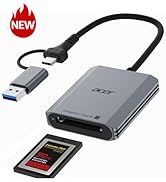
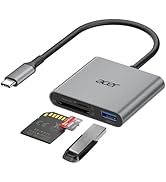
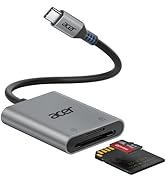
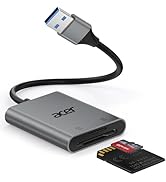
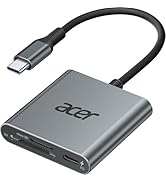
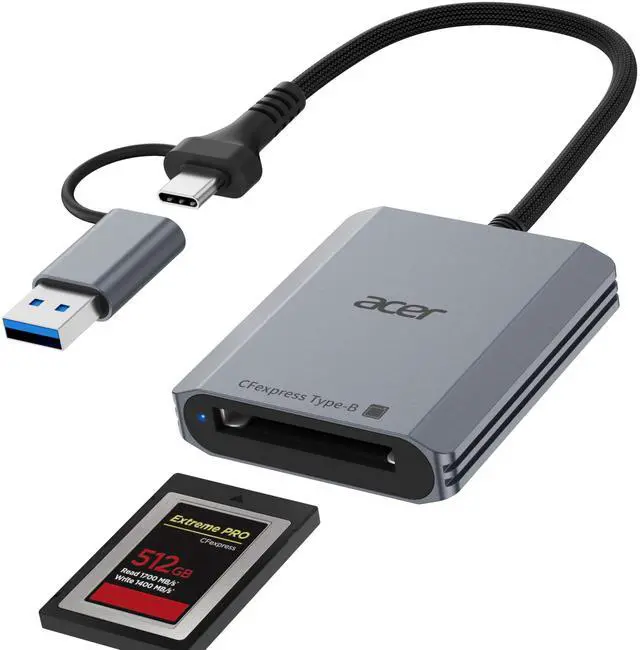
    CFexpress Type B Card Reader, 10Gbps USB 3.2 Gen 2 CF Express Type B Card Adapter, 2-in-1 USB-C&USB-A CFB Card Reader Compatible with iPhone 17/16/15, Laptop, MacBook Neo/Pro/Air, iPad, Android

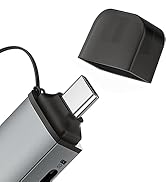
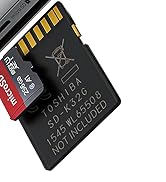
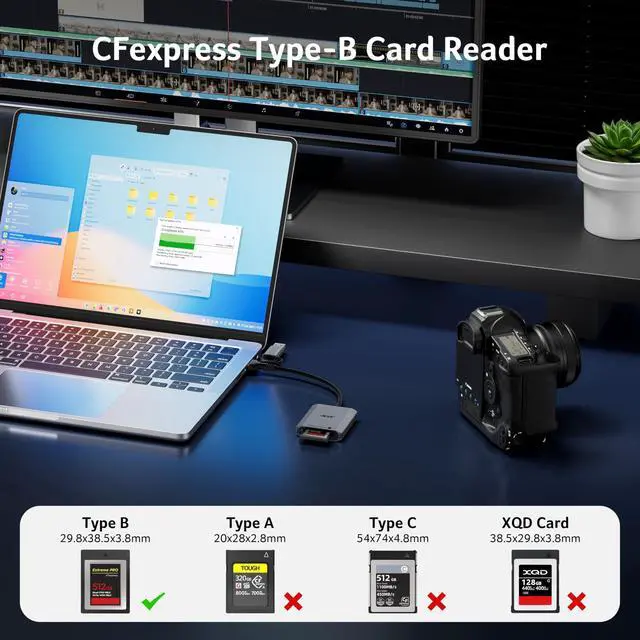
    • Professional Design: This CF Express Type B Card Reader is designed exclusively for CFexpress Type B cards, offering high-speed data transfer for 4K/8K video, high-res images, and burst shooting. It is ideal for photographers, videographers, and content creators. (Note: Not compatible with CFexpress Type A/C and XQD cards.)
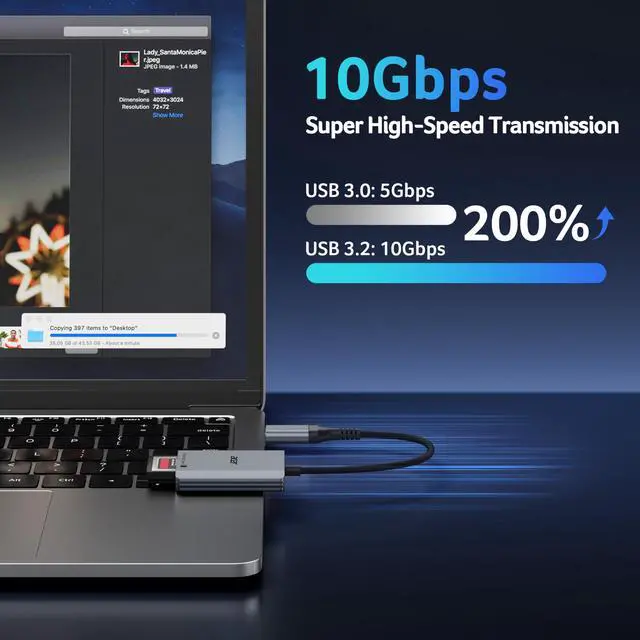
    • 10Gbps High-Speed Transfer: The USB 3.2 Gen 2 CF Express Type B Card Reader offers 10Gbps speeds for fast transfer of large files like 4K video and high-res images. Requires a USB/USB-C port that supports USB 3.2 Gen 2 for full-speed performance.(Note: The final data transfer speed depends on the type of card and USB interface.)
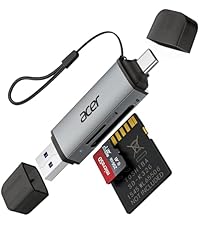
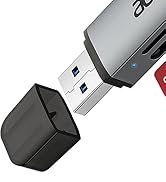
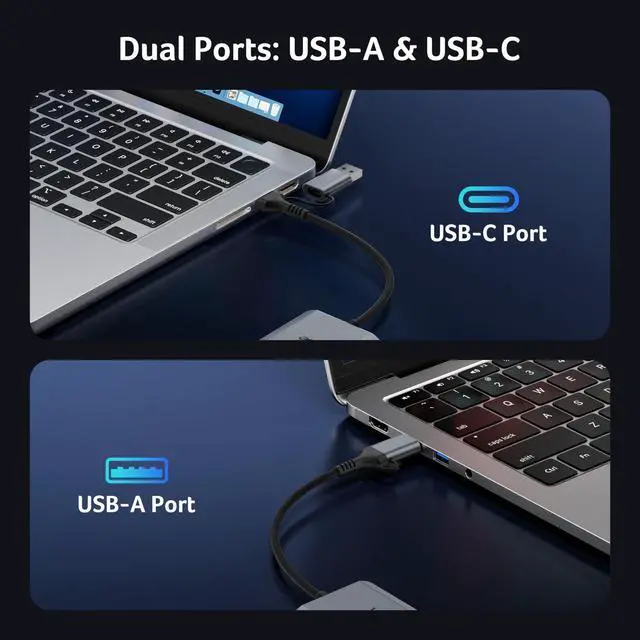
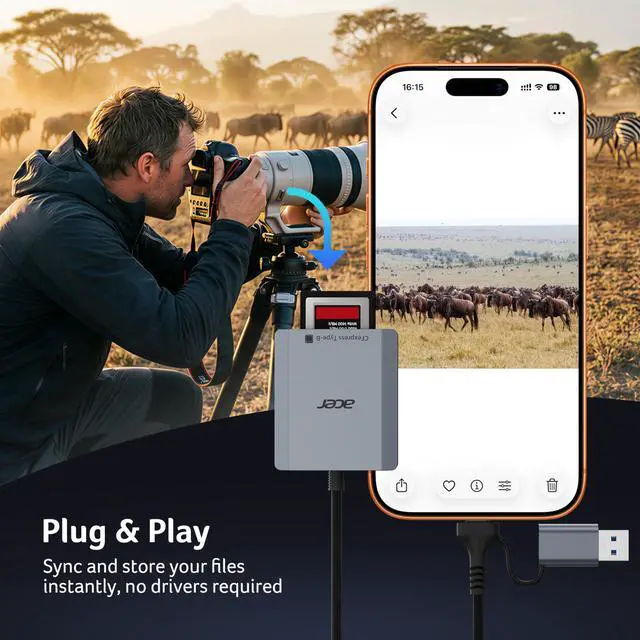
    • Plug-and-Play: Featuring versatile USB-C & USB-A connectors, this cf card reader usb c provides compatibility with a wide range of devices, including laptops, desktops, tablets, and smartphones.not require driver or software installation, just connect to your device and start transferring files instantly.
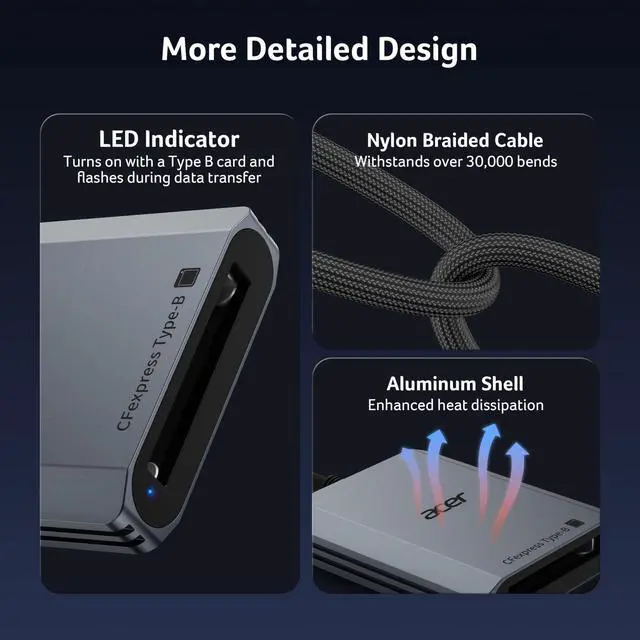
    • Thoughtful Details: The Memory Card Reader features automatic locking and ejection with a precision spring mechanism for easy, safe card insertion and stable contact.Its compact, durable design features a premium aluminum alloy shell and sturdy nylon cord for excellent heat dissipation and portable.
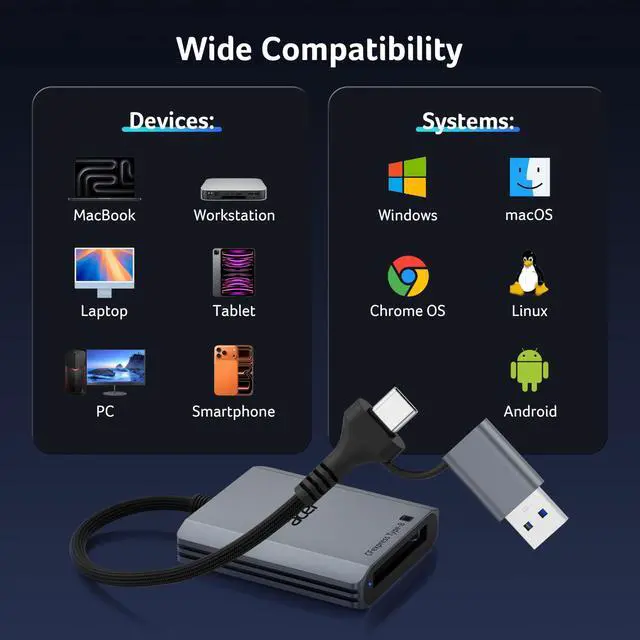
    • Wide Compatibility: This USB 3.2 Type-b Card Reader is compatible with Windows, Mac, Linux, and Android devices, providing stable and reliable performance across various platforms.
    +
    +
    Overview
    Specs
    Reviews
    avatar

    Any questions? Our AI beta will help you find out quickly.

    cfexpress type b card reader
    cf express type b card reader

    Matters for Attention

    Q1 Incompatible devices
    - 1. Devices that do not support the "Lightning" (?)
    - 2. Not support for charging-only USB-C ports (?)
    - 3. Android phones and tablets that do not support OTG function (OTG support can be checked in settings or official specifications) (?)
    Q2 What to do if the card reader does not work?
    - 1. Please check if the connection is normal. When the connection is normal, the indicator light will be on.
    - 2. For devices that support OTG functionality, please enable the OTG function on the device.
    - 3.When connecting a USB-A device, you need to first connect the USB-A port to the USB-C port, and then connect it to the device.
    Q3 How to find files on Card on iPhone?
    - Insert the Card into the reader > plug the device card reader into thhe iPhone(TYPE-C) > click on the "FILES" app > click on iCloud Drive's "Browse" > click on Browse's Card name>Now you can view your files from your Card on "Your Card name"
    Q4 Data transfer speed is slow?
    - 1. Data transfer rates depend on the speed of the memory card itself and the speed of your device's port. The CFexpress Type B card reader is a USB 3.2 Gen 2 version, with a theoretical transfer speed of 10Gbps (1250MB/s) for its USB-A/USB-C ports.
    - 2. If the device port's transfer rate is 5Gbps, the maximum transfer rate will be limited by the device itself: 5Gbps (625MB/s).

    Acer SD&CFexpress Type B Card Reader

    https://m.media-amazon.com/images/S/aplus-media-library-service-media/deff2eb7-09b7-4270-a87d-bbf0f4b82a5c.__CR0,0,400,450_PT0_SX200_V1___.jpg

    Acer Type B SD Card Rader

    https://m.media-amazon.com/images/S/aplus-media-library-service-media/c1eb7389-48e5-435b-84c5-065bcf7eac59.__AC_SR200,225___.jpg

    3 in 1 SD Card Reader

    https://m.media-amazon.com/images/S/aplus-media-library-service-media/966d1682-0acb-4427-8ee2-4308bb79416c.__AC_SR200,225___.jpg

    USB-A SD Card Reader

    https://m.media-amazon.com/images/S/aplus-media-library-service-media/20572ed4-d9c0-40ec-9aed-cdf2187af2c0.__AC_SR200,225___.jpg

    USB-C SD Card Reader

    https://m.media-amazon.com/images/S/aplus-media-library-service-media/841221d3-6965-49ad-a571-32f08638032e.__AC_SR200,225___.jpg

    SD 4.0 Card Reader

    https://m.media-amazon.com/images/S/aplus-media-library-service-media/3c716359-c475-4c74-82dc-187757e1ae7b.__AC_SR200,225___.jpg

    2 in 1 SD Card Reader

    Customer Reviews
    Price
    Input
    USB-C & USB-A USB-C USB-A USB-C USB-C USB-C & USB-A
    SD / micro SD Slot
    ? 104MB/S 104MB/S 104MB/S 312MB/S 104MB/S
    CFexpress Type B Slot
    1250MB/S ? ? ? ? ?
    USB-A Data Port
    ? 5Gbps ? ? ? ?
    Charging Port
    ? ? ? ? USB-C PD 100W ?
    Material
    Aluminum Aluminum Aluminum Aluminum Aluminum Aluminum
    cfexpress type b card reader
    cf express type b card reader

    Matters for Attention

    Q1 Incompatible devices
    - 1. Devices that do not support the "Lightning" (?)
    - 2. Not support for charging-only USB-C ports (?)
    - 3. Android phones and tablets that do not support OTG function (OTG support can be checked in settings or official specifications) (?)
    Q2 What to do if the card reader does not work?
    - 1. Please check if the connection is normal. When the connection is normal, the indicator light will be on.
    - 2. For devices that support OTG functionality, please enable the OTG function on the device.
    - 3.When connecting a USB-A device, you need to first connect the USB-A port to the USB-C port, and then connect it to the device.
    Q3 How to find files on Card on iPhone?
    - Insert the Card into the reader > plug the device card reader into thhe iPhone(TYPE-C) > click on the "FILES" app > click on iCloud Drive's "Browse" > click on Browse's Card name>Now you can view your files from your Card on "Your Card name"
    Q4 Data transfer speed is slow?
    - 1. Data transfer rates depend on the speed of the memory card itself and the speed of your device's port. The CFexpress Type B card reader is a USB 3.2 Gen 2 version, with a theoretical transfer speed of 10Gbps (1250MB/s) for its USB-A/USB-C ports.
    - 2. If the device port's transfer rate is 5Gbps, the maximum transfer rate will be limited by the device itself: 5Gbps (625MB/s).

    Acer SD&CFexpress Type B Card Reader

    https://m.media-amazon.com/images/S/aplus-media-library-service-media/deff2eb7-09b7-4270-a87d-bbf0f4b82a5c.__CR0,0,400,450_PT0_SX200_V1___.jpg

    Acer Type B SD Card Rader

    https://m.media-amazon.com/images/S/aplus-media-library-service-media/c1eb7389-48e5-435b-84c5-065bcf7eac59.__AC_SR200,225___.jpg

    3 in 1 SD Card Reader

    https://m.media-amazon.com/images/S/aplus-media-library-service-media/966d1682-0acb-4427-8ee2-4308bb79416c.__AC_SR200,225___.jpg

    USB-A SD Card Reader

    https://m.media-amazon.com/images/S/aplus-media-library-service-media/20572ed4-d9c0-40ec-9aed-cdf2187af2c0.__AC_SR200,225___.jpg

    USB-C SD Card Reader

    https://m.media-amazon.com/images/S/aplus-media-library-service-media/841221d3-6965-49ad-a571-32f08638032e.__AC_SR200,225___.jpg

    SD 4.0 Card Reader

    https://m.media-amazon.com/images/S/aplus-media-library-service-media/3c716359-c475-4c74-82dc-187757e1ae7b.__AC_SR200,225___.jpg

    2 in 1 SD Card Reader

    Customer Reviews
    Price
    Input
    USB-C & USB-A USB-C USB-A USB-C USB-C USB-C & USB-A
    SD / micro SD Slot
    ? 104MB/S 104MB/S 104MB/S 312MB/S 104MB/S
    CFexpress Type B Slot
    1250MB/S ? ? ? ? ?
    USB-A Data Port
    ? 5Gbps ? ? ? ?
    Charging Port
    ? ? ? ? USB-C PD 100W ?
    Material
    Aluminum Aluminum Aluminum Aluminum Aluminum Aluminum
    CFexpress Type B Card Reader, 10Gbps USB 3.2 Gen 2 CF Express Type B Card Adapter, 2-in-1 USB-C&USB-A CFB Card Reader Compatible with iPhone 17/16/15, Laptop, MacBook Neo/Pro/Air, iPad, Android

    Warranty & Returns

    Warranty, Returns, And Additional Information

    Warranty

    • Please contact the Seller directly for warranty information. Warranty information may also be found on the Manufacturer's website.
    • CONTACT

    Return Policies

    Manufacturer Contact Info

    LOADING...