






The MINETOWN was founded by Asia Quality Lead from Consumer Electronics Industry.
We dedicated to provide premium quality and cost effective electronics including Compressed Air Dusters, Window Cleaning Robot and etc.
We believe the customer should enjoy the convenience of advanced devices in controlling cost.




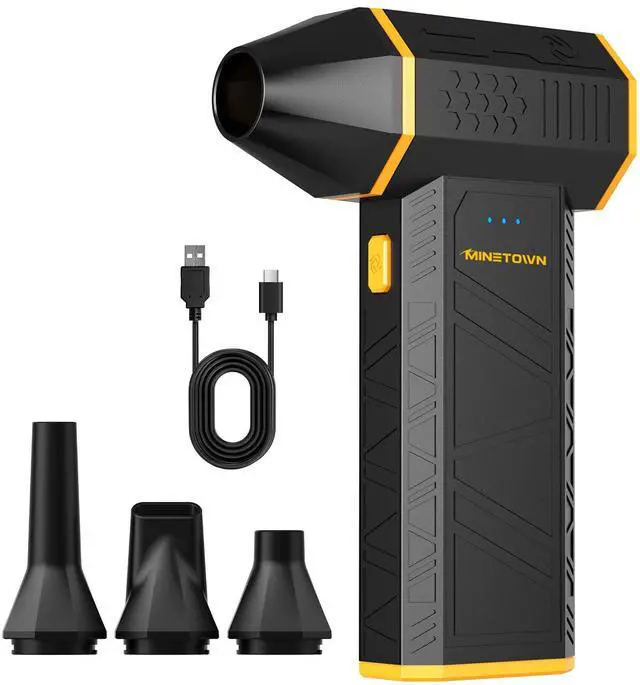
MineTown Electric Air Duster
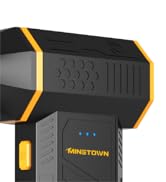
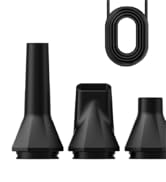
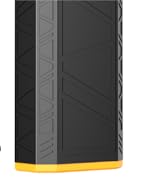
SwiftFlow X3
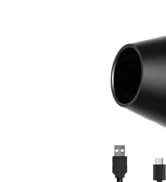
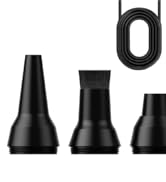
SwiftFlow X7


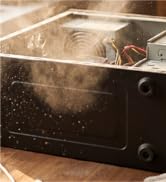

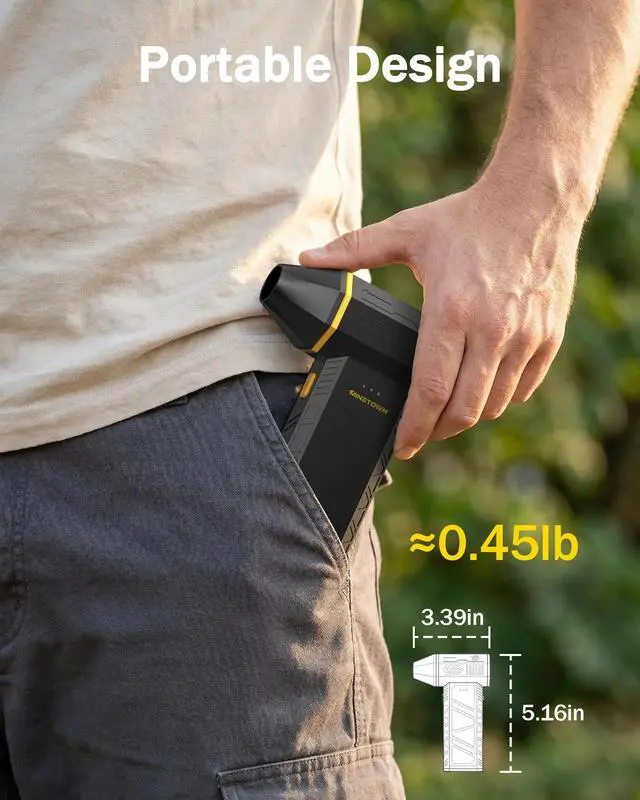
Compact and Portable




Double the Airflow




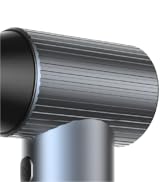
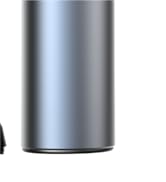
Full Metal Body


How to Power on/off the Electric Air Duster?
Hold the power button for a few seconds to turn on/off the machine, and enter standby mode after turning it on.
Then press the oval button below the air nozzle to start the device blowing.
How to Shift the Gears?
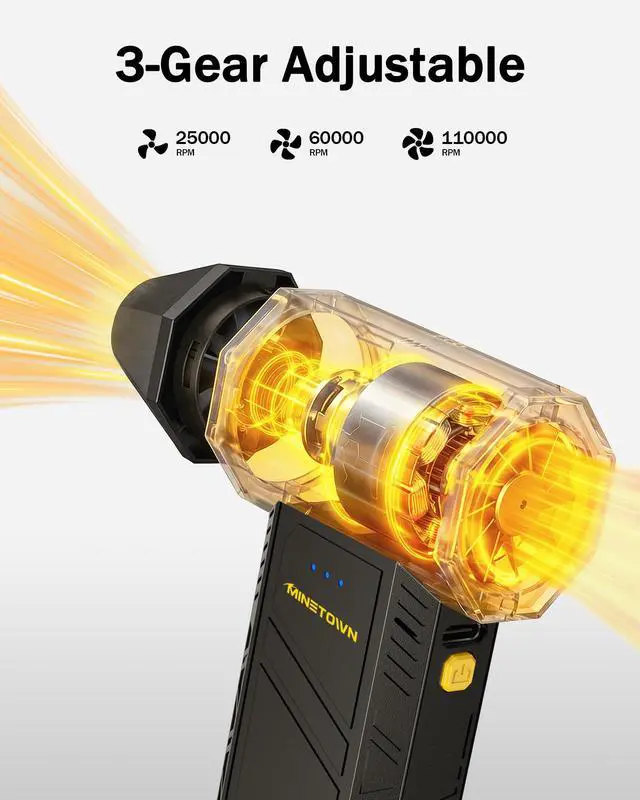
After turning it on, press the power button to switch gears, the indicator light shows the three gears, slow, medium and fast.
Press the oval button to start/stop the blower, and please hold the button when you try to start the third gear.
Intelligent Protection Function
The electric air duster will shuts down automatically after 3 minutes of inactivity or if overheated.
Battery Indicator Light of the Electric Air Duster
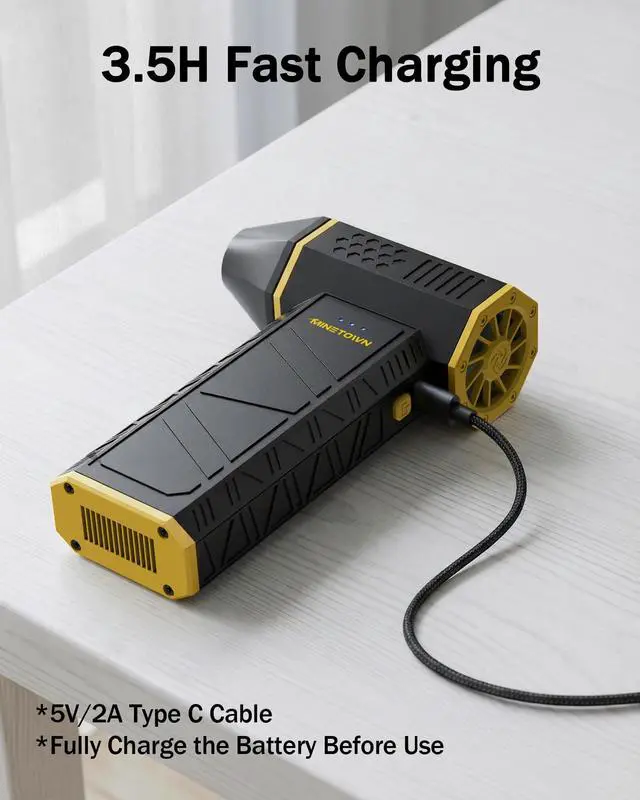
Charging: The blue LED flash in sequence, it indicates the device is being charged.
Fully charged: Three solid blue LED means the devide is fully charged.
Low battery: Three flash blue LED means the devide need to be charged.
Precautions for Use
keep skin and hair away from the air inlet to avoid injury.
To ensure optimal performance of your SwiftFlow X3, please fully charge the battery before use and don't charge while using the machine.


How to Power on/off the Electric Air Duster?
Hold the power button for a few seconds to turn on/off the machine, and enter standby mode after turning it on.
Then press the oval button below the air nozzle to start the device blowing.
How to Shift the Gears?
After turning it on, press the power button to switch gears, the indicator light shows the three gears, slow, medium and fast.
Press the oval button to start/stop the blower, and please hold the button when you try to start the third gear.
Intelligent Protection Function
The electric air duster will shuts down automatically after 3 minutes of inactivity or if overheated.
Battery Indicator Light of the Electric Air Duster
Charging: The blue LED flash in sequence, it indicates the device is being charged.
Fully charged: Three solid blue LED means the devide is fully charged.
Low battery: Three flash blue LED means the devide need to be charged.
Precautions for Use
keep skin and hair away from the air inlet to avoid injury.
To ensure optimal performance of your SwiftFlow X3, please fully charge the battery before use and don't charge while using the machine.
The MINETOWN was founded by Asia Quality Lead from Consumer Electronics Industry.
We dedicated to provide premium quality and cost effective electronics including Compressed Air Dusters, Window Cleaning Robot and etc.
We believe the customer should enjoy the convenience of advanced devices in controlling cost.
MineTown Electric Air Duster
SwiftFlow X3
SwiftFlow X7
Compact and Portable
Double the Airflow
Full Metal Body