












How to Power on/off the Electric Air Duster?
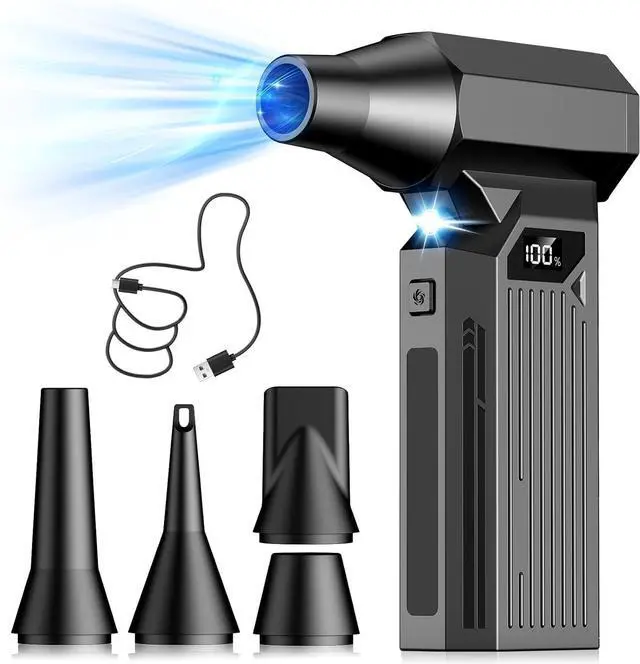
Hold the power button to turn on the device (it enters standby, with remaining battery shown on the display). Press the square nozzle button to activate airflow.
Hold the power button to turn off the device.
How to Shift the Gears?
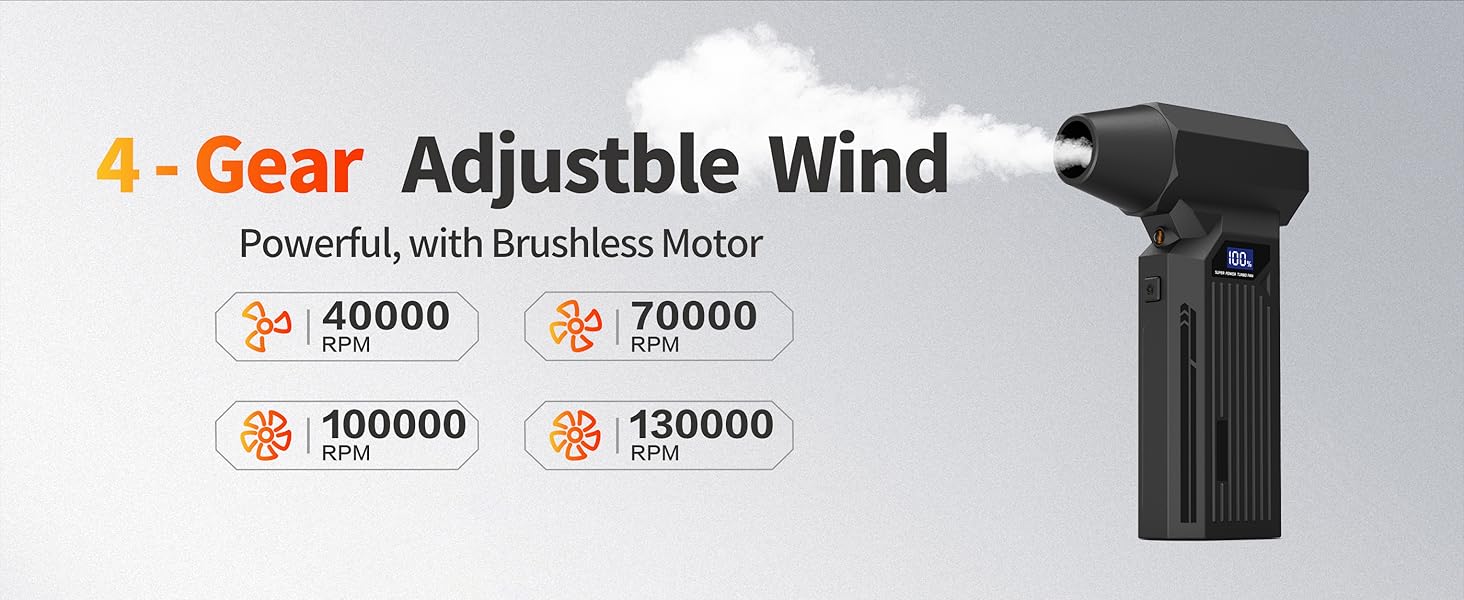
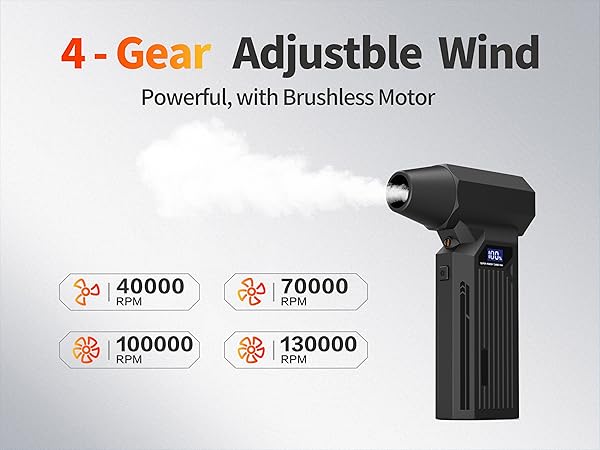
Power on the device, remaining battery level displays on screen. Press the square nozzle button to view current speed; press again for second speed.
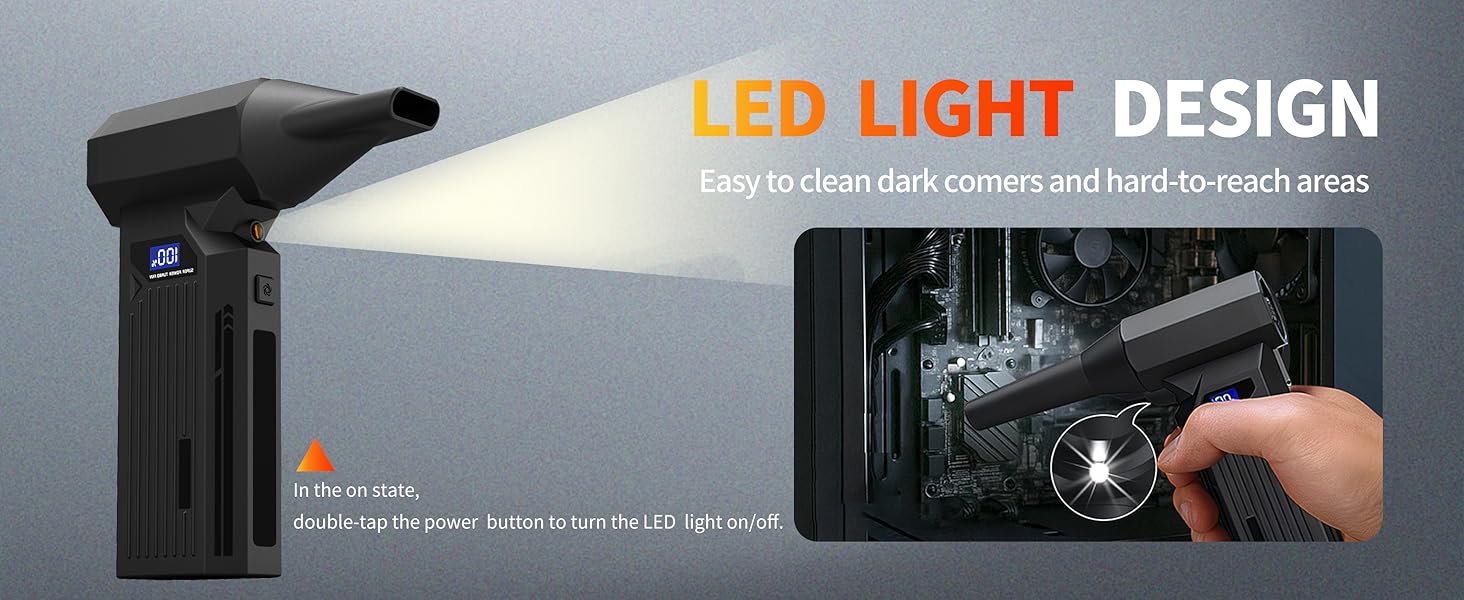
How do I turn on the lights?
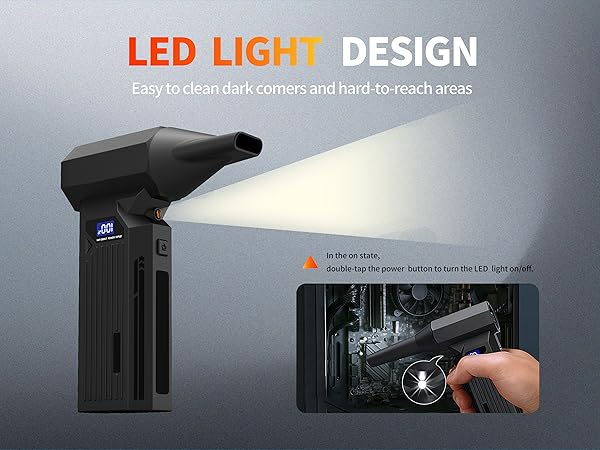
Press and hold the power button to enter standby mode, then double-click the power button to turn on the lights.
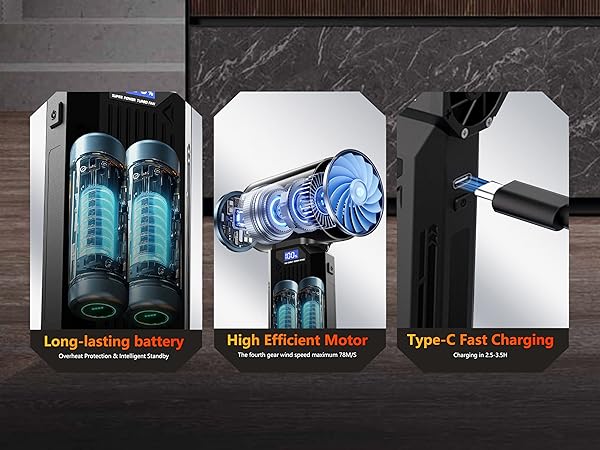
How do I check the remaining battery level?
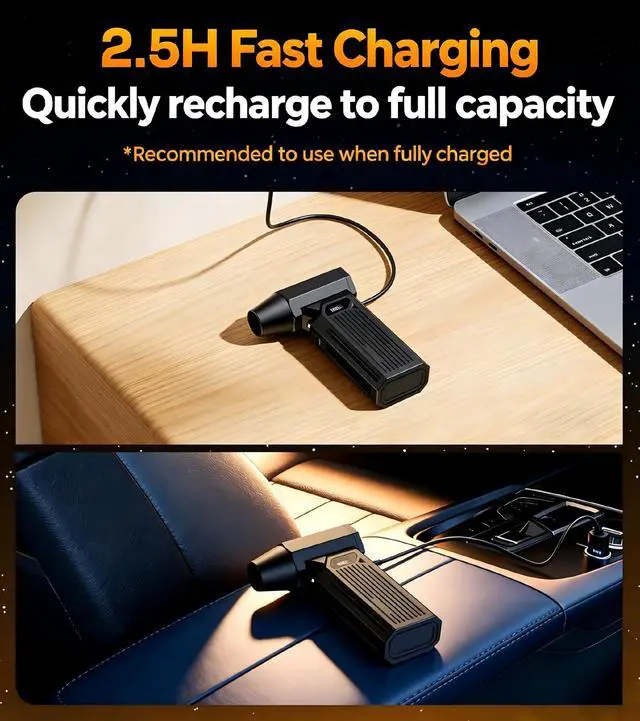
Press and hold the power button to enter standby mode, and the display will show the battery level. (The battery level will be displayed in real time while charging.)

How to Power on/off the Electric Air Duster?
Hold the power button to turn on the device (it enters standby, with remaining battery shown on the display). Press the square nozzle button to activate airflow.
Hold the power button to turn off the device.
How to Shift the Gears?
Power on the device, remaining battery level displays on screen. Press the square nozzle button to view current speed; press again for second speed.
How do I turn on the lights?
Press and hold the power button to enter standby mode, then double-click the power button to turn on the lights.
How do I check the remaining battery level?
Press and hold the power button to enter standby mode, and the display will show the battery level. (The battery level will be displayed in real time while charging.)