



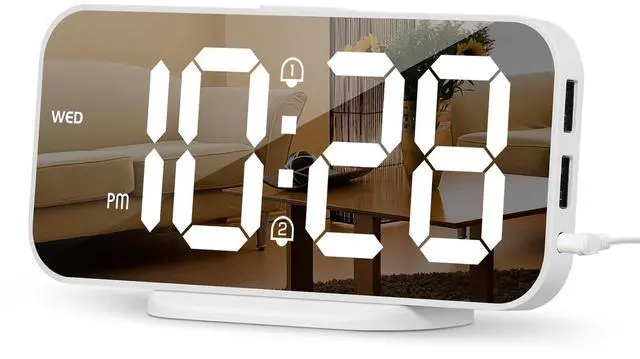


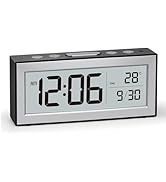
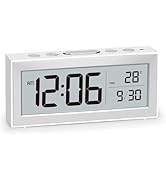
More than a clock, it's a sleek piece of decor. Its compact size and mirror finish elevate any space, from your nightstand to your office desk.

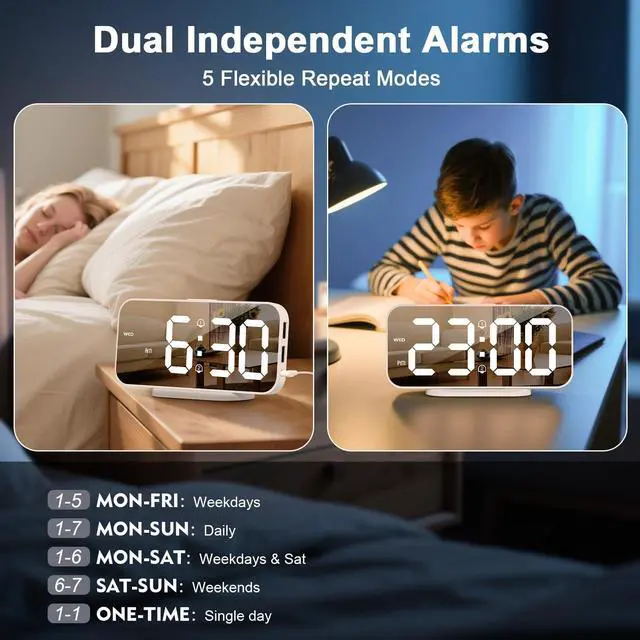
Designed for roommates, couples, or changing schedules. The dual alarms and 5 repeat modes (Mon-Fri, Daily, etc.) provide a simple solution for everyone's needs.

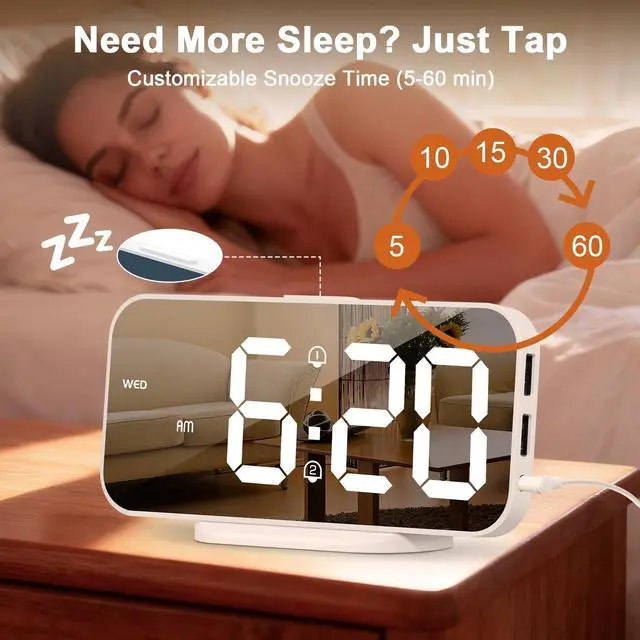
With adjustable snooze intervals (5–60 min), this clock supports deeper rest and gentle mornings—helping heavy sleepers wake refreshed on their own terms.

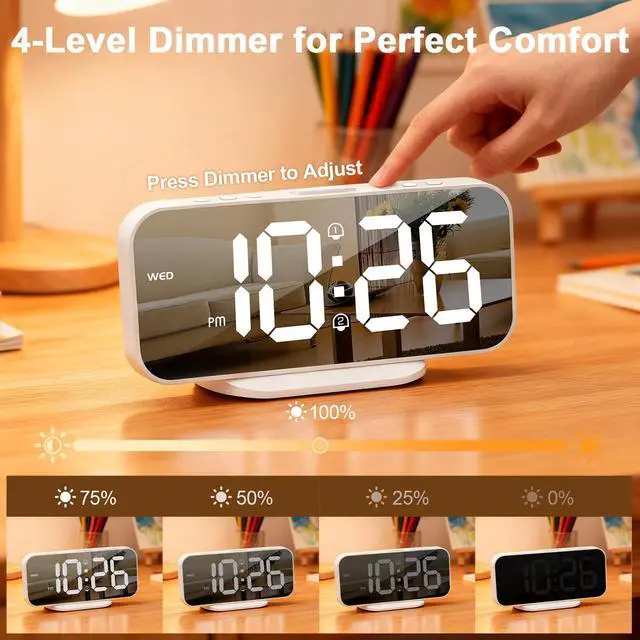
Adjust brightness in one tap: High, Medium, Low, or OFF. Find your ideal glow for any time—day or night—and protect your eyes while keeping your space calm.

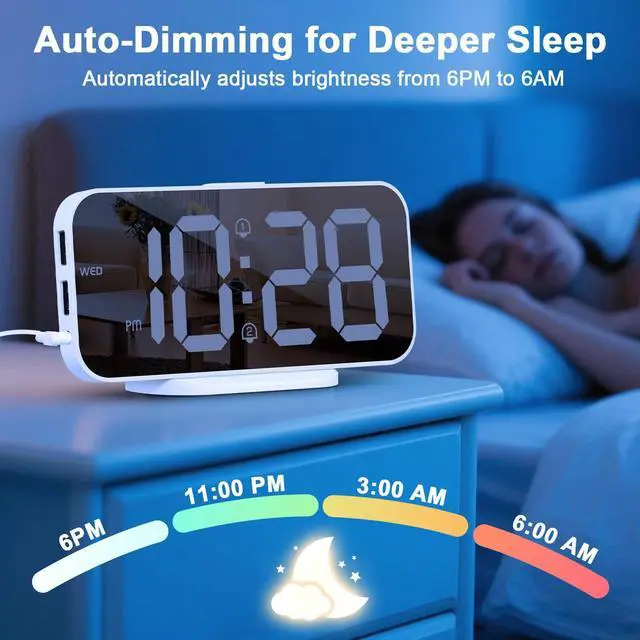
As evening deepens, the screen automatically dims to a sleep-safe glow. No manual settings needed—just uninterrupted, peaceful rest.

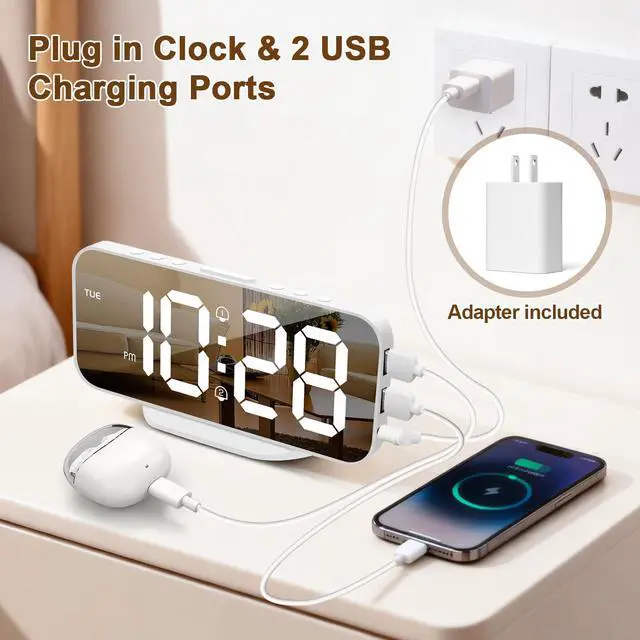
What's Included: Alarm Clock× 1 Adapter × 1 Quick Start Guide × 1
I set the alarm time, but it didn't go off. Why?
1,Ensure the alarm is actively turned on. You should see an alarm icon (like a bell) displayed on the screen when it's enabled.
2, If you are in 12-hour format, double-check that you have set the alarm for the correct AM or PM period.
Is the alarm volume adjustable?
While the alarm sound itself is at a fixed volume. If you find the alarm too loud, you can place a small piece of tape over the speaker grill on the back of the clock. This will effectively soften the sound to a more comfortable level.
Is the backup battery used to run the clock?
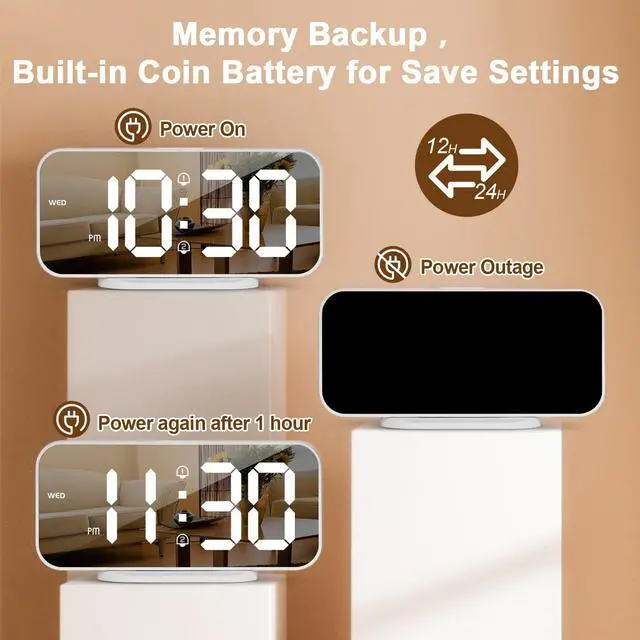
No. The battery is just for memory backup. It saves your settings so you don't have to reset them after a power cut. Important: The clock must be plugged in at all times to function. It won't work on battery power alone.
What is your policy if the product is dead on arrival or fails later?
Your satisfaction is guaranteed. Our product comes with an 18-month support. Simply contact our support team for any product issues, and we will arrange a free and no-hassle replacement. It's that quick and easy.
How do I switch between 12-hour and 24-hour format?
1,Press the TIME SET button once to toggle between 12/ 24 hour formats. When 12hr format is active, AM/PM will appear on the screen.
2,Press and hold TIME SET for 3 seconds, the hour digits blink. Then press UP or DOWN to set 12 or 24 H format.

Alanas Home Product
awakening series

Alanas: Technology That Understands You
In a busy world, your home should be your sanctuary. Alanas creates mindful companions that know when to wake you and how to comfort you.
We transform technology into warmth - with smart alarms that adapt to your rhythm, and calming lights that soothe your space. True innovation feels like an understanding friend.
Alanas: For peaceful mornings and restful nights.
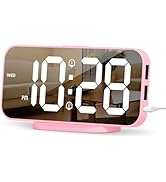
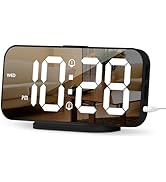
Mirror Alarm Clock
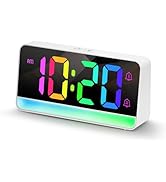
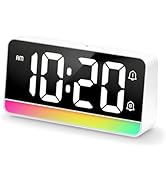
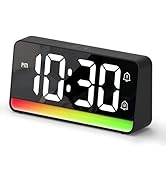
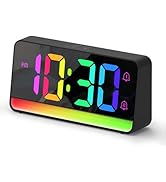
Large RGB Alarm Clock
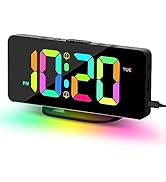
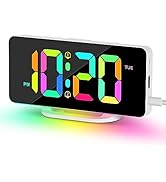
RGB Alarm Clock
Battery Alarm Clock
What problem are we solving?
We help you disconnect to reconnect. Our products combat digital noise and daily stress by creating moments of peace in your home.
Why do we love what we do?
Because we believe technology should serve your wellbeing, not disrupt it. We're passionate about creating products that become your silent partners in self-care.
What makes our products unique?
While others sell features, we deliver understanding. From smart alarms to adaptive lighting, every detail is crafted to respond to your needs, not demand from them.
Alanas Home Product
awakening series
Alanas: Technology That Understands You
In a busy world, your home should be your sanctuary. Alanas creates mindful companions that know when to wake you and how to comfort you.
We transform technology into warmth - with smart alarms that adapt to your rhythm, and calming lights that soothe your space. True innovation feels like an understanding friend.
Alanas: For peaceful mornings and restful nights.
Mirror Alarm Clock
Large RGB Alarm Clock
RGB Alarm Clock
Battery Alarm Clock
What problem are we solving?
We help you disconnect to reconnect. Our products combat digital noise and daily stress by creating moments of peace in your home.
Why do we love what we do?
Because we believe technology should serve your wellbeing, not disrupt it. We're passionate about creating products that become your silent partners in self-care.
What makes our products unique?
While others sell features, we deliver understanding. From smart alarms to adaptive lighting, every detail is crafted to respond to your needs, not demand from them.

More than a clock, it's a sleek piece of decor. Its compact size and mirror finish elevate any space, from your nightstand to your office desk.

Designed for roommates, couples, or changing schedules. The dual alarms and 5 repeat modes (Mon-Fri, Daily, etc.) provide a simple solution for everyone's needs.

With adjustable snooze intervals (5–60 min), this clock supports deeper rest and gentle mornings—helping heavy sleepers wake refreshed on their own terms.

Adjust brightness in one tap: High, Medium, Low, or OFF. Find your ideal glow for any time—day or night—and protect your eyes while keeping your space calm.

As evening deepens, the screen automatically dims to a sleep-safe glow. No manual settings needed—just uninterrupted, peaceful rest.

What's Included: Alarm Clock× 1 Adapter × 1 Quick Start Guide × 1
I set the alarm time, but it didn't go off. Why?
1,Ensure the alarm is actively turned on. You should see an alarm icon (like a bell) displayed on the screen when it's enabled.
2, If you are in 12-hour format, double-check that you have set the alarm for the correct AM or PM period.
Is the alarm volume adjustable?
While the alarm sound itself is at a fixed volume. If you find the alarm too loud, you can place a small piece of tape over the speaker grill on the back of the clock. This will effectively soften the sound to a more comfortable level.
Is the backup battery used to run the clock?
No. The battery is just for memory backup. It saves your settings so you don't have to reset them after a power cut. Important: The clock must be plugged in at all times to function. It won't work on battery power alone.
What is your policy if the product is dead on arrival or fails later?
Your satisfaction is guaranteed. Our product comes with an 18-month support. Simply contact our support team for any product issues, and we will arrange a free and no-hassle replacement. It's that quick and easy.
How do I switch between 12-hour and 24-hour format?
1,Press the TIME SET button once to toggle between 12/ 24 hour formats. When 12hr format is active, AM/PM will appear on the screen.
2,Press and hold TIME SET for 3 seconds, the hour digits blink. Then press UP or DOWN to set 12 or 24 H format.