



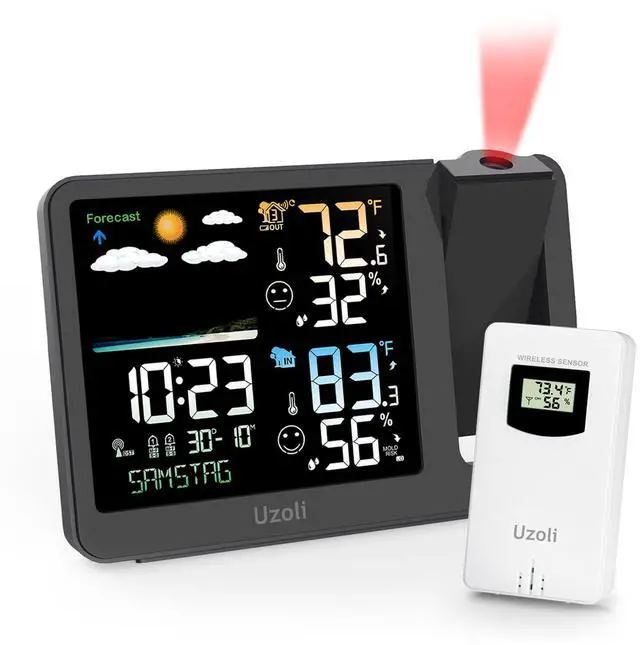
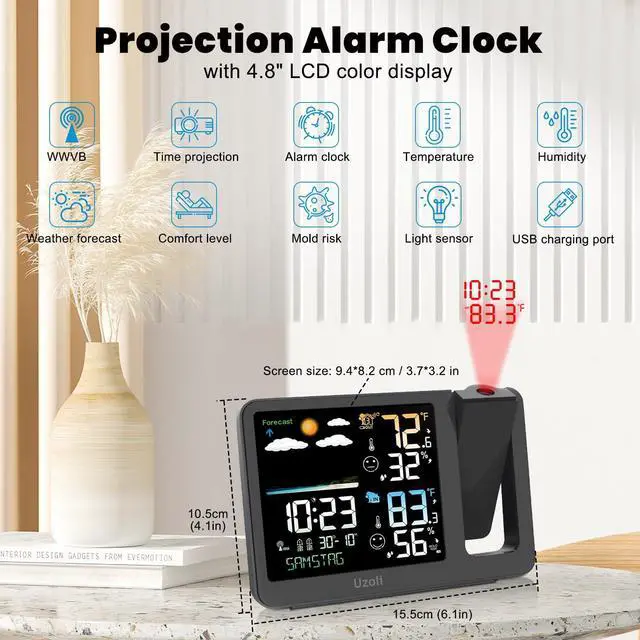
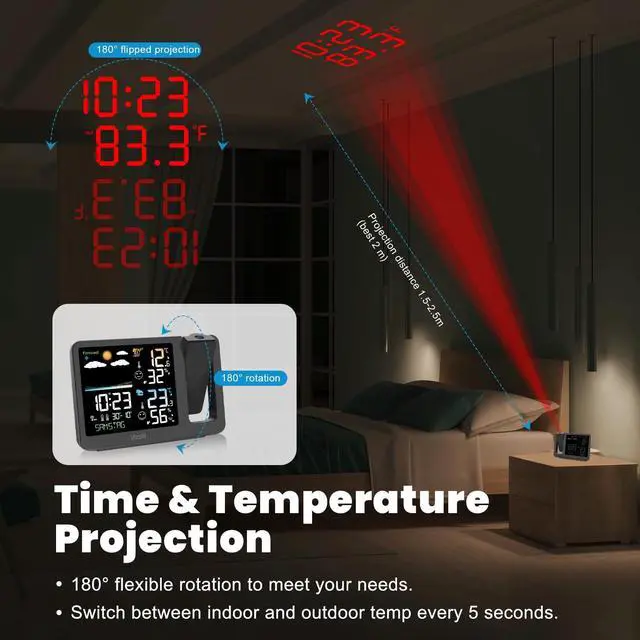
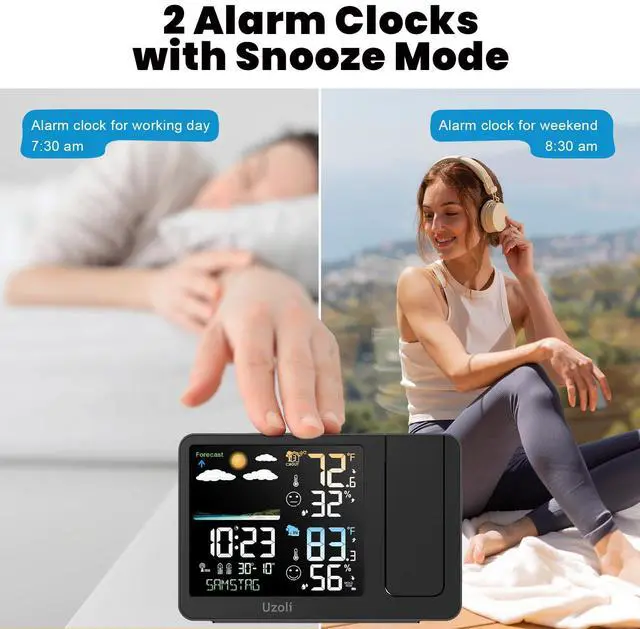


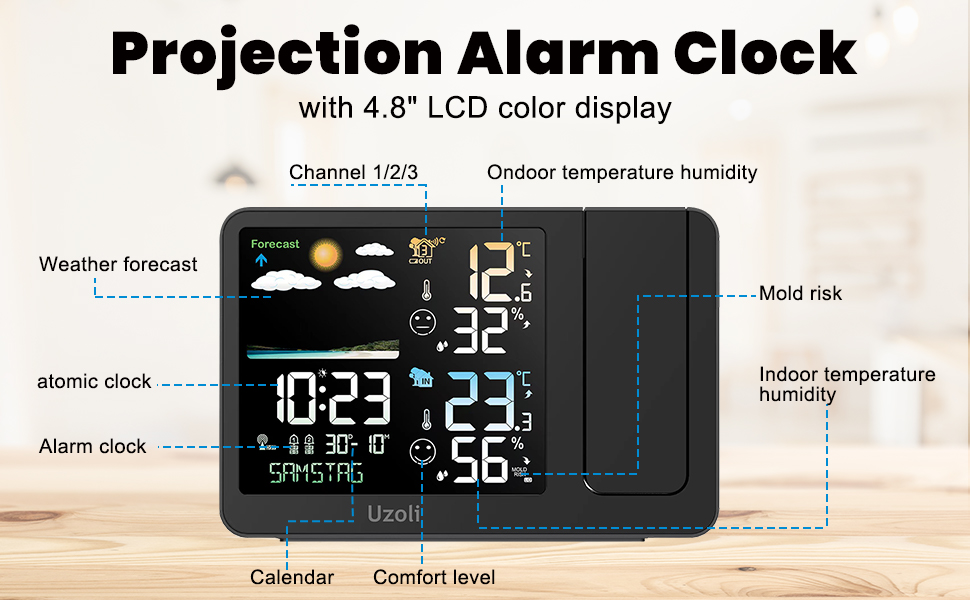
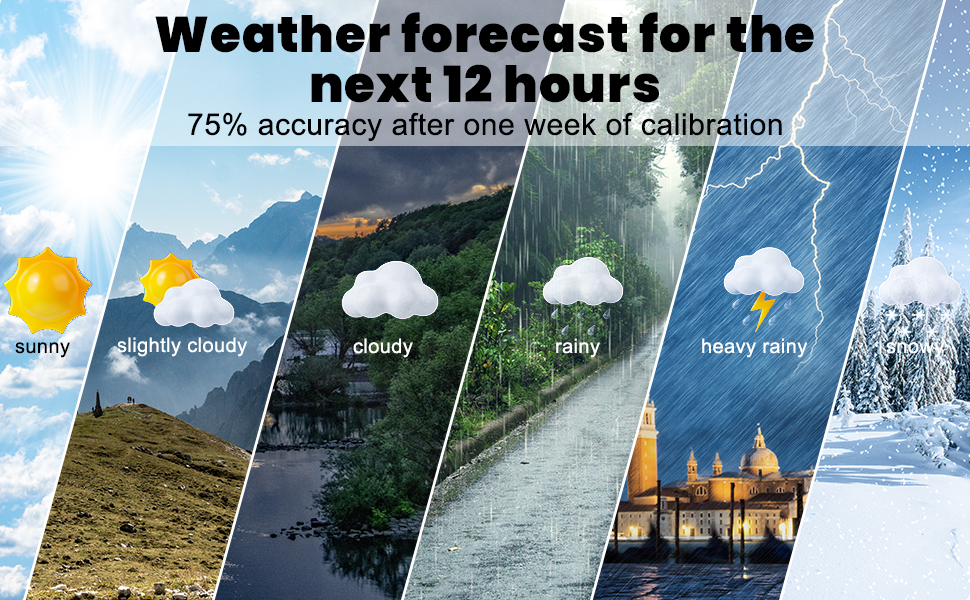
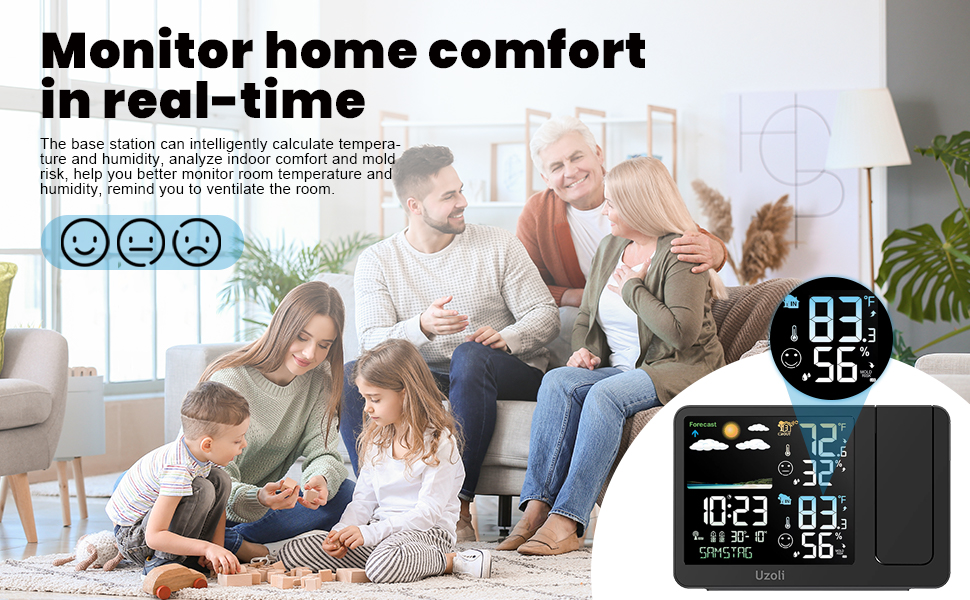
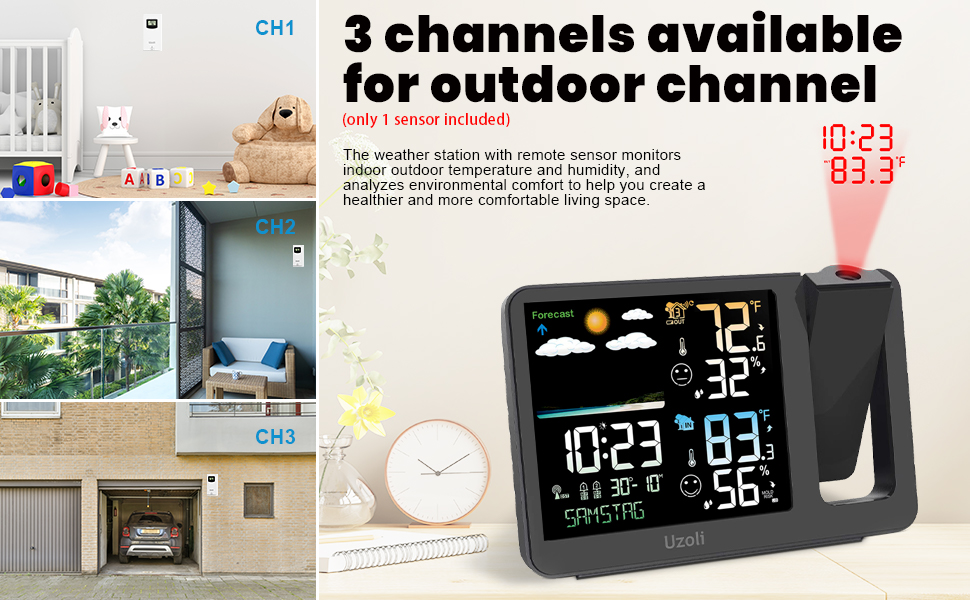
Measurement Specifications
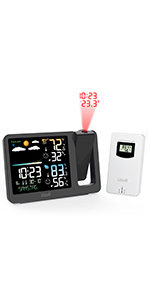 Projection Alarm Clock | 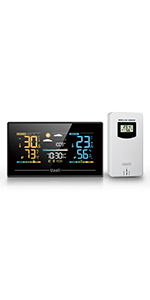 EM3405 Weather Station | 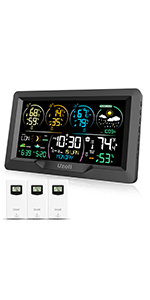 EM3390 Weather Station | 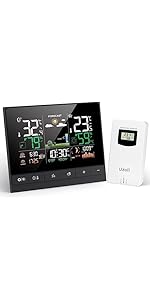 EM3403 Weather Station | 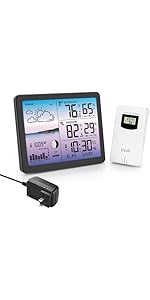 EM3566D Weather Station | |
|---|---|---|---|---|---|
| Customer Reviews | — | — | — | — | — |
| Price | — | — | — no data | — no data | — no data |
| Screen Size | 4.8 | 5.35" | 7.5'' | 5.92'' | 7.4'' |
| Frame Size | 7.3 | 6.8" | 9.5'' | 8.19'' | 8.8'' |
| Comes with Remote Sensor | 1 | 1 | 3 | 1 | 1 |
| Support WWVB | ? | NO | ? | ? | ? |

Uzoli is a brand integrating design, research, development, production, sales, and service. we provide customers with a convenient and smart living experience. Our products include weather stations, pool thermometers, rain gauges, and water timers, which are designed for a more effortless, comfortable, and efficient life. We aim to be a leading provider of smart home and digital lifestyle products that improve customers' overall quality of life.
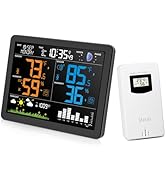
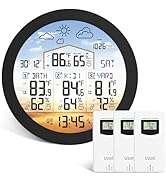
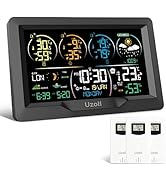
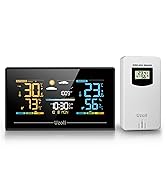
Home Weather Station
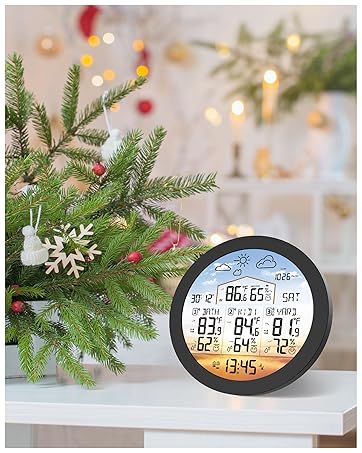
EM3567 Weather Station
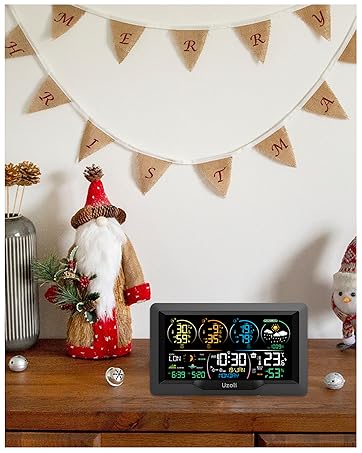
EM3390 Weather Station
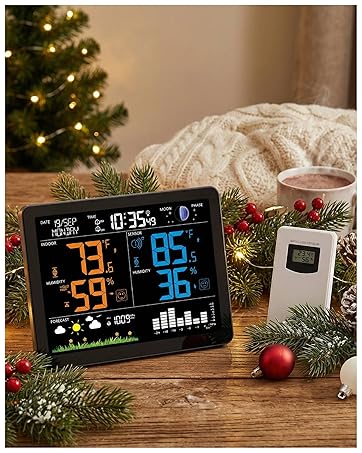
EM3566D Weather Station
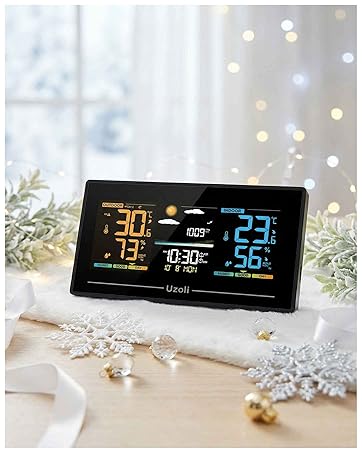
EM3405 Weather Station
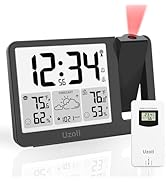
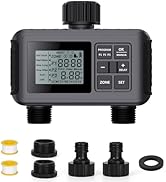
Smart Life
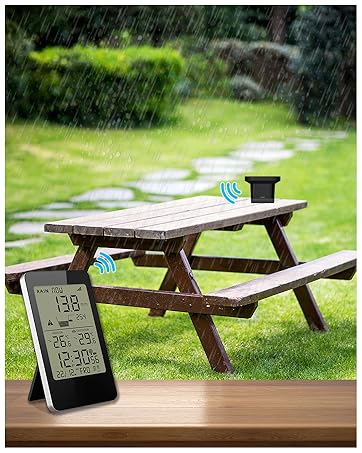
EM3356E Rain Gauge
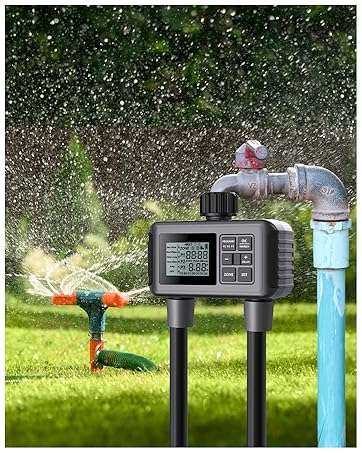
SGW07 Water Timer
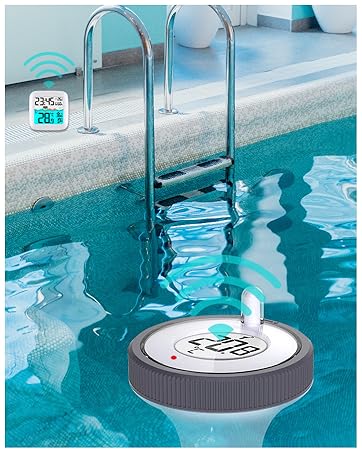
EM3385 Pool Thermometer
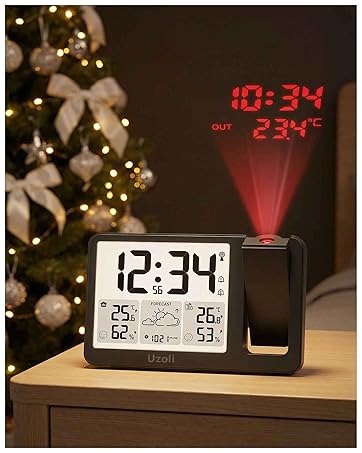
EM3539E Projection Clock
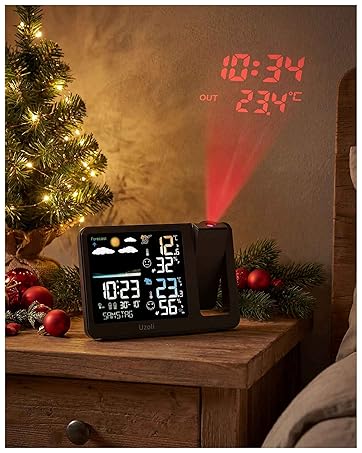
EM3539A Projection Clock
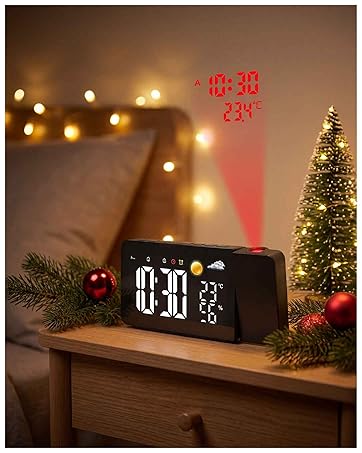
EM3211A Projection Clock
Uzoli is a brand integrating design, research, development, production, sales, and service. we provide customers with a convenient and smart living experience. Our products include weather stations, pool thermometers, rain gauges, and water timers, which are designed for a more effortless, comfortable, and efficient life. We aim to be a leading provider of smart home and digital lifestyle products that improve customers' overall quality of life.
Home Weather Station
EM3567 Weather Station
EM3390 Weather Station
EM3566D Weather Station
EM3405 Weather Station
Smart Life
EM3356E Rain Gauge
SGW07 Water Timer
EM3385 Pool Thermometer
EM3539E Projection Clock
EM3539A Projection Clock
EM3211A Projection Clock
Measurement Specifications
| Temperature Range | indoor temperature: 15°F to 122°F, outdoor temperature: -40°F to 158 °F |
| Indoor Outdoor Humidity Range | 20%RH~95%RH |
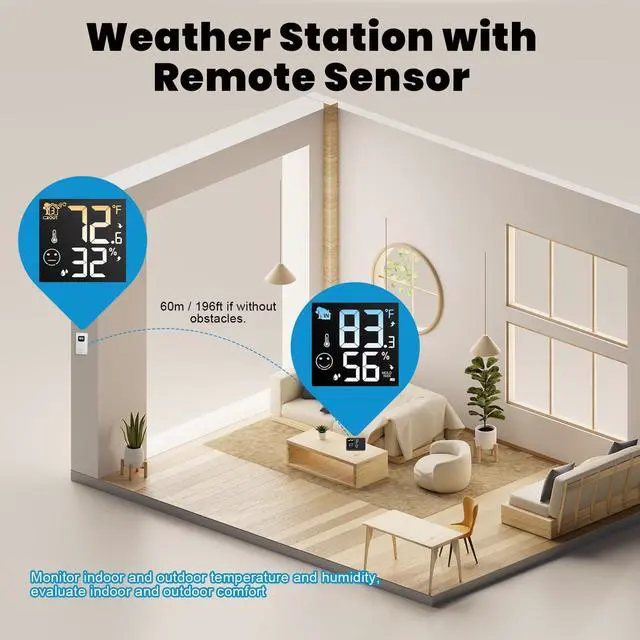
| Outdoor Transmitter Interval | 433.92MHz RF transmitting frequency |
| Transmission Range | 197ft/60m in an open area. |
| Time Format | 12 hour or 24 hour |
| Temperature Unit | °F or °C |
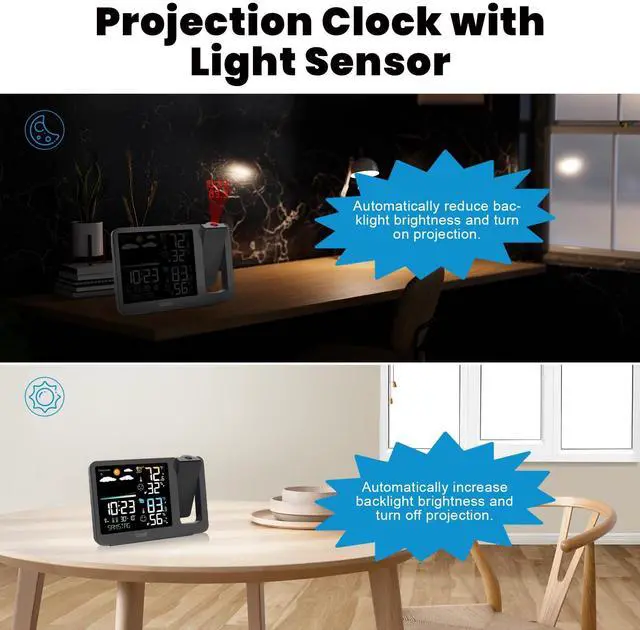
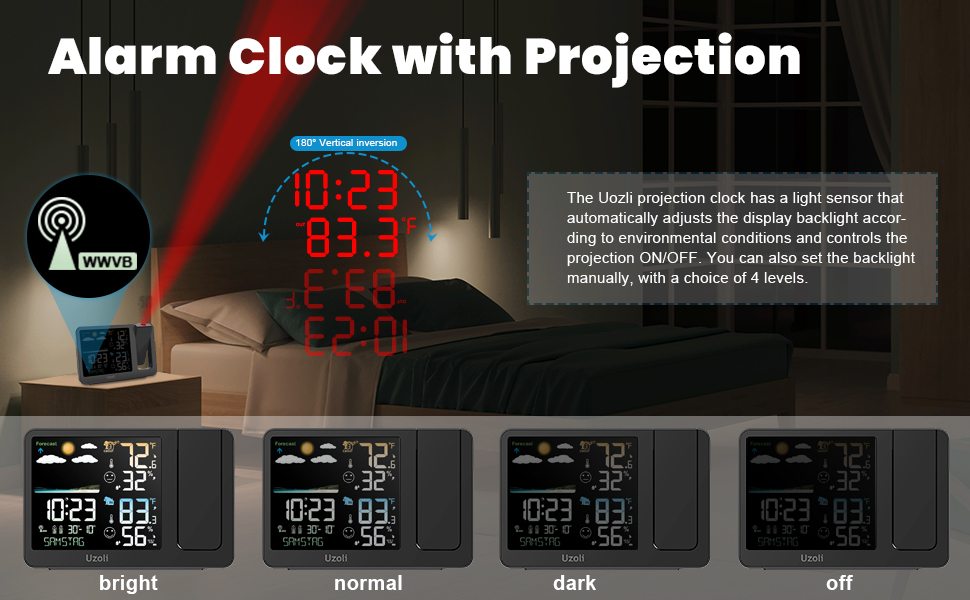
| NOTE 1 | In RCC mode (WWVB Atomic Time), the clock automatically enters to the calibration mode from 0:00 to 4:00 every day, turning off the backlight and projection as well as buttons' function, until calibration is completed within 7 minutes. |
| NOTE 2 | In RCC calibration mode, only the touch button and the “-” button can be used. Touch the top button to light up the display, and press the “-” button once to manually exit the calibration mode. |
| NOTE 3 | If you don't want the projection and backlight to be off, you can turn RCC off in setup mode and set the time and date manually. |
Projection Alarm Clock | EM3405 Weather Station | EM3390 Weather Station | EM3403 Weather Station | EM3566D Weather Station | |
|---|---|---|---|---|---|
| Customer Reviews | — | — | — | — | — |
| Price | — | — | — no data | — no data | — no data |
| Screen Size | 4.8 | 5.35" | 7.5'' | 5.92'' | 7.4'' |
| Frame Size | 7.3 | 6.8" | 9.5'' | 8.19'' | 8.8'' |
| Comes with Remote Sensor | 1 | 1 | 3 | 1 | 1 |
| Support WWVB | ? | NO | ? | ? | ? |