



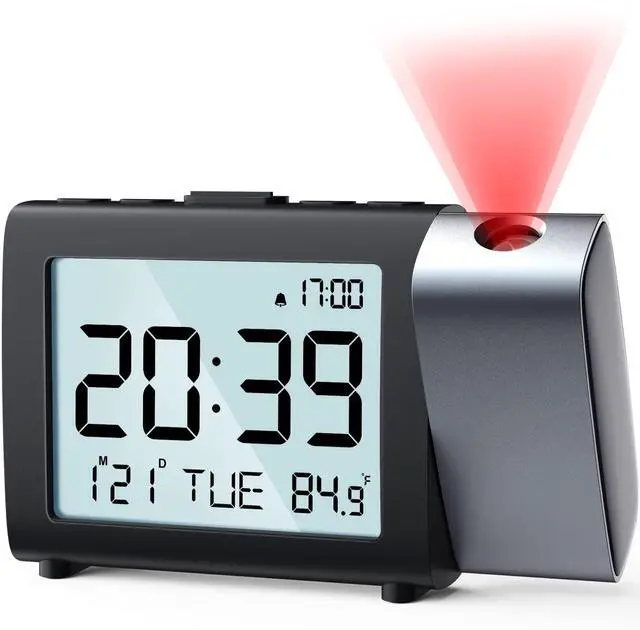
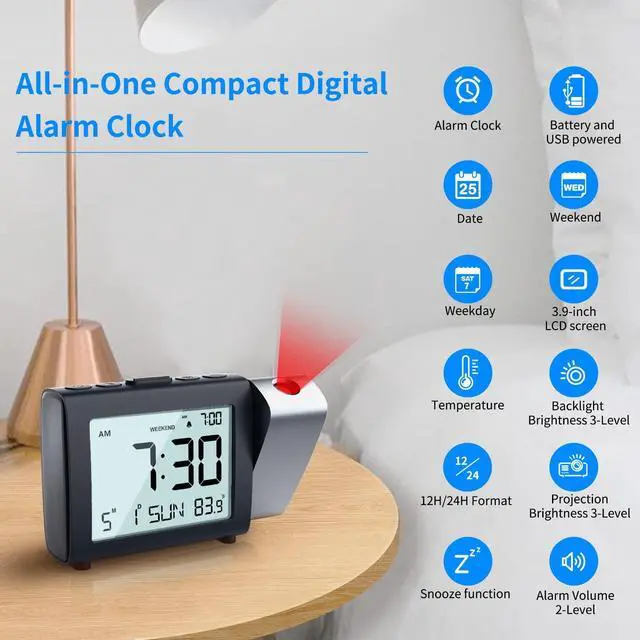


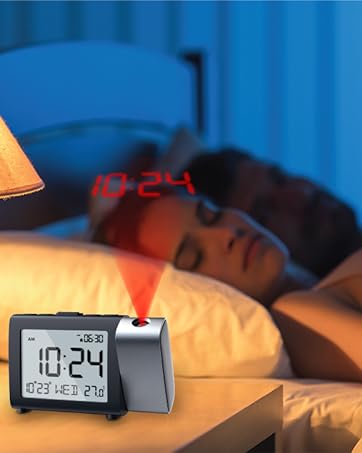
This modern basic LCD clock projects the time onto the ceiling or wall. At night, you can easily check the time with just one glance. With its compact size (14*8.9*3.4 cm), this projection alarm clock can be placed on your bedside or desk at home or in the office, or in your backpack when traveling.
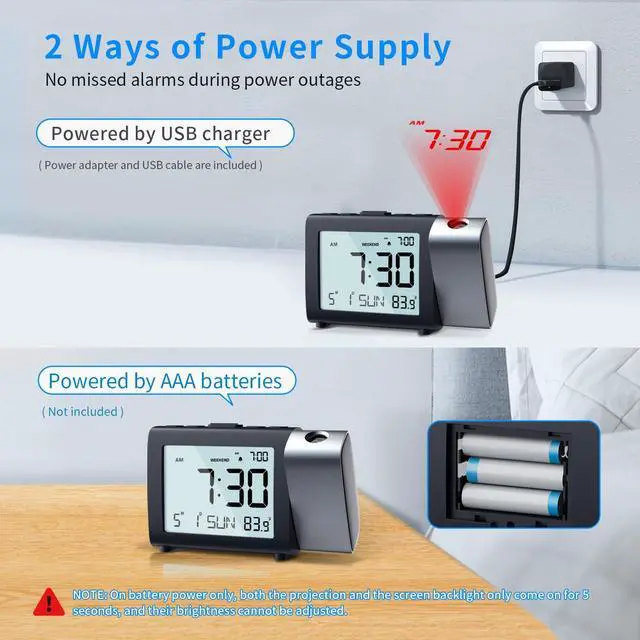
USB Powered or AAA Battery Operated
- Plug in Alarm Clock( included AC adapter & USB cord): When powered by USB, the backlit and projection can stay on constantly. And you can adjust their brightness to suit your needs.
- 3 AAA Battery (not included): Insert 3 AAA batteries to avoid resetting the alarm clock in case of power failure.
- NOTE: Both the LCD backlight and ceiling projection willNOT CONSTANTLY LIT when using batteries only, only light up for 5 seconds. Also unable to adjust the brightness of them.

Digital Projection Alarm Clock for Bedroom

Easy to Use and Read
The digital alarm clock has individual buttons to set time, calendar date, alarm time, projection, temperature unit (?/?) and weekend mode etc.

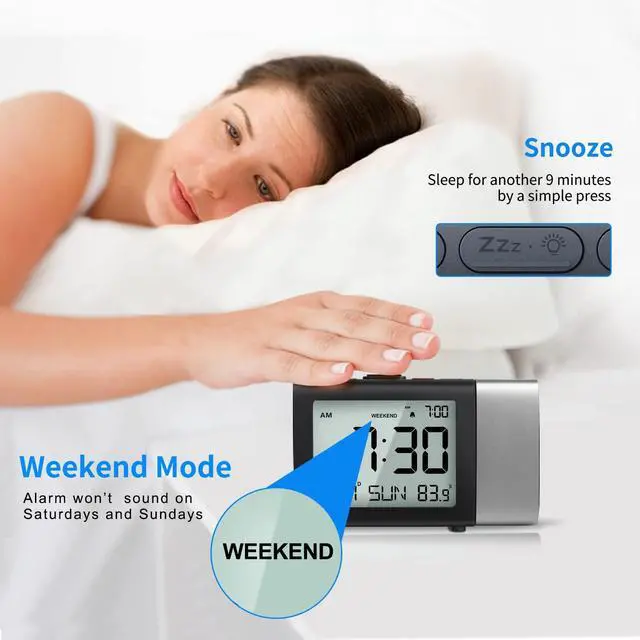
9-mins Snooze
Press the big snooze button at the top of the bedside clock would allow you an extra 9 minutes of sleep. It will last to 3 minutes if no operation.

12H/24H Time Format Selectable
You can switch between traditional and military mode by a simple press.
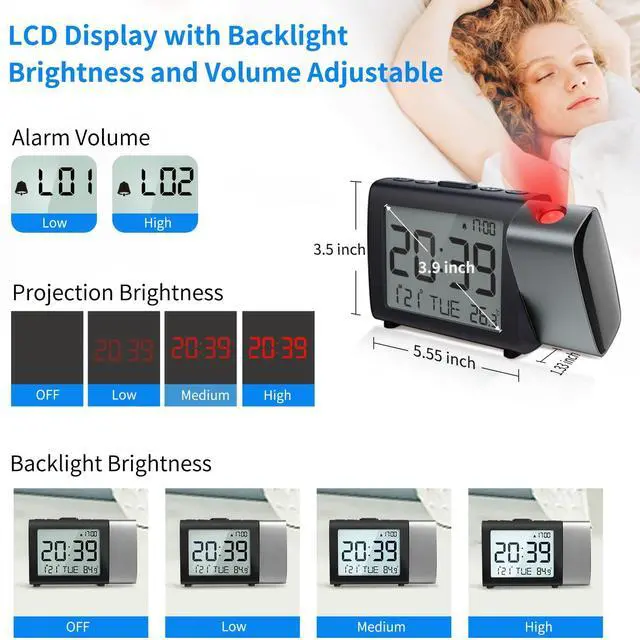
- LCD screen Size: 9.9cm (3.9in)
- Unit Dimension: 14*8.9*3.4cm (5.5*3.5*1.3in)

Weekend Mode
When weekend mode is turned on, the alarm won’t sound on Saturdays and Sundays. Save the hassle of turning on/off the alarm before or after weekends.
MORE DETAILS ABOUT THIS DIGITAL CLOCK

3 Backlight Levels of LCD Screen
When Powered by USB, Short press the backlit button to select LCD brightness levels: High - Medium - Low - OFF. Set the brightness to your comfortable level. If you are light sensitive at night, you can completely off the backlit. So as to not light your bedroom up and no interfere with your sleep.

1 Group Alarm & 2 Volume Levels
When the alarm goes off, if nothing is done, the alarm will continue to ring for 3 minutes and auto go into a 7-mins snooze, which repeats 3 times before you manually turn the alarm off to make sure you are woken up and don't miss anything important. (Low: 50~65dB ±5dB, High: 60~80dB ±5dB)
How to use the ceiling projection?

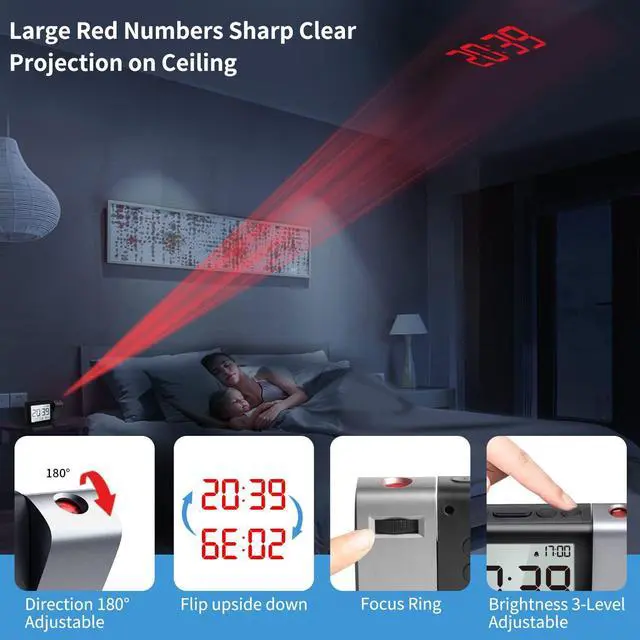
180° Projection Direction
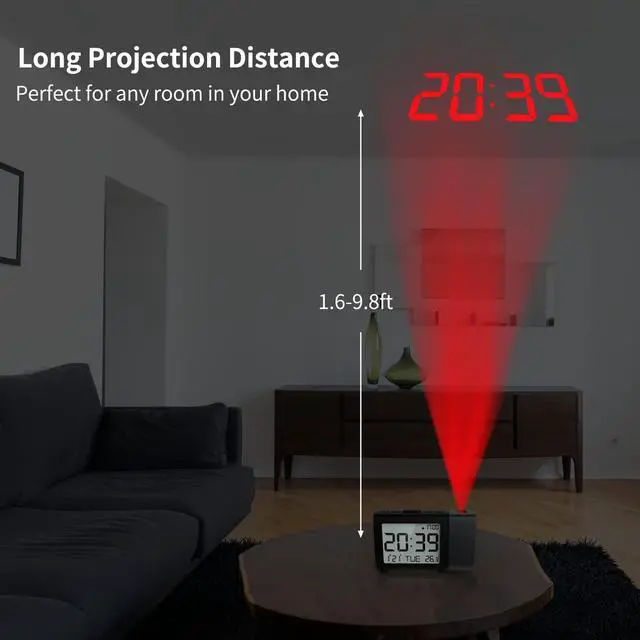
The Digital Alarm Clock's projector projects the time onto the ceiling or wall and can be rotated 180° horizontally.

Focusable
If the time projection on the ceiling is blurry, roll the focus wheel on the back of the clock can to adjust the sharpness of the projected image.

3-Level Projection Brightness
When Powered by USB, Short press the [project] button to select the brightness of projection: High - Medium - Low - Completely OFF.

Flip Time Projection Image
If the ceiling time image is upside down, press and hold the [project] button for about 3 secondscan to flip the projection image.

This MeesMeek digital projection alarm clock with date & temperature fits various scenes like home, bedroom, office and more. An ideal clock for friends & family on birthdays, Father's Day, Mother's Day, holidays & special occasions.
The date and day of the week do not match. The day of the week is incorrect.
This is usually caused by an incorrect year. The factory default is 2022 or 2023. We need to set the year to 2024 and then the week will automatically change with the date when the correct date is set.
The WEEKEND mode can not be set. The "-" button do not work.
It's not possible to active weekend mode when the alarm is off. So need to make sure the alarm is on. When the alarm is on, the alarm icon will be displayed on the screen. Then press "-" button to turn on or off the weekend mode.
The time cann't be set. The "+" and "-" button do not work.
When we set each function, we need to release the function button, and just press the "+" and "-" button to set them.
How to make the time projection image larger and make it clear?
Time projection distance is 0.5-3.5m (1.6-11.4ft). For a better projection experience, recommended projection distance>1m. Roll the focus wheel on the back left or right to adjust the sharpness of the image projected on the ceiling.
Is the projection on the ceiling permanent, or have to press a button every time want to see the time on the ceiling?
The projection is always on as long as the clock is powered by USB cable. If the clock is powered by batteries only, you need to press the projection button every time you want to see the time projection. It will last for 5 seconds and then goes off.


At the heart of Meesmeek is a focus on your quality of life. We understand that your home is the sanctuary for relaxation, which is why we strive to provide you with high quality products and services. Our goal is to make your home more convenient, comfortable and enjoyable.
Choose MeesMeek of quality and care. Let's start a new chapter in our lives together!
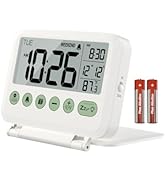
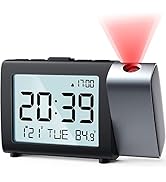
Digital Alarm Clock
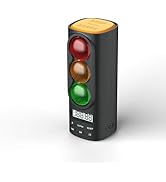
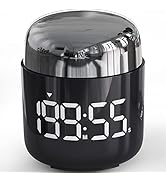
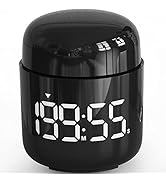
Timer
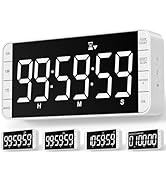
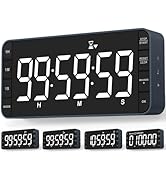
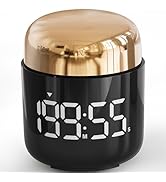
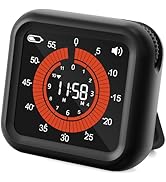
Digital Timer
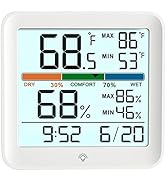
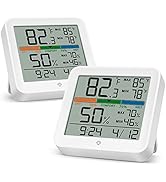
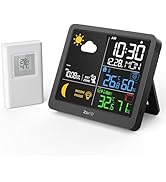
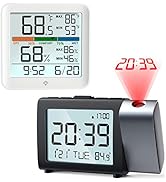
Hygrometer & Thermometer
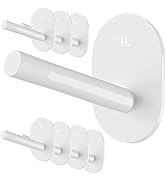
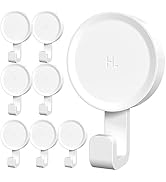
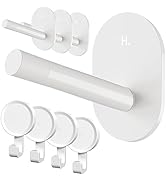
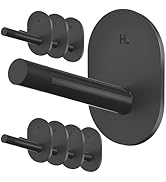
Hooks

Digital Travel Alarm Clock
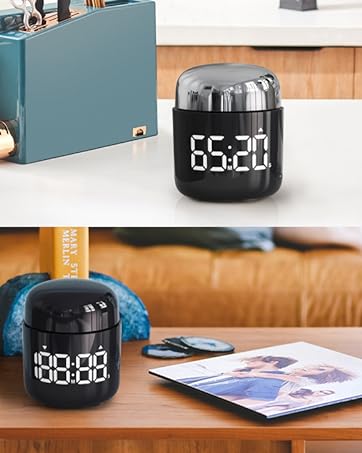
Digital Kitchen Timer
Digital Thermometer Hygrometer
Digital Timer
Projection Clock
At the heart of Meesmeek is a focus on your quality of life. We understand that your home is the sanctuary for relaxation, which is why we strive to provide you with high quality products and services. Our goal is to make your home more convenient, comfortable and enjoyable.
Choose MeesMeek of quality and care. Let's start a new chapter in our lives together!
Digital Alarm Clock
Timer
Digital Timer
Hygrometer & Thermometer
Hooks
Digital Travel Alarm Clock
Digital Kitchen Timer
Digital Thermometer Hygrometer
Digital Timer
Projection Clock

This modern basic LCD clock projects the time onto the ceiling or wall. At night, you can easily check the time with just one glance. With its compact size (14*8.9*3.4 cm), this projection alarm clock can be placed on your bedside or desk at home or in the office, or in your backpack when traveling.
2 Ways of Power Supply
USB Powered or AAA Battery Operated
- Plug in Alarm Clock( included AC adapter & USB cord): When powered by USB, the backlit and projection can stay on constantly. And you can adjust their brightness to suit your needs.
- 3 AAA Battery (not included): Insert 3 AAA batteries to avoid resetting the alarm clock in case of power failure.
- NOTE: Both the LCD backlight and ceiling projection willNOT CONSTANTLY LIT when using batteries only, only light up for 5 seconds. Also unable to adjust the brightness of them.
Digital Projection Alarm Clock for Bedroom
Easy to Use and Read
The digital alarm clock has individual buttons to set time, calendar date, alarm time, projection, temperature unit (?/?) and weekend mode etc.
9-mins Snooze
Press the big snooze button at the top of the bedside clock would allow you an extra 9 minutes of sleep. It will last to 3 minutes if no operation.
12H/24H Time Format Selectable
You can switch between traditional and military mode by a simple press.
- LCD screen Size: 9.9cm (3.9in)
- Unit Dimension: 14*8.9*3.4cm (5.5*3.5*1.3in)
Weekend Mode
When weekend mode is turned on, the alarm won’t sound on Saturdays and Sundays. Save the hassle of turning on/off the alarm before or after weekends.
MORE DETAILS ABOUT THIS DIGITAL CLOCK
3 Backlight Levels of LCD Screen
When Powered by USB, Short press the backlit button to select LCD brightness levels: High - Medium - Low - OFF. Set the brightness to your comfortable level. If you are light sensitive at night, you can completely off the backlit. So as to not light your bedroom up and no interfere with your sleep.
1 Group Alarm & 2 Volume Levels
When the alarm goes off, if nothing is done, the alarm will continue to ring for 3 minutes and auto go into a 7-mins snooze, which repeats 3 times before you manually turn the alarm off to make sure you are woken up and don't miss anything important. (Low: 50~65dB ±5dB, High: 60~80dB ±5dB)
How to use the ceiling projection?
180° Projection Direction
The Digital Alarm Clock's projector projects the time onto the ceiling or wall and can be rotated 180° horizontally.
Focusable
If the time projection on the ceiling is blurry, roll the focus wheel on the back of the clock can to adjust the sharpness of the projected image.
3-Level Projection Brightness
When Powered by USB, Short press the [project] button to select the brightness of projection: High - Medium - Low - Completely OFF.
Flip Time Projection Image
If the ceiling time image is upside down, press and hold the [project] button for about 3 secondscan to flip the projection image.

This MeesMeek digital projection alarm clock with date & temperature fits various scenes like home, bedroom, office and more. An ideal clock for friends & family on birthdays, Father's Day, Mother's Day, holidays & special occasions.
The date and day of the week do not match. The day of the week is incorrect.
This is usually caused by an incorrect year. The factory default is 2022 or 2023. We need to set the year to 2024 and then the week will automatically change with the date when the correct date is set.
The WEEKEND mode can not be set. The "-" button do not work.
It's not possible to active weekend mode when the alarm is off. So need to make sure the alarm is on. When the alarm is on, the alarm icon will be displayed on the screen. Then press "-" button to turn on or off the weekend mode.
The time cann't be set. The "+" and "-" button do not work.
When we set each function, we need to release the function button, and just press the "+" and "-" button to set them.
How to make the time projection image larger and make it clear?
Time projection distance is 0.5-3.5m (1.6-11.4ft). For a better projection experience, recommended projection distance>1m. Roll the focus wheel on the back left or right to adjust the sharpness of the image projected on the ceiling.
Is the projection on the ceiling permanent, or have to press a button every time want to see the time on the ceiling?
The projection is always on as long as the clock is powered by USB cable. If the clock is powered by batteries only, you need to press the projection button every time you want to see the time projection. It will last for 5 seconds and then goes off.