here!
here!
I’m your shopping assistant for PC builds, upgrades, and everything tech.
Got questions? Ask away!
Start a conversation
here!
I’m your shopping assistant for PC builds, upgrades, and everything tech.
Got questions? Ask away!
Start a conversation



Any questions? Ask CelesteSM will help you find out quickly.


Shopping Tips:
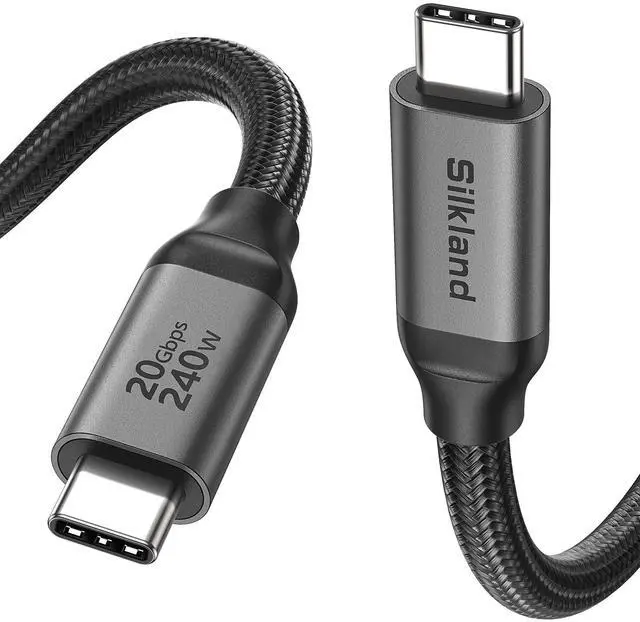
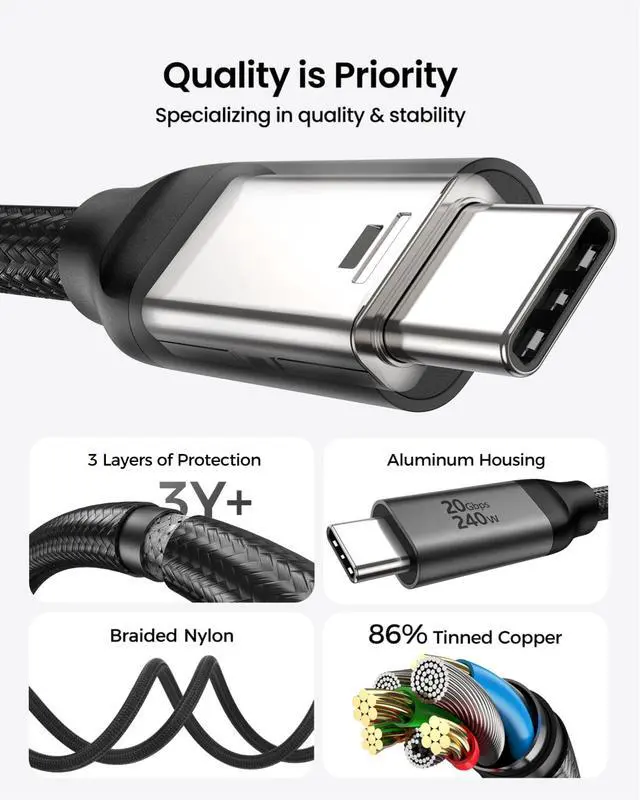
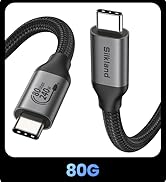
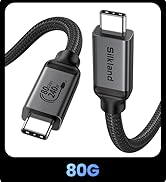
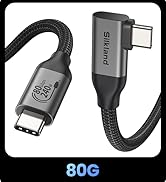
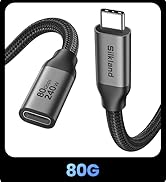
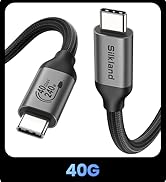
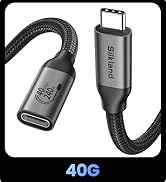
Port Type: USB C to USB C, Male to Male
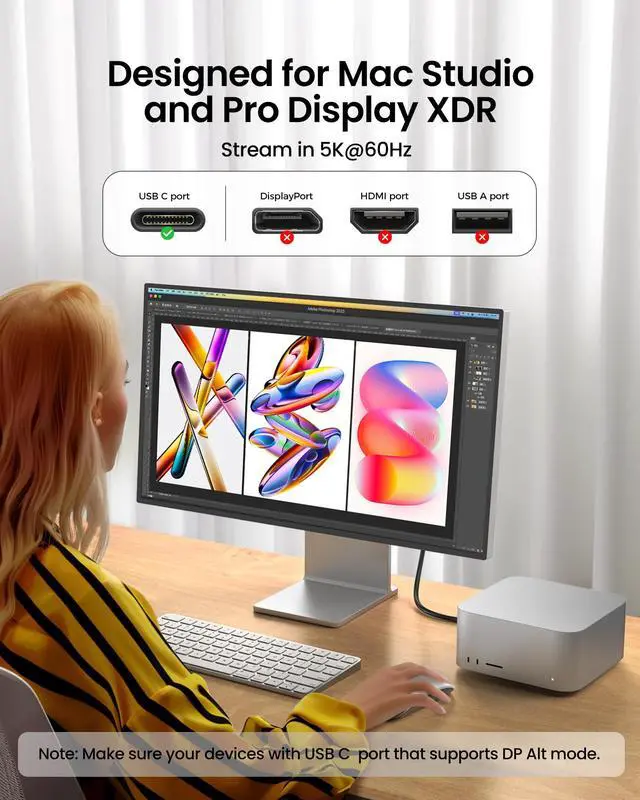
Not compatible with DP, HDMI, USB A, Type B ports
If the product is used for a monitor, to avoid port incompatibility, please confirm whether the monitor has a USB C port that supports DP Alt mode
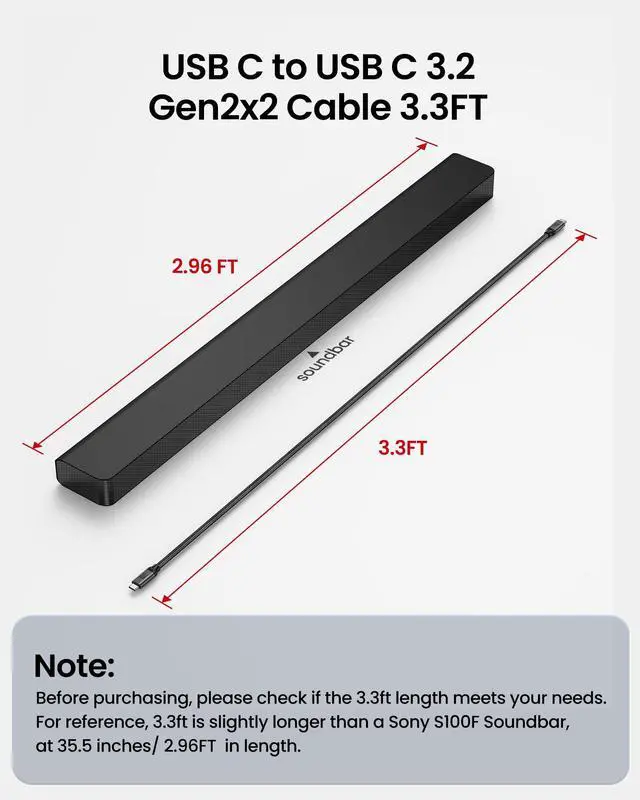
What length should I choose?
1-1.6ft: Ideal for portable SSDs, power banks & tight spaces
3.3-5ft: Ideal for daily use, close-range desk monitor & PC setups
6.6-10ft: Great for sofas &small meeting room, long-reach setups
15ft: Fits office display walls &podium connected devices
Why is my monitor not compatible?
Confirm the source USB-C port has a DP or Thunderbolt icon, and the monitor's USB-C port has upstream markings like "PC IN" or "Computer". If not, check the official website for DP Alt Mode support. If flickering occurs, try to reduce the resolution.
Why doesn't the monitor's video output reach 4K or 8K?
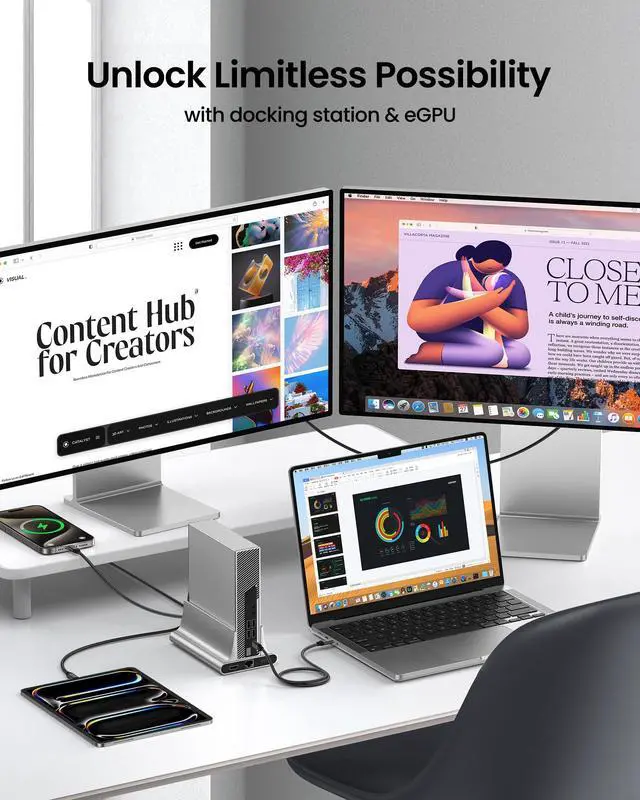
The USB C port of your devices must support DisplayPort Alt Mode. 4K@60Hz is widely supported. 8K is also supported, but only if both your laptop and monitor need DP 1.4 with DSC compression. The cable is capable, but the devices set the limit.
Why is it not charging or charging slowly?
Compare the port with the diagram above to check. If the USB-C port is data-only, charging will not work.
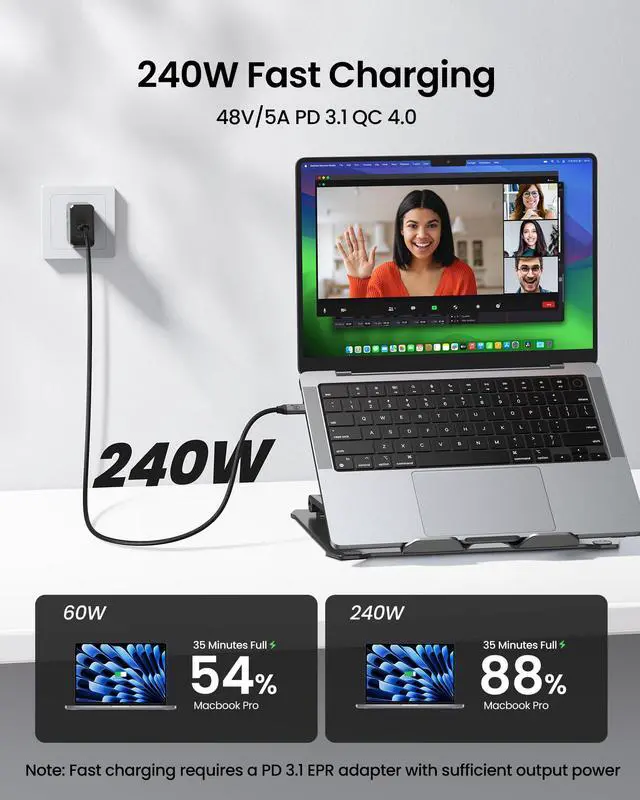
For fast charging, you need an adapter that supports PD 3.1 EPR, and its maximum output power must meet or exceed your device's requirements.








Shopping Tips:
Port Type: USB C to USB C, Male to Male
Not compatible with DP, HDMI, USB A, Type B ports
If the product is used for a monitor, to avoid port incompatibility, please confirm whether the monitor has a USB C port that supports DP Alt mode
What length should I choose?
1-1.6ft: Ideal for portable SSDs, power banks & tight spaces
3.3-5ft: Ideal for daily use, close-range desk monitor & PC setups
6.6-10ft: Great for sofas &small meeting room, long-reach setups
15ft: Fits office display walls &podium connected devices
Why is my monitor not compatible?
Confirm the source USB-C port has a DP or Thunderbolt icon, and the monitor's USB-C port has upstream markings like "PC IN" or "Computer". If not, check the official website for DP Alt Mode support. If flickering occurs, try to reduce the resolution.
Why doesn't the monitor's video output reach 4K or 8K?
The USB C port of your devices must support DisplayPort Alt Mode. 4K@60Hz is widely supported. 8K is also supported, but only if both your laptop and monitor need DP 1.4 with DSC compression. The cable is capable, but the devices set the limit.
Why is it not charging or charging slowly?
Compare the port with the diagram above to check. If the USB-C port is data-only, charging will not work.
For fast charging, you need an adapter that supports PD 3.1 EPR, and its maximum output power must meet or exceed your device's requirements.