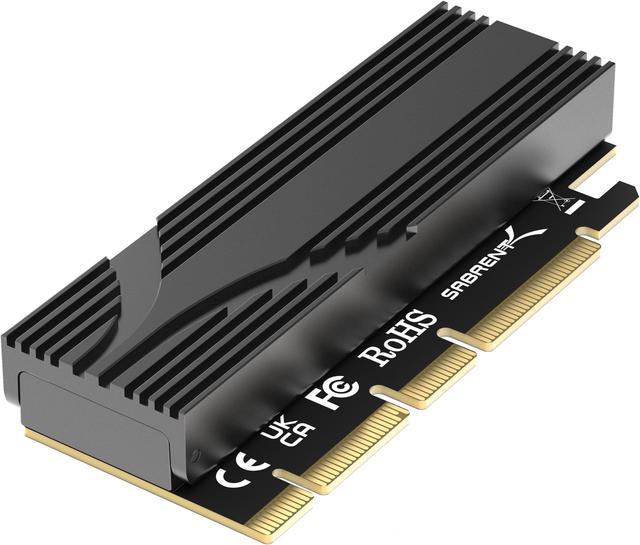
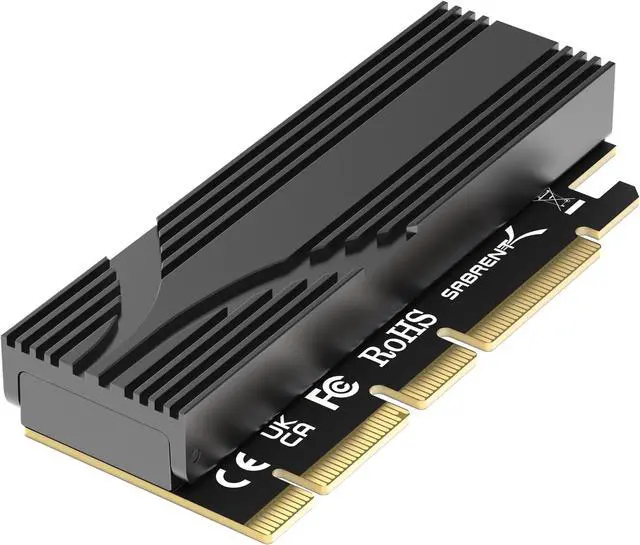
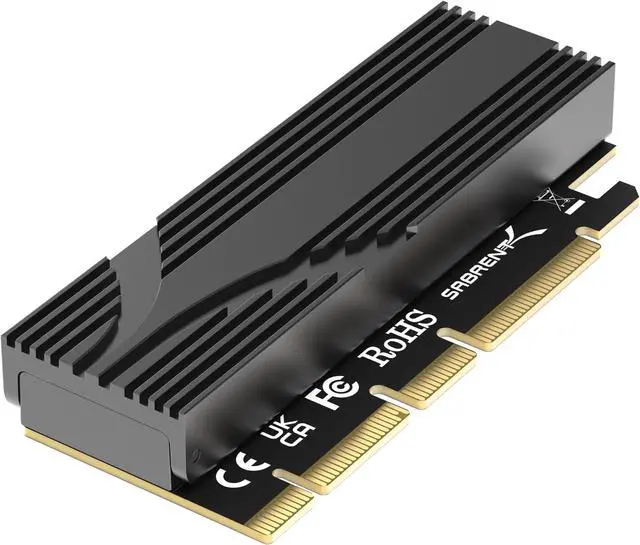
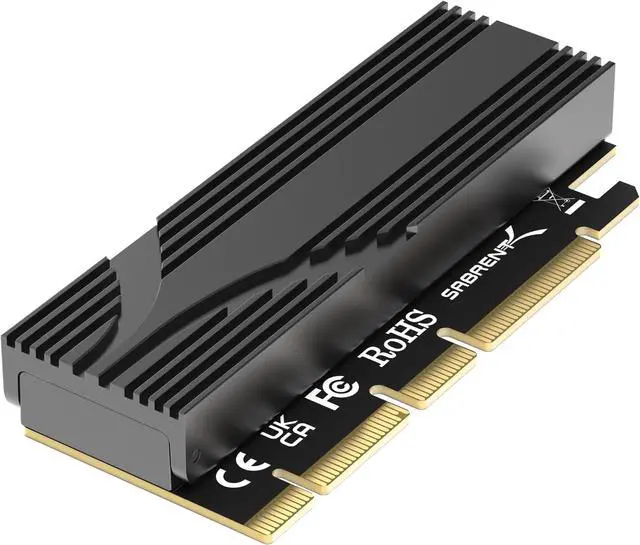
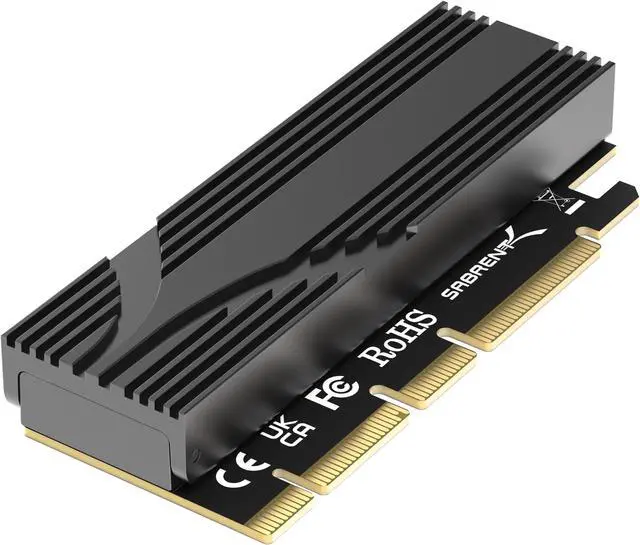
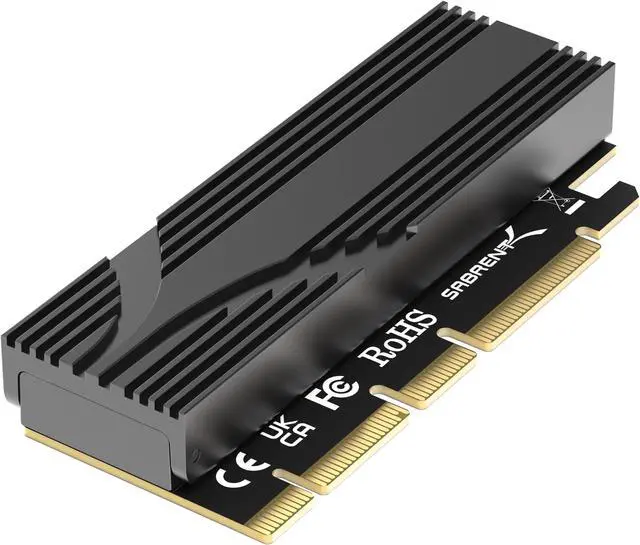
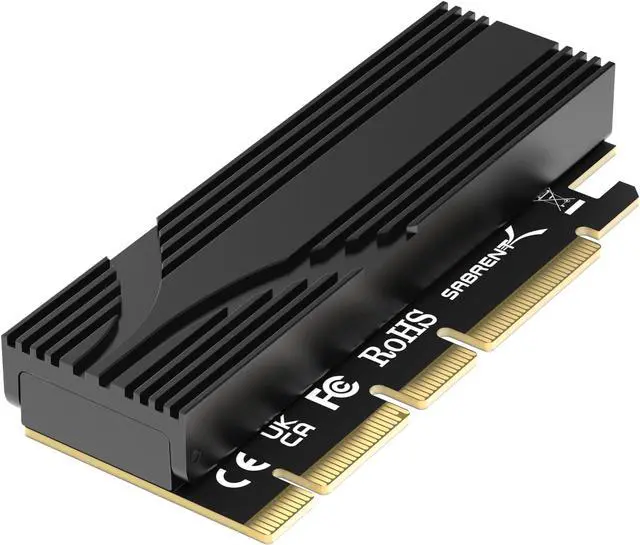
The SABRENT EC-TFPE is a tool-free PCIe x16 add-in card that lets desktop users install an M.2 NVMe SSD, including a Gen5 drive, with an aluminum heatsink; it suits builders who want a straightforward SSD upgrade and compatibility with previous PCIe generations.
Recommended For
- Desktop or workstation owners who have an available compatible PCIe slot but no spare motherboard M.2 slot, and want to add one NVMe SSD.
- Users installing a Gen5 NVMe SSD in a desktop with a Gen5-capable PCIe slot who want a passive heatsink and a tool-free drive retainer.
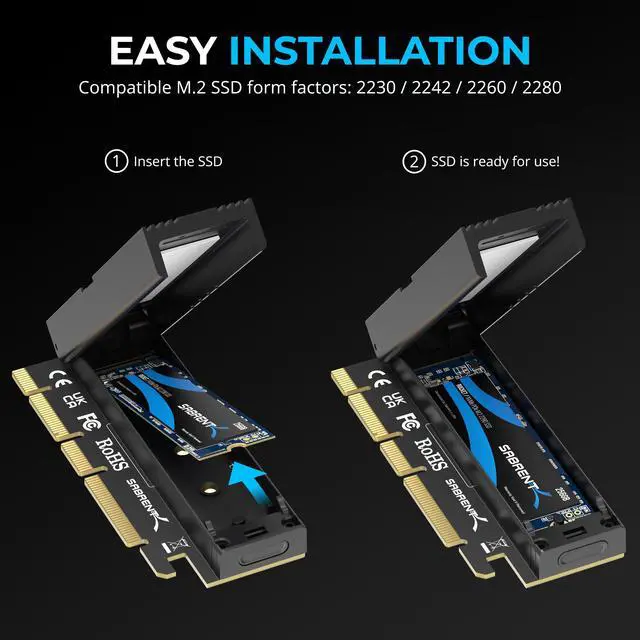
- PC builders adding one supported 2230, 2242, 2260, or 2280 NVMe drive who want to use a PCIe slot instead of a motherboard M.2 connector.
- Users who prefer a fanless storage add-in card, such as desktop builders avoiding another powered fan while adding one NVMe SSD.
Real-World Use Scenarios
- When a desktop’s motherboard M.2 slots are already occupied, install one compatible NVMe SSD on the card to add internal storage without replacing an existing drive. The available PCIe slot, lane configuration, and physical clearance still need to be checked.
- When upgrading or replacing a system drive leaves a spare NVMe SSD, use the card to install that drive as additional internal storage for games, media, or work files. It provides another drive location; it does not increase the SSD’s own performance.
- When a desktop has an open PCIe slot but no usable motherboard M.2 slot, use the card to connect one NVMe SSD internally. The drive can appear as normal system storage when the computer supports NVMe on that PCIe path; check compatibility before installation.
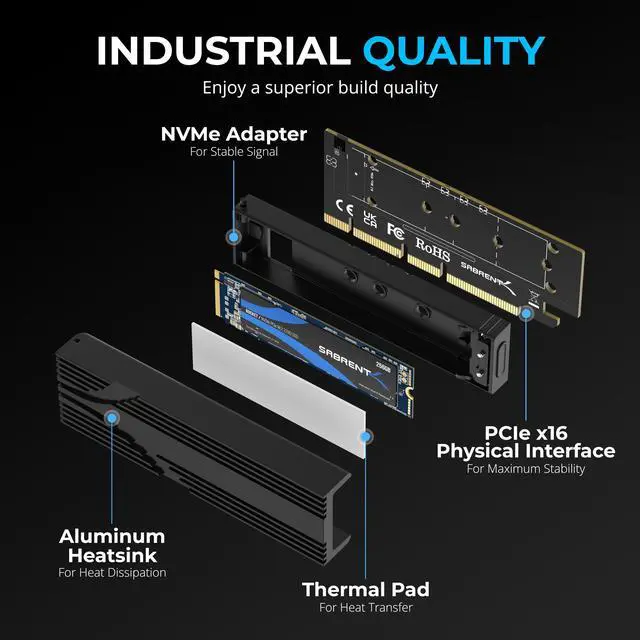
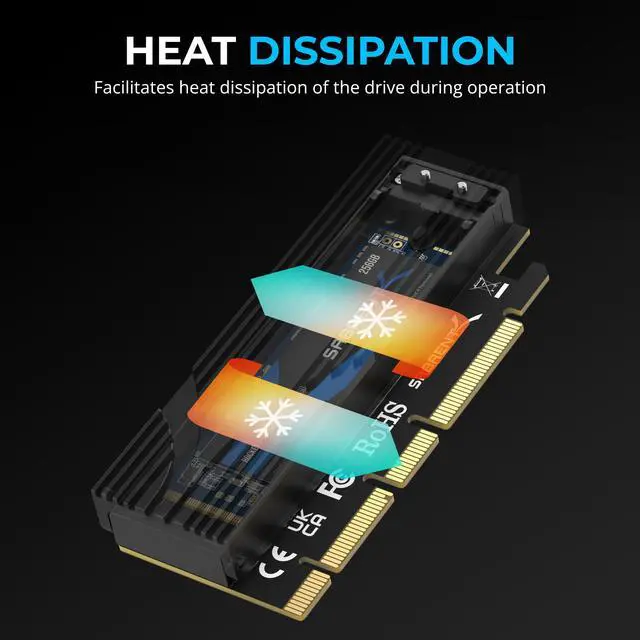
- When installing a high-performance NVMe SSD for sustained file transfers or other storage-heavy work, use the included heatsink and thermal pad to help dissipate drive heat without adding fan noise. Actual temperatures and sustained speeds depend on the SSD, case airflow, and PCIe connection.
- When using the SSD as a Windows or Linux boot drive, install it through the card only if the motherboard firmware can boot from NVMe devices on that PCIe slot. Otherwise, use it as secondary storage and keep the boot drive on a supported connection.
Reference Q&A
Q: Will this let me add an NVMe SSD if my motherboard has no free M.2 slot?
A: Yes. It installs one compatible M.2 NVMe SSD in an available PCIe slot. It adds a way to connect the drive; it does not increase the SSD’s performance beyond the limits of the drive and host system.
Q: Will a Gen5 SSD work in an older PCIe system?
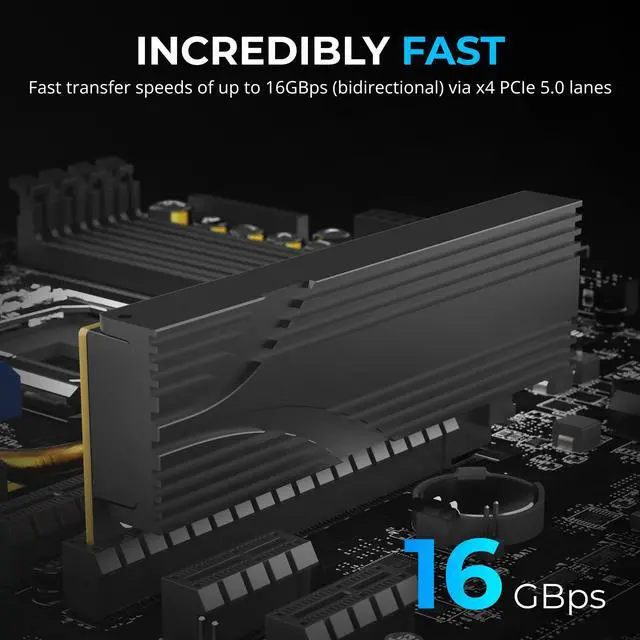
A: The product is described as backward compatible with earlier PCIe generations, so it can be used in an older compatible PCIe system. The SSD will run at the speed supported by the host connection, not at Gen5 speed unless the system supports Gen5.
Q: Which M.2 SSD sizes fit this adapter?
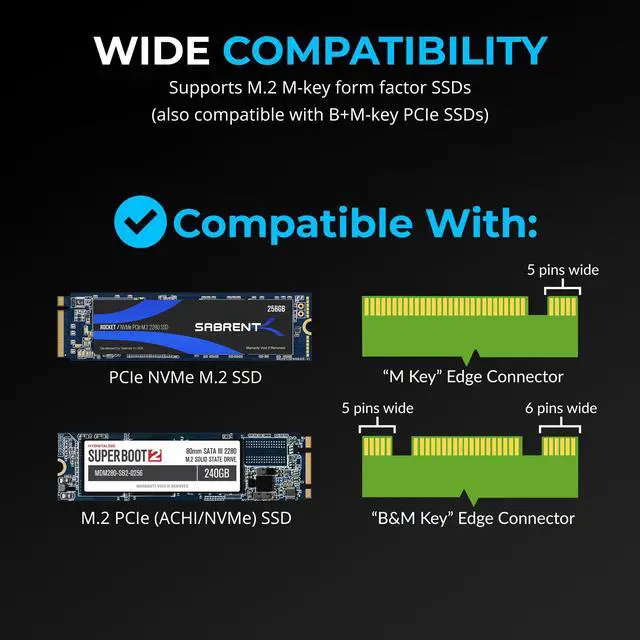
A: The product video lists M.2 2230, 2242, 2260, and 2280 NVMe SSDs as compatible. Check that your drive is NVMe; the supplied product information does not establish support for M.2 SATA drives.




 here!