




 here!
here!
I’m your shopping assistant for PC builds, upgrades, and everything tech.
Got questions? Ask away!
Start a conversation
here!
I’m your shopping assistant for PC builds, upgrades, and everything tech.
Got questions? Ask away!
Start a conversation



Any questions? Ask CelesteSM will help you find out quickly.
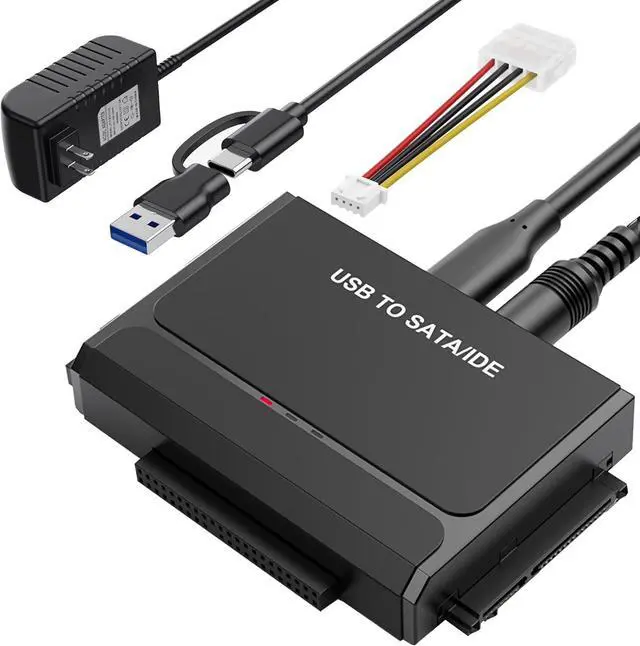
Hard Drive Reader, It does both desktop and laptop IDE as well as SATA drives

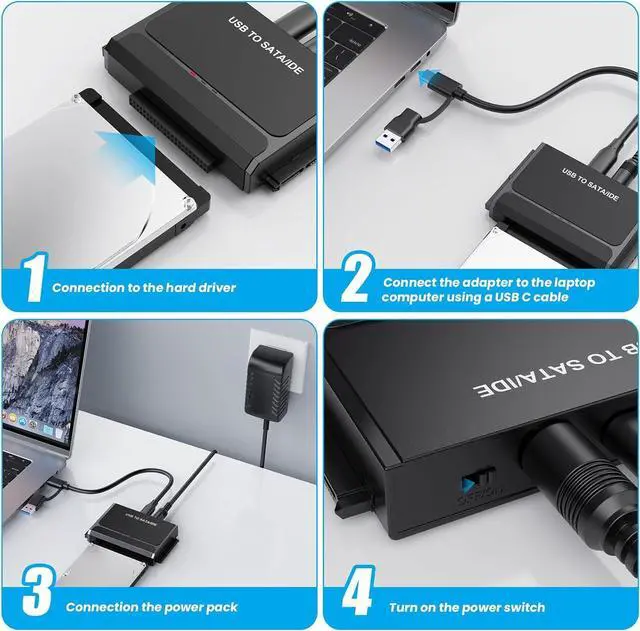
Whether it's precious personal photos or work files, don't let them damage along with your old computer. This USB to IDE SATA adapter lets you easily access all the data on your old hard drive in just one simple step. It support USB 3.0&Type-C for fast data transfer, including a 12V power adapter
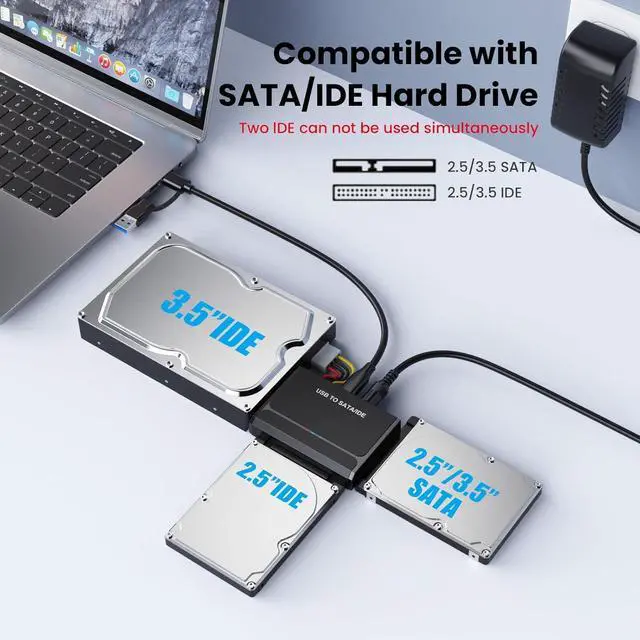
Allows simultaneous access to both SATA and IDE hard drives

Easily connect and access a wide range of hard drives with this USB to SATA/IDE adapter. Designed for convenience and flexibility, it supports both modern SATA and legacy IDE devices, making it an ideal solution for data transfer, backup, and drive testing
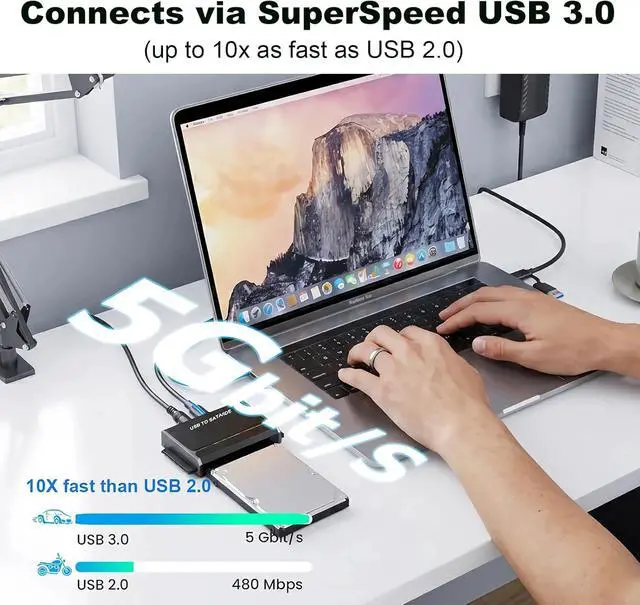
Supports data transfer rates up to 5Gbps

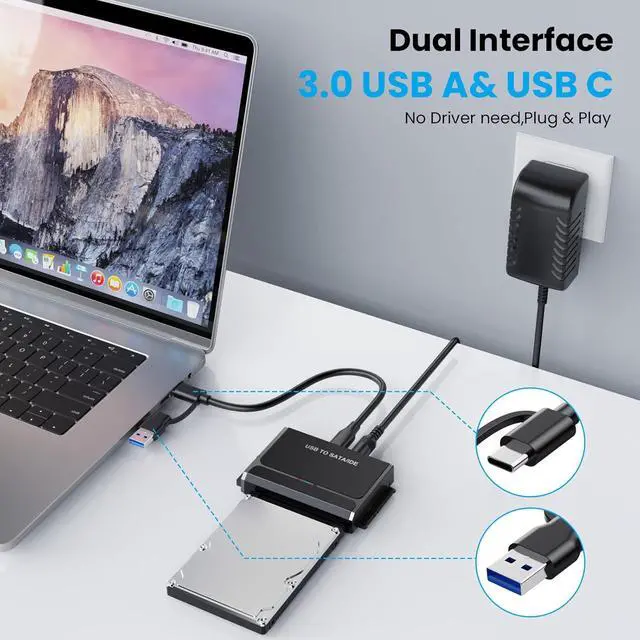
Featuring a USB-C interface compliant with USB 3.2 Gen 1, delivers fast data transfer speeds of up to 5Gbps. The included USB-C to USB-A combo cable ensures broad compatibility with both newer and older computers
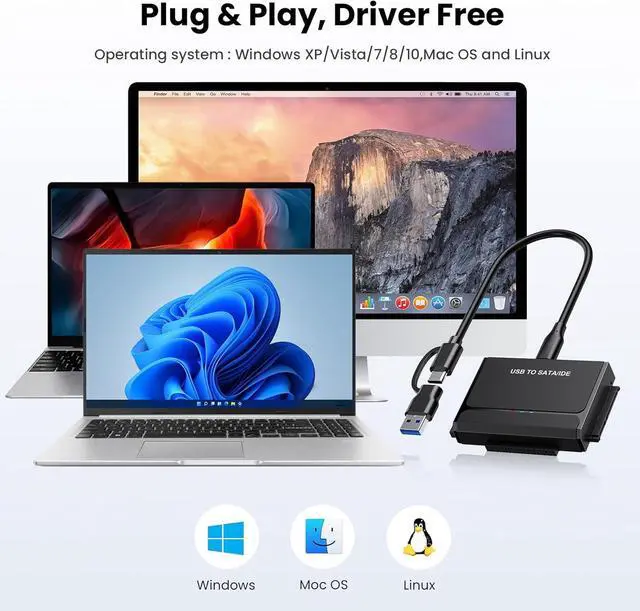
Plug-and-play setup with no drivers required

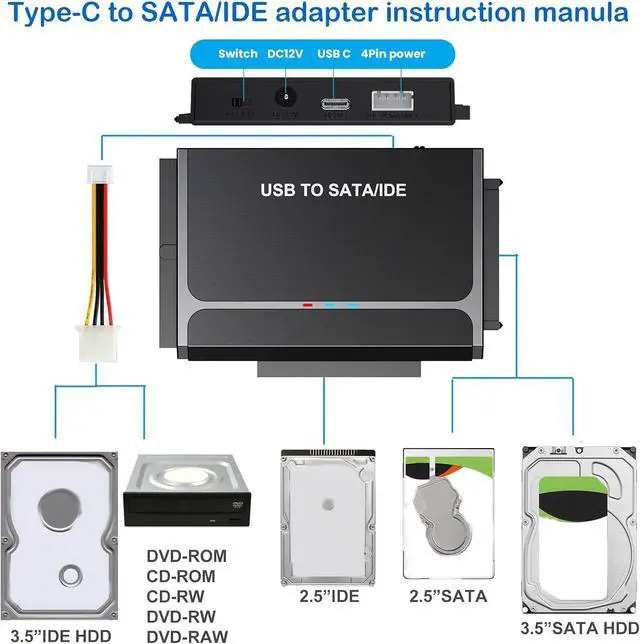
Dual-Head IDE Connector (40pin and 44pin) plus one SATA III Connector.

Support SATA and IDE interface, including 2.5" and 3.5" SATA I/ SATA II HDD / SSD up to 6 TB and DVD-ROM, CD-ROM, CD-RW, DVD-RW, DVD + RW Optical Drive.
Wide Compatibility

This ide hard drive converter equipped with a USB C to USB C cable with an attached USB A adapter.that plugs into the USB port to match your laptop and is not limited by the computer model
USB-C interface compliant with the USB 3.2 Gen 1 standard

1× USB 3.0 to IDE+SATA Adapter;
1× USB-A&C Connector data cable 3.0;
1× 4PIN power cable;
1× 12V 2A Power Adapter ;
1× User guide

No need to turn off your laptop while exchanging the connected hard disk drives
Why My Hard Drive Not Showing Up or Detected in Computer with the adapter
Potential Reasons & Troubleshooting:
1) New Drive Initialization: If you are using a brand-new SSD or HDD, you must initialize it first, then create a new partition and format it.
2) Please confirm whether the hard drive itself is still functional and undamaged.
3) If you are using an Mac system, ensure the hard drive is formatted in a file system that macOS can read and write (such as exFAT or APFS).
4) Incorrect Hard Drive Type: This adapter does not support SAS or SCSI hard drives.
5) Damaged USB Port: Try plugging the cable into a different port.
6) External Power Required (for 3.5" Drives): Important: 3.5-inch hard drives require an external power adapter to function
7) LED Indicator Status: The LED indicator light will only turn on after both the hard drive is securely connected
8) USB Port Preference: If you are using a desktop computer, please use the rear USB ports on the back of the computer chassis for a more stable power supply
9) Dual IDE Restriction: Please note that two IDE drives cannot be used simultaneously


