here!
here!
I’m your shopping assistant for PC builds, upgrades, and everything tech.
Got questions? Ask away!
Start a conversation
here!
I’m your shopping assistant for PC builds, upgrades, and everything tech.
Got questions? Ask away!
Start a conversation
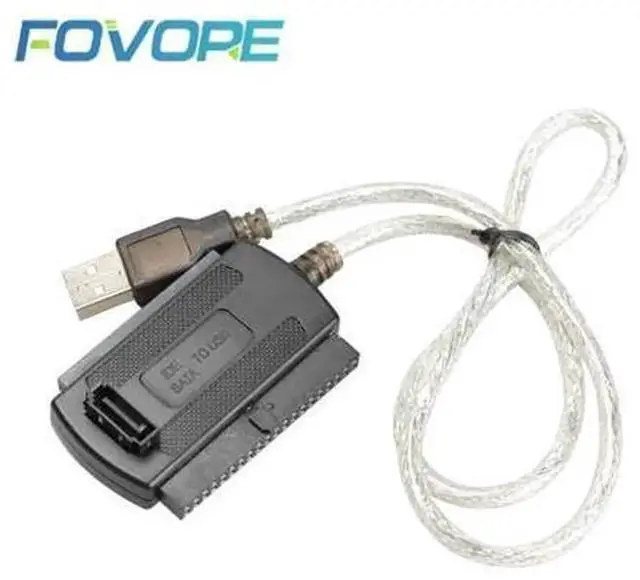
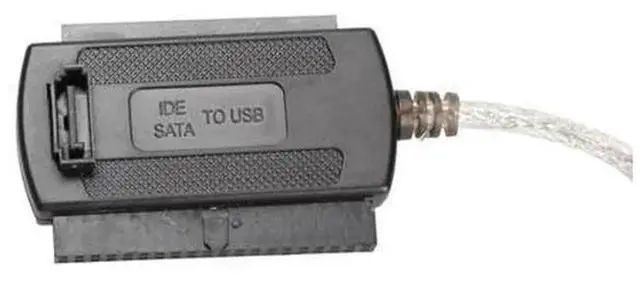
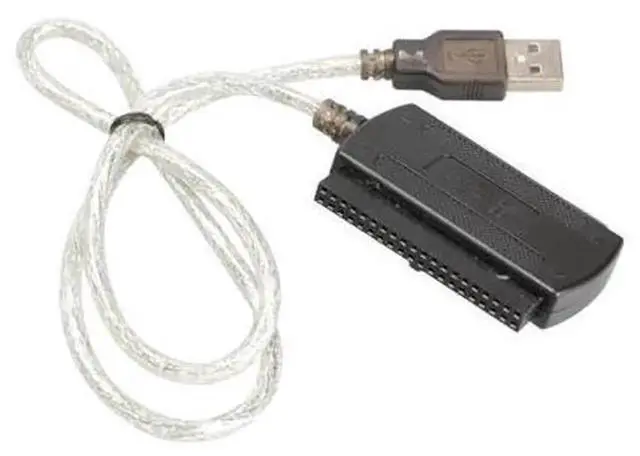
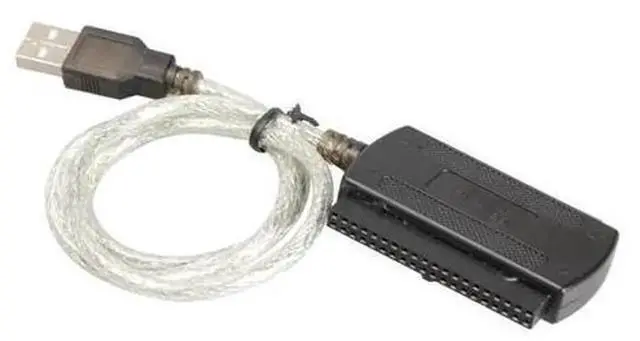



Any questions? Ask CelesteSM will help you find out quickly.
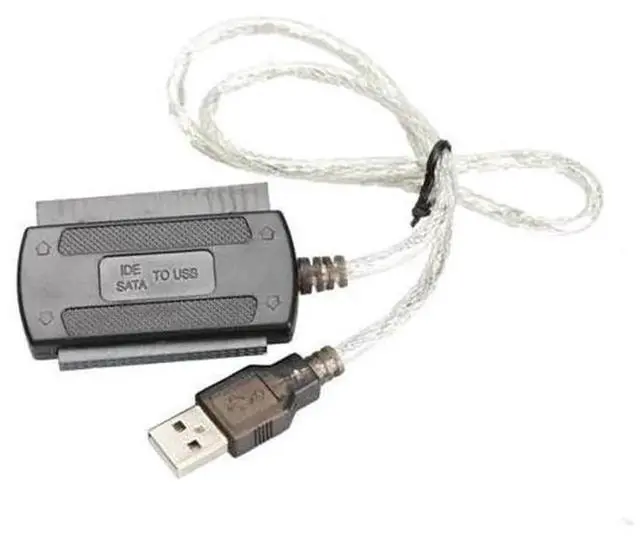
This USB 2.0 to PATA IDE converter cable allows you to connect legacy 2.5inch and 3.5inch PATA IDE hard drives to modern computers through USB port. It is an ideal tool when you need to extract valuable files from outdated IDE hard disks without installing the drive inside your computer chassis.
Following USB 2.0 specification, it reaches up to 480Mbps transfer rate for file copying and data reading. It also works with USB1.1 ports at reduced speed. This adapter covers both 2.5inch laptop IDE HDD and larger 3.5inch desktop PATA hard drives, supporting most classic parallel ATA hard disk models.
It is widely used for old data rescue, archive backup, disk fault inspection, hardware repair and retro PC projects. Simply attach your IDE hard drive to the IDE connector, connect USB plug to your computer, and you can read disk content directly. No complicated installation steps required.
Important reminders: The 3.5inch PATA IDE hard drive demands an external power adapter for sufficient power supply; power adapter is NOT included. This unit works only for PATAIDE hard drives and is not compatible with SATA HDD / SSD. Hard drive is excluded from package. On some operating systems, you may need to initialize or assign a drive letter before accessing disk files.