
Your Browsing History





Any questions? Our AI beta will help you find out quickly.
Symptoms of Disk Not showing up
1. The hard drive display is not showing up in File Explorer.
2. The hard drive shows Disk Unknown, Not Initialized, including the new drive.
3. The hard drive displays as RAW in DiskManagement.
4. The hard drive has no drive letter.
5. The hard drive has a yellow exclamation mark
Please follow the tutorial to make your drive show up again
#Fix 1. Change Disk Connection
#Fix 2. Format Hard Drive to NTFS
#Fix 3. Restore Data and Create a New Partition
#Fix 4. Change Hard Drive Drive Letter
#Fix 5. Update Hard Drive Disk Driver
#Fix 6. Initialize Disk, Create A Volume and Enable Disk in BIoS
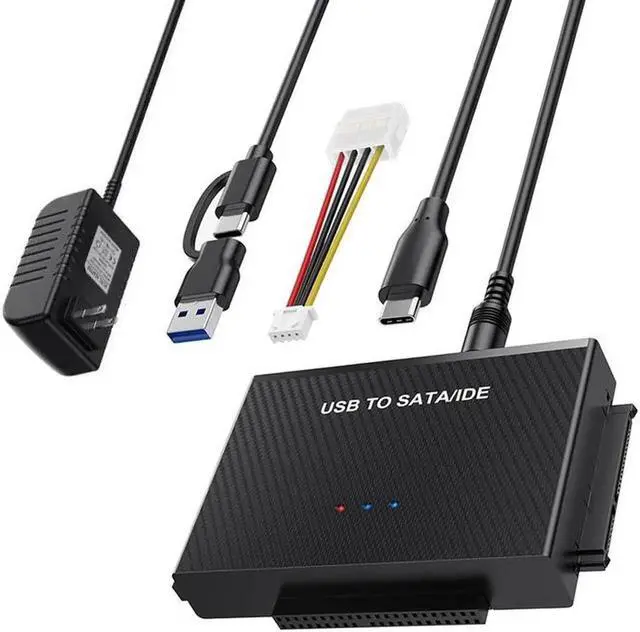
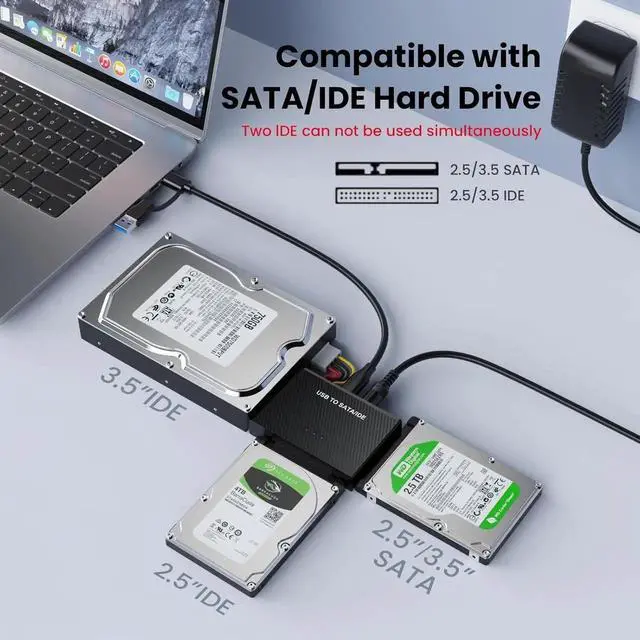
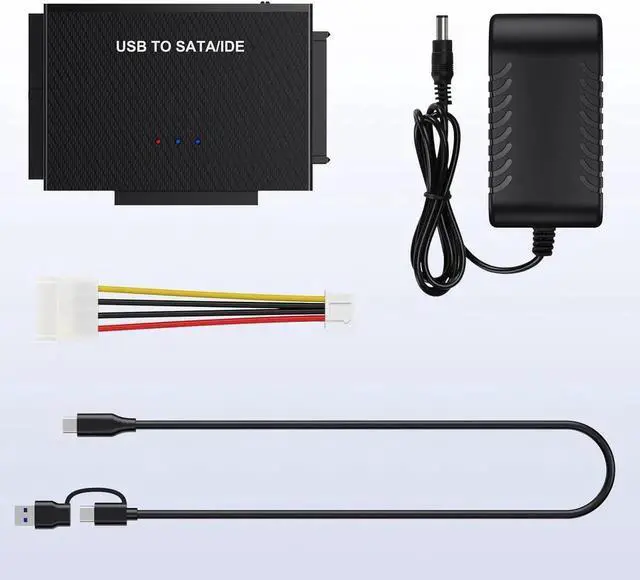
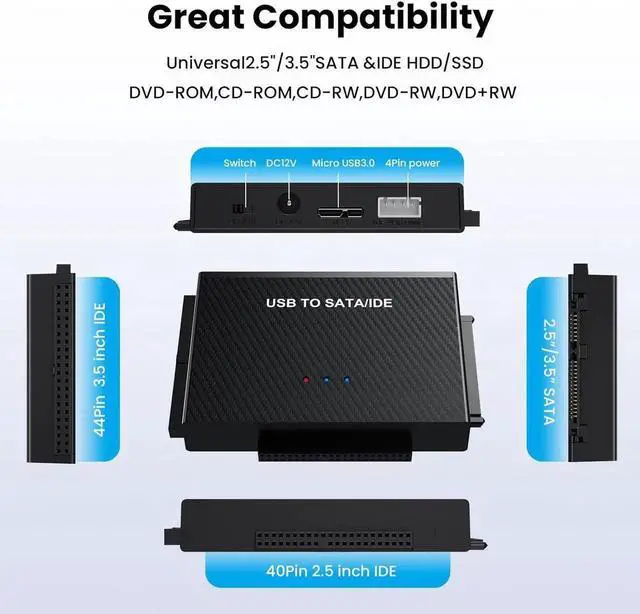
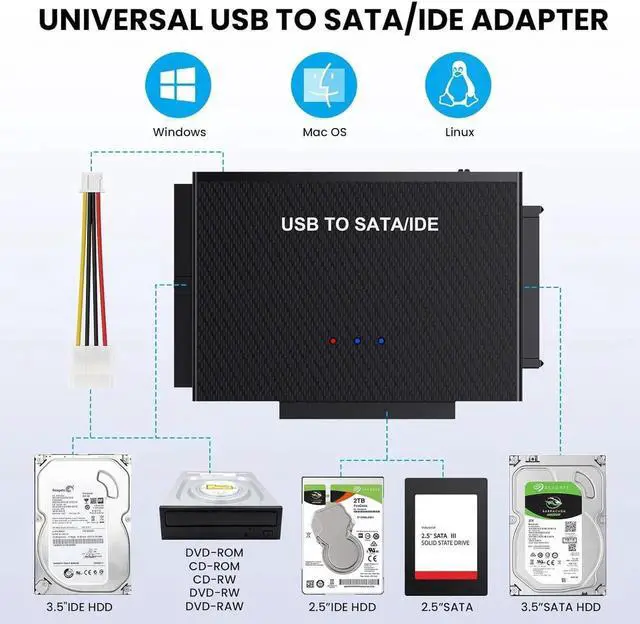
Universal IDE Hard Drive Adapter: IDE and SATA adapter support 2.5 "/ 3.5" SATA IDE hard drives; DVD/CD Optical Drive, Dual-Head IDE Connector (40pin and 44pin) plus one SATA II Connector. and you can quickly transfer and back up large files data from your hard drive
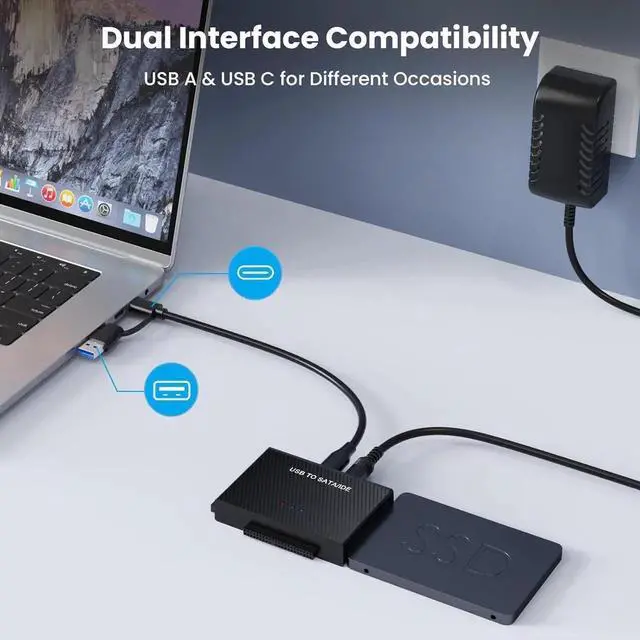
Wide System Compatibility: Hard drive USB adapter support hot-swapping. universally compatible with Windows 10/ 8.1 / 8/ 7/Vista/XP, Mac OS 9/ 10, Linux; work with Xbox, Western Digital, Seagate, Fujitsu, Samsung hard drives, etc
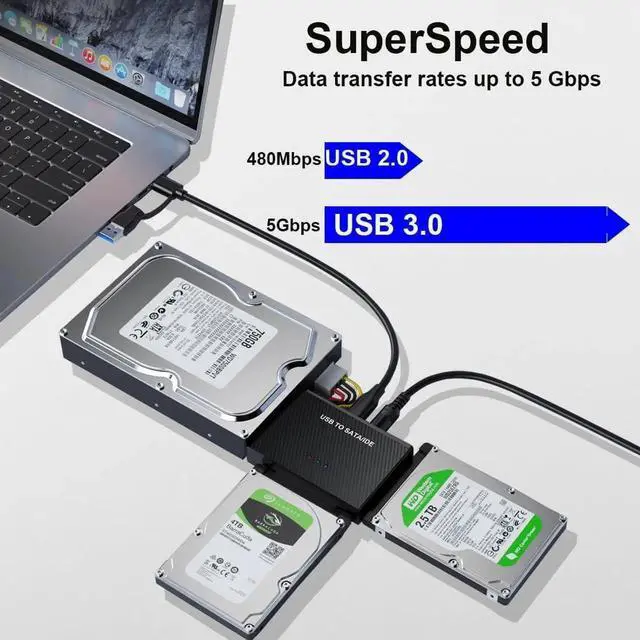
SuperSpeed Transfer up to 5GBPS- hard drive adapter Data transfer rates up to 5 Gbps, backward compatible with USB 2.0 / 1.1. supports UASP. which is 70% Faster than traditional USB 3.0 and a 40% reduction in required processor resources
More
Details
: Plug and play; Hot Swap; On/Off Switch for HDD protection. LED light shows power and activity status.
Note: For 3.5 IDE HDD, you need to connect the 4-pin power cable.