




 here!
here!
I’m your shopping assistant for PC builds, upgrades, and everything tech.
Got questions? Ask away!
Start a conversation
here!
I’m your shopping assistant for PC builds, upgrades, and everything tech.
Got questions? Ask away!
Start a conversation



Any questions? Ask CelesteSM will help you find out quickly.

Commitment to Provide the Highest Standard of Service to Every Customer

ULXUUUN provides a lot excellent accessories and peripherals for computer products! Great products allow you to have high efficiency! A productive work environment will make your life easier and happier!
We promise that our products are sold directly from the factory to the customer. With ULXUUUN, let's explore an efficient and convenient work and life together!
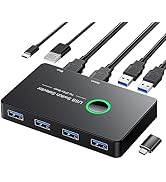
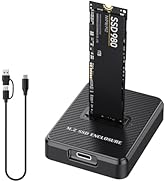
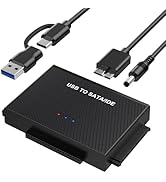
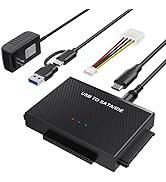
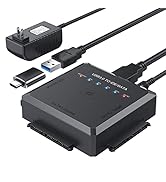
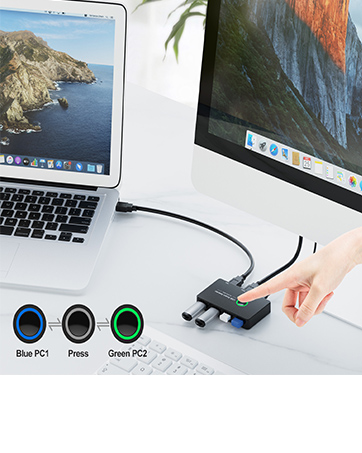
Ideal KVM Switch for 2 Computers 1 Monitor Share 4 USB Devices, Free Your Desk Space and Save Your Time!
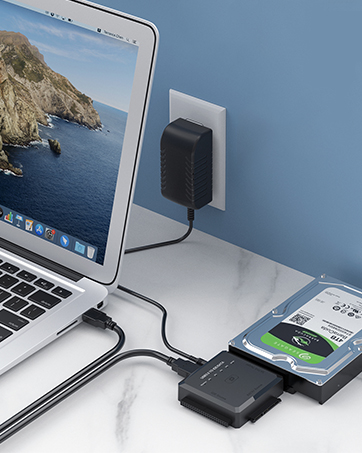
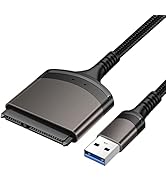
One Touch Backup for 2.5/3.5 Inches SATA/IDE, ideal to upgrade your PC hard drive quickly! Plug and Play
Stylish appearance, considerate budget, excellent quality, professional support! Let you buy satisfactory products at a preferential budget! Your purchase, we escort!
We have carried out years of research on the product, the product has a professional analysis, is committed to creating quality products for customers, to meet customer needs! We are confident to do better!

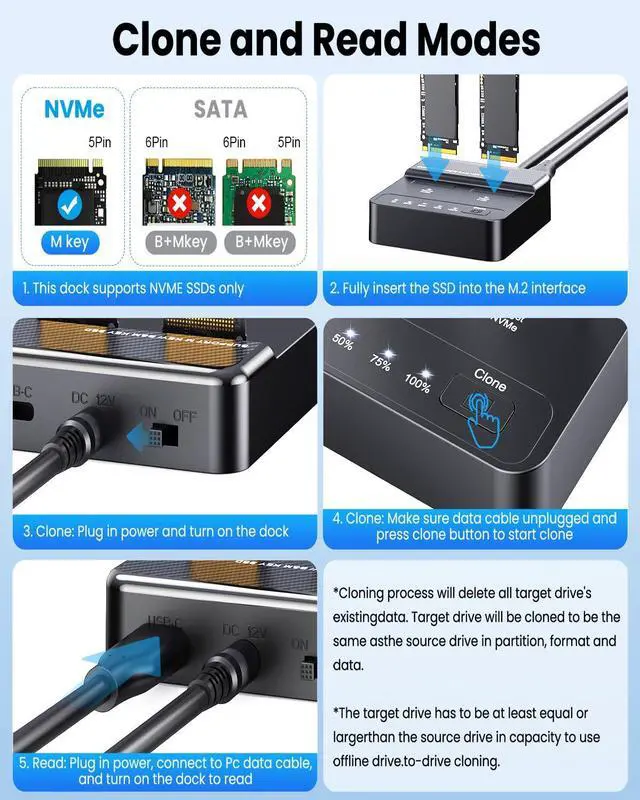
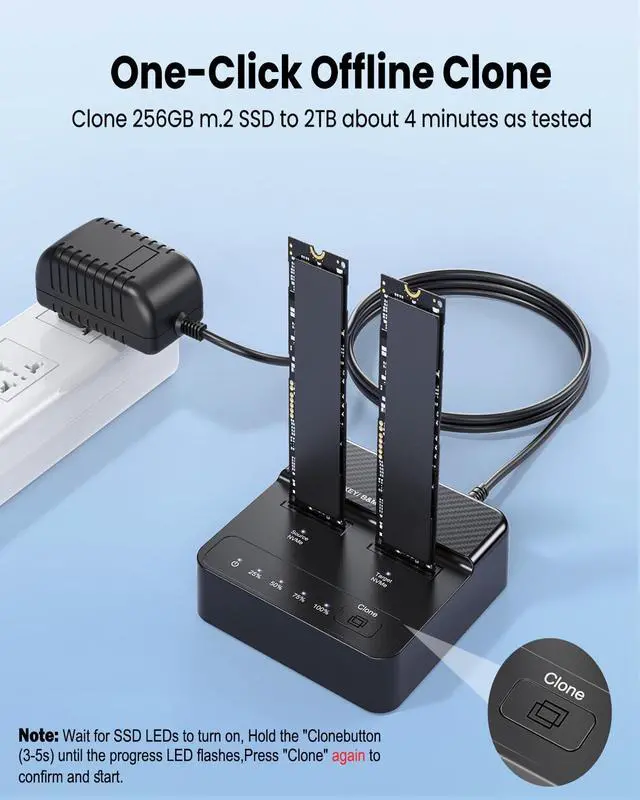
To Keep Existing Data on Both Drives: Please set the dock to PC Mode and connect it to your computer. You can then manually transfer files between the drives without erasing any data.

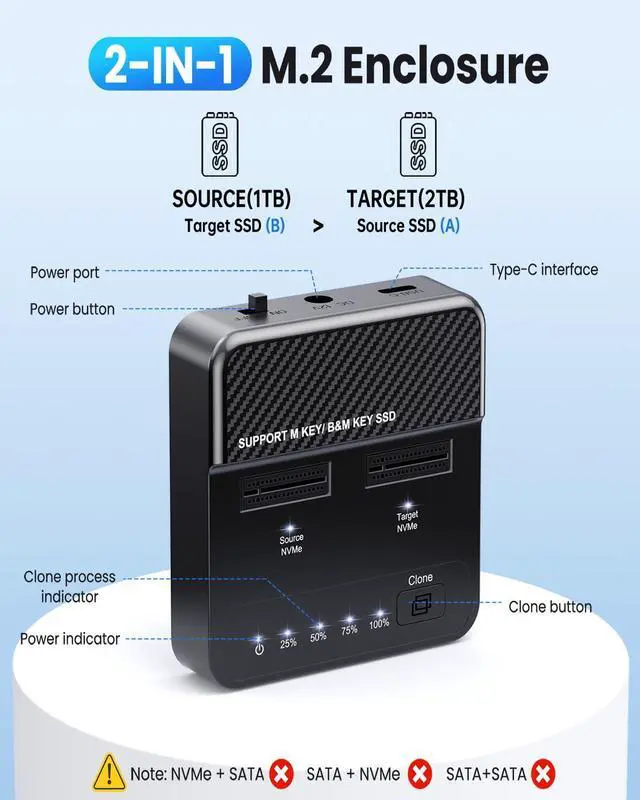
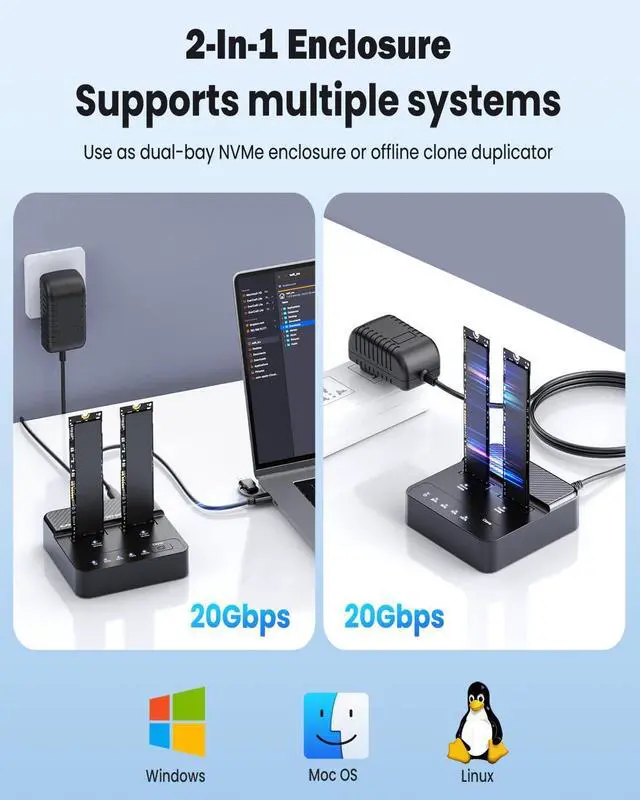
Compatibility Note: This M.2 dock is designed exclusively for NVMe SSDs. SATA and other SSDs will not work in both PC and Clone mode.


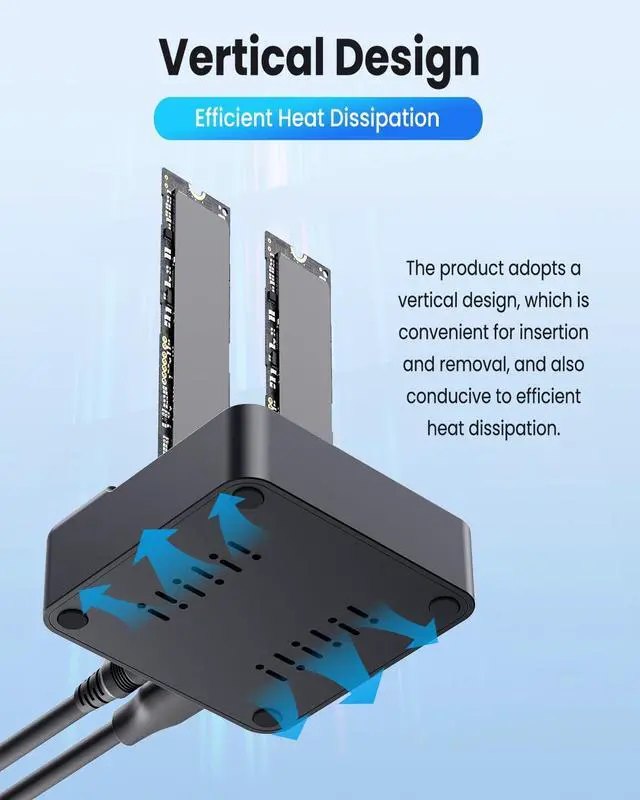
Warning: NVMe SSDs operate at high temperatures. Do not touch during use. Allow to cool before removal.

Note: Both drives must be NVMe. The target drive must have a capacity = the source. The cloning process will create an exact copy, overwriting the target's existing partitions, format, and all data.


To Keep Existing Data on Both Drives: Please set the dock to PC Mode and connect it to your computer. You can then manually transfer files between the drives without erasing any data.

Compatibility Note: This M.2 dock is designed exclusively for NVMe SSDs. SATA and other SSDs will not work in both PC and Clone mode.


Warning: NVMe SSDs operate at high temperatures. Do not touch during use. Allow to cool before removal.

Note: Both drives must be NVMe. The target drive must have a capacity = the source. The cloning process will create an exact copy, overwriting the target's existing partitions, format, and all data.

Commitment to Provide the Highest Standard of Service to Every Customer
ULXUUUN provides a lot excellent accessories and peripherals for computer products! Great products allow you to have high efficiency! A productive work environment will make your life easier and happier!
We promise that our products are sold directly from the factory to the customer. With ULXUUUN, let's explore an efficient and convenient work and life together!
Ideal KVM Switch for 2 Computers 1 Monitor Share 4 USB Devices, Free Your Desk Space and Save Your Time!
One Touch Backup for 2.5/3.5 Inches SATA/IDE, ideal to upgrade your PC hard drive quickly! Plug and Play
Stylish appearance, considerate budget, excellent quality, professional support! Let you buy satisfactory products at a preferential budget! Your purchase, we escort!
We have carried out years of research on the product, the product has a professional analysis, is committed to creating quality products for customers, to meet customer needs! We are confident to do better!
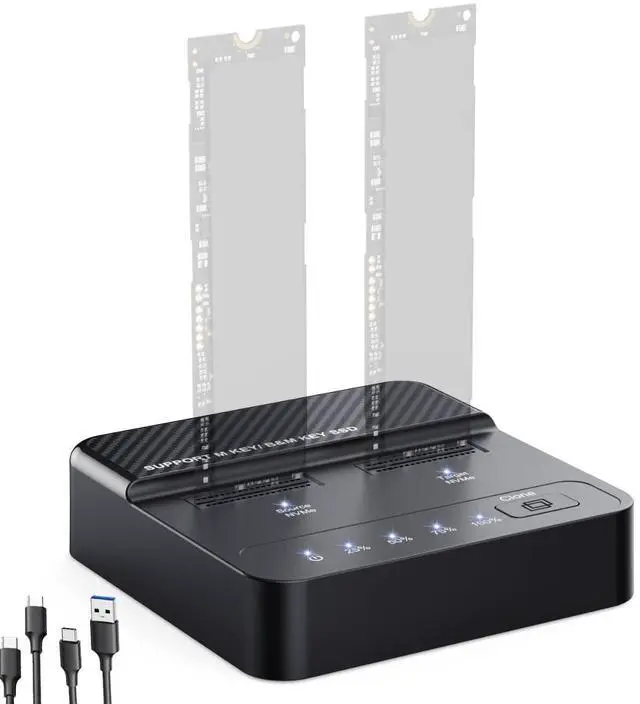
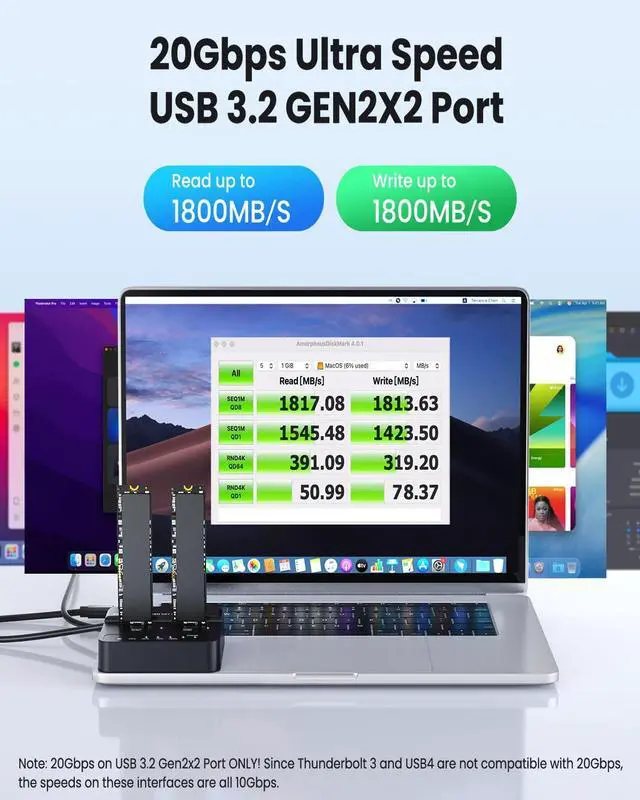
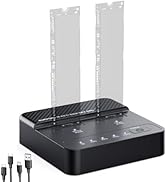
Dual Bay NVMe SSD Cloner & Duplicator - 20Gbps USB 3.2 Gen 2x2 M.2 NVMe Enclosure Dock, Tool-Free Offline Clone Reader/Adapter for PCIe NVMe SSDs (M-Key/B+M Key) Size for 2280 2260 2242 2230 22110
| Hardware Interface | USB 3.2 Gen 2 |
| Brand | ULXUUUN |
| Compatible Devices | Computer |
| Manufacturer | ULXUUUN |
| Package Dimensions | 6.1 x 4.53 x 2 inches |
| Item Weight | 8.6 ounces |
| Date First Available | September 12, 2025 |


