






![[2Packs] ORICO 2.5 SSD SATA to 3.5 Hard Drive Adapter Internal Drive Bay Converter Mounting Brack...](http://c1.neweggimages.com/sellingpilot/modules/product/a-plus/e73cc368aef46a3cf7ecdb18e2b03a721f35065be69d1bc1777575327819951e.jpg)



**Troubleshooting Methods**
**The computer does not recognize or read the disk:**
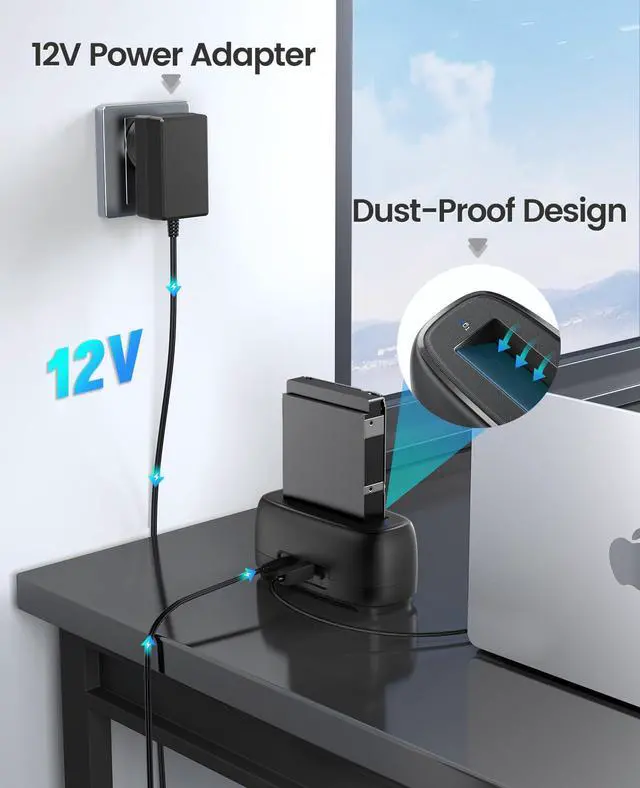
1. Ensure that the power adapter is properly connected to both the power socket and the device.
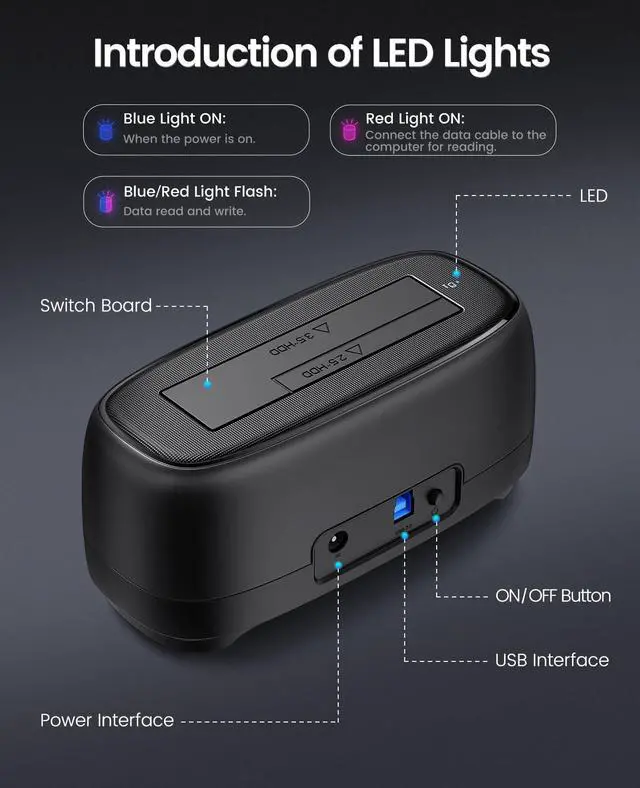
2. Confirm that the hard disk enclosure is powered on and that the power indicator light is illuminated.
3. Verify that the data cable is securely connected. If a replacement is necessary, ensure that the new cable is functional.
4. Ensure that the computer's connection interface is working properly. Check that the relevant drivers are up to date. You may attempt reseating the cable or testing with a different interface.
5. A new hard disk must be initialized and formatted before it can be used for the first time.
6. Ensure that the file system format of the hard disk is compatible with the operating system. If not, reformatting may be required for the disk to be recognized and accessed.
7. Confirm that the hard disk itself is functioning properly and is not experiencing any hardware faults.


**Troubleshooting Methods**
**The computer does not recognize or read the disk:**
1. Ensure that the power adapter is properly connected to both the power socket and the device.
2. Confirm that the hard disk enclosure is powered on and that the power indicator light is illuminated.
3. Verify that the data cable is securely connected. If a replacement is necessary, ensure that the new cable is functional.
4. Ensure that the computer's connection interface is working properly. Check that the relevant drivers are up to date. You may attempt reseating the cable or testing with a different interface.
5. A new hard disk must be initialized and formatted before it can be used for the first time.
6. Ensure that the file system format of the hard disk is compatible with the operating system. If not, reformatting may be required for the disk to be recognized and accessed.
7. Confirm that the hard disk itself is functioning properly and is not experiencing any hardware faults.
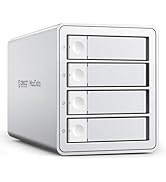
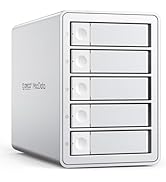
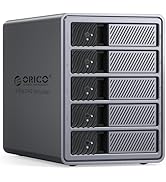
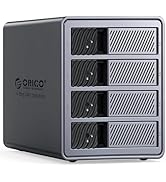
Classic Choice by ORICO
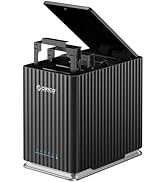
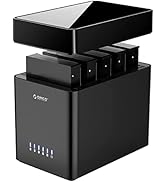
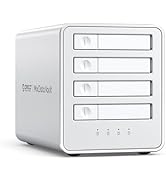
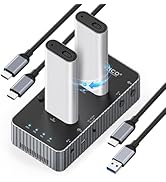
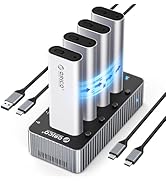
USB-C DaisyChain HDD Enclosure
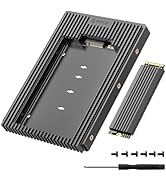
40Gbps DAS NVME Enclosure
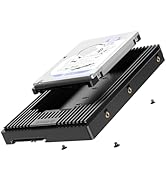
RAID Enclosure Either Bracket
![[2Packs] ORICO 2.5 SSD SATA to 3.5 Hard Drive Adapter Internal Drive Bay Converter Mounting Brack...](//c1.neweggimages.com/sellingpilot/modules/product/a-plus/e73cc368aef46a3cf7ecdb18e2b03a721f35065be69d1bc1777575327819951e.jpg)
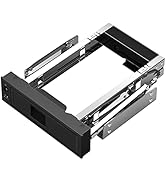
3.5''/5.25'' Mounting Bracket
