



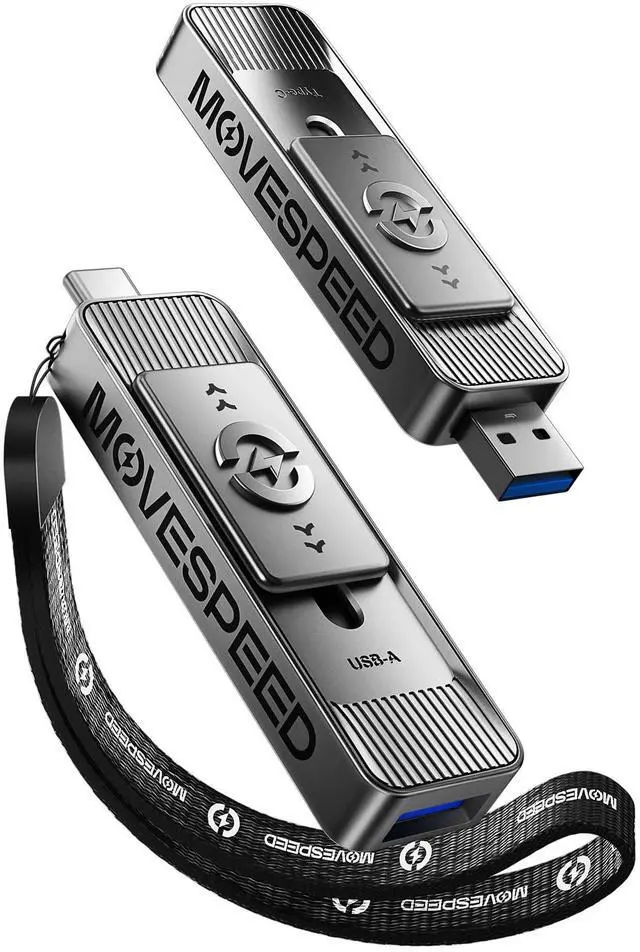
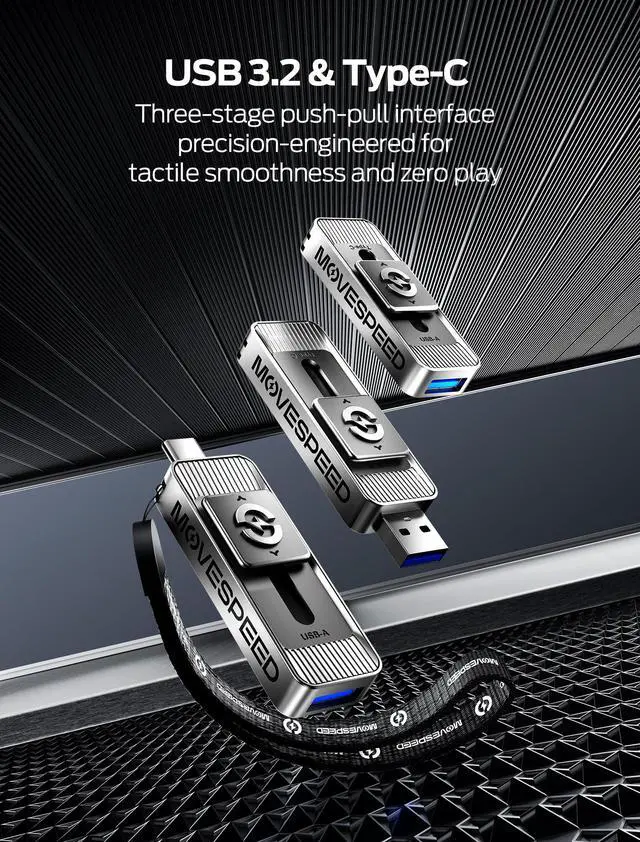
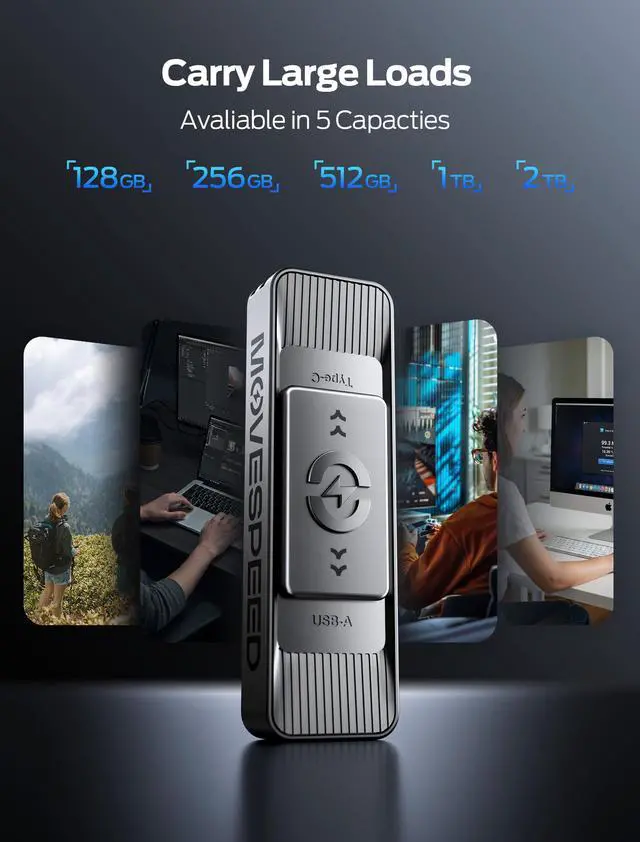




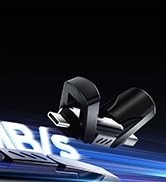





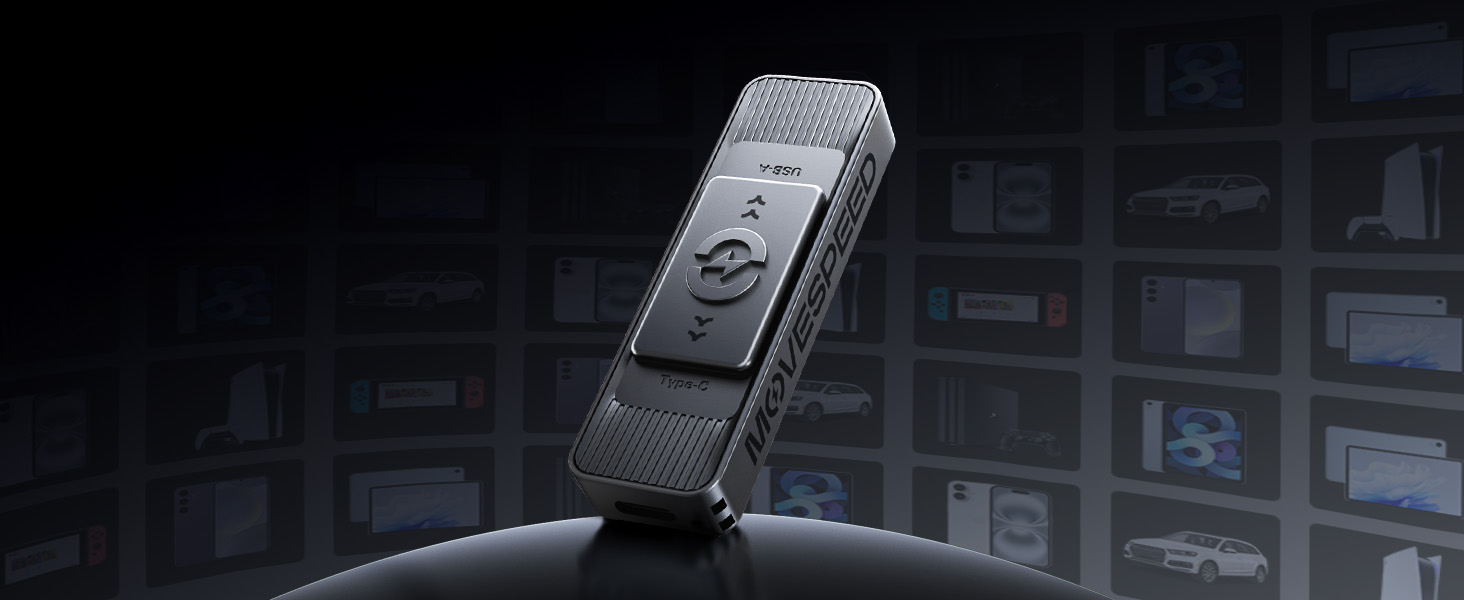
Dual-Port Plug & Play
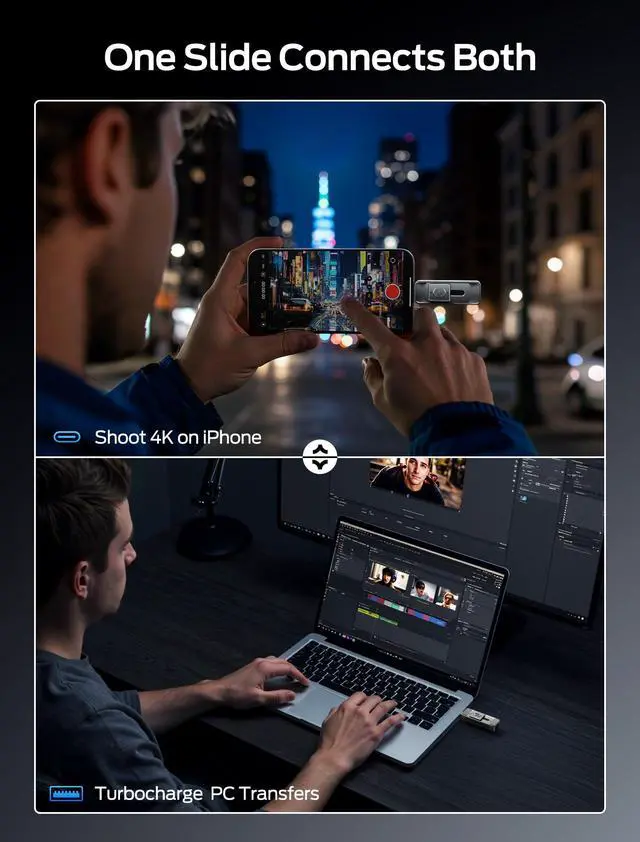
Dual USB-A + USB-C ports — game on your PS5, grab dashcam clips in your Jeep, or airdrop 4K drone footage to your iPhone 15 Pro mid-hike. No adapters. No limits.
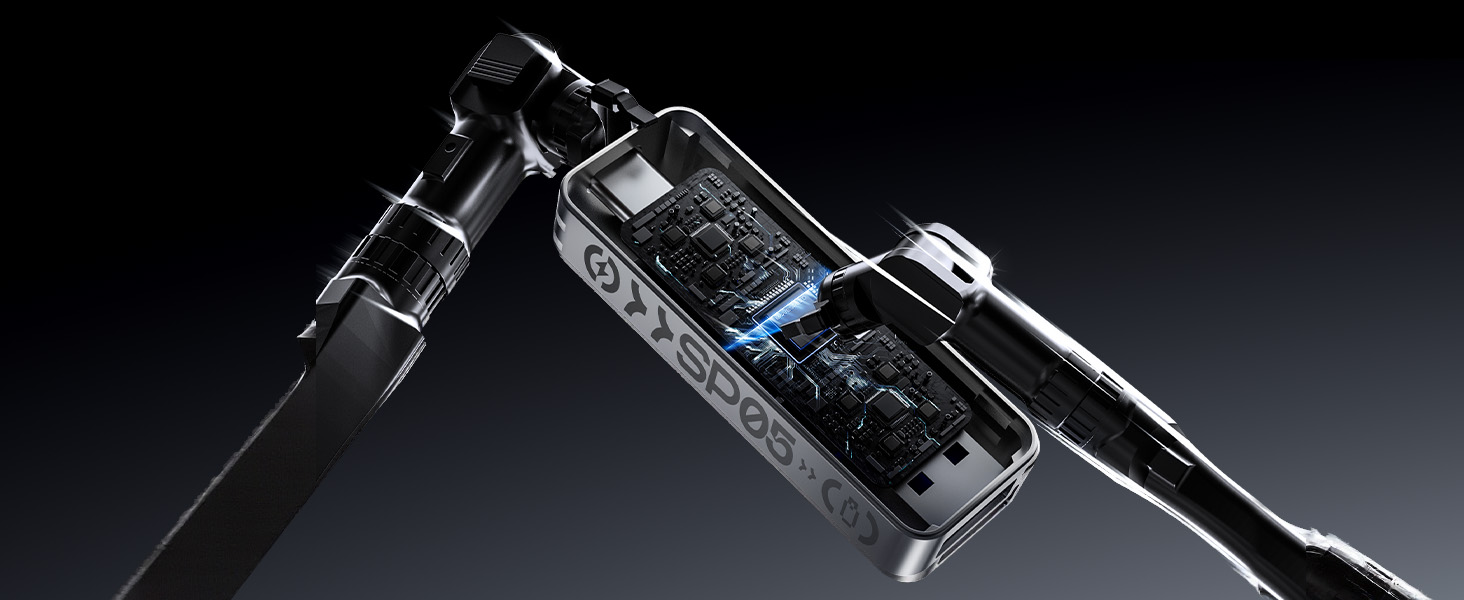
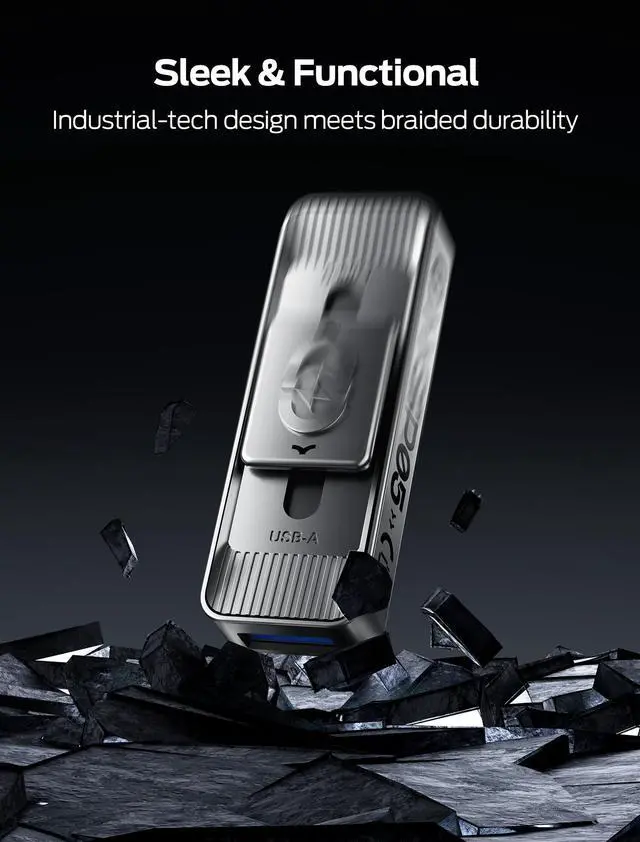
Built Tough Usb Drive
Built to survive 10ft drops, laugh off monsoons, and shrug through desert heatwaves with military-grade armor and IP68 waterproofing—your data stays safe no matter how wild the adventure gets.

Speed Meets Rock-Solid Stability
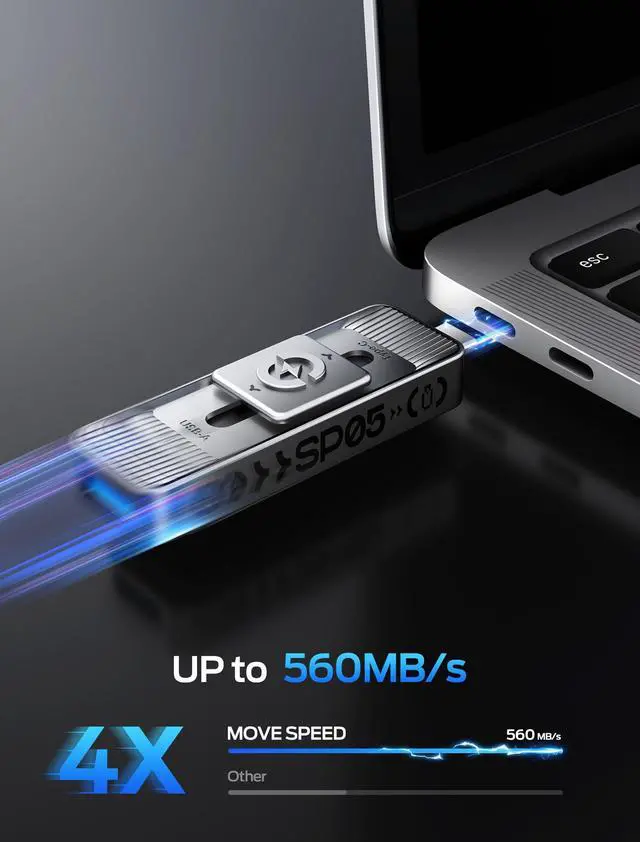
Blazes through 4K transfers, crushes deadlines without a hiccup—packed with an advanced SSD controller and military-grade cooling to keep your workflow smooth even during crunch time.


Solution to not recognizing the usb ssd

Method 1: Format the ssd and change the format to exFAT.
Steps: Connect the usb c ssd to computer ? Double click on computer ? Right click on it ? Select Format ?Select exFAT format.
Method 2: If the ssd is formatted as exFAT but cannot be recognized. Please restart phone and re-insert the usb ssd.
Why is the actual storage capacity less than the advertised size?
Storage manufacturers calculate capacity in decimal units (1GB = 1,000MB), while operating systems use binary measurements (1GB ˜ 1,024MB). This results in ~7-10% less formatted space. This difference does not indicate a product defect.
Why does my USB drive get hot during use?
Mild heating is normal. Heat is generated by electronic components during data transfer, especially with prolonged use or high-speed read/write operations. Metal casings aid heat dissipation. The drive's chip withstands up to 85°C.
Where can you find the external drive on my phone?
Click on the 'File' APP and then click on 'Browse' to see the external storage drive.
What devices and systems is this USB drive compatible with?
Works with desktops, laptops, Android phones, iPhone 15 series (USB-C), car audio, and smart TVs. Supports Windows 7–11 & macOS 10.6+. Plug-and-play via USB-C/USB-A interfaces.
My iPhone case makes the USB-C connector on this flash drive too short to plug in directly. Is this normal?
Our USB-C connector strictly adheres to industry-standard specifications to ensure universal compatibility with all certified USB-C ports.
If your phone case adds extra thickness around the port, it may prevent the connector from fully inserting.


Dual-Port Plug & Play
Built Tough Usb Drive
Speed Meets Rock-Solid Stability


Dual USB-A + USB-C ports — game on your PS5, grab dashcam clips in your Jeep, or airdrop 4K drone footage to your iPhone 15 Pro mid-hike. No adapters. No limits.
Built to survive 10ft drops, laugh off monsoons, and shrug through desert heatwaves with military-grade armor and IP68 waterproofing—your data stays safe no matter how wild the adventure gets.
Blazes through 4K transfers, crushes deadlines without a hiccup—packed with an advanced SSD controller and military-grade cooling to keep your workflow smooth even during crunch time.


Solution to not recognizing the usb ssd

Method 1: Format the ssd and change the format to exFAT.
Steps: Connect the usb c ssd to computer ? Double click on computer ? Right click on it ? Select Format ?Select exFAT format.
Method 2: If the ssd is formatted as exFAT but cannot be recognized. Please restart phone and re-insert the usb ssd.
Why is the actual storage capacity less than the advertised size?
Storage manufacturers calculate capacity in decimal units (1GB = 1,000MB), while operating systems use binary measurements (1GB ˜ 1,024MB). This results in ~7-10% less formatted space. This difference does not indicate a product defect.
Why does my USB drive get hot during use?
Mild heating is normal. Heat is generated by electronic components during data transfer, especially with prolonged use or high-speed read/write operations. Metal casings aid heat dissipation. The drive's chip withstands up to 85°C.
Where can you find the external drive on my phone?
Click on the 'File' APP and then click on 'Browse' to see the external storage drive.
What devices and systems is this USB drive compatible with?
Works with desktops, laptops, Android phones, iPhone 15 series (USB-C), car audio, and smart TVs. Supports Windows 7–11 & macOS 10.6+. Plug-and-play via USB-C/USB-A interfaces.
My iPhone case makes the USB-C connector on this flash drive too short to plug in directly. Is this normal?
Our USB-C connector strictly adheres to industry-standard specifications to ensure universal compatibility with all certified USB-C ports.
If your phone case adds extra thickness around the port, it may prevent the connector from fully inserting.
560 MB/s Super High Speed
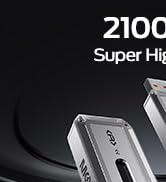
2100 MB/s Super High Speed
570 MB/s Super High Speed
