


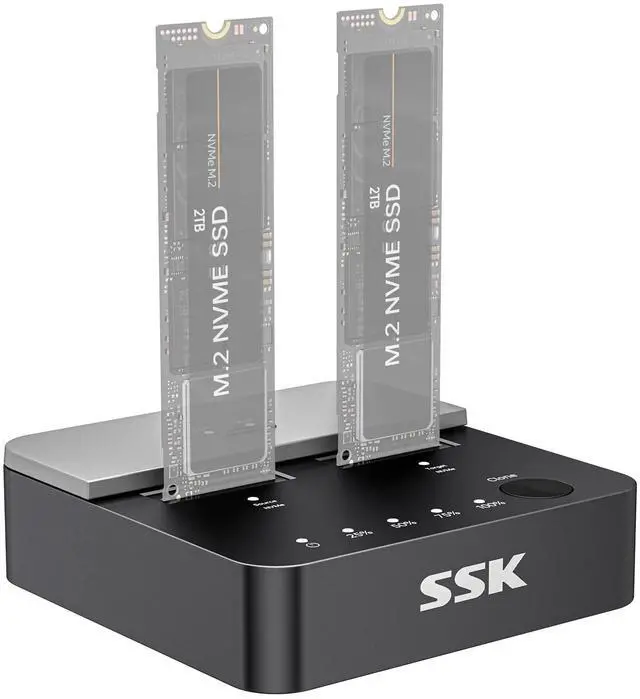
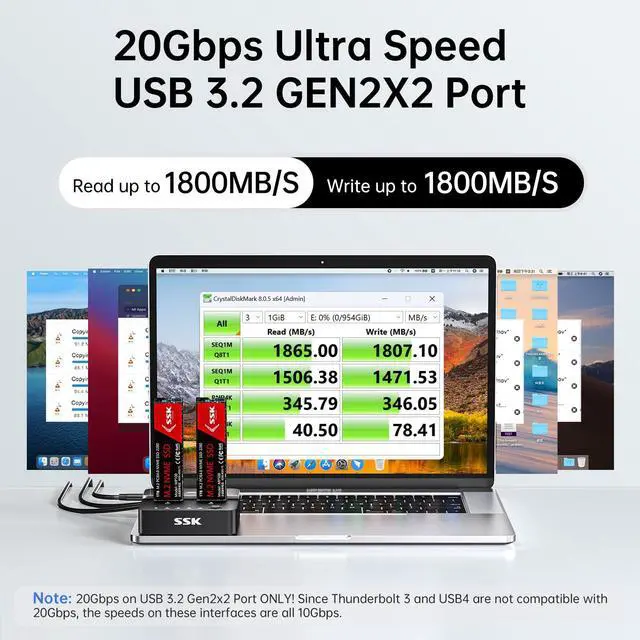
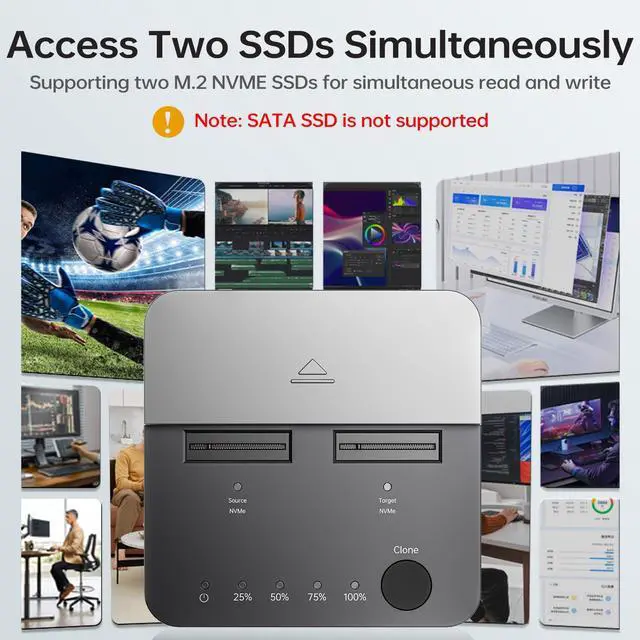
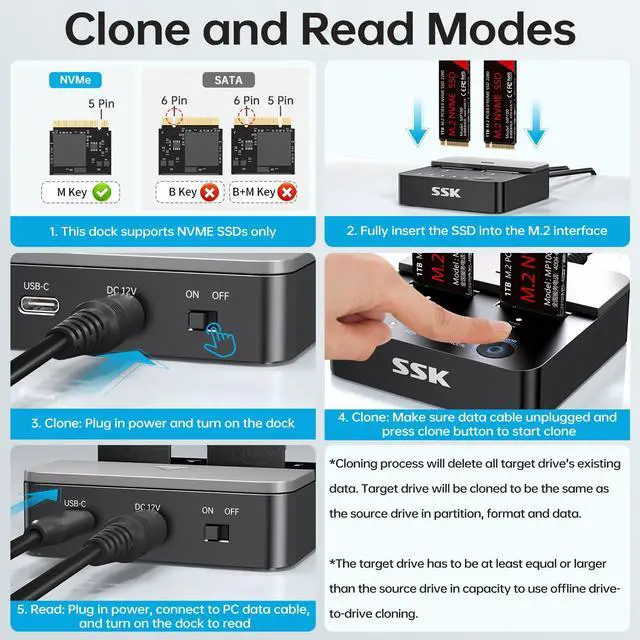


Please check SSD type, this M.2 dock reads NVME SSD only. SATA and other SSDs will not work in both PC and Clone mode.


How to use Offline Cloning

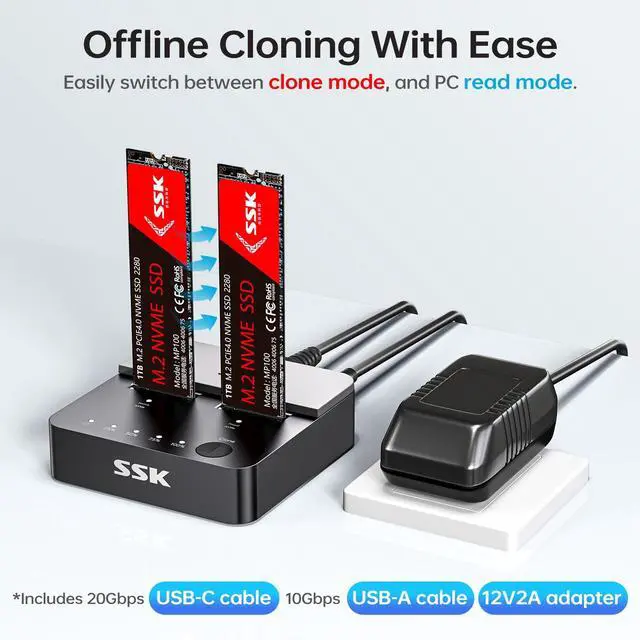
Note: Target must = Source, Both SSDs should be NVMe! Target will be cloned exactly the same as the source in partition, format and data.
How to Read & Write

Attention: NVMe SSD will generate a lot of heat during use. Therefore, do not touch the SSD when using this product. After use, wait for the SSD to cool down before touching and removing it.
Data Security Note:
- Please check SSD type, this M.2 dock reads NVME SSD only. SATA and other SSDs will not work in both PC and Clone mode.
- The target drive has to be at least equal or larger than the source drive in capacity to use offline drive-to-drive cloning.
- The cloning process will eliminate your target drive's all existing data.
- To keep the existing data on the target drive and the source drive, switch the dock to PC mode and connect the dock to PC to transfer data through computer manually.
- Please do not directly unplug the drives when cloning. Only when the cloning process is complete, can you eject your drives.
- When your hard drive is transferring data with the computer, PLEASE do not directly unplug the hard disk when the data transfer is in process. Eject the drive from the computer ONLY when transmission completed.


Please check SSD type, this M.2 dock reads NVME SSD only. SATA and other SSDs will not work in both PC and Clone mode.


How to use Offline Cloning

Note: Target must = Source, Both SSDs should be NVMe! Target will be cloned exactly the same as the source in partition, format and data.
How to Read & Write

Attention: NVMe SSD will generate a lot of heat during use. Therefore, do not touch the SSD when using this product. After use, wait for the SSD to cool down before touching and removing it.
Data Security Note:
- Please check SSD type, this M.2 dock reads NVME SSD only. SATA and other SSDs will not work in both PC and Clone mode.
- The target drive has to be at least equal or larger than the source drive in capacity to use offline drive-to-drive cloning.
- The cloning process will eliminate your target drive's all existing data.
- To keep the existing data on the target drive and the source drive, switch the dock to PC mode and connect the dock to PC to transfer data through computer manually.
- Please do not directly unplug the drives when cloning. Only when the cloning process is complete, can you eject your drives.
- When your hard drive is transferring data with the computer, PLEASE do not directly unplug the hard disk when the data transfer is in process. Eject the drive from the computer ONLY when transmission completed.