




ABOUT FANXIANG
Creativity, Quality, and Professionalism are the threeindispensable elements of fanxiang products

Fanxiang is a professional flash storage brand in China. It was established in 2015 and leads a core team with more than ten years of experience in storage product design and development, firmware development, and product sales. We are committed to providing global business partners with excellent products (such as USB flash drives, memory cards, SSD, Portable solid-state USB flash drives, etc) .
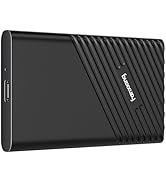
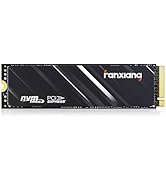
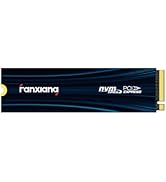
fanxiang SSD Solid State Drive
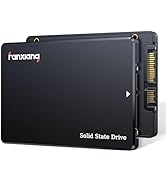
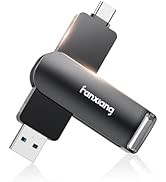
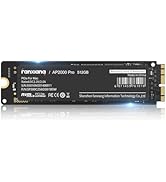
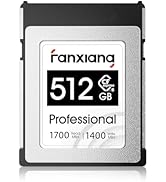
fanxiang SSD Solid State Drive
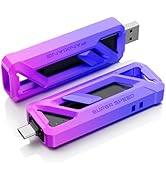
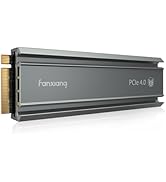
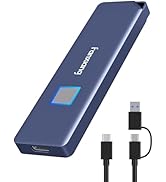
fanxiang SSD Solid State Drive
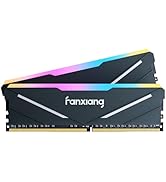
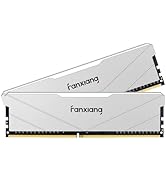
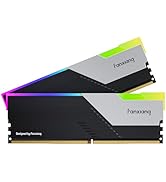
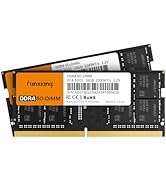
fanxiang Ram Computer Memory

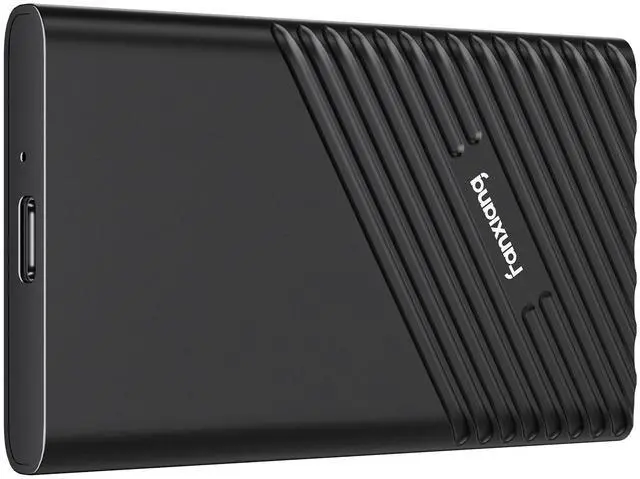
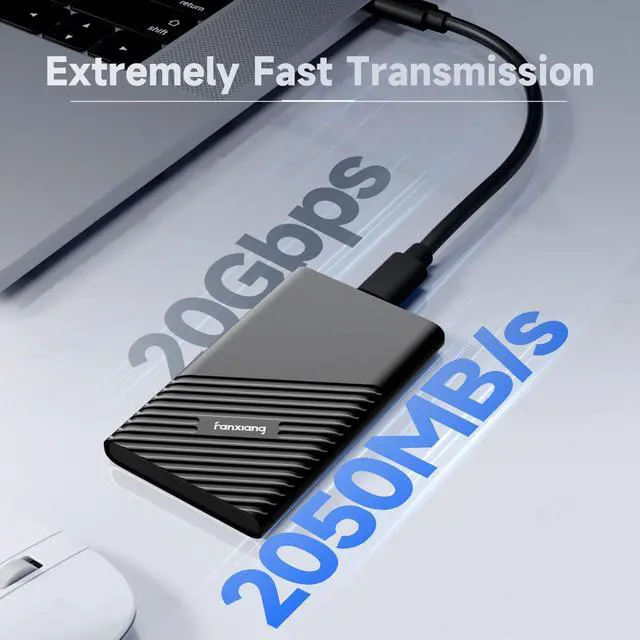
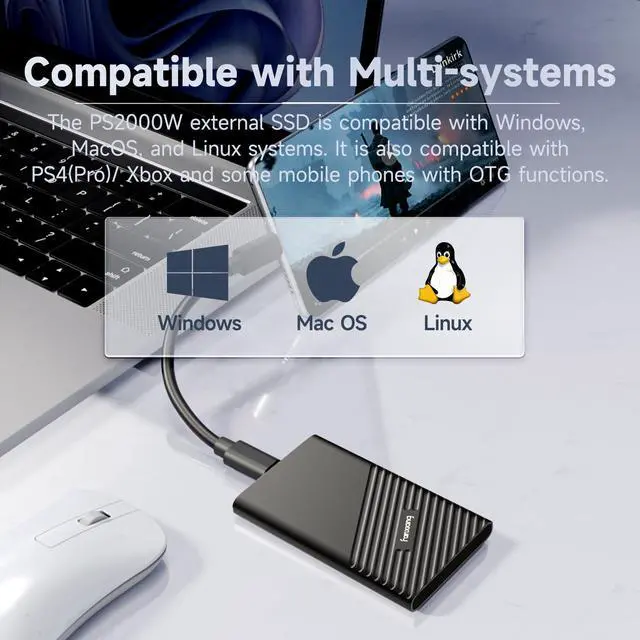
fanxiang PS2000W EXTERNAL SSD PORTABLE UP TO 2050MB/s

HIGH PERFORMANCE SM2320 CONTROLLER

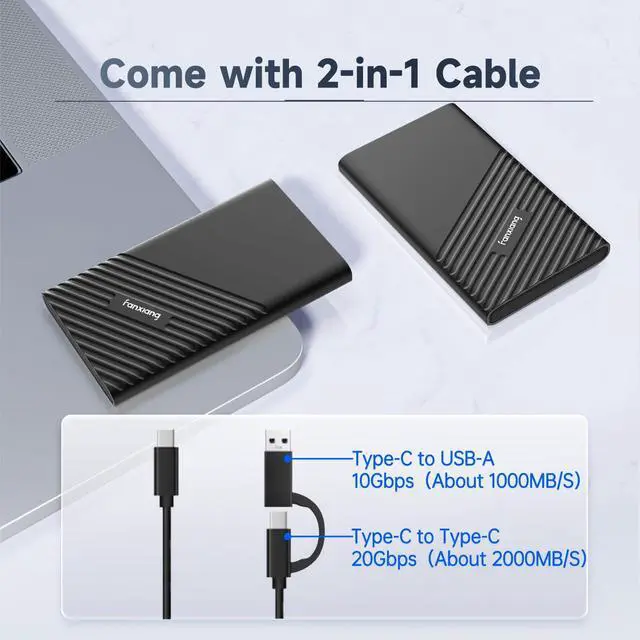
COMES WITH 2-IN-1 DATA CABLE

Note 1: The USB C port speed of the included cable is 20Gbps, which can reach 2050MB/s, while the USB A port speed is 10Gbps, and the max speed is 1000MB/s.
Note 2: The USB C port of the data cable is a single-sided design. If the speed is too low, please change to the other side and test again.
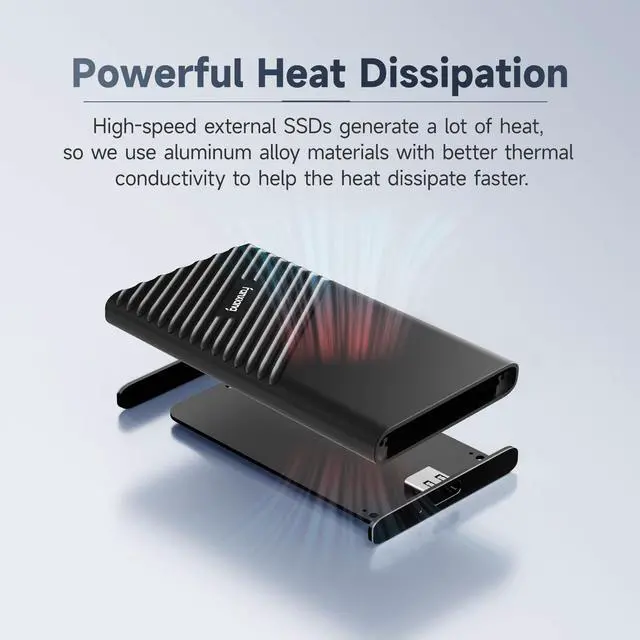
EFFICIENT HEAT DISSIPATION METAL CASING

Note: PS2000W portable ssd will generate heat when used continuously at high speed, and aluminum alloy has good heat dissipation capabilities, so it is normal for the product itself to heat up, please don’t worry.


Why can’t the external ssd be recognized after installation?
When using an SSD for the first time, it needs to be formatted and partitioned first. You can use "Disk Management Tool" to format and partition the SSD, and then use it in "Windows Explorer".
Why is the product capacity displayed on the computer not 1TB or 2TB?
Because the manufacturer's calculation method is 1TB=1000MB=1000000KB=1000000000B, and the computer system's calculation method is 1TB=1024MB=1024*1024KB=1024*1024*1024B, so the capacity you see is 1TB=(1000*1000*1000)/(1024*1024*1024)TB˜0.93TB.
Why does the test speed of fanxiang PS2000W portable ssd fail to reach 2050MB/s?
The nominal speed requires connecting to a 20Gbps USB interface and using a data cable with a speed of 20Gbps or above for testing.
*Note: The USB C port of the included cable can reach 20Gbps, while the USB A port can only reach 10Gbps(1000MB/s).
What comes in the package of the portable ssd?
PS2000W external SSD, velvet bag, 2-in-1 data cable (Note: The speed of USB C port is 20Gbps, USB A port is 10Gbps)
Can PS2000W external SSD be used on mobile phones?
500GB and 1TB external SSD can be connected to mobile phones. 2TB and 4TB products will be damaged due to insufficient power supply of the mobile phone, so please don't.
Note:
Since the USB C interface of MacBook & iMac only supports USB 3.2 Gen2 10Gbps speed, using this product on MacBook & iMac will be limited by the interface. The tested speed of the product can only reach about 1000MB/s, not the advertised 2050MB/s.
Why can't the speed reach 2050MB/s?
Please note that if you need to reach the nominal speed(2050MB/s), you need to first make sure to confirm the following:
1. First, you need to make sure that your computer has a USB 3.2 Gen2 (20Gbps) USB C interface. If your computer only has a USB 3.2 Gen1 (10Gbps) USB C or USB A interface, the speed will be limited to about 1050MB/s;
2. Secondly, please make sure to use the included 20Gbps USB C-C data cable, because the USB C-A data cable will be limited to 10Gbps (1050MB/s).
fanxiang PS2000W EXTERNAL SSD PORTABLE UP TO 2050MB/s

HIGH PERFORMANCE SM2320 CONTROLLER

COMES WITH 2-IN-1 DATA CABLE

Note 1: The USB C port speed of the included cable is 20Gbps, which can reach 2050MB/s, while the USB A port speed is 10Gbps, and the max speed is 1000MB/s.
Note 2: The USB C port of the data cable is a single-sided design. If the speed is too low, please change to the other side and test again.
EFFICIENT HEAT DISSIPATION METAL CASING

Note: PS2000W portable ssd will generate heat when used continuously at high speed, and aluminum alloy has good heat dissipation capabilities, so it is normal for the product itself to heat up, please don’t worry.


Why can’t the external ssd be recognized after installation?
When using an SSD for the first time, it needs to be formatted and partitioned first. You can use "Disk Management Tool" to format and partition the SSD, and then use it in "Windows Explorer".
Why is the product capacity displayed on the computer not 1TB or 2TB?
Because the manufacturer's calculation method is 1TB=1000MB=1000000KB=1000000000B, and the computer system's calculation method is 1TB=1024MB=1024*1024KB=1024*1024*1024B, so the capacity you see is 1TB=(1000*1000*1000)/(1024*1024*1024)TB˜0.93TB.
Why does the test speed of fanxiang PS2000W portable ssd fail to reach 2050MB/s?
The nominal speed requires connecting to a 20Gbps USB interface and using a data cable with a speed of 20Gbps or above for testing.
*Note: The USB C port of the included cable can reach 20Gbps, while the USB A port can only reach 10Gbps(1000MB/s).
What comes in the package of the portable ssd?
PS2000W external SSD, velvet bag, 2-in-1 data cable (Note: The speed of USB C port is 20Gbps, USB A port is 10Gbps)
Can PS2000W external SSD be used on mobile phones?
500GB and 1TB external SSD can be connected to mobile phones. 2TB and 4TB products will be damaged due to insufficient power supply of the mobile phone, so please don't.
Note:
Since the USB C interface of MacBook & iMac only supports USB 3.2 Gen2 10Gbps speed, using this product on MacBook & iMac will be limited by the interface. The tested speed of the product can only reach about 1000MB/s, not the advertised 2050MB/s.
Why can't the speed reach 2050MB/s?
Please note that if you need to reach the nominal speed(2050MB/s), you need to first make sure to confirm the following:
1. First, you need to make sure that your computer has a USB 3.2 Gen2 (20Gbps) USB C interface. If your computer only has a USB 3.2 Gen1 (10Gbps) USB C or USB A interface, the speed will be limited to about 1050MB/s;
2. Secondly, please make sure to use the included 20Gbps USB C-C data cable, because the USB C-A data cable will be limited to 10Gbps (1050MB/s).
ABOUT FANXIANG
Creativity, Quality, and Professionalism are the threeindispensable elements of fanxiang products
Fanxiang is a professional flash storage brand in China. It was established in 2015 and leads a core team with more than ten years of experience in storage product design and development, firmware development, and product sales. We are committed to providing global business partners with excellent products (such as USB flash drives, memory cards, SSD, Portable solid-state USB flash drives, etc) .
fanxiang SSD Solid State Drive
fanxiang SSD Solid State Drive
fanxiang SSD Solid State Drive
fanxiang Ram Computer Memory