






Since our foundation in 2014, we've been dedicated to building consumer electronic devices and accessories with leading technological innovations.
We focus on HD Video& Audio accessories, Hub, Data Storage and Ethernet connection. We has steadily grown into a brand trusted by over 20 million users in more than 60 countries.
BENFEI is committed to providing high-quality products, friendly design and premium service to our customers.
![BENFEI DisplayPort to DisplayPort 6 Feet Cable [8K@30Hz, Aluminum Shell, Nylon Braided], DP to DP...](//c1.neweggimages.com/sellingpilot/modules/product/a-plus/8a301b74308e17ebb78363d4e8ffac36e2e0f42806bcf9f0c74b7325f1e1a998.jpg)
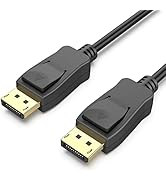
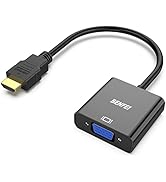
HD Video & Audio Accessories
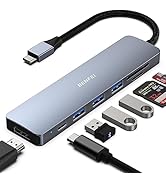
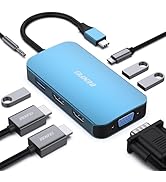
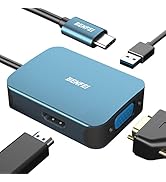
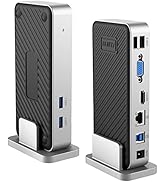
HUB & Dock Station
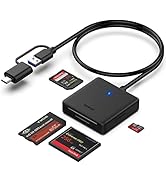
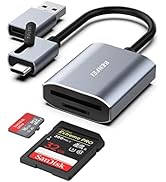
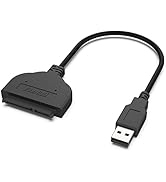
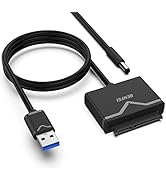
Data Storage
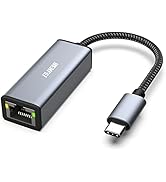
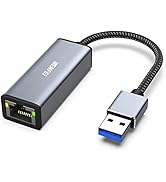
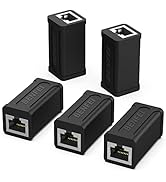
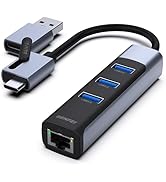
Ethernet Connecttion
![BENFEI DisplayPort to DisplayPort 6 Feet Cable [8K@30Hz, Aluminum Shell, Nylon Braided], DP to DP...](http://c1.neweggimages.com/sellingpilot/modules/product/a-plus/8a301b74308e17ebb78363d4e8ffac36e2e0f42806bcf9f0c74b7325f1e1a998.jpg)
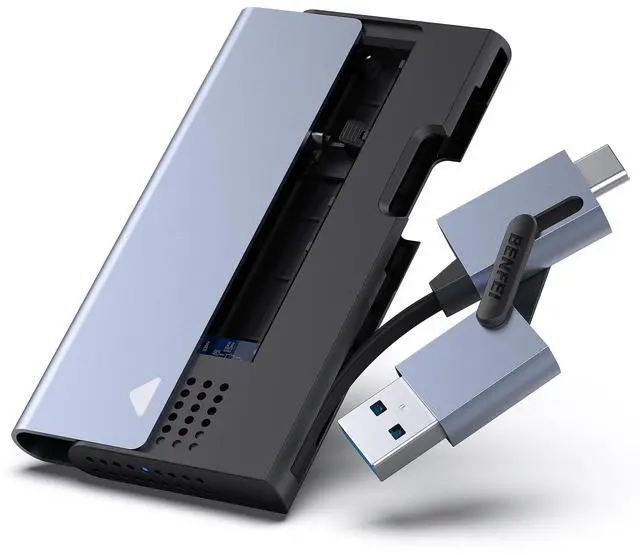
BENFEI M.2 NVME SSD Enclosure


HighLights
Does this M.2 NVME SSD Enclosure need to install drivers?
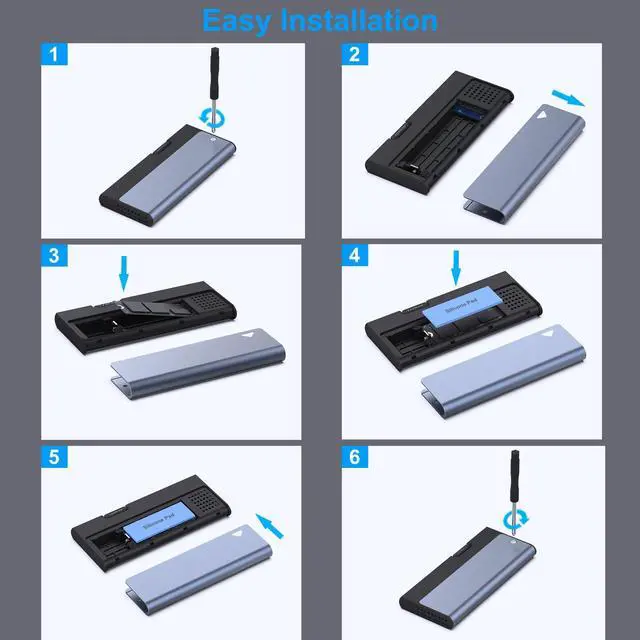
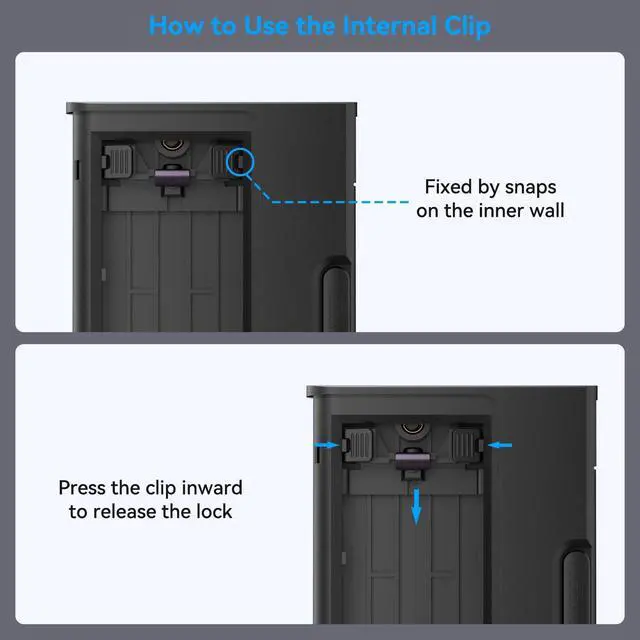
No. This M.2 NVME SSD Enclosure is plug-and-play, driver free. At the same time, only one screw (provided) is needed to fix the enclosure, which is easy to install and helps you work efficiently.
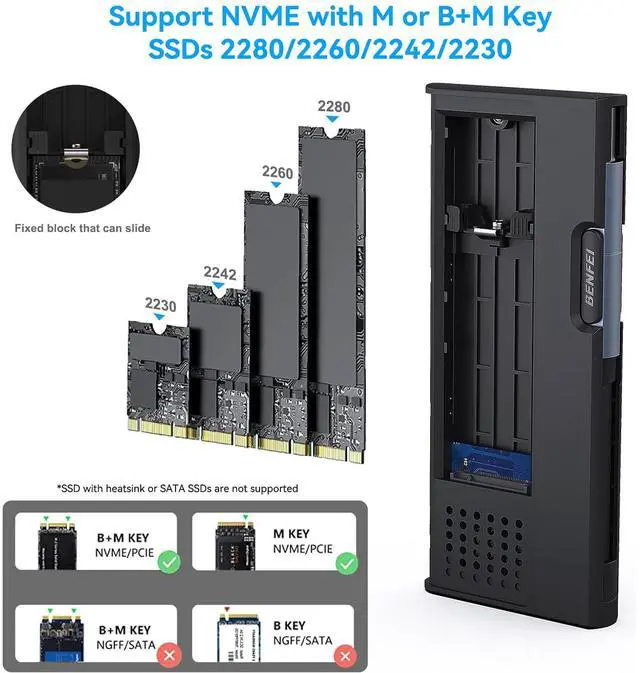
Which sizes SSDs does this enclosure support?
This M.2 SSD enclosure supports 2230/2242/2260/2280 size NVMe M-KEY/(B+M)Key SSD. (Note: 22 in the 2230 size means the SSD width is 22mm, and 30 means the SSD length is 30mm).
After installing SSD to the enclosure, the computer can not read the SSD?
If the SSD is brand new, you should formatting it before use.
Why can't reach maxium speed?
Type of SSD and port could limited the speed. And certain performance loss could occur in the process of data exchange.
Comparison list
 M.2 NVME Enclosure |  Hard Drive Enclosure |  USB to SATA adapter |  USB to SATA adapter | |
|---|---|---|---|---|
Customer Reviews | — | — | — | — |
Price | — | — | — | — |
Compatible devices | M.2 SSD (M-Key/B+M Key) | SSD/HDD 2.5" SATA | SSD/HDD 2.5" 3.5" SATA | SSD/HDD 2.5" SATA |
Transfer speed | Up to 10 Gbps | Up to 6 Gbps | Up to 5 Gbps | Up to 5 Gbps |
USB connector | USB-C/ USB-A | USB-C/ USB-A | USB-C/ USB-A | USB-C/ USB-A |
Supports SSD sizes | 2230/ 2242/ 2260/2280 | / | / | / |
Plug in and play | ? | ? | ? | ? |
Cable length | 40mm | 120mm | 162mm | 170mm |
Material | ABS + Aluminum | ABS | ABS | ABS |
BENFEI M.2 NVME SSD Enclosure

Office
Movie
Easy-To-Carry


With screw driver, no additional tools required. Secure and safe for your SSD and data.
BENFEI SSD Enclosure with wider cavity, unique holes design, silicone pad to rapidly dissipate heat.


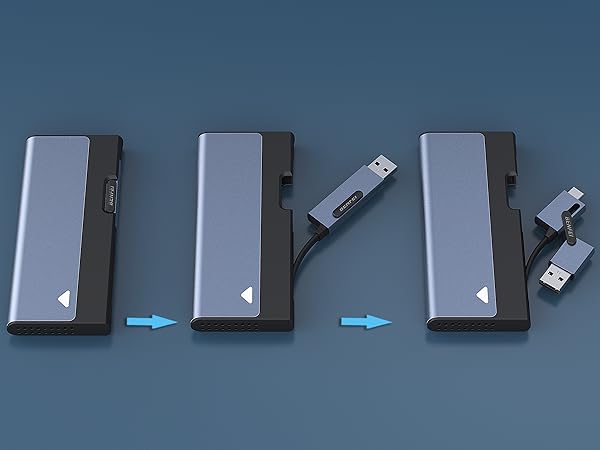
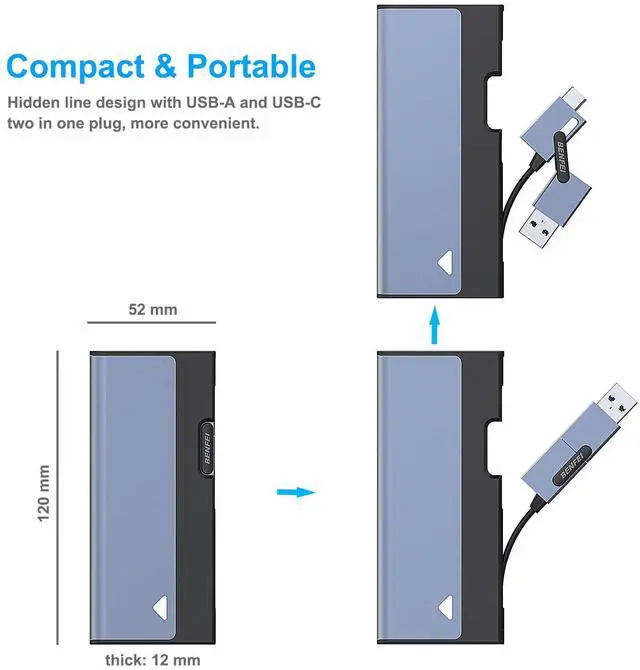
Hidden Cord Holder
Easy for cord storage
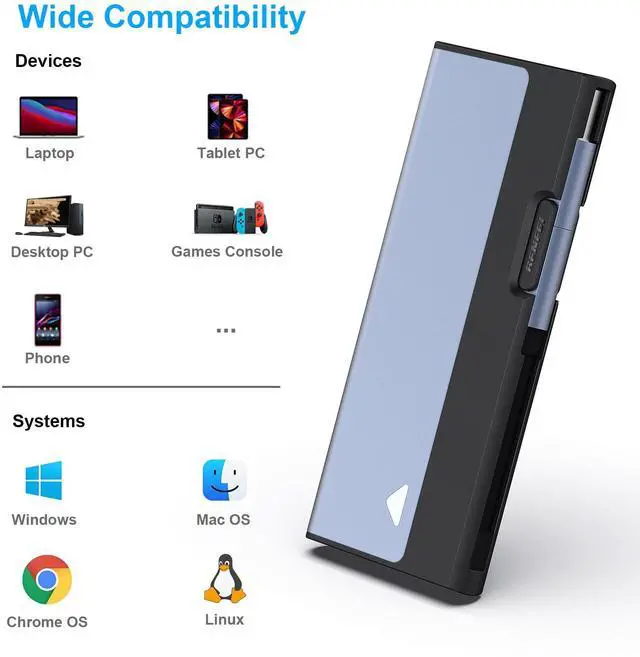
USB Type-C/Type-A included
HighLights
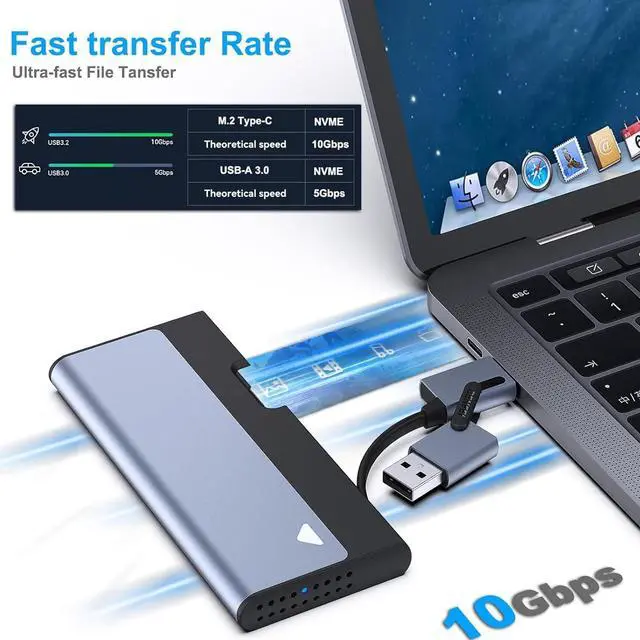
| NVME Compatibility | NVME Protocol: support B Key and B+M key with read/write speed up to 10Gbps |
|---|---|
| SSD Size Combability | 2230/2242/2260/2280 |
| USB Type-C/Type-A hidden Cord | Easy to carry and easy to use. |
| SuperSpeed | USB 3.2 supports data transmission speeds of up to 10Gbps for steady and efficient data transfer. |
| Stability | The exterior tough aluminum casing prevents crash damage. The thermal pad makes good contact with the aluminum case, keeping it cool at high speeds and protecting data from high temperature damage. |
Does this M.2 NVME SSD Enclosure need to install drivers?
No. This M.2 NVME SSD Enclosure is plug-and-play, driver free. At the same time, only one screw (provided) is needed to fix the enclosure, which is easy to install and helps you work efficiently.
Which sizes SSDs does this enclosure support?
This M.2 SSD enclosure supports 2230/2242/2260/2280 size NVMe M-KEY/(B+M)Key SSD. (Note: 22 in the 2230 size means the SSD width is 22mm, and 30 means the SSD length is 30mm).
After installing SSD to the enclosure, the computer can not read the SSD?
If the SSD is brand new, you should formatting it before use.
Why can't reach maxium speed?
Type of SSD and port could limited the speed. And certain performance loss could occur in the process of data exchange.
Comparison list
M.2 NVME Enclosure | Hard Drive Enclosure | USB to SATA adapter | USB to SATA adapter |
|---|---|---|---|
| Customer Reviews | |||
| — | — | — | — |
| Price | |||
| — | — | — | — |
| Compatible devices | |||
| M.2 SSD (M-Key/B+M Key) | SSD/HDD 2.5" SATA | SSD/HDD 2.5" 3.5" SATA | SSD/HDD 2.5" SATA |
| Transfer speed | |||
| Up to 10 Gbps | Up to 6 Gbps | Up to 5 Gbps | Up to 5 Gbps |
| USB connector | |||
| USB-C/ USB-A | USB-C/ USB-A | USB-C/ USB-A | USB-C/ USB-A |
| Supports SSD sizes | |||
| 2230/ 2242/ 2260/2280 | / | / | / |
| Plug in and play | |||
| ? | ? | ? | ? |
| Cable length | |||
| 40mm | 120mm | 162mm | 170mm |
| Material | |||
| ABS + Aluminum | ABS | ABS | ABS |
Since our foundation in 2014, we've been dedicated to building consumer electronic devices and accessories with leading technological innovations.
We focus on HD Video& Audio accessories, Hub, Data Storage and Ethernet connection. We has steadily grown into a brand trusted by over 20 million users in more than 60 countries.
BENFEI is committed to providing high-quality products, friendly design and premium service to our customers.
HD Video & Audio Accessories
HUB & Dock Station
Data Storage
Ethernet Connecttion