



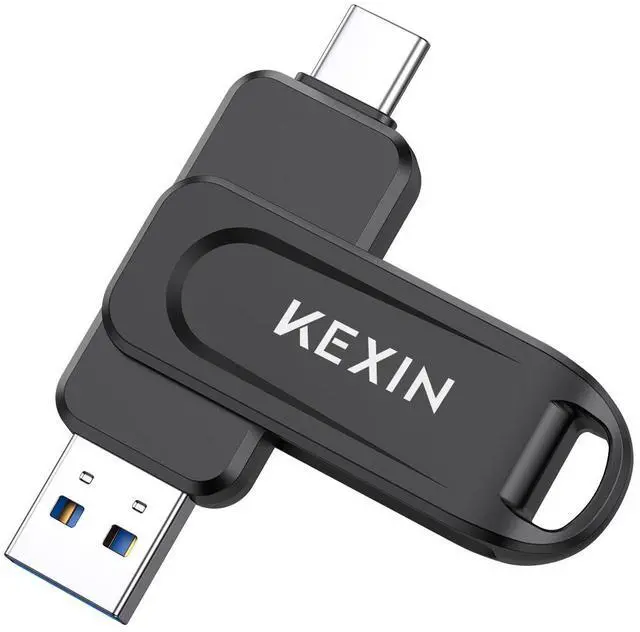


KEXIN Dual USB C Flash Drive 100MB/s Swivel USB 3.0 USB-A & Type-C Thumb Drive


Portable & Keychain Design
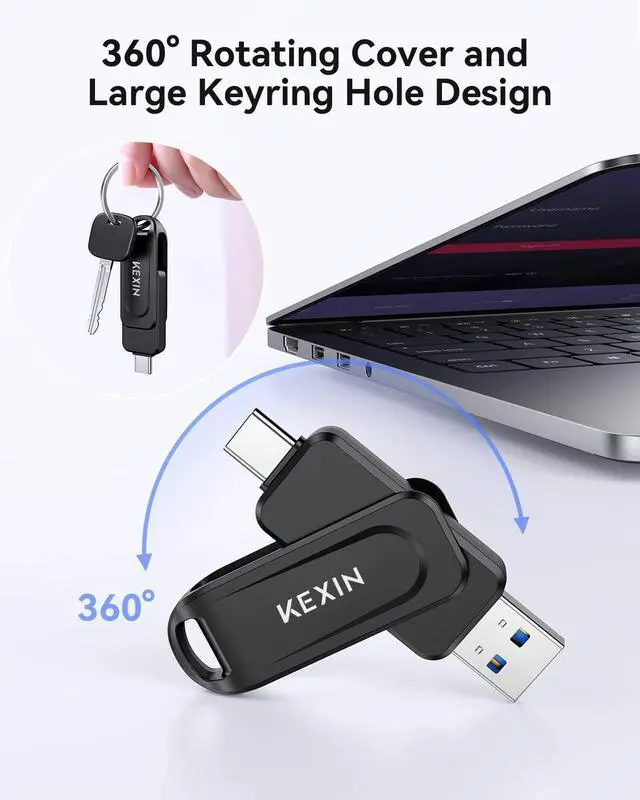
360° swivel design of the USB drive provides easy shifting and enhanced protection for the USB connectors.
The large keychain hole in the flash drive makes it easy to attach to a key ring or backpack for easy carrying.

High Quality
Compact yet tough, perfect for on-the-go use.
This thumb drive utilizes grade A flash chips, ensuring stable transfer and secure storage for your files.

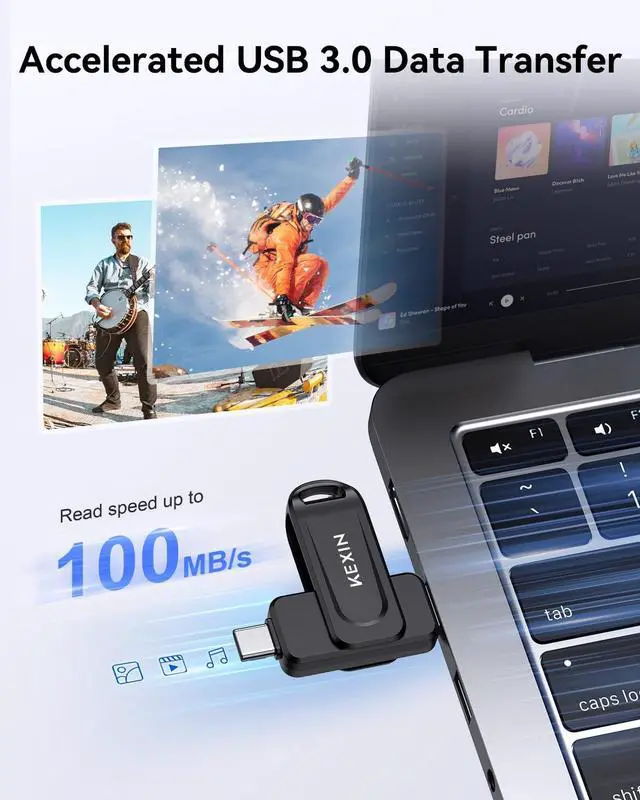
The transfer speed may vary depending on factors such as the test equipment, file type, interface type,and other conditions.
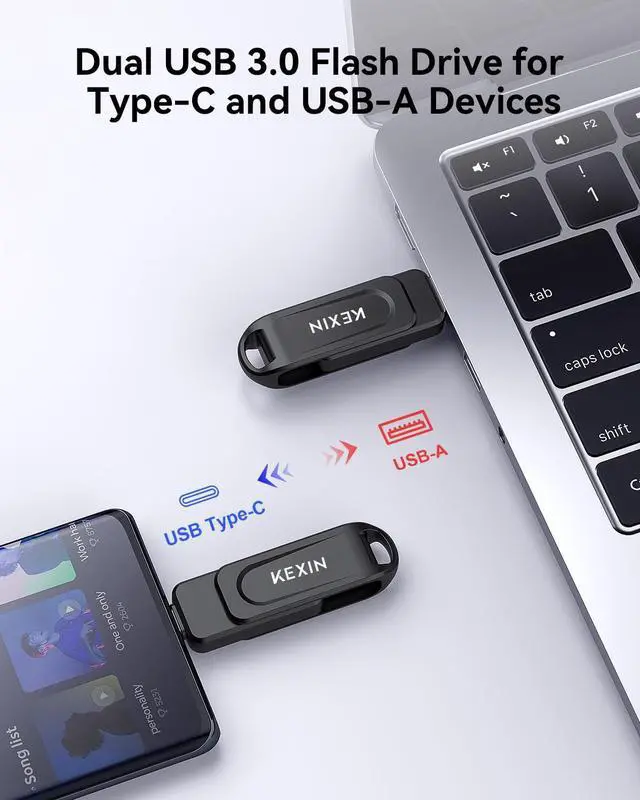
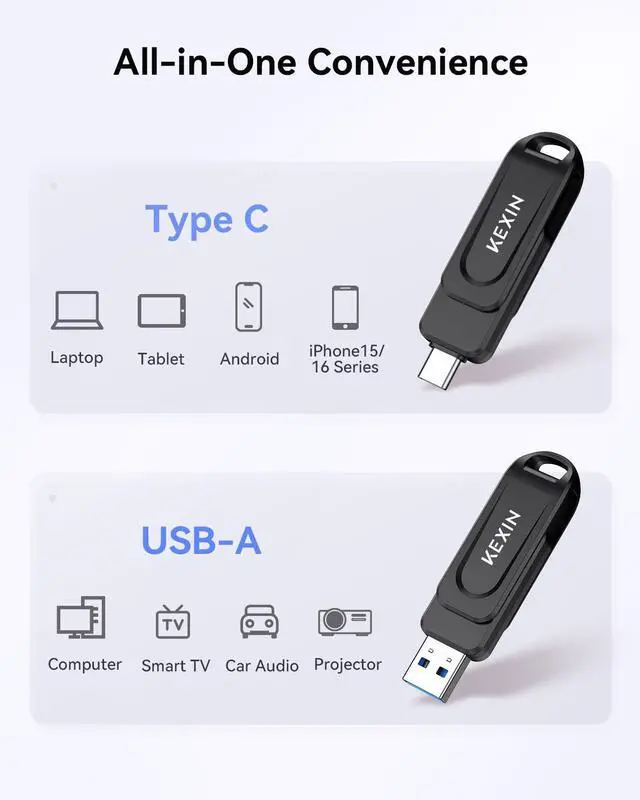
This USB flash drive with both Type-C and USB-A ports is compatible with a wide range of computers and multiple operating systems.
How to Use Flash Drive with USB-C iPhone 15/16/17?

1. Plug the USB-C flash drive into the USB-C port of your iPhone.
2. Locate Files app on your iPhone.

3. Open the Files app and Tap the storage drive possibly labeled as NO NAME or Untitled below Locations.
4. Select the photos you want to export fromthe flash drive. Tap the Share icon andchoose Save Image.

Document formats supported
Music: M4A / AIFF / CAF / MP3 / WAV;
Image: GIF / JPG / PNG / JPEG;
Video: AVI / FLV / M4V / MKV / MOV / MP4 / RMVB;
Document: DOC / PPT / XLS / XLSX / PDF / HTML / TX.
Plug and play, no network, no download, convenient and fast, can be used in car, stereos, computers and so on. No need to install any software. Compatible with Windows 7/ 8 /10/Vista/XP/2000/ME/NT Linux, Mac OS, and more.


What is the file system format of the company's flash drive when it leaves the factory?
4GB~32GB uses FAT32, and 64GB and above use exFAT
How to solve the problem that prompts "The file is too large for the target file system" and cannot be copied?
The FAT32 file system cannot support a single file of 4GB or more than 4GB. It must be formatted into exFAT or NTFS file system to support it. Remember to back up the USB C flash drive data before formatting.
The USB drive can be used normally on the computer, but cannot be recognized on the multimedia device
The current file system of the thumb drive is incompatible with the customer's multimedia device. You can reformat it on the computer to FAT32 or exFAT file system and try again.
The flash drive cannot be recognized when plugged into the computer
A.USB 3.0 product, the computer may not have USB 3.0 driver installed, resulting in failure to recognize
B.The thumb drive firmware is completely lost or the USB flash drive hardware is damaged.
If you encounter the problem that the USB drive cannot be recognized or does not respond after being inserted
If your phone is equipped with a protective case, the USB C may not be fully inserted and cause poor contact. It‘s recommended to remove the phone case and try again
Compatible with USB-C iPhones and iPads only, such as iPhone15/iPhone16 series model
KEXIN Dual USB C Flash Drive 100MB/s Swivel USB 3.0 USB-A & Type-C Thumb Drive

Portable & Keychain Design
360° swivel design of the USB drive provides easy shifting and enhanced protection for the USB connectors.
The large keychain hole in the flash drive makes it easy to attach to a key ring or backpack for easy carrying.
High Quality
Compact yet tough, perfect for on-the-go use.
This thumb drive utilizes grade A flash chips, ensuring stable transfer and secure storage for your files.

The transfer speed may vary depending on factors such as the test equipment, file type, interface type,and other conditions.
This USB flash drive with both Type-C and USB-A ports is compatible with a wide range of computers and multiple operating systems.
How to Use Flash Drive with USB-C iPhone 15/16/17?
1. Plug the USB-C flash drive into the USB-C port of your iPhone.
2. Locate Files app on your iPhone.
3. Open the Files app and Tap the storage drive possibly labeled as NO NAME or Untitled below Locations.
4. Select the photos you want to export fromthe flash drive. Tap the Share icon andchoose Save Image.
Wide Compatibility
Document formats supported
Music: M4A / AIFF / CAF / MP3 / WAV;
Image: GIF / JPG / PNG / JPEG;
Video: AVI / FLV / M4V / MKV / MOV / MP4 / RMVB;
Document: DOC / PPT / XLS / XLSX / PDF / HTML / TX.
Plug and play, no network, no download, convenient and fast, can be used in car, stereos, computers and so on. No need to install any software. Compatible with Windows 7/ 8 /10/Vista/XP/2000/ME/NT Linux, Mac OS, and more.
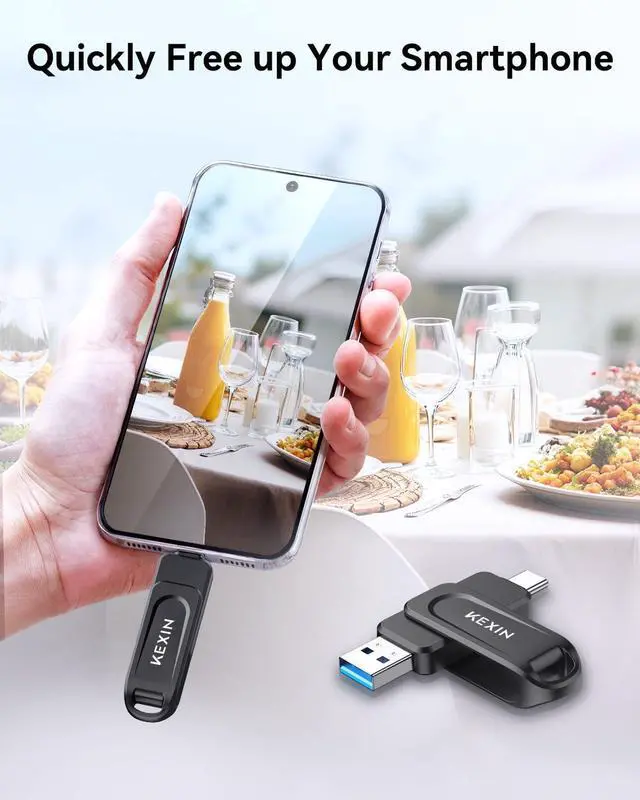
Quickly Free up Your Smartphone


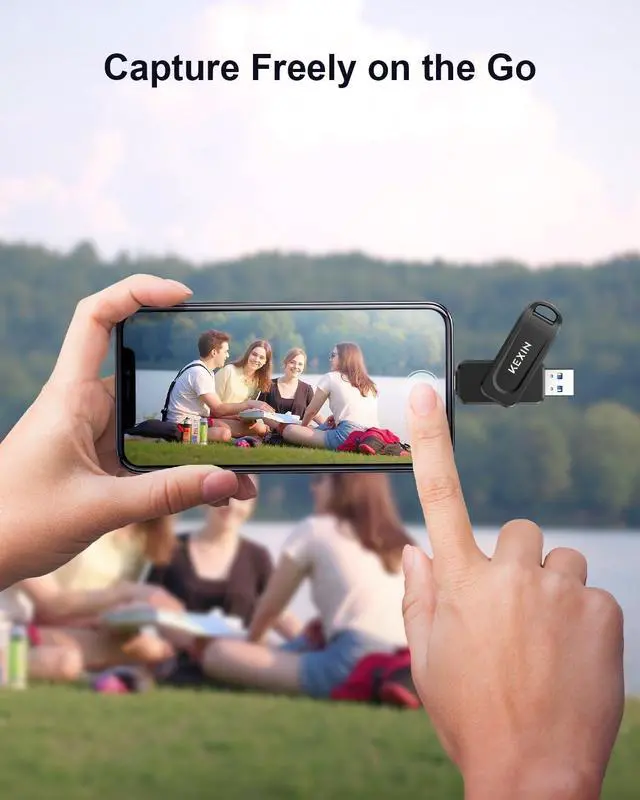
Plug and play with your smartphone to free up storage space instantly, allowing you to capture more photos and videos without the worry of running out of storage
What is the file system format of the company's flash drive when it leaves the factory?
4GB~32GB uses FAT32, and 64GB and above use exFAT
How to solve the problem that prompts "The file is too large for the target file system" and cannot be copied?
The FAT32 file system cannot support a single file of 4GB or more than 4GB. It must be formatted into exFAT or NTFS file system to support it. Remember to back up the USB C flash drive data before formatting.
The USB drive can be used normally on the computer, but cannot be recognized on the multimedia device
The current file system of the thumb drive is incompatible with the customer's multimedia device. You can reformat it on the computer to FAT32 or exFAT file system and try again.
The flash drive cannot be recognized when plugged into the computer
A.USB 3.0 product, the computer may not have USB 3.0 driver installed, resulting in failure to recognize
B.The thumb drive firmware is completely lost or the USB flash drive hardware is damaged.
If you encounter the problem that the USB drive cannot be recognized or does not respond after being inserted
If your phone is equipped with a protective case, the USB C may not be fully inserted and cause poor contact. It‘s recommended to remove the phone case and try again
Compatible with USB-C iPhones and iPads only, such as iPhone15/iPhone16 series model