




 here!
here!
I’m your shopping assistant for PC builds, upgrades, and everything tech.
Got questions? Ask away!
Start a conversation
here!
I’m your shopping assistant for PC builds, upgrades, and everything tech.
Got questions? Ask away!
Start a conversation



Any questions? Ask CelesteSM will help you find out quickly.
Product Description:
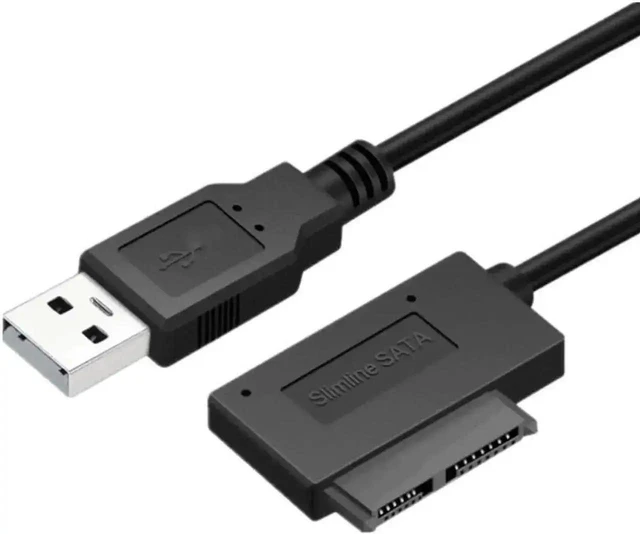
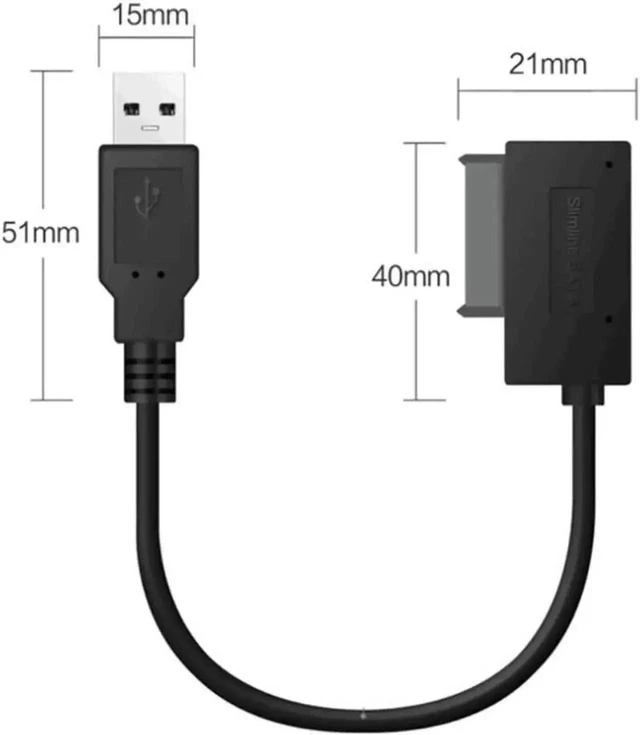
Universal adapter cable for connecting IDE and SATA hard disk drives or solid state drives to a USB 2.0 connection. Designed for reading old IDE drives, data backup, disk file transfer, and data recovery on ordinary computers.
Core Selling Points:
Supports bidirectional conversion between USB 2.0, IDE, and SATA interfaces. Plug-and-play USB 2.0 connectivity helps provide quick data access without complicated installation steps. Portable cable design supports backup and file-transfer tasks.
Technical Specifications:
Interface conversion: USB 2.0 to IDE and SATA. Supported drive types: 2.5-inch laptop drives and 3.5-inch desktop HDD/SSD.
Before Purchase:
Compatible with 2.5-inch and 3.5-inch IDE or SATA hard disk drives and solid state drives. Compatible with mainstream Windows operating systems.


