




 here!
here!
I’m your shopping assistant for PC builds, upgrades, and everything tech.
Got questions? Ask away!
Start a conversation
here!
I’m your shopping assistant for PC builds, upgrades, and everything tech.
Got questions? Ask away!
Start a conversation



Any questions? Ask CelesteSM will help you find out quickly.
Product Description:
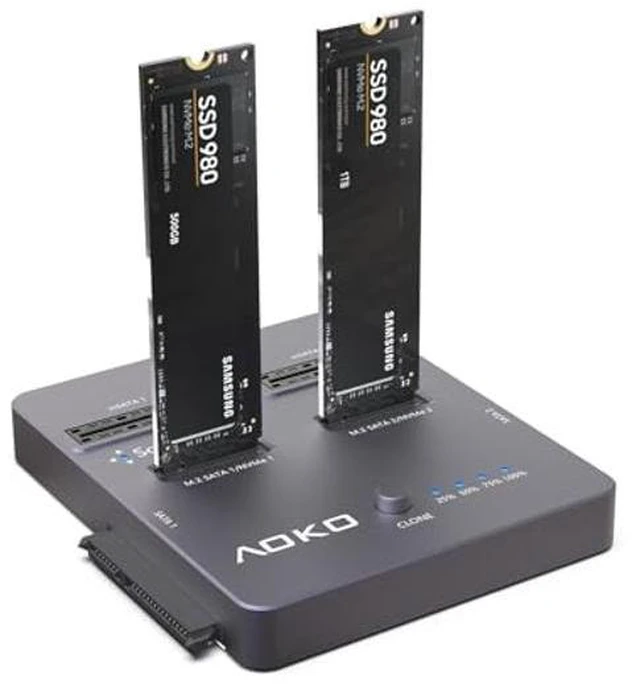
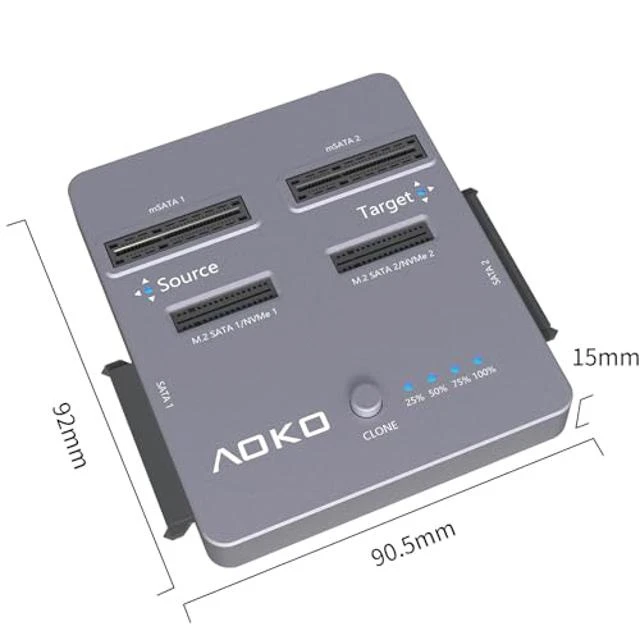
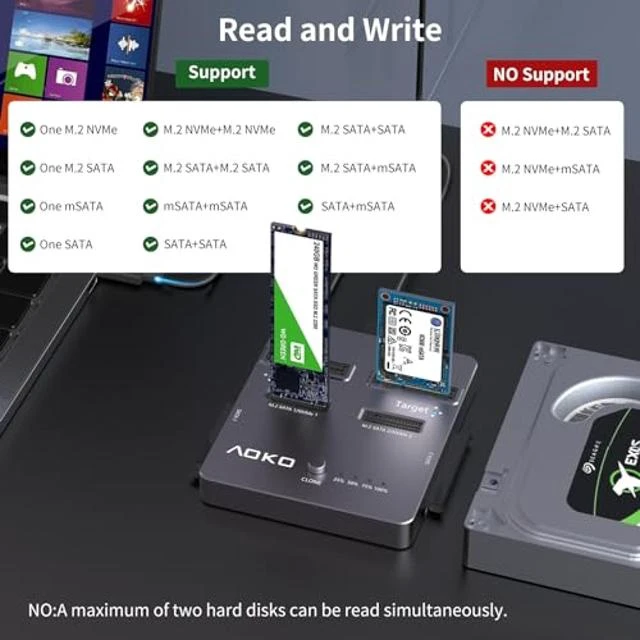
A 4-in-1 M.2 NVMe and SATA drive docking station designed for offline cloning and data copying. It supports NVMe SSDs, 2.5-inch and 3.5-inch SATA drives, mSATA SSDs, and M.2 SATA SSDs in a dual-bay configuration.
Core Selling Points:
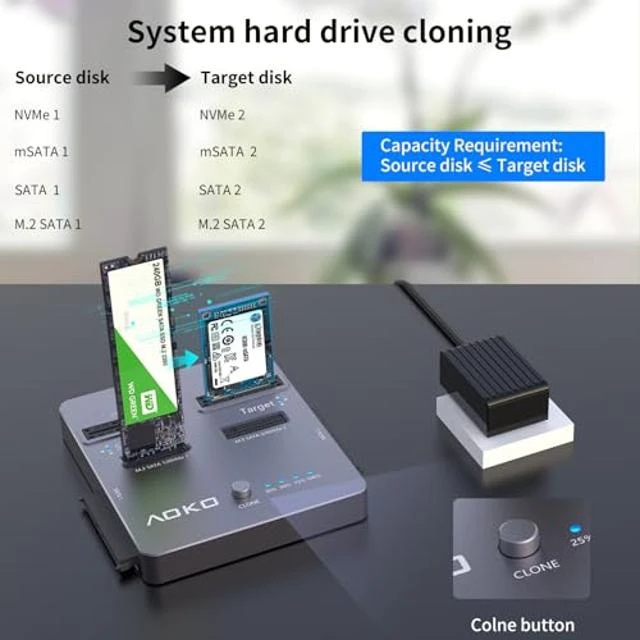
Offline cloning can be started without connecting to a PC or laptop by pressing and holding the offline clone button for 3-5 seconds. The station supports various file formats and provides a practical solution for users working with multiple types of SSDs and hard drives. It combines NVMe cloning, mSATA SSD docking, 2.5-inch/3.5-inch SATA drive docking, and M.2 SATA SSD duplication functions.
Technical Specifications:
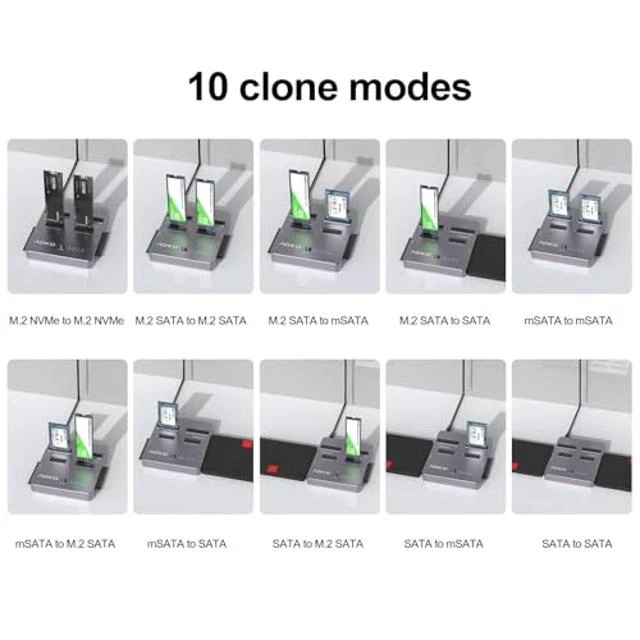
Product type: 4-in-1 hard drive docking station and cloning station. Supported drive types: NVMe SSD, 2.5-inch SATA HDD/SSD, 3.5-inch SATA HDD/SSD, mSATA SSD, and M.2 SATA SSD. Supported mSATA sizes: 30 x 30 mm and 51 x 30 mm. Supported M.2 SATA key type: B+M Key. Configuration: dual-bay M.2 SSD duplicator. Offline cloning: supported. Offline clone control: press and hold the clone button for 3-5 seconds. Cloning requirement: the target hard drive must be larger than the source hard drive. Cloning modes: 10.
Before Purchase:
Confirm that your drives match the supported types, sizes, and key configuration before purchase. The M.2 SATA SSD compatibility applies to B+M Key drives, while mSATA support applies to 30 x 30 mm and 51 x 30 mm drives. For offline cloning, the target hard drive must be larger than the source hard drive, and the process does not require connection to a PC or laptop.


