




 here!
here!
I’m your shopping assistant for PC builds, upgrades, and everything tech.
Got questions? Ask away!
Start a conversation
here!
I’m your shopping assistant for PC builds, upgrades, and everything tech.
Got questions? Ask away!
Start a conversation



Any questions? Ask CelesteSM will help you find out quickly.
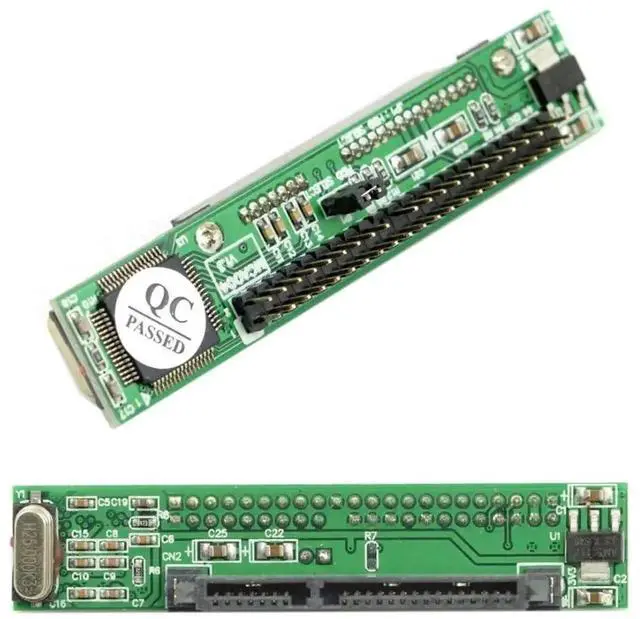
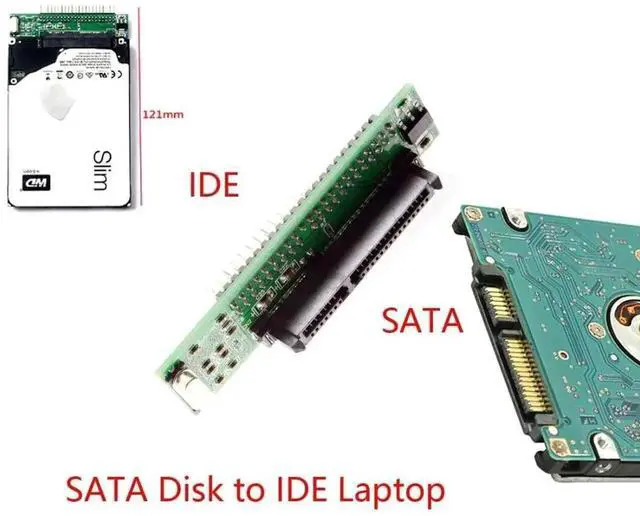
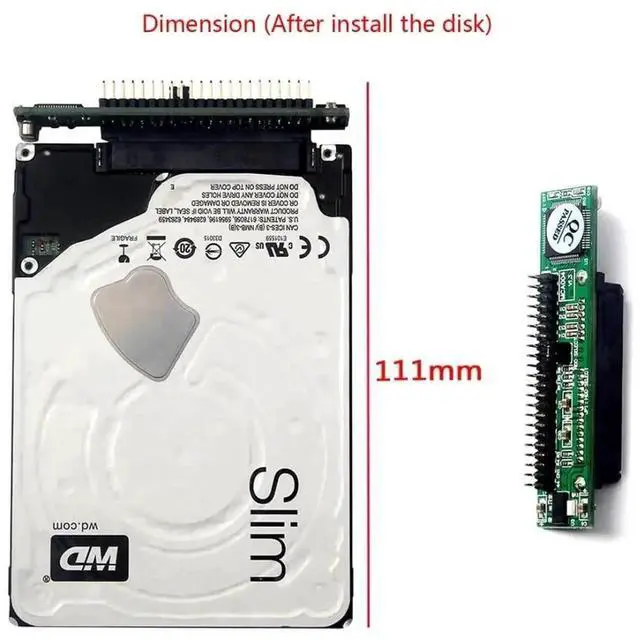
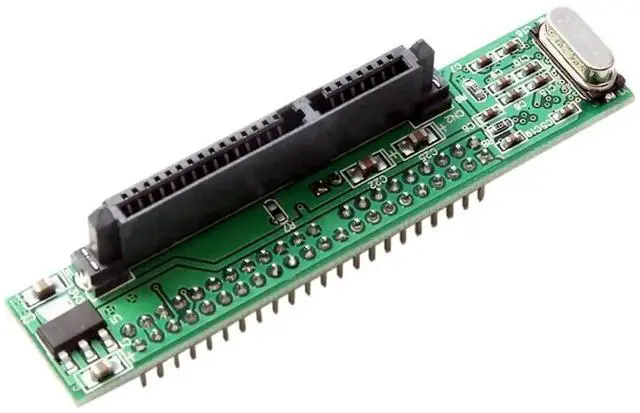
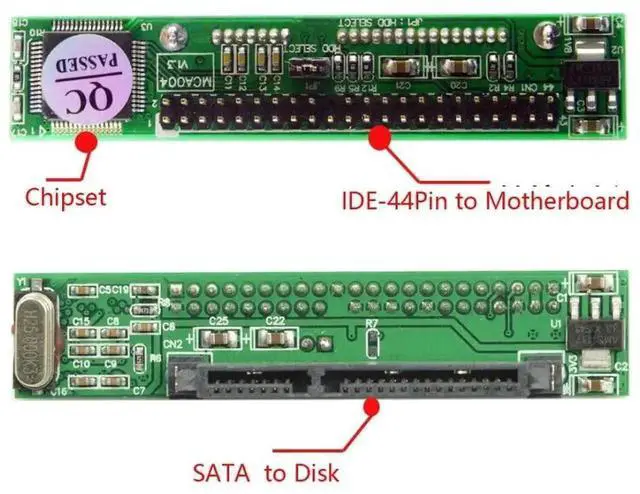
This SATA to 44Pin IDE converter solves the compatibility barrier of installing modern 2.5-inch SATA storage into vintage notebooks equipped with 44Pin PATA motherboards. It is an economical upgrade accessory to replace slow original PATA hard disks with high-speed SATA SSDs.
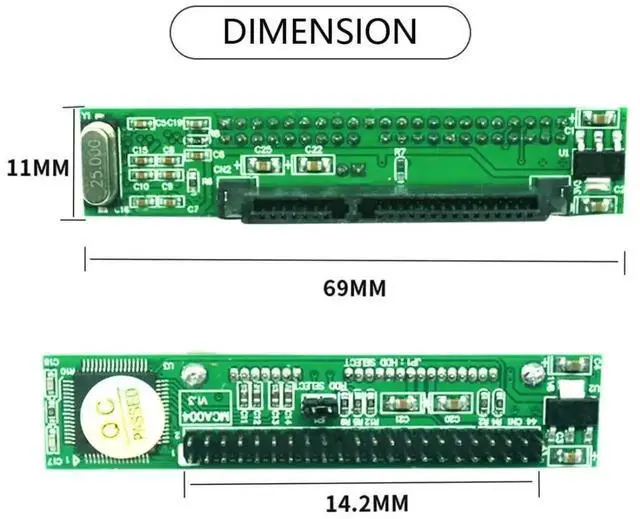
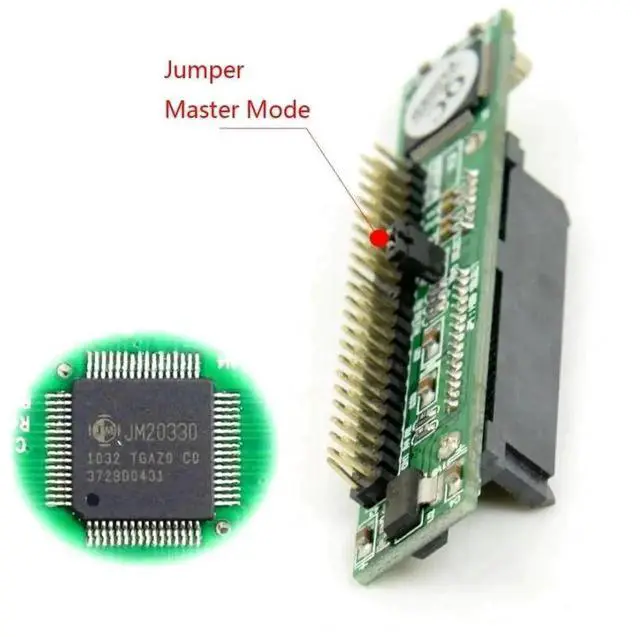
The built-in professional signal conversion circuit maintains consistent transmission performance under sustained read-write loads, effectively avoiding intermittent disk drop issues common with inferior adapters. The slim circuit board occupies minimal space inside cramped laptop internal compartments and will not interfere with surrounding hardware layout.
All contact terminals adopt gold plating treatment to reduce signal loss and resist corrosion caused by long-term internal use. No complex driver or software configuration is required. Connect your 2.5-inch SATA drive to the adapter, plug the 44Pin IDE end into the laptop motherboard and supply matched power, then the system will automatically identify the storage device for system installation and file access.


