




 here!
here!
I’m your shopping assistant for PC builds, upgrades, and everything tech.
Got questions? Ask away!
Start a conversation
here!
I’m your shopping assistant for PC builds, upgrades, and everything tech.
Got questions? Ask away!
Start a conversation



Any questions? Ask CelesteSM will help you find out quickly.
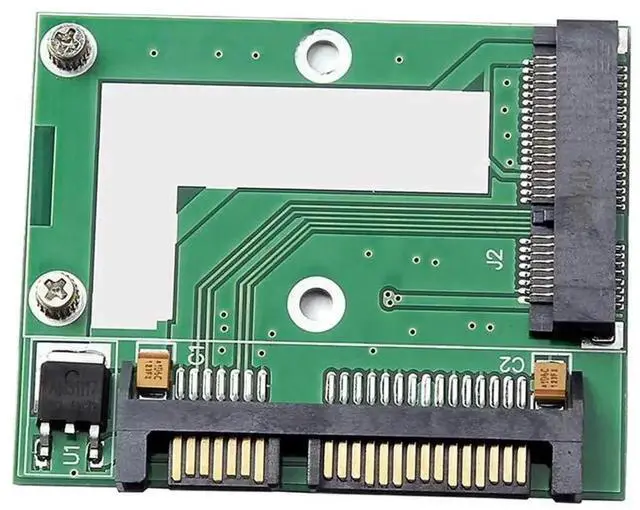
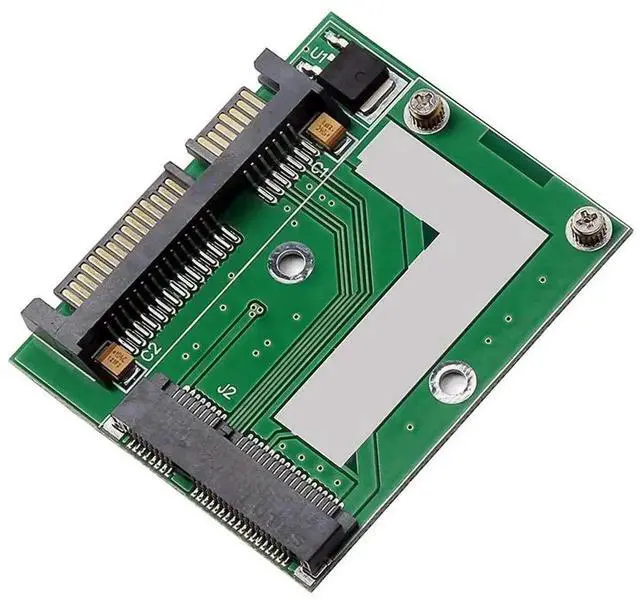
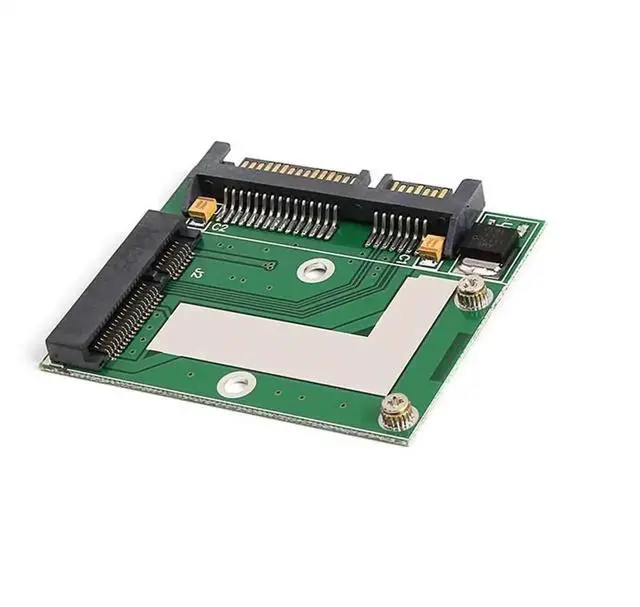
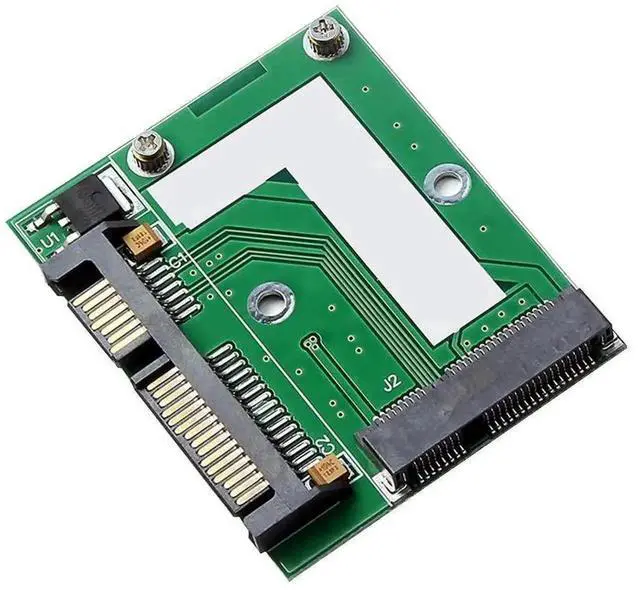
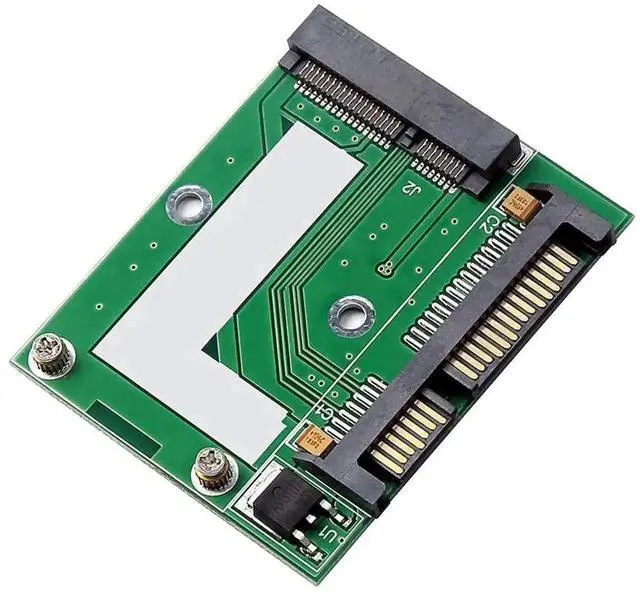
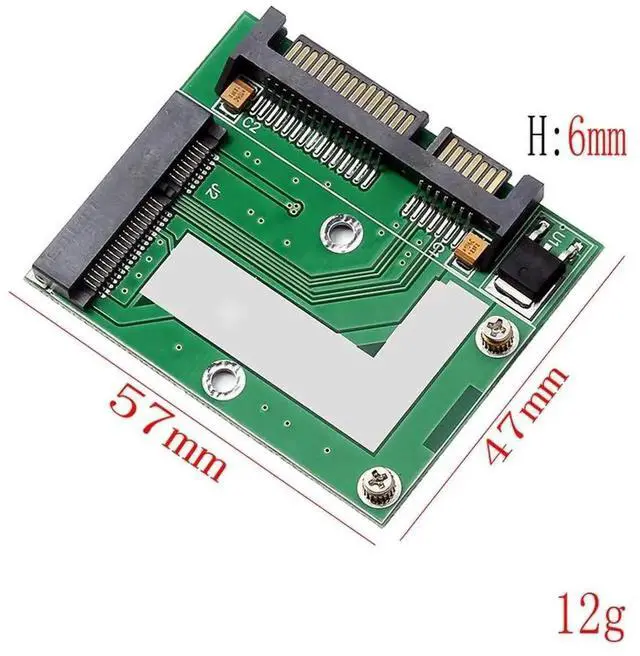
This Mini PCI-E mSATA to SATA 3.0 conversion module turns compact mSATA SSD into a universal 2.5-inch SATA storage unit, helping users reuse spare mSATA SSDs on desktop computers with standard SATA ports. It is a cost-effective solution to upgrade PC storage and boost system running speed.
Built with optimized high-speed signal circuit, the adapter maintains stable read and write performance under heavy sustained workloads, preventing disk disconnection or unrecognition issues caused by unstable signal conversion. The complete 2.5-inch form factor fits all standard desktop hard drive brackets perfectly, no additional brackets or spacers needed during assembly.
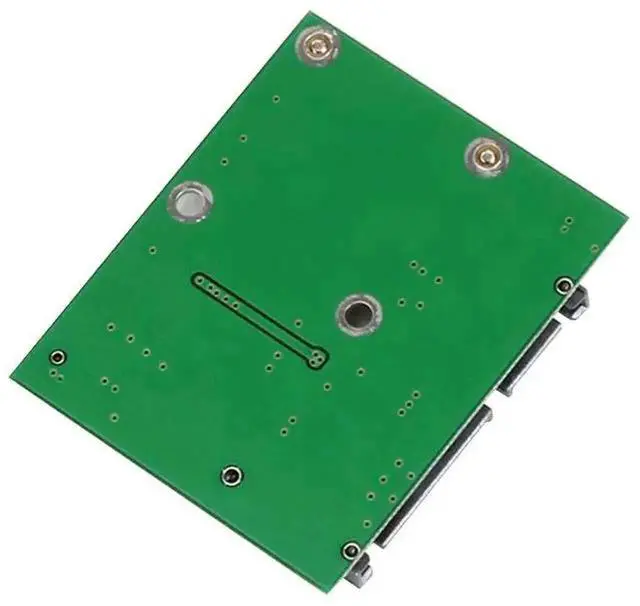
All contact terminals adopt premium gold plating to resist corrosion and wear from frequent disassembly. The lightweight PCB structure will not block chassis airflow or occupy extra internal space. Simply fix your mSATA SSD onto the adapter board, connect SATA data and power cables to the motherboard, and the computer will automatically detect the storage drive for instant data access and OS installation.


