




 here!
here!
I’m your shopping assistant for PC builds, upgrades, and everything tech.
Got questions? Ask away!
Start a conversation
here!
I’m your shopping assistant for PC builds, upgrades, and everything tech.
Got questions? Ask away!
Start a conversation



Any questions? Ask CelesteSM will help you find out quickly.
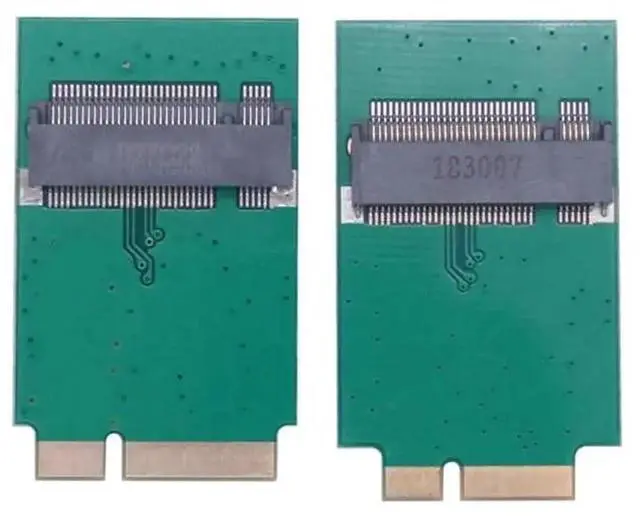
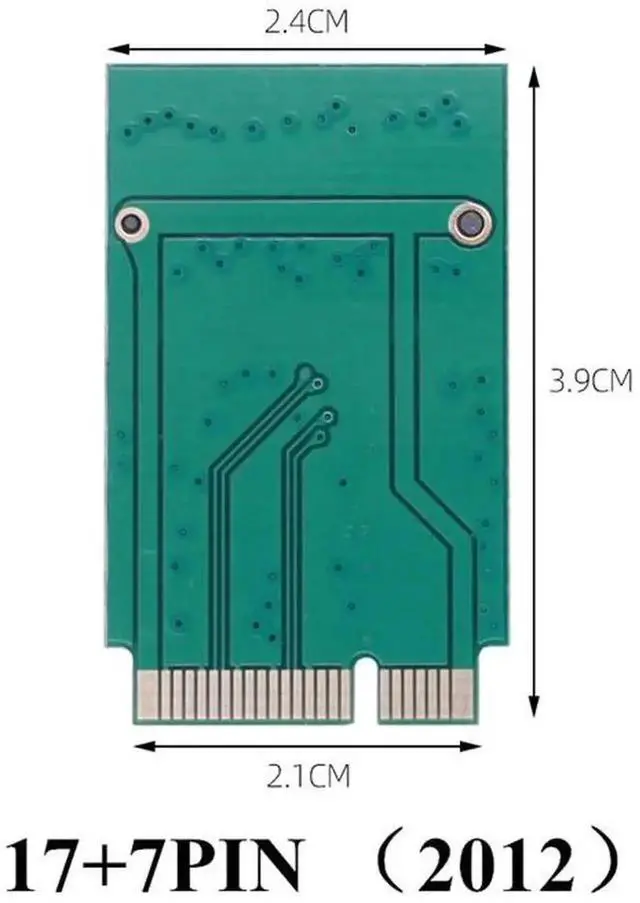
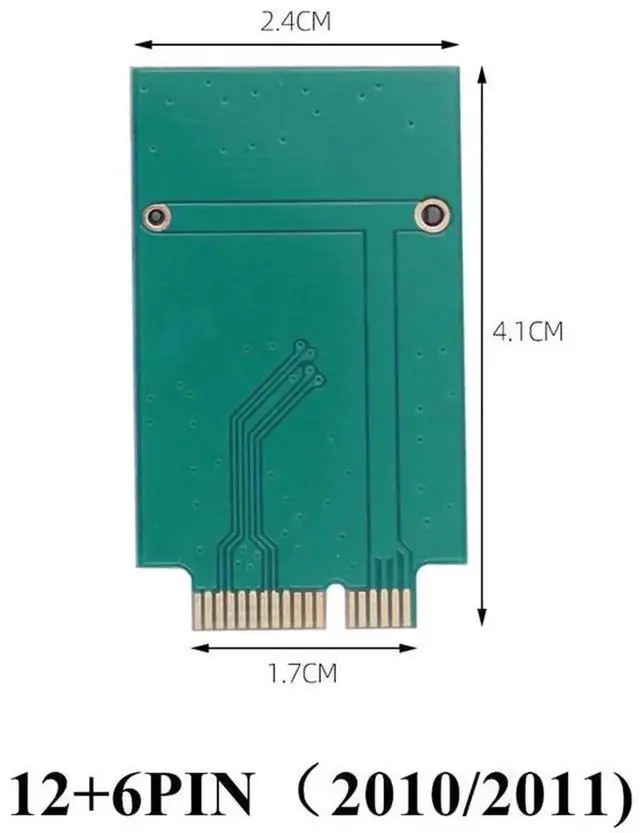
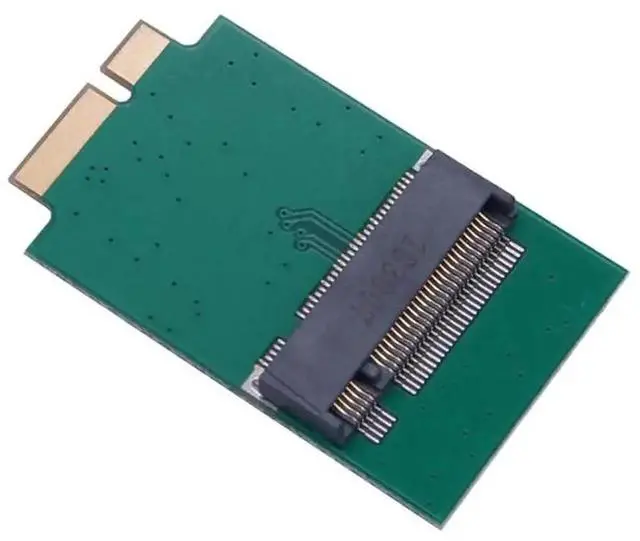
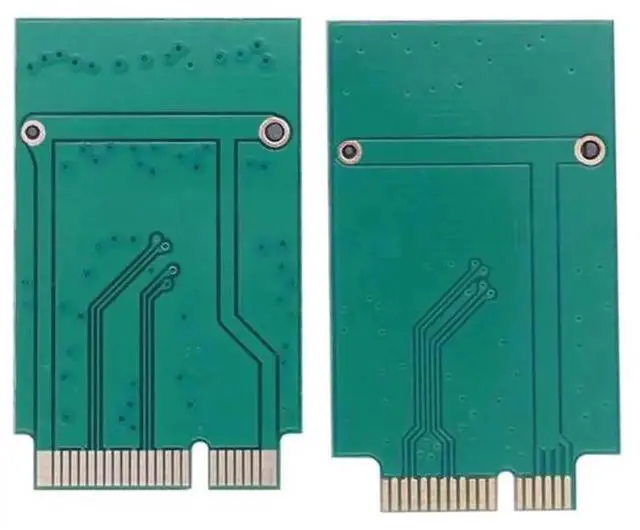
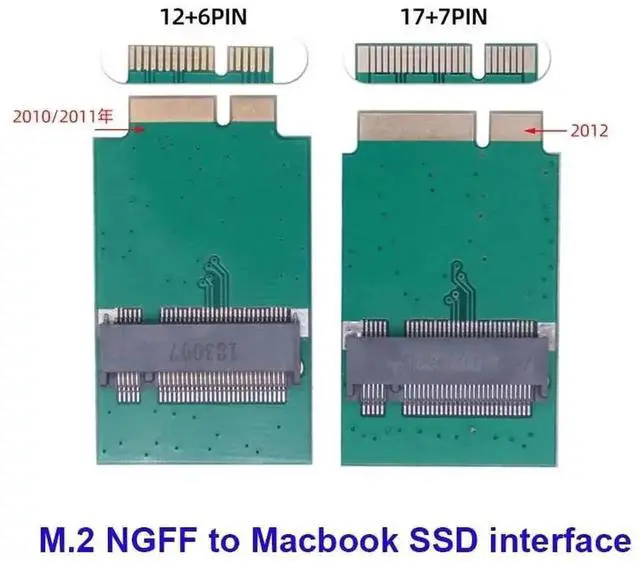
This multi-version M.2 NGFF to Apple proprietary SSD converter card covers three generations of MacBook Air with different pin interfaces. The 6+12Pin variant matches 2010 & 2011 MacBook Air A1369/A1370, while the 7+17Pin model works with 2012 11-inch A1465 and 13-inch A1466 (MD223, MD224, MD231, MD232).
It adopts the original Apple SSD dimension of 109mm × 24mm, allowing direct installation without chassis modification. Only compatible with SATA-based M.2 B/B+M Key SSDs (NVMe PCIe SSDs are not supported) and supports four mainstream M.2 lengths: 2230, 2242, 2260, 2280.
Premium gold-plated contact terminals effectively cut down signal attenuation and electromagnetic interference, maintaining consistent SATA transmission performance. No extra driver or firmware configuration required; install the M.2 SATA SSD onto the adapter then plug it into MacBook Airs SSD slot to boot macOS smoothly. Besides upgrading vintage MacBook Air storage, you can also mount the extracted Apple original SSD with this adapter on desktop PCs for data backup and file access.
Ideal for MacBook Air storage capacity expansion, old Apple SSD data migration, retro notebook renovation and cross-platform data reading on regular Windows/Linux computers.


