• $21.70
  • Free 30-day Returns
  • Ships from China.
    Price alert
    Shop it at NeweggBusiness.

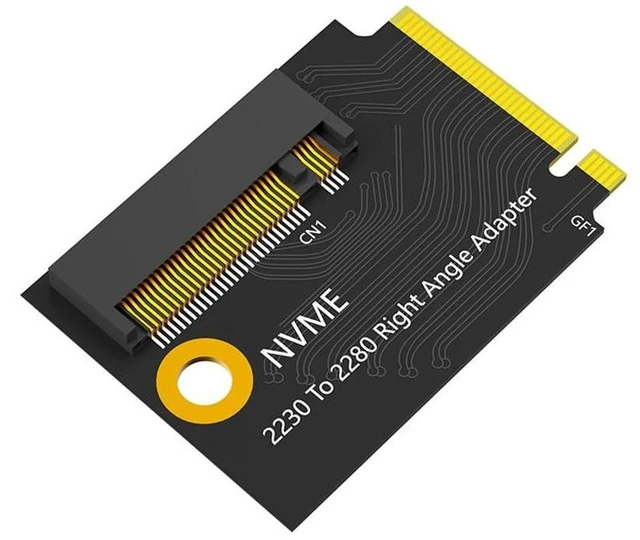
    AJMRTC M.2 Modified Short PCB Board, PCIe 4.0 / PCIe 3.0 NVMe SSD Upgrade Adapter, Black Short Version DIY Conversion Board Compatible with ROG Ally Handheld Game Console

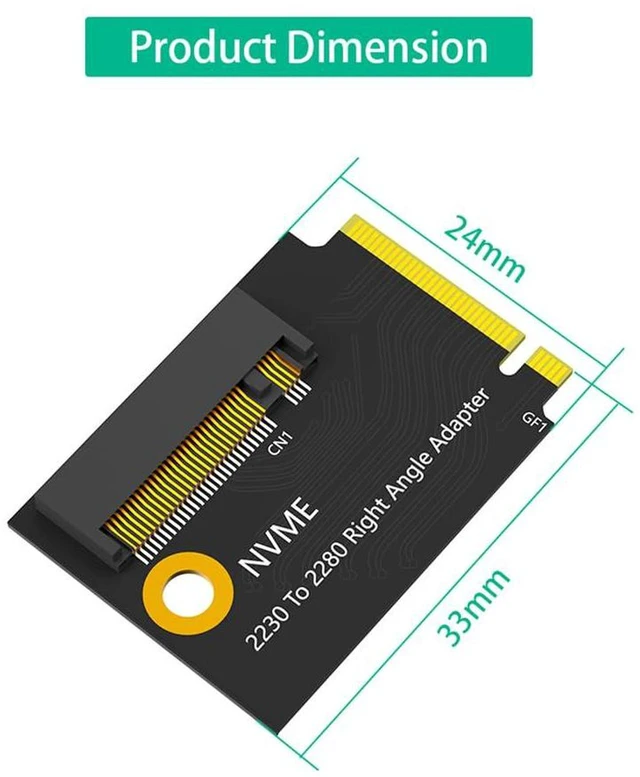
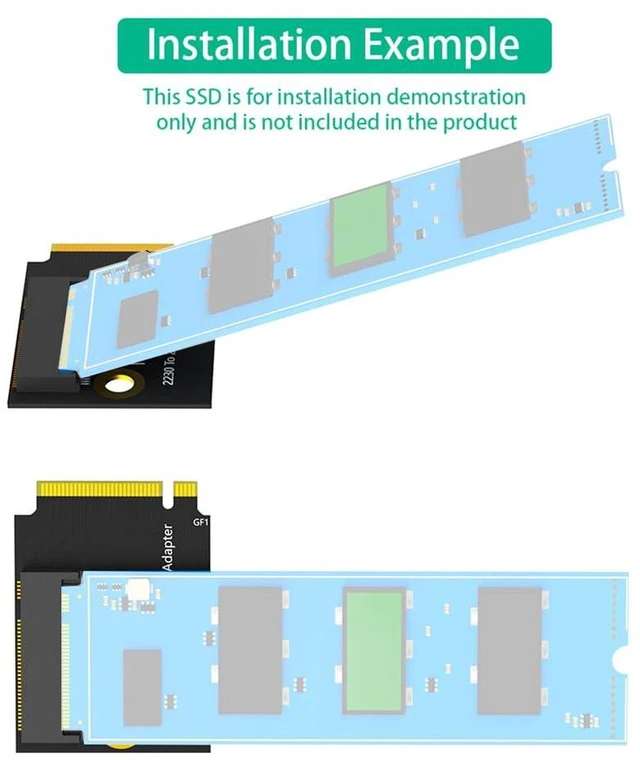
    • 1. Short black PCB design, perfectly fits internal space of ROG Ally handheld console
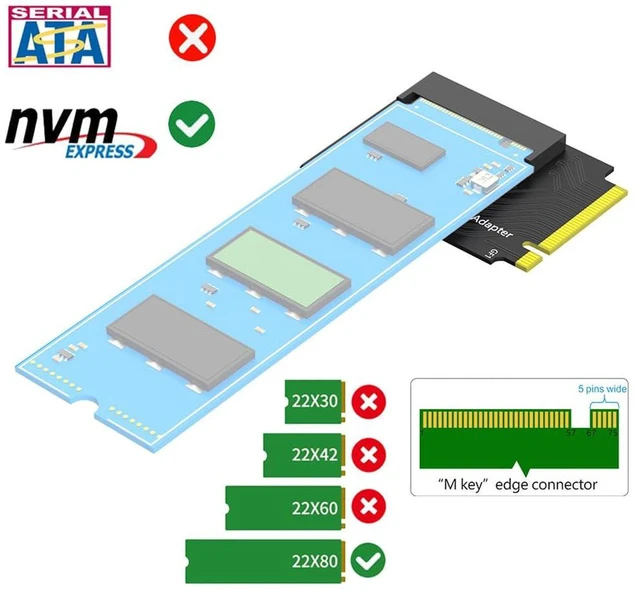
    • 2. Supports both PCIe 4.0 and PCIe 3.0 NVMe M-Key SSD for high-speed storage upgrade
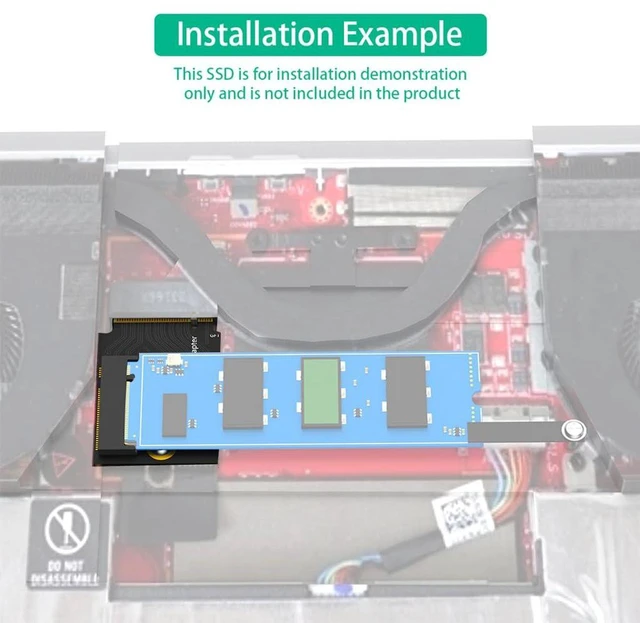
    • 3. Converts native 2230 slot to accept longer M.2 SSD, expands game storage capacity
    • 4. Strict impedance-controlled circuit layout, stable high-speed transmission with low signal loss
    • 5. DIY modification accessory; SSD is not included, for experienced mod users
    +
    +
    Overview
    Specs
    Reviews

    Any questions? Ask CelesteSM will help you find out quickly.

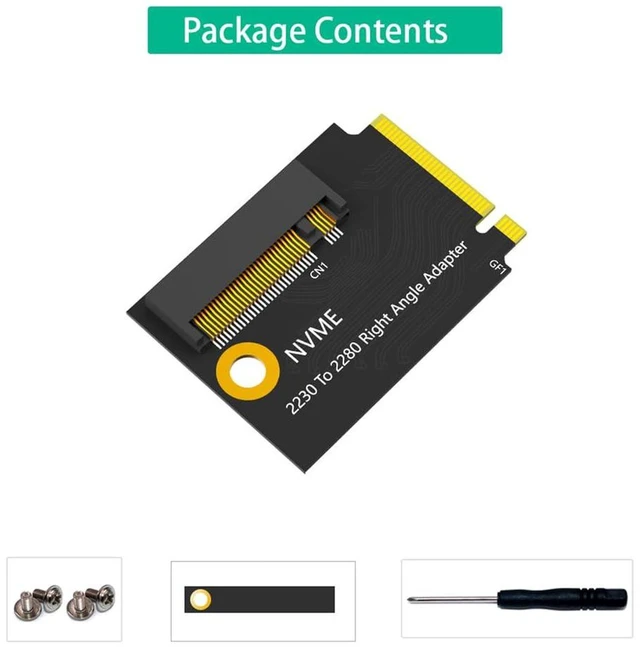
    AJMRTC short M.2 modification PCB adapter is specially customized for ROG Ally handheld game console storage upgrade. It adopts a black short PCB layout to match the limited internal space of the handheld device, avoiding conflicts with internal cooling and structural components. It supports PCIe 4.0 backward compatible with PCIe 3.0 NVMe M-Key SSD, maintaining original high-speed read and write performance. With optimized high-speed signal routing, it reduces crosstalk and signal attenuation during data transmission. This conversion board helps gamers install larger-capacity common-size M.2 SSDs to store more games. Professional installation skills are required; you need to open the console shell, clone the system or reinstall the operating system. SSD, screws and tools are not included in this package.


    Specifications

    1. Model: M.2 Short Modified Adapter Board (Black PCIe4 Version)
    2. Compatibility: For ROG Ally Handheld Game Console
    3. Supported Protocol: PCIe 4.0, Backward Compatible with PCIe 3.0
    4. Interface: M-Key NVMe
    5. PCB Color: Black
    6. Form: Short Version
    7. Application: Handheld SSD Storage Expansion, DIY Hardware Modification
    8. Note: SSD Not Included, Installation Requires Professional Modification Experience


    Warranty & Returns

    Warranty, Returns, And Additional Information

    Warranty

    • Please contact the Seller directly for warranty information. Warranty information may also be found on the Manufacturer's website.
    • CONTACT

    Return Policies

    Manufacturer Contact Info

    LOADING...