Your Browsing History
Meet Your Seller
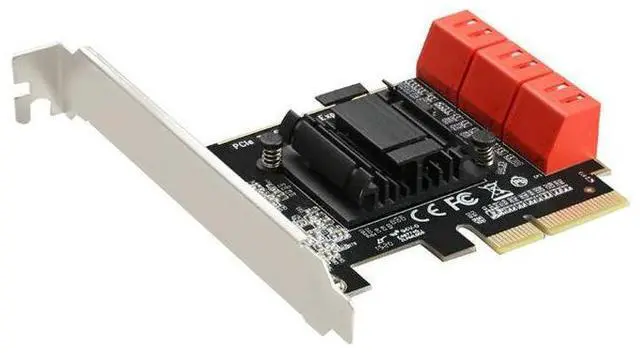
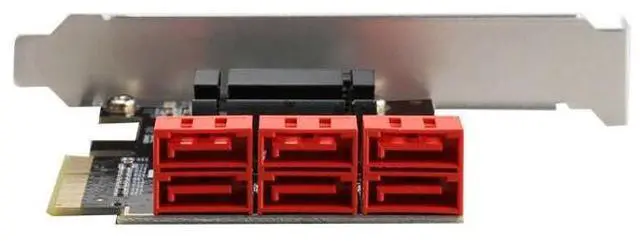
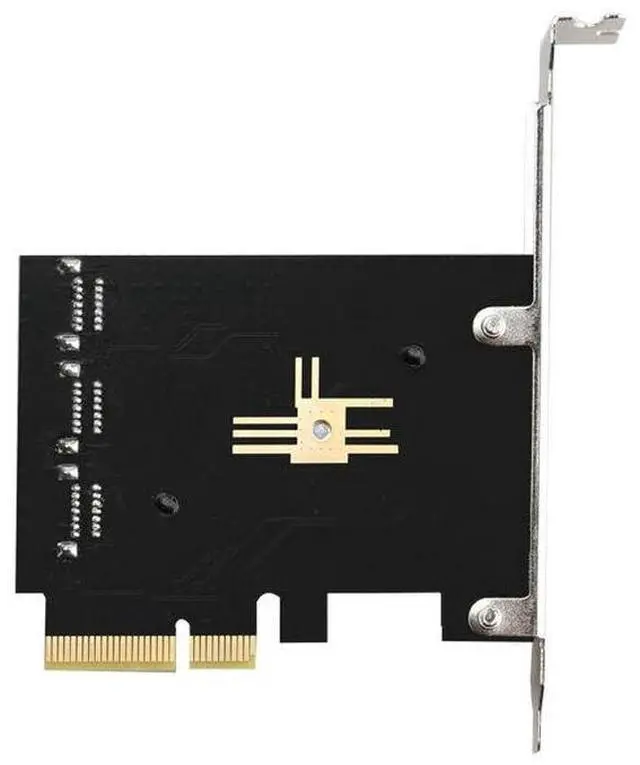
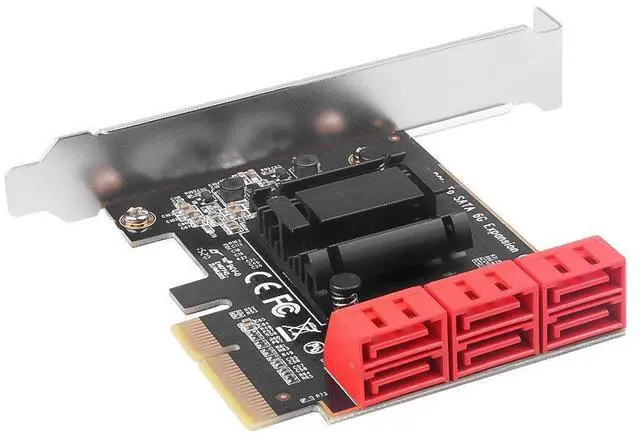
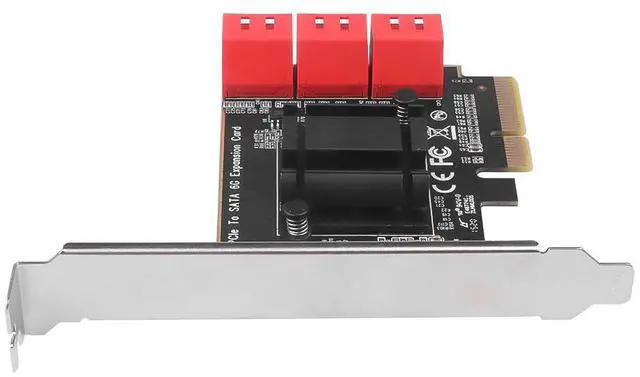
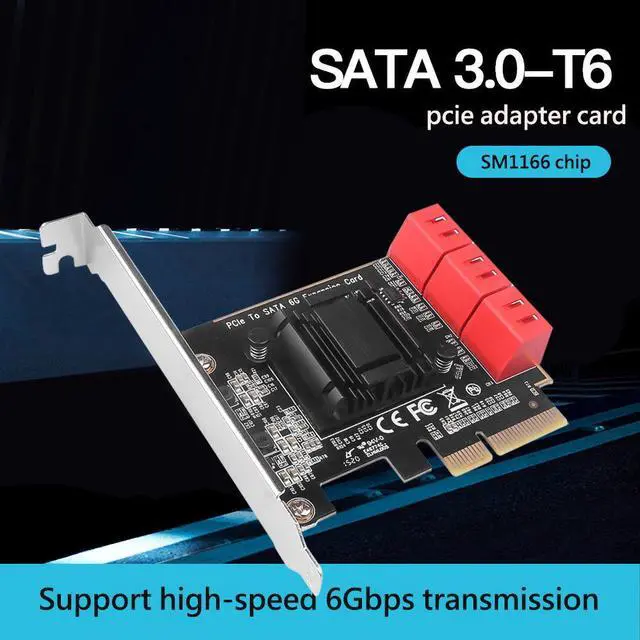
PCIe x4 to 6-Port SATA 3.0 Hard Drive Expansion Card PCI-E to SATA III Adapter, ASM1166 Chipset, 6 x 6Gbps SATA Ports for Desktop / Server / NAS
- Installation Instructions:
- [1] Insert the card into the PCI-E slot on the motherboard (keep the hard drive connected to the motherboard). Power on normally, boot into the system, and install the drivers.
- [2] After driver installation is complete, shut down the computer, connect the hard drive to our adapter card, and enter the BIOS. Select the corresponding hard drive as the first boot device, then restart the computer.
- Important Note:
- In IDE mode, the SATA 3.0 adapter will not detect the hard drive when booting into PE (Pre-installation Environment).
- A system installed under IDE mode cannot boot via this SATA 3.0 adapter.
- This adapter can only boot a system that was installed in AHCI mode.
- If your system was installed in IDE mode, it will not boot when connected directly to this SATA 3.0 adapter.
+
+
Overview
Specs
Reviews
Any questions? Our AI mode will help you find out quickly.
Try me now
Installation Instructions:
[1] Insert the card into the PCI-E slot on the motherboard (keep the hard drive connected to the motherboard). Power on normally, boot into the system, and install the drivers.
[2] After driver installation is complete, shut down the computer, connect the hard drive to our adapter card, and enter the BIOS. Select the corresponding hard drive as the first boot device, then restart the computer.
Important Note:
- In IDE mode, the SATA 3.0 adapter will not detect the hard drive when booting into PE (Pre-installation Environment).
- A system installed under IDE mode cannot boot via this SATA 3.0 adapter.
- This adapter can only boot a system that was installed in AHCI mode.
- If your system was installed in IDE mode, it will not boot when connected directly to this SATA 3.0 adapter.
Warranty & Returns
Warranty, Returns, And Additional Information
Warranty
- Please contact the Seller directly for warranty information. Warranty information may also be found on the Manufacturer's website.
- CONTACT
Return Policies
- Return for refund within: 30 days
- Return for replacement within: 30 days
- This item is covered by SlotNeat Return Policy
Manufacturer Contact Info
- For a directory of all our manufacturers, please click below.
- Manufacturers Directory
LOADING...