




• $16.49
  • Free 30-day Returns
  • Price alert
    Shop it at NeweggBusiness.

    Meet Your Seller

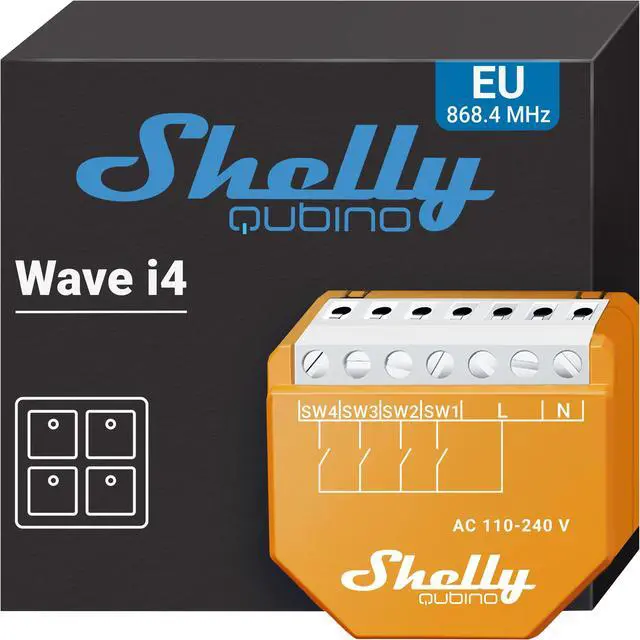
    Shelly Wave i4 | Z-Wave 800 Series 4 Digital Input Control for Advanced Action Control | Home Automation | Z-Wave Repeater | High Compatibility | Easy Installation | iOS Android App

    • The Shelly Wave i4 Z-Wave® controller manages 4 digital inputs, allowing you to manually activate scenes, synchronize actions, or execute complex trigger scenarios. Note: it functions as an input reader and lacks relays.*A gateway (smart hub) is not included. A gateway (smart hub) is required for the configuration of the device.
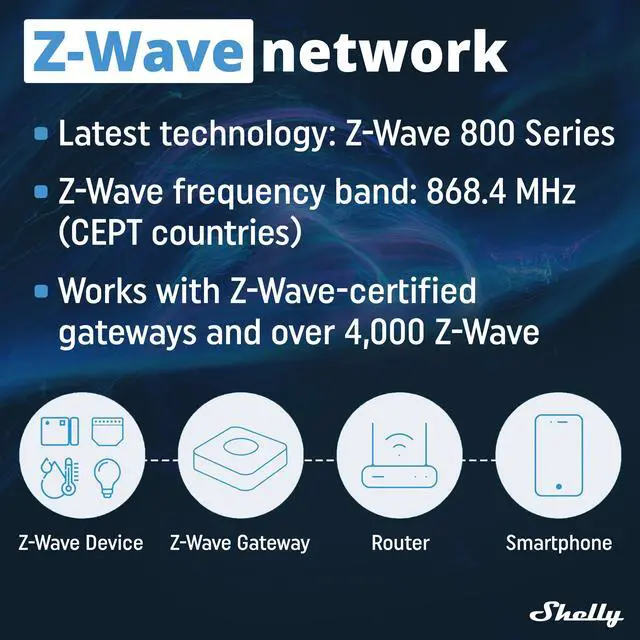
    • Works with any Z-Wave Gateway Wave i4 is retrofittable and fits behind any switch or socket and instantly turns it into a smart socket. Once installed, you can connect it to your Z-Wave network (Z-Wave gateway required) and control the connected devices from anywhere via your smartphone or tablet. Shelly Wave devices work with over 4000 Z-Wave certified devices and gateways.
    • Shelly Qubino works with Z-Wave - By using Z-Wave, smart home products can seamlessly communicate with each other thanks to a centralized smart hub, regardless of their brand or platform! Shelly Qubino devices work with the latest Z-Wave chip generation (S800).
    +
    +
    Overview
    Specs
    Reviews
    avatar

    Any questions? Our AI beta will help you find out quickly.

    Take Full control over your Z-Wave devices
    Functionalities
    Centralized Control

    Supporting up to 3 different automations per button (4 button switch), Shelly Wave is extremely convenient for a quick manual control over a group of devices.

    4
    Multiple Clicks Supported

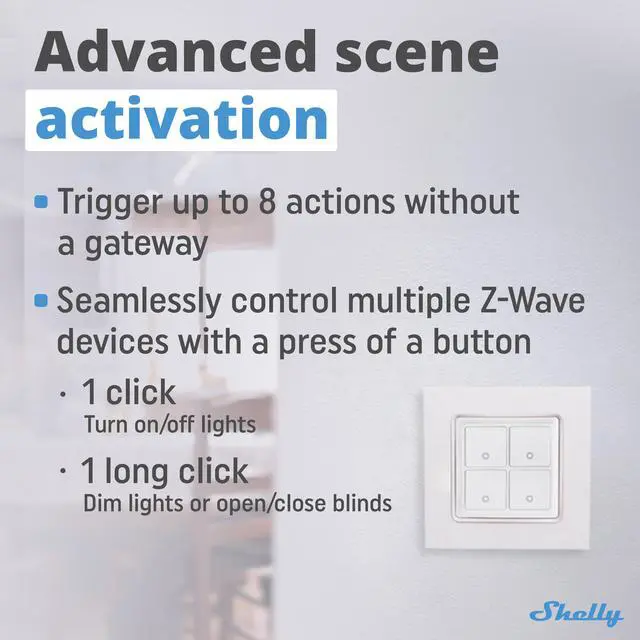
    Install behind a 4-button switch and use different types of clicks for activation. This way, you can use the same button to turn on/off lights (simple click) and dim them (long click)

    5
    Advanced Scenes

    Run synchronized actions of several Z-Wave devices. For instance, you can install Wave i4 close to your door and turn all lights on/off at once.

    6
    Manual Control

    You don't have your phone around? Wave i4 enables manual control of all Z-Wave devices through a switch.

    7
    8
    "

    Shelly Qubino Wave i4 - Z-Wave 4-digital inputs controller for enhanced actions control. Manually activate or deactivate any created scene, run synchronized actions, or execute complex trigger scenarios.


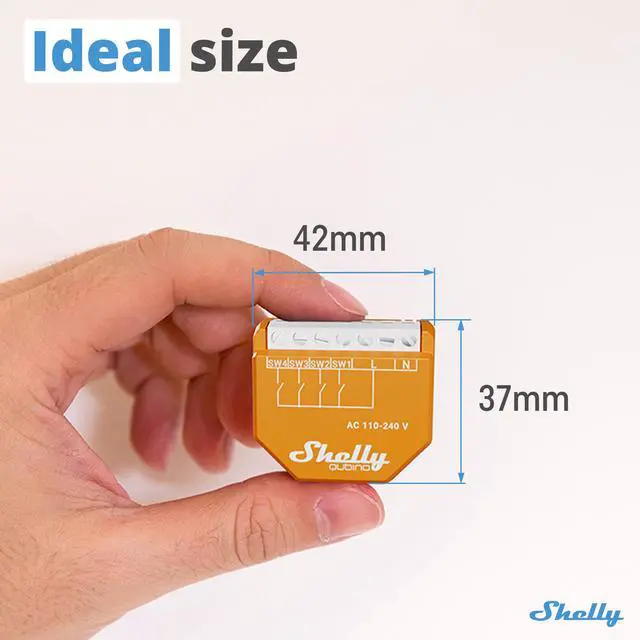
    Replace one of the switches in your roomand control any other installed Z-Wave device! - Wave i4 lets you manually control scenes, run synchronized actions, and execute complex triggers with a single button. Its compact, retrofit design fits behind any wall switch. Wave i4 can show the status and control four inputs, offering convenient manual smart home control for all family members.


    Shelly Qubino works on Z-Wave - By using Z-Wave, smart home products can seamlessly communicate with each other, regardless of their brand or platform, thanks to a centralized smart hub! Shelly Qubino devices work on the latest Z-Wave chip generation (S800), one of the most popular standardized technologies for smart homes in the world.


    *Z-wave devices have specific requirements in order to function correctly, such as the necessity to use a supported Z-wave hub.


    Multi-actions support - With a simple button press, you can activate up to 12 scenes or actions from other Z-Wave devices. Wave i4 supports up to 3 automation actions per button, offering convenient manual control over multiple devices.


    Trigger up to 8 actions without a gateway! - Wave i4 enables direct communication and associations between Z-Wave devices without a hub. Supporting 2 associations per button, it allows up to 8 actions, letting you control multiple devices with a single press.


    Ultimate comfort - It's frustrating to forget to turn off the living room lights before bed, especially without your phone nearby. No worries! Wave i4 allows manual control of Z-Wave devices with a switch, giving you full control of your home at your fingertips.

    "

    Warranty & Returns

    Warranty, Returns, And Additional Information

    Warranty

    • Please contact the Seller directly for warranty information. Warranty information may also be found on the Manufacturer's website.
    • CONTACT

    Return Policies

    Manufacturer Contact Info

    LOADING...