




 here!
I’m your shopping assistant for PC builds, upgrades, and everything tech.
Got questions? Ask away!
Start a conversation
here!
I’m your shopping assistant for PC builds, upgrades, and everything tech.
Got questions? Ask away!
Start a conversation
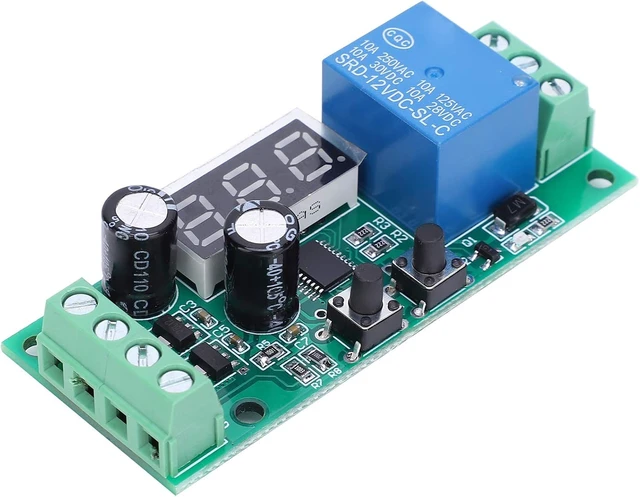



Any questions? Ask CelesteSM will help you find out quickly.
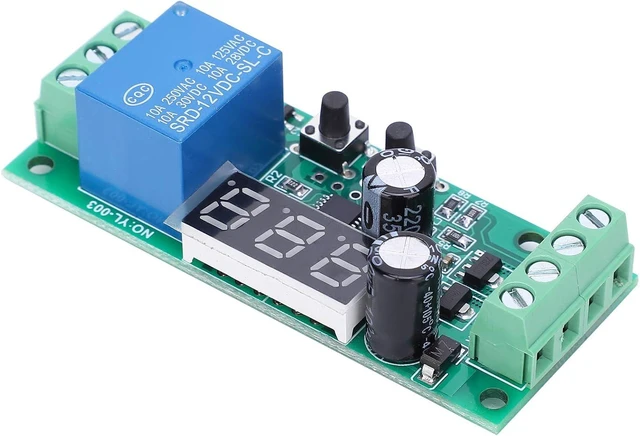
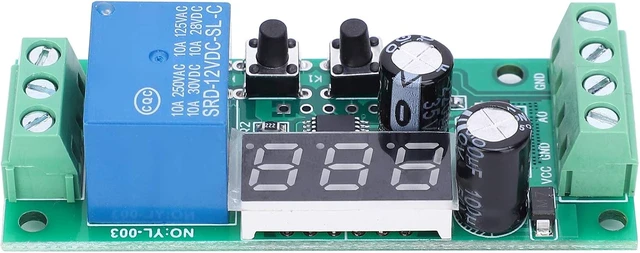
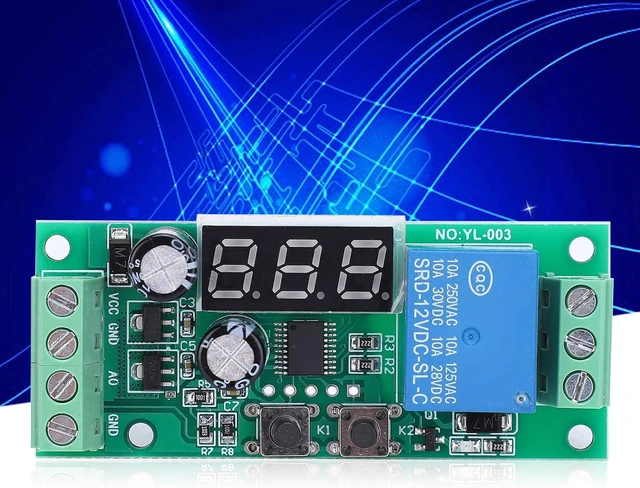
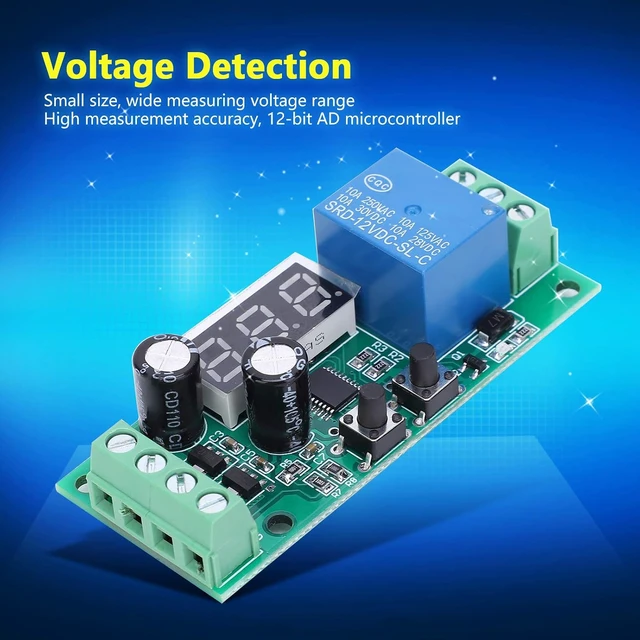
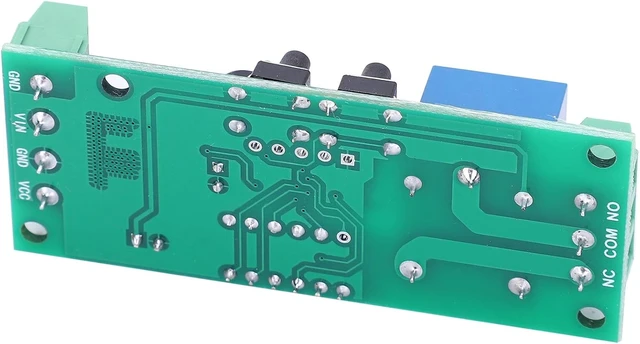
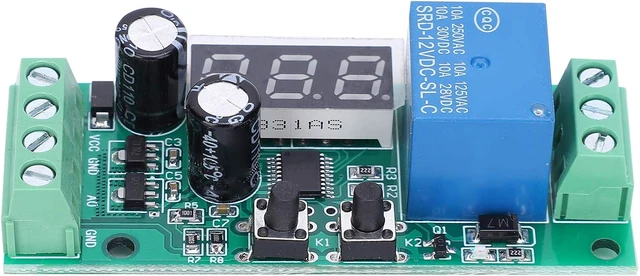
Input Terminal:
VCC: Positive power supply
GND: Negative power supply
AO: The positive pole of the measured voltage
GND: Negative pole of the voltage being measured
Output:
NC: NC terminal
COM: COM terminal
NO: NO terminal
Key Description:
K1: Short press to adjust, long press for 2 seconds to turn on/off display
K2: Short press to adjust the time selected position plus 1 long press for 0.5 seconds, display mode +1
Product Function (when The Measured Voltage Is Displayed, Long Press The K2 button for 0.5 seconds to adjust the mode +1):
P-1: Monitoring: When the measurement is lower than the voltage VL, the relay is closed, and the voltage is higher than VH the relay is disconnected;
P-2: DisMonitoring: When the measurement is higher than the voltage VH, the relay is closed, and the voltage is lower than VL the relay is disconnected;
P-3: Pull-in Outside The Interval: When the stroke voltage is between VL and VH, the relay is disconnected, and the relay is closed in other cases;
P-4: In-zone Pull-in: When the measured voltage is between VL and V2H, the relay pulls in, otherwise the relay is off
P-5: Excessive Suction: When the measurement is higher than the voltage VL, the relay is closed, and the voltage is lower than VL the relay is disconnected;
P-6: Over Disconnection: When the measurement is higher than the voltage VL, the relay is disconnected, and the voltage is lower than VL and the relay absorbs;
Adjustment Parameter Description (the Initial State Of The Module Will Display the measured voltage value):
1. Press the first "K1" digital tube hundred digits to flash, adjust the lower limit hundreds digit, press "K2" 0-9 to change and adjust
2. After adjusting the hundred digit, press the second "K1" digital tube ten digits to flash, the lower limit tens digit is adjusted, press "K2" 0-9 to change and adjust
3. After adjusting the tens digit, press the third "K1" digital tube to blink, and adjust the lower limit ones digit, press "K2" 0-9 to change and adjust
4. After adjusting the units digit, press the 4th "K1" digital tube to blink the hundred digit, and adjust the upper limit hundreds digit, press "K2" 0-9 to change and adjust
5. After adjusting the hundred digit, press the 5h "K1" digital tube tens digit to flash, adjust the upper limit tens digit, press "K2" 0-9 to change and adjust
6. After adjusting the tens digit, press the 6th "K1" digital tube to blink, and adjust the upper limit ones digit, press "K2" 0-9 to change and adjust
7. After adjusting the ones place, press the 7th "K1", the digital display returns to the initial state and displays the measured voltage valueDuring the above adjustment process, if no key is pressed for adjustment within 2 seconds, it will automatically jumping back to the initial interface, and the setting data will be saved


