





Chuanganzhuo 3.5 inch Floppy Disk Reader
Chuanganzhuo 3.5 inch Floppy Disk Reader
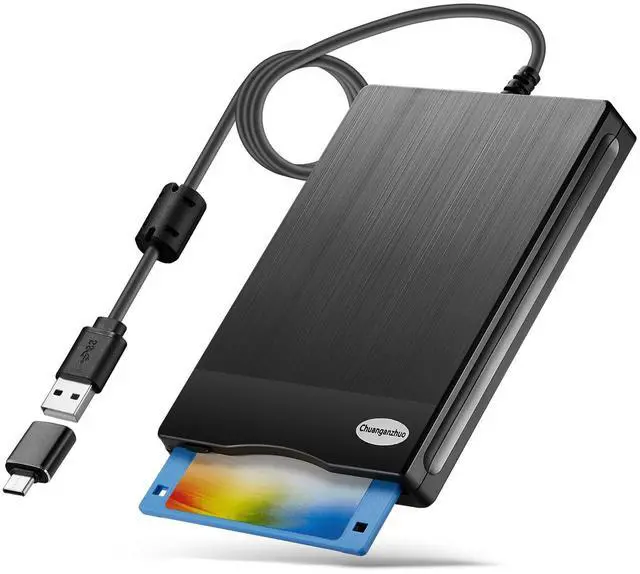
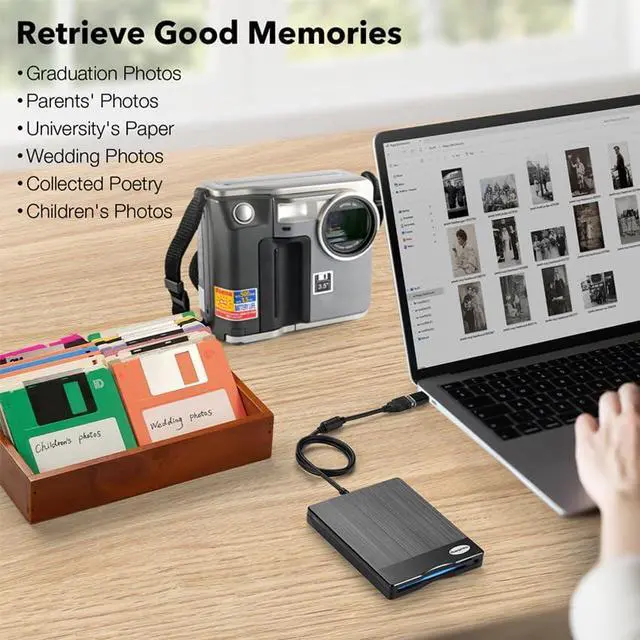
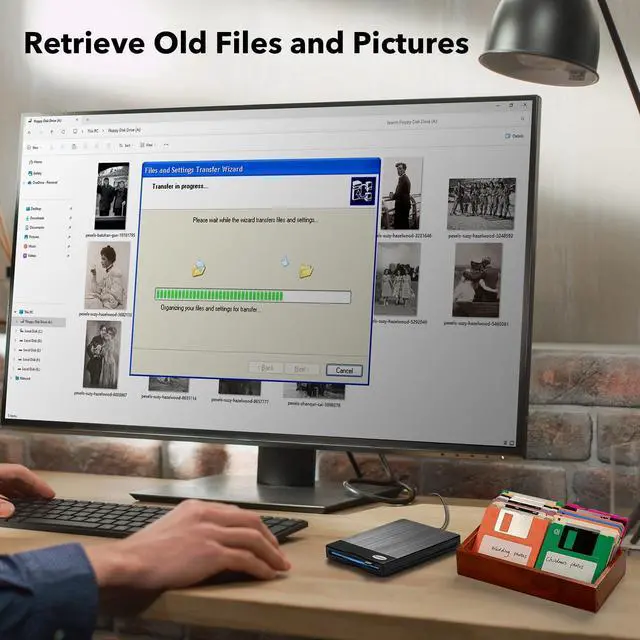
Merchant VideoWith the development of technology, the floppy disk is gradually phased out, now the computer has no built-in driver can read the floppy disk, so this USB 3.5 inch external floppy disk reader is a good solution to reading and writing your floppy disks.
Chuanganzhuo Brand - Since 2014

Please Note: 1. Please let us know to apply for replacemeents or full refuund when your item cannot work well.
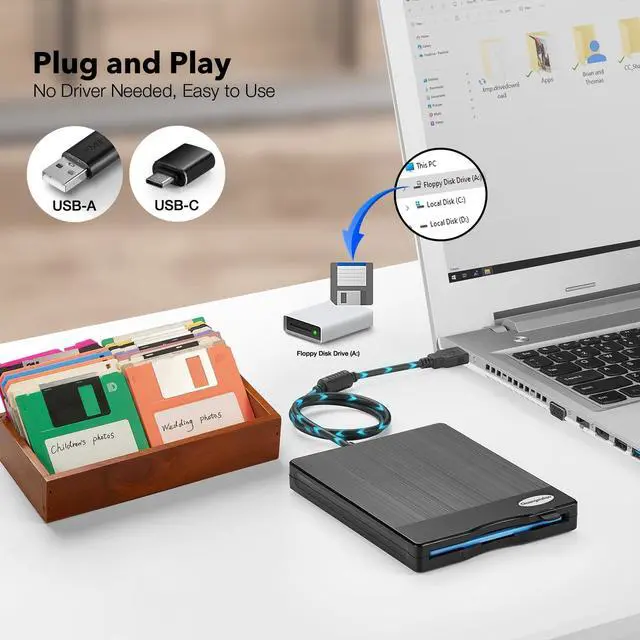
2. Windows 11/10 system has a lot of show/hide options for File Explore, please bring up“Devices and Printers” and right-Click on the drive icon named “TEACV0.0” under the“Devices”.
How to locate the Floppy Disk Drive (A)
Merchant Video


Portable Floppy Disk Drive
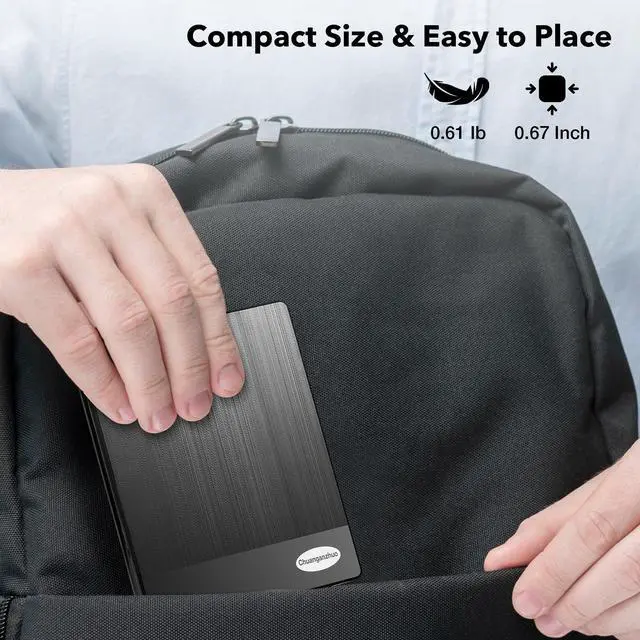
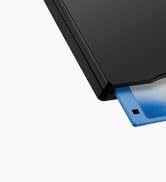
Ultra-slim (Only 0.67inch thick) design and lightweight(Only 0.61Ib) allow us to carry and use this external floppy disk reader drive at anytime.

USB Type A & C Adapter
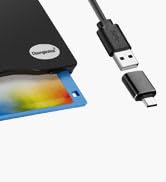
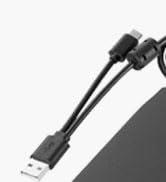
This external floppy disk drive come with a USB Type C adapter, it's convenient to switch between USB type-A and type-C ports on on old&new computers.

Not Compatible with Mac
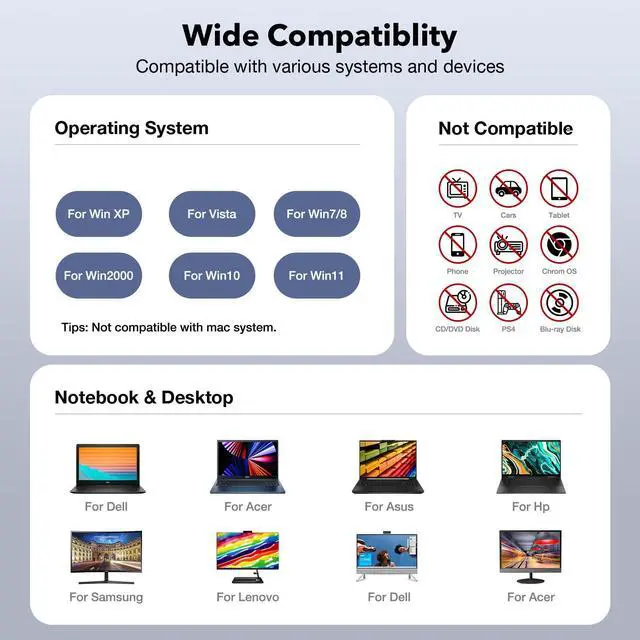
This floppy disk reader only compatible with PC, desktop and laptop with Windows 11/ 10 /10 pro/ 8 / 7 / Vista / XP/2000 operating system only.

Customized Longer Cord
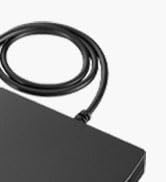
The cable of this USB floppy drive is 2.03ft long, 0.72ft longer than others', more convenient to use even though plug into back USB ports.
It does not read floppy disk, why?
Maybe your drive cannot be used for a period of time after delivery or still see the content of the frist disks if your floppy disks are too old or the floppy disks get dust on it. Please Make sure your floppy disks are in good condition before use.
It still shows the files from the 1st diskette when you insert 2nd diskette?
please go to "more options" and choose the "refresh" in file explorer before it displays the new content. Or disk contents do refresh after double click the A: drive icon in File Explorer, then you can see the content from 2nd diskette.
Where is the drive icon? i cannot find it.
Windows 11/10 system has a lot of show/hide options for File Explore,so you maybe cannot see the drive icon named "Floppy disk drive (A:)" after bring up "Windows File Explorer", please bring up “Devices and Printers” and find the icon “TEACV0.0”.
Reading speed is slow, why?
Floppy disk is characterized by small capacity and slow reading speed, please give it some time to load the data, and please always wait for the disks to stop whirring before trying to do anything else.
We can see the files, copy and move them, but we cannot open it?
Because our computer was so new that it did not have correct software on it that would open some of the old files on the disks, you will need the specific application to open the file. It's software problem,not the drive.

Chuanganzhuo
Relive Your Beautiful Memories!

This is the 12th year that we have been producing and selling floppy disk readers, and we are honored that our products have always been loved by everyone.
Although the era of floppy disks has passed, our memories are still there, our emotions are still there, and the time spent with floppy disks is still there.
Open your old floppy disk, achieve the good times of the past, meet your past self.
How did we get our start?
We started in floppy disk readers as one friend was curious about what was on his old floppy disks, fortunately we really find it and successfully open the disks, then the story with it started.
Why do we love what we do?
Floppy disks were eliminated by the times, but the memories inside it are priceless. The future is promising, but the memory of the past is still worth savoring.
Why are we trustworthy?
10 years of production experience - From product development to production, quality inspection, sales and after-sales, we have a perfect system to ensure product quality.
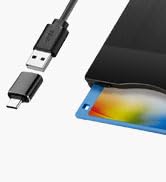
ACM-014 Floppy Disk Reader
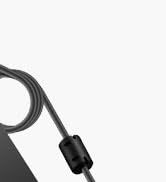
ACM-006 Floppy Disk Reader
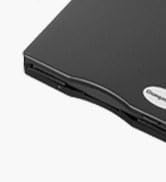
ACM-006C Floppy Disk Reader

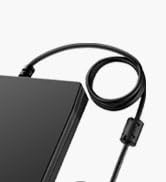
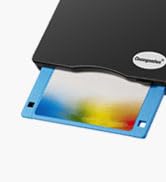
ACM-008 Floppy Disk Reader
ACM-014C Floppy Disk Reader
Chuanganzhuo 3.5 inch Floppy Disk Reader
Chuanganzhuo 3.5 inch Floppy Disk Reader
Merchant VideoWith the development of technology, the floppy disk is gradually phased out, now the computer has no built-in driver can read the floppy disk, so this USB 3.5 inch external floppy disk reader is a good solution to reading and writing your floppy disks.
Chuanganzhuo Brand - Since 2014

Please Note: 1. Please let us know to apply for replacemeents or full refuund when your item cannot work well.
2. Windows 11/10 system has a lot of show/hide options for File Explore, please bring up“Devices and Printers” and right-Click on the drive icon named “TEACV0.0” under the“Devices”.
How to locate the Floppy Disk Drive (A)
Merchant Video| Product name | External 3.5 inch Floppy Disk Reader |
|---|---|
| Product Size | 4.01 x 5.51x 0.63 inch |
| Weight | 0.61Ib |
| Material | ABS |
| Style | Brushed Plane Texture |
| Connectivity Technology | USB-A&C |
| Drive Icon Name | “Floppy Disk Drive A:” or "TEACV0.0" |
| Compatible Floppy Disks | 3.5inch Floppy Disks |
| Compatible Devices | PC Laptop Desktop Computer |
| Compatible Operating System | Not compatible with mac, only compatible with Windows 11/10/10 pro/8/7/Vista/XP/2000. |


Portable Floppy Disk Drive
Ultra-slim (Only 0.67inch thick) design and lightweight(Only 0.61Ib) allow us to carry and use this external floppy disk reader drive at anytime.
USB Type A & C Adapter
This external floppy disk drive come with a USB Type C adapter, it's convenient to switch between USB type-A and type-C ports on on old&new computers.
Not Compatible with Mac
This floppy disk reader only compatible with PC, desktop and laptop with Windows 11/ 10 /10 pro/ 8 / 7 / Vista / XP/2000 operating system only.
Customized Longer Cord
The cable of this USB floppy drive is 2.03ft long, 0.72ft longer than others', more convenient to use even though plug into back USB ports.
It does not read floppy disk, why?
Maybe your drive cannot be used for a period of time after delivery or still see the content of the frist disks if your floppy disks are too old or the floppy disks get dust on it. Please Make sure your floppy disks are in good condition before use.
It still shows the files from the 1st diskette when you insert 2nd diskette?
please go to "more options" and choose the "refresh" in file explorer before it displays the new content. Or disk contents do refresh after double click the A: drive icon in File Explorer, then you can see the content from 2nd diskette.
Where is the drive icon? i cannot find it.
Windows 11/10 system has a lot of show/hide options for File Explore,so you maybe cannot see the drive icon named "Floppy disk drive (A:)" after bring up "Windows File Explorer", please bring up “Devices and Printers” and find the icon “TEACV0.0”.
Reading speed is slow, why?
Floppy disk is characterized by small capacity and slow reading speed, please give it some time to load the data, and please always wait for the disks to stop whirring before trying to do anything else.
We can see the files, copy and move them, but we cannot open it?
Because our computer was so new that it did not have correct software on it that would open some of the old files on the disks, you will need the specific application to open the file. It's software problem,not the drive.
Chuanganzhuo
Relive Your Beautiful Memories!
This is the 12th year that we have been producing and selling floppy disk readers, and we are honored that our products have always been loved by everyone.
Although the era of floppy disks has passed, our memories are still there, our emotions are still there, and the time spent with floppy disks is still there.
Open your old floppy disk, achieve the good times of the past, meet your past self.
How did we get our start?
We started in floppy disk readers as one friend was curious about what was on his old floppy disks, fortunately we really find it and successfully open the disks, then the story with it started.
Why do we love what we do?
Floppy disks were eliminated by the times, but the memories inside it are priceless. The future is promising, but the memory of the past is still worth savoring.
Why are we trustworthy?
10 years of production experience - From product development to production, quality inspection, sales and after-sales, we have a perfect system to ensure product quality.
ACM-014 Floppy Disk Reader
ACM-006 Floppy Disk Reader
ACM-006C Floppy Disk Reader
ACM-008 Floppy Disk Reader
ACM-014C Floppy Disk Reader