




 here!
here!
I’m your shopping assistant for PC builds, upgrades, and everything tech.
Got questions? Ask away!
Start a conversation
here!
I’m your shopping assistant for PC builds, upgrades, and everything tech.
Got questions? Ask away!
Start a conversation


Any questions? Ask CelesteSM will help you find out quickly.
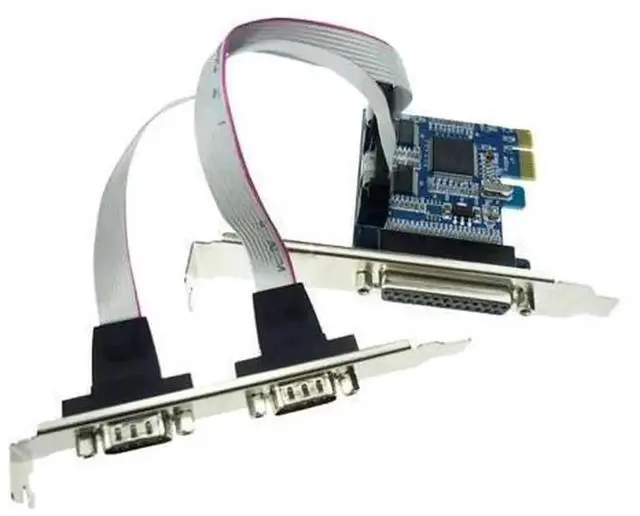
This PCI Express serial & parallel combo converter card expands your computer with one DB9 RS232 COM serial port and one DB25 LPT parallel port, solving the issue that modern motherboards lack legacy serial and parallel interfaces.
Adopting high-performance control chip, it delivers reliable signal transmission and supports multiple communication modes. Compliant with PCIe x1 specification, it fits any available PCI Express slot. Equipped with standard metal baffle for stable mounting inside chassis.
Perfectly compatible with various operating systems after simple driver installation. Widely applied in industrial automation, test equipment, old dot matrix printers, barcode scanners, PLC controllers and POS machines. It is a cost-effective solution to keep your traditional serial & parallel hardware working with new desktops.


