here!
here!
I’m your shopping assistant for PC builds, upgrades, and everything tech.
Got questions? Ask away!
Start a conversation
here!
I’m your shopping assistant for PC builds, upgrades, and everything tech.
Got questions? Ask away!
Start a conversation



Any questions? Ask CelesteSM will help you find out quickly.
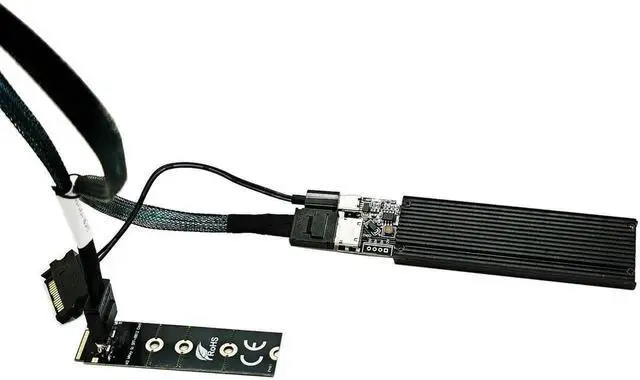
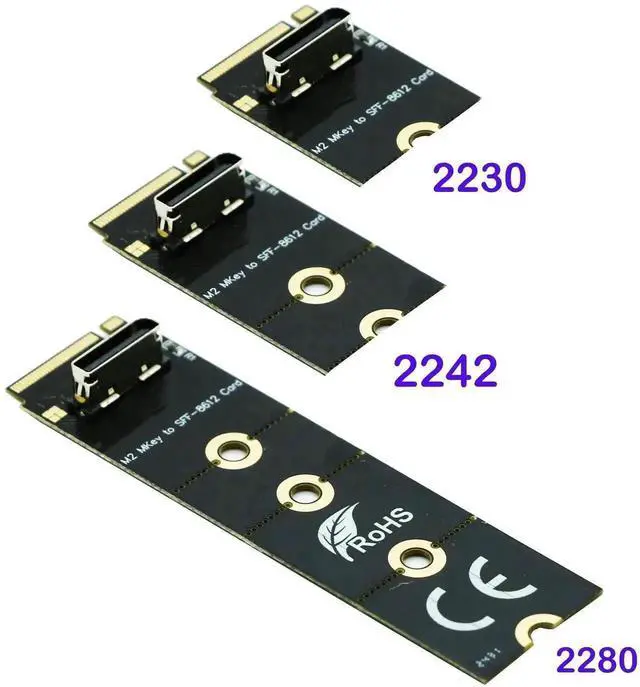
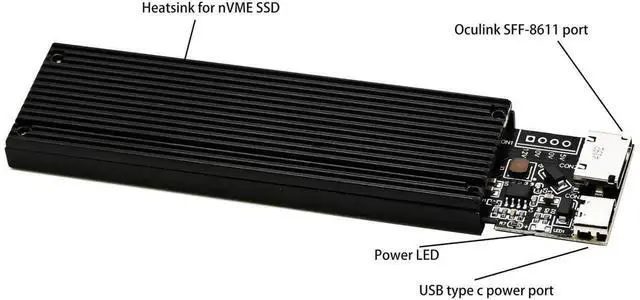
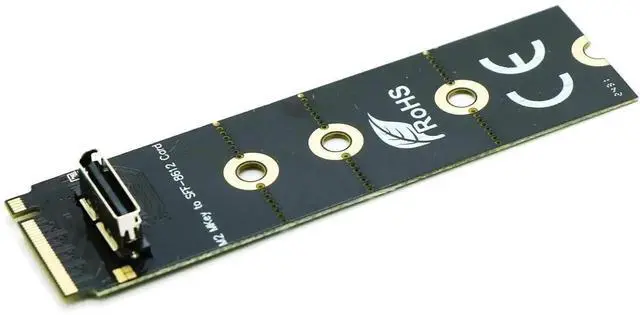
This 50-centimeter M.2 NVMe PCIe 4.0 extension cable is specially designed for PC DIY enthusiasts, chassis modders and hardware upgrade users. It is equipped with an NGFF M-Key adapter board on one end to install M.2 NVMe M-Key SSD, and connected to the motherboard via OCuLink SFF-8611 PCIe 4i high-speed cable, realizing remote extension of the M.2 solid state drive slot.
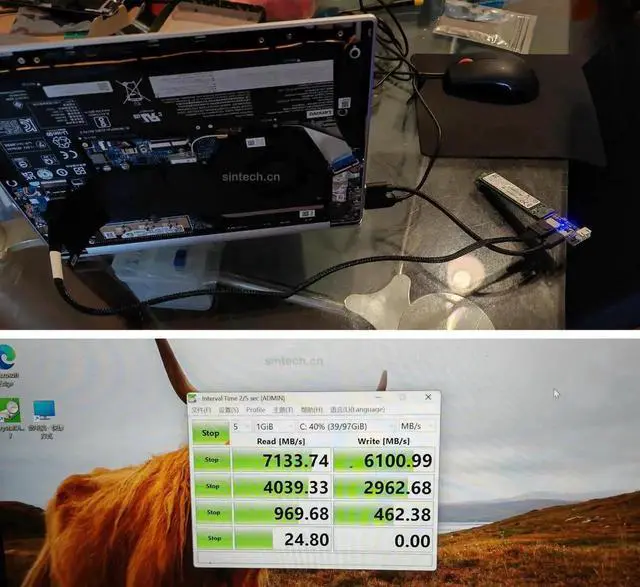
Fully supporting PCIe 4.0 x4 bandwidth, it can completely retain the original read and write speed of high-performance NVMe SSDs, no speed throttling or signal attenuation occurs during data transmission. The OCuLink SFF-8611 industrial-grade connector features firm locking, anti-loosening and anti-vibration advantages, greatly improving connection stability during long-term high-load operation of the solid state drive.
The 50cm moderate length helps users move the M.2 SSD away from heat sources such as CPU and graphics card, effectively reducing operating temperature and avoiding thermal throttling of the hard drive caused by poor ventilation in the narrow chassis. The whole cable adopts multi-layer shielding structure to block internal electromagnetic interference inside the computer case, ensuring continuous and smooth data transmission.
Easy to install without additional drivers, just plug the OCuLink terminal into the corresponding motherboard interface and fix the M.2 SSD on the M-Key adapter bracket. It is an ideal hardware accessory for optimizing internal chassis layout, upgrading storage devices and customizing high-end gaming or workstations.