




 here!
here!
I’m your shopping assistant for PC builds, upgrades, and everything tech.
Got questions? Ask away!
Start a conversation
here!
I’m your shopping assistant for PC builds, upgrades, and everything tech.
Got questions? Ask away!
Start a conversation
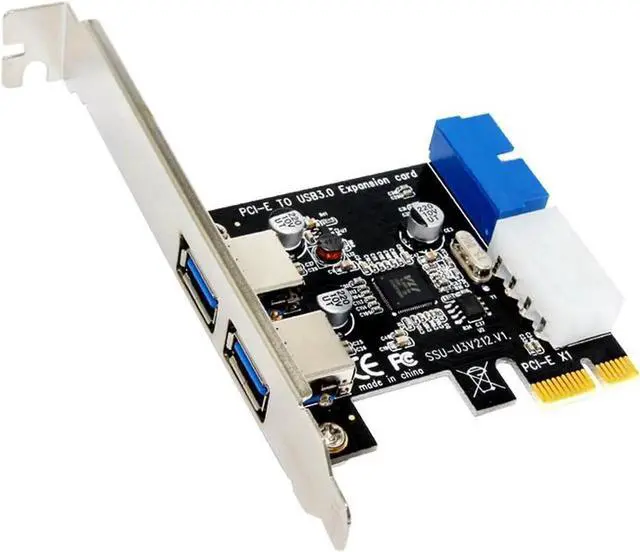
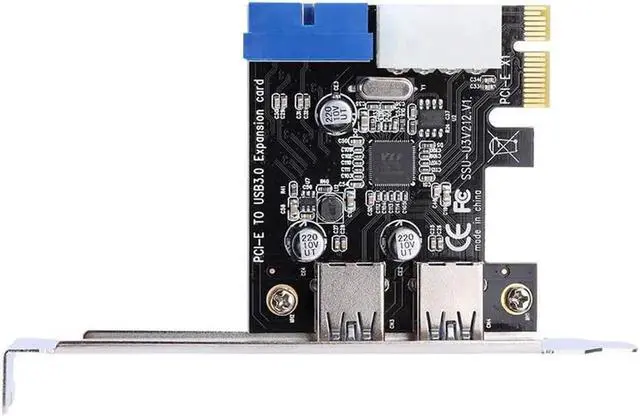
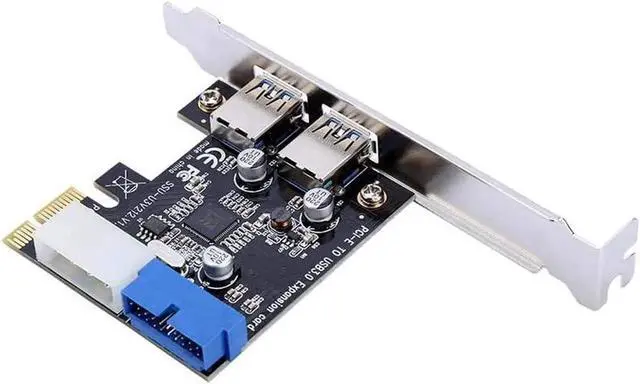
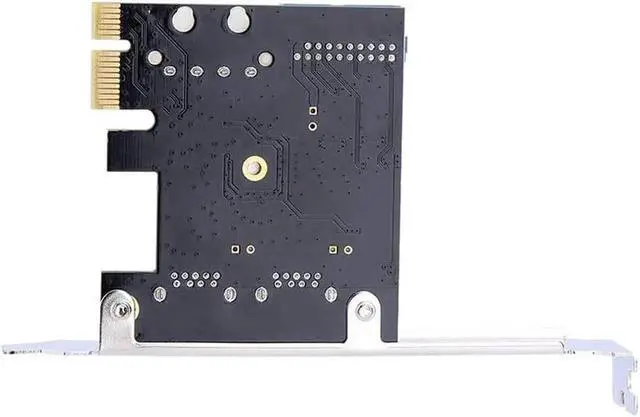
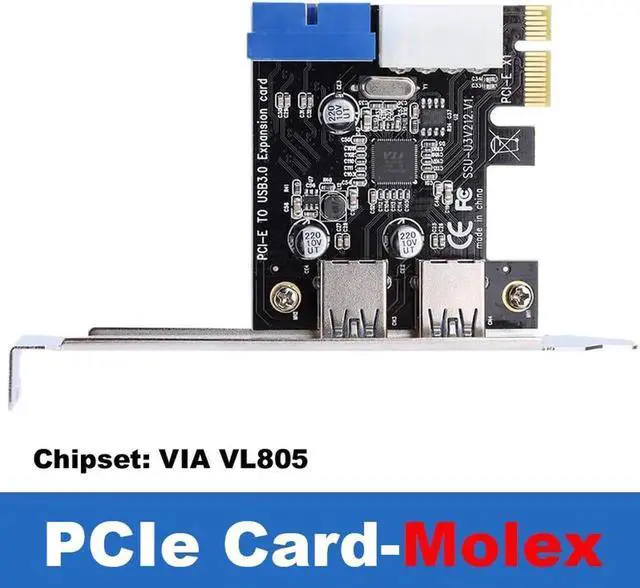
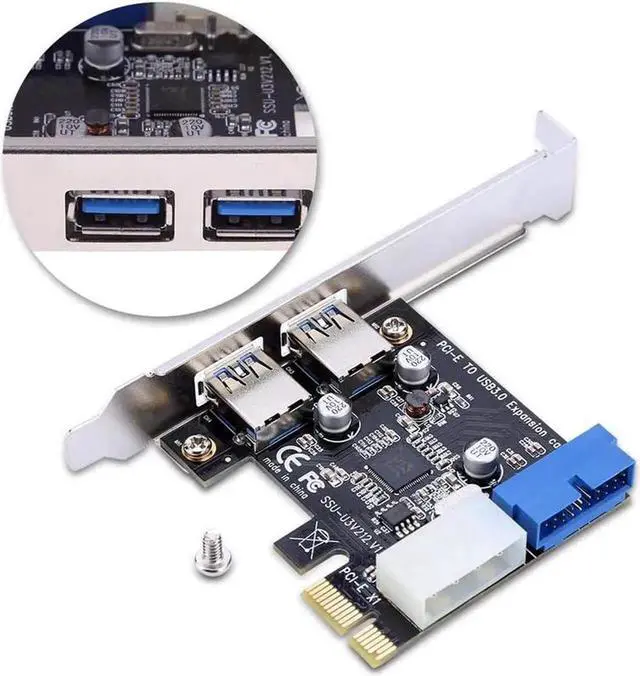



Any questions? Ask CelesteSM will help you find out quickly.
This PCI-E USB 3.0 expansion card is an internal desktop expansion accessory to add extra high-speed USB ports when your original motherboard lacks enough interfaces. It features two external USB-A ports for plug-and-play external devices and one internal 20Pin header for connecting front panel USB ports of the computer case.
Built with a dedicated Molex power interface, it provides stable sufficient power supply to high-power USB devices such as mobile hard drives, USB docking stations and industrial cameras, avoiding insufficient power causing device recognition failure or slow transmission. It supports USB 3.0 theoretical 5Gbps transmission speed, greatly improving file copying efficiency, and is fully backward compatible with USB 2.0 and USB 1.1 devices.
Standard PCI-E x1 slot design fits all mainstream brand desktop motherboards. After inserting the card into the PCI-E slot and connecting the Molex power cord, complete simple driver installation to finish expansion. The metal shielding bracket reduces electromagnetic interference to ensure stable long-term operation.
Compact internal structure with low heat output, ideal for DIY host upgrades, office multi-peripheral workstations, video editing desktops and industrial control computers that require multiple USB interfaces.


