




 here!
here!
I’m your shopping assistant for PC builds, upgrades, and everything tech.
Got questions? Ask away!
Start a conversation
here!
I’m your shopping assistant for PC builds, upgrades, and everything tech.
Got questions? Ask away!
Start a conversation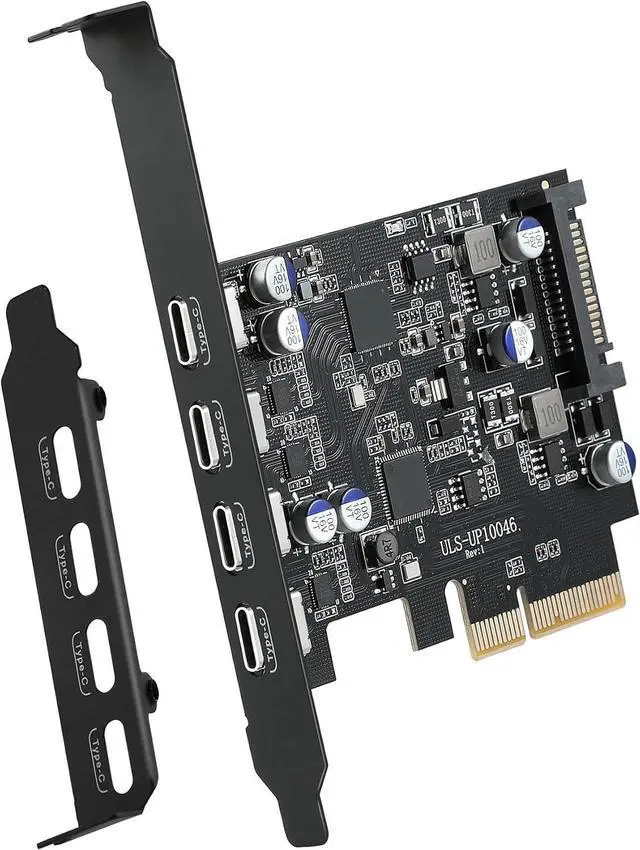



Any questions? Ask CelesteSM will help you find out quickly.
 Product advantages:
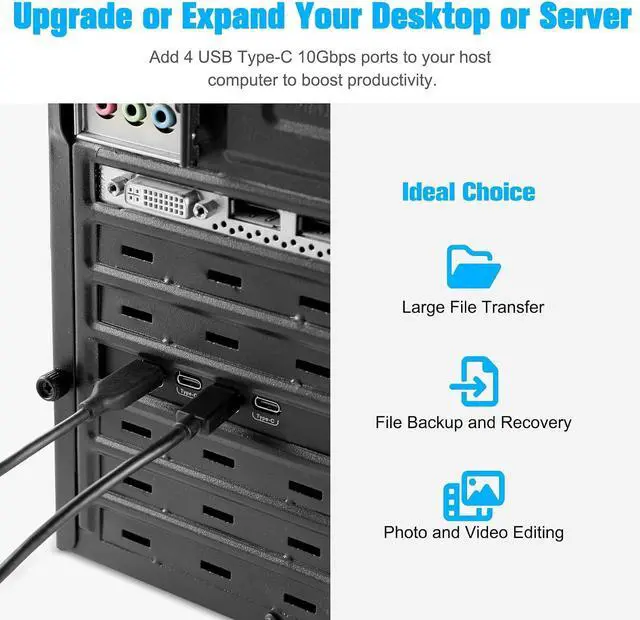
1. Add 4 ports on the desktop through the PCI Express slot, the port has a maximum data transmission speed of 10Gbps to achieve a fast connection.
2. The card has an optional 15-pin SATA power interface to provide extra power to the USB Type-C ports, ensuring stable operation for high-power external devices.
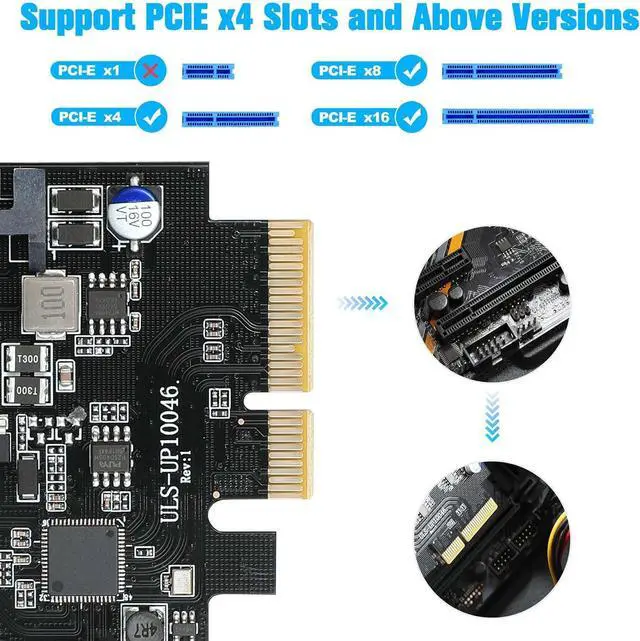
3. Compatible with PCIE 2.0/3.0/4.0 versions, compatible with PCIe x4, x8, and x16 slots.
4. The internal USB-C card provided from the motherboard through the PCI Express slot-to ensure a stable connection and improve data transmission speed. Will not lose the connection problem like an external USB Hub.
Supported Operating Systems:
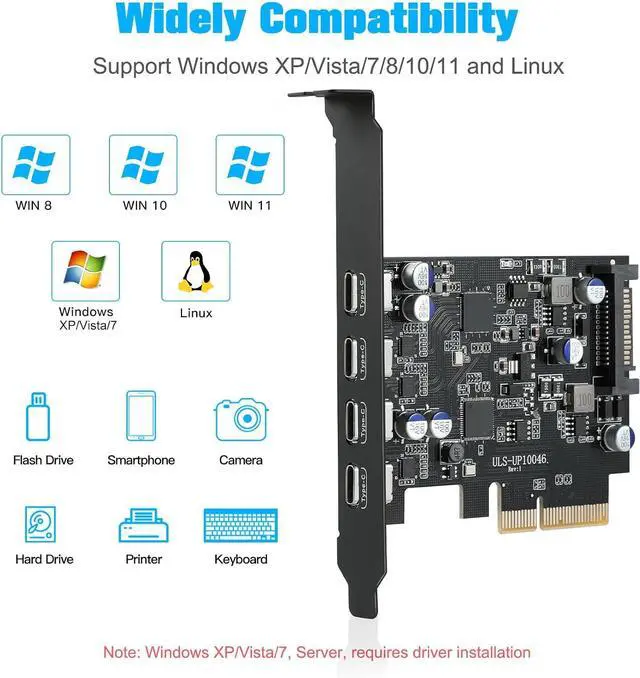
Supports Windows 11/10/8/7/XP/Vista/Linux systems and is plug-and-play, requiring no driver installation for most systems. Note: Windows Vista/XP/7 require additional driver installation, while Windows 8/10/11 don't. (If you encounter compatibility issues/not working.)
Important Notes:
1. Never install this PCIe card while the computer is powered on.
2. If the card malfunctions, first inspect the motherboard's PCI-E slot for faults.
3. USB device/PCI-E slot versions may limit the card's data transfer throughput/performance.
4. This USB PCIe card supports data transfer only. It does not support PD fast charging or video signal transmission (HDMI/VGA/Thunderbolt display conversion). Please note this when purchasing.

Explosion-proof capacitors are made of polymer dielectric materials,Each interface is equipped with a voltage-regulating capacitor.Can provide good temperature control during operation and ensure stable power supply for each interface.

Features the ASM3124 main chip.It better provides stable 10Gbps high-speed transmission for the PCIE USB card USB 3.1 interface, it is twice as fast as traditional UASP USB 3.0.

Four external USB-C ports can be provided for computer systems that support PCI Express to connect other external U disks, printers, keyboards, mice, webcams, game controllers, USB fans, etc. to the computer case.
Easy Installation Tutorial
Turn off the computer power, then unplug the power plug from the power outlet and remove the cover from the computer case.

Find the corresponding PCIE card slot.

Insert the card into a free PCI Express slot.

First insert the U disk into the usb slot for positioning.Then, use a screwdriver to firmly tighten the screws on the side of the bracket, put the computer cover back on the computer, and insert the plug into the socket.
Note:
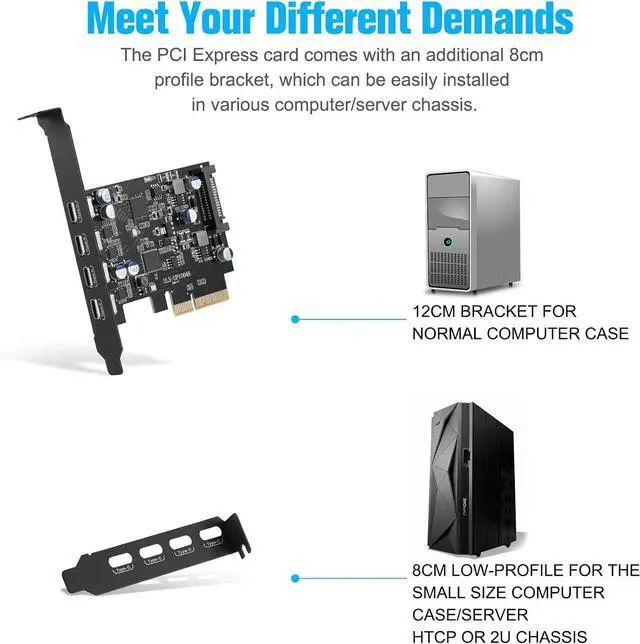
1. After reviewing the product details,Please check the port size of the computer chassis baffle to avoid poor installation and excessively small PCI-E expansion cards.
2. If the product itself is damaged, it is still within the 2-years-w-arranty period, you can directly contact our Online support for maintenance.
Package Contents:
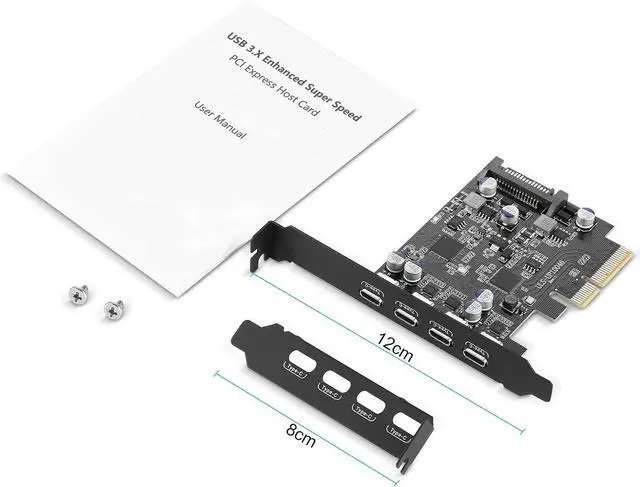
1 * USB 3.1 Expansion Card
1 * Low-profile bracket
1 * Screw
1 * User Manual




