



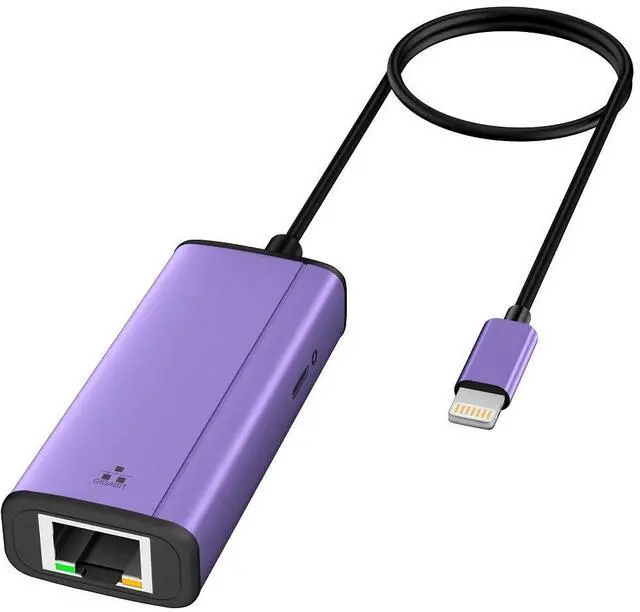


iPhone/iPad to RJ45 Ethernet LAN Wired Network Adapter with Fast Charging Port
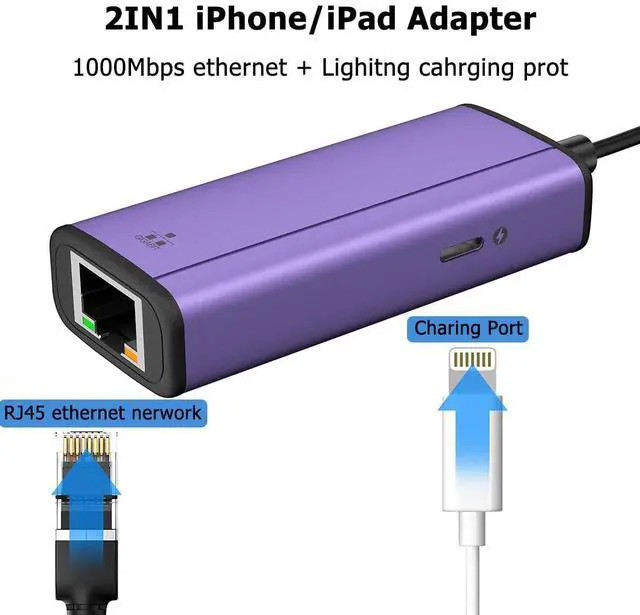
When the Wi Fi connection is unstable, the 1000Mbps Ethernet + lighting charging port is the perfect solution.
(Speed: up to 1000Mbps)
Widely Compatible:
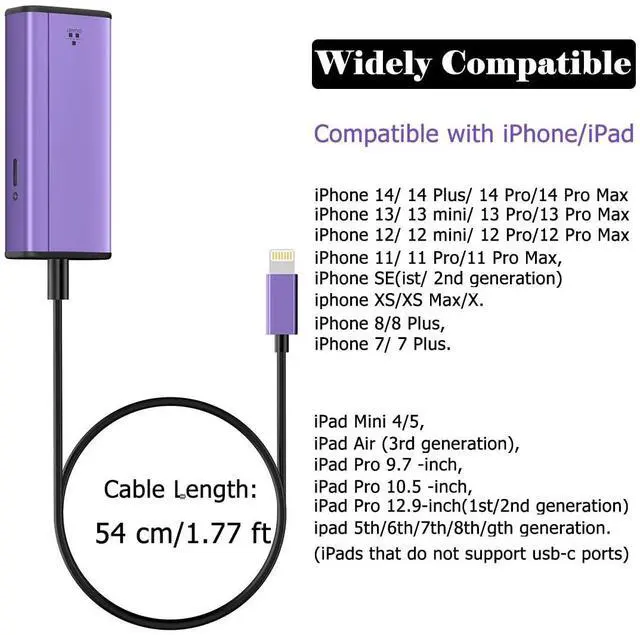
- iPhone 14/14 plus/14 Pro/14 Pro Max/ 13/13 Mini/13 Pro/13 Pro Max/ 12 Pro Max/iPhone 12 Pro/iPhone 12/iPhone 12 mini/ 11/iPhone 11 Pro Max/11 Pro/11/ XS Max/XS/XR/X/ 8/8 Plus/ 7/7 Plus...
- iPad Mini 4/5, iPad Air (3rd generation), iPad Pro 9.7 -inch, iPad Pro 10.5 -inch, iPad Pro 12.9-inch(1st/2nd generation), ipad (5th/6th/7th/8th/9th generation) (iPads that do not support usb-c ports)
Support iOS 14 and later.
Plug and Play
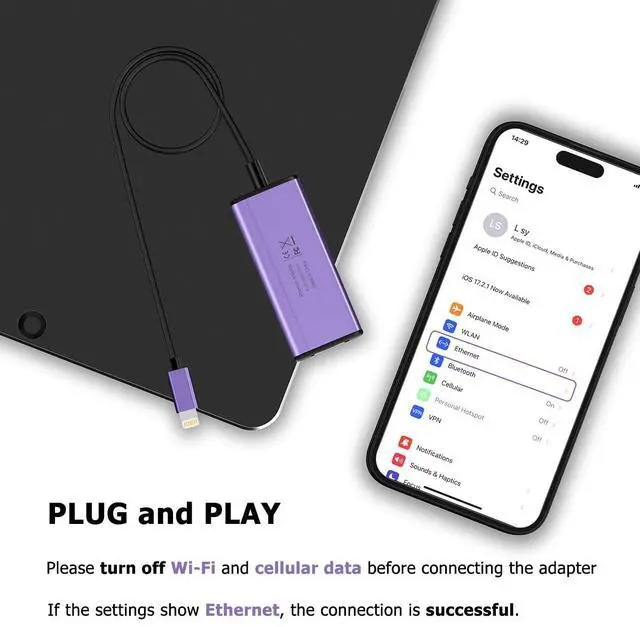
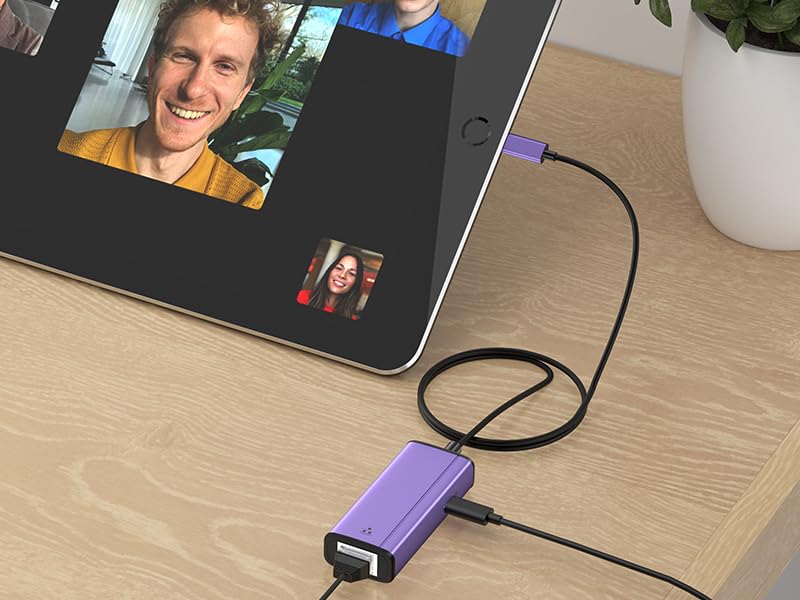
- Turn off the wireless of the mobile phone, use the adapter to connect the network cable to the mobile phone, you can enjoy the high-speed network.
- With Ethernet and Lightning ports, you can connect to a secure network while continuing to charge your device.(Max 5V, 2,4A)
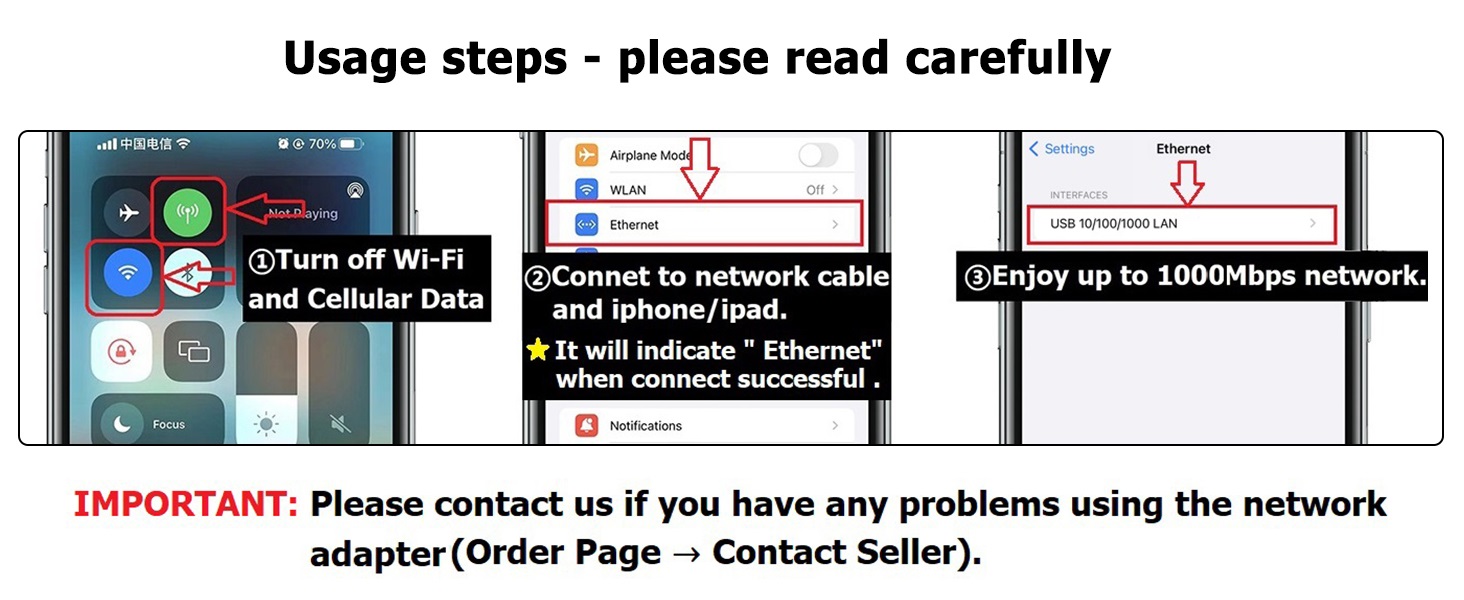
How to use an ethernet adapter?
1. Turn off Wi-Fi and cellular data on your iPhone/iPad.
2. Connect iPhone/iPad and network cable
3. If needed, connect the charging cable to charge your iOS device.
Check if the connection is successful:
1. Go into your device's settings and "Ethernet" will show up.
2. Use your browser to check if you can surf the Internet normally.
Please note:
1. Please make sure that the Ethernet cable connected to your router is connected to the Internet.
2. This network card itself cannot dial-up Internet access, it needs your router device to provide IP through DHCP service.
3. This adapter should be used in conjunction with devices with system version 10.0 or higher before use.
Box package:
1 * iPhone 1000Mbps Ethernet adapter with charging
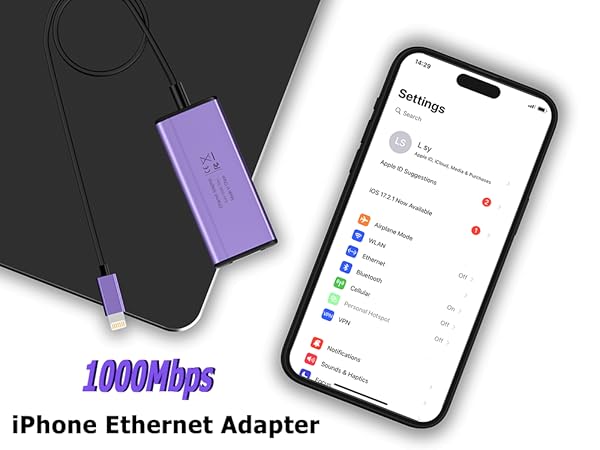
iPhone/iPad to RJ45 Ethernet LAN Wired Network Adapter with Fast Charging Port
When the Wi Fi connection is unstable, the 1000Mbps Ethernet + lighting charging port is the perfect solution.
(Speed: up to 1000Mbps)
Widely Compatible:
- iPhone 14/14 plus/14 Pro/14 Pro Max/ 13/13 Mini/13 Pro/13 Pro Max/ 12 Pro Max/iPhone 12 Pro/iPhone 12/iPhone 12 mini/ 11/iPhone 11 Pro Max/11 Pro/11/ XS Max/XS/XR/X/ 8/8 Plus/ 7/7 Plus...
- iPad Mini 4/5, iPad Air (3rd generation), iPad Pro 9.7 -inch, iPad Pro 10.5 -inch, iPad Pro 12.9-inch(1st/2nd generation), ipad (5th/6th/7th/8th/9th generation) (iPads that do not support usb-c ports)
Support iOS 14 and later.
Plug and Play
- Turn off the wireless of the mobile phone, use the adapter to connect the network cable to the mobile phone, you can enjoy the high-speed network.
- With Ethernet and Lightning ports, you can connect to a secure network while continuing to charge your device.(Max 5V, 2,4A)
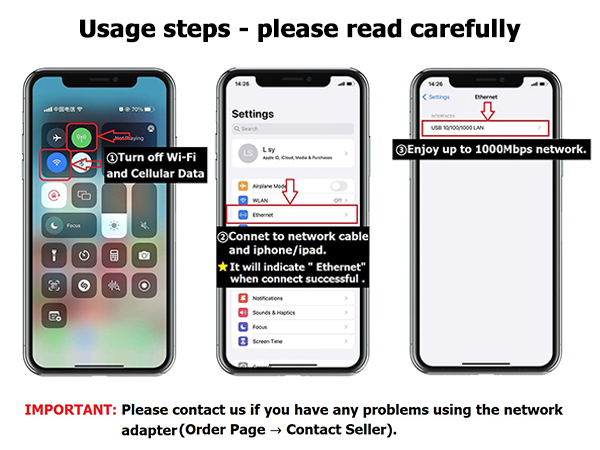
How to use an ethernet adapter?
1. Turn off Wi-Fi and cellular data on your iPhone/iPad.
2. Connect iPhone/iPad and network cable
3. If needed, connect the charging cable to charge your iOS device.
Check if the connection is successful:
1. Go into your device's settings and "Ethernet" will show up.
2. Use your browser to check if you can surf the Internet normally.
Please note:
1. Please make sure that the Ethernet cable connected to your router is connected to the Internet.
2. This network card itself cannot dial-up Internet access, it needs your router device to provide IP through DHCP service.
3. This adapter should be used in conjunction with devices with system version 10.0 or higher before use.
Box package:
1 * iPhone 1000Mbps Ethernet adapter with charging