



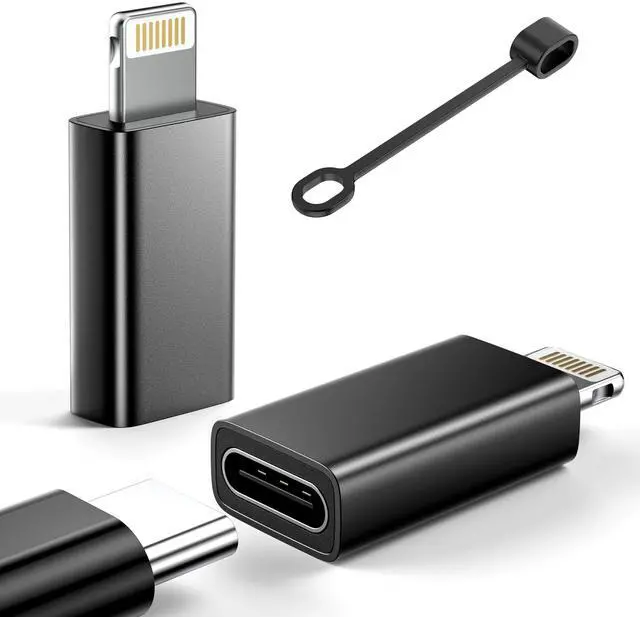



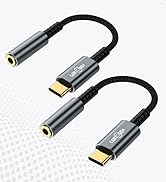
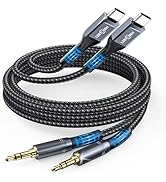
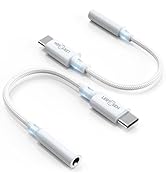
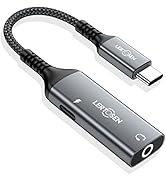
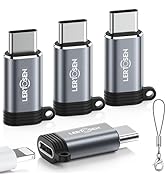
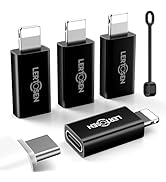
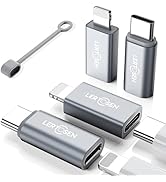
LERTOSEN USB C (Female) to Lightning (Male) Adapter


Compatible Devices (Only for Charging and Data Transfer)

USB C to Lighting Adapter
Lertosen Adapter Series
Charging | ||
Data Transfer | ||
2 Pack | Quantity | 2 Pack |
Not for Audio/OTG | Warm Tip | Not for Audio/OTG |
Charging | ||
Data Transfer | ||
2 Pack | Quantity | 2 Pack |
Not for Audio/OTG | Warm Tip | Not for Audio/OTG |
Charging | ||
Data Transfer | ||
2 Pack | Quantity | 2 Pack |
Not for Audio/OTG | Warm Tip | Not for Audio/OTG |
Charging | ||
Data Transfer | ||
2 Pack | Quantity | 4 Pack |
Not for Audio/OTG | Warm Tip | Support Audio/OTG |


LERTOSEN USB C (Female) to Lightning (Male) Adapter

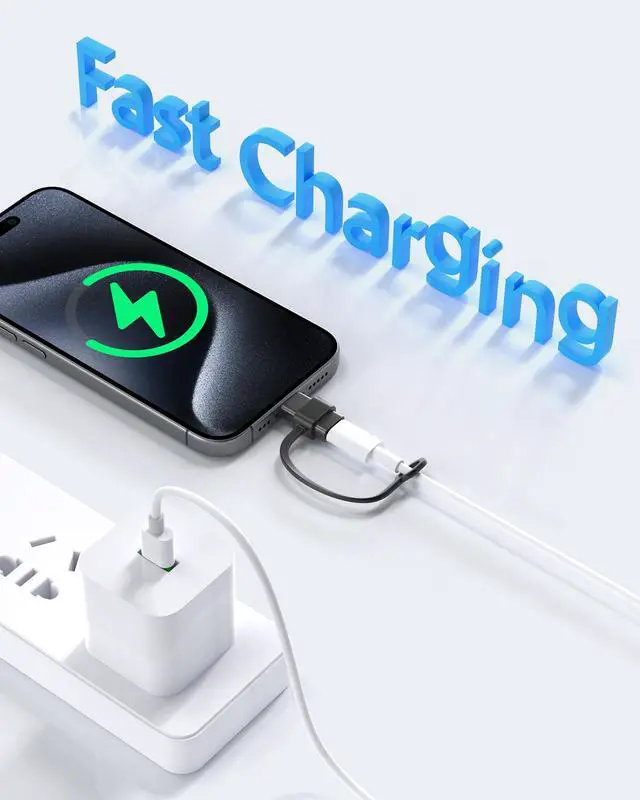
The USB C to Lightning adapter supports up to 27W, faster charging than a regular cable.
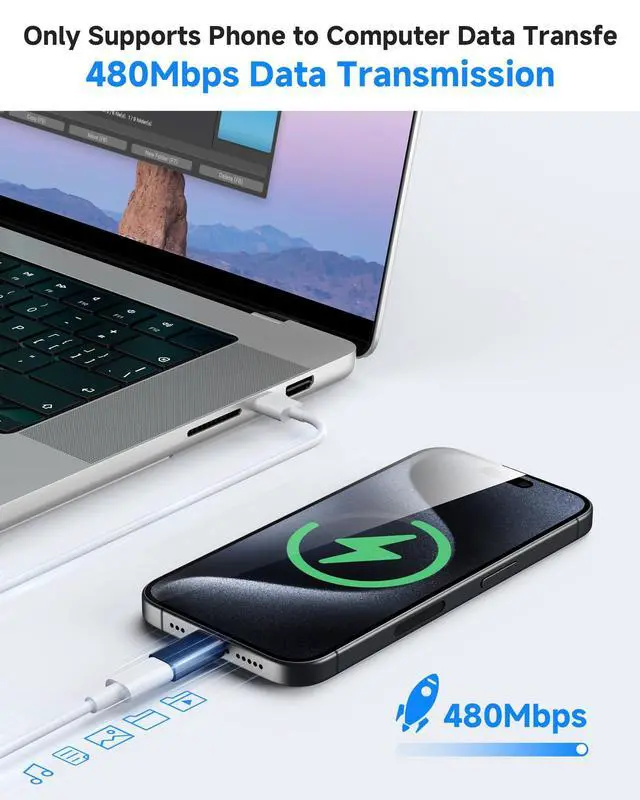
Support data transfer speed up to 480Mbps only between mobile phone and computer.
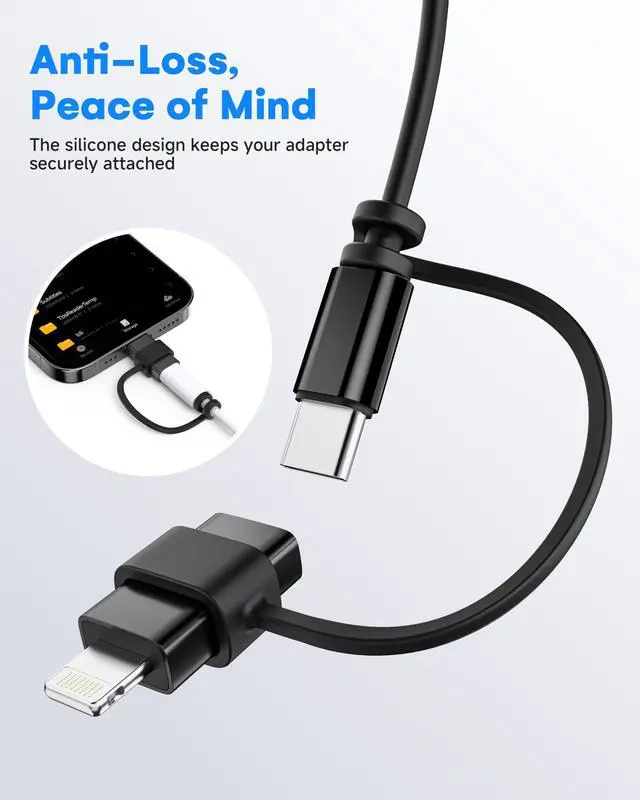
Comes with 4 anti-lost loops, prevent loss and easy to storage.
Use Anytime & Anywhere


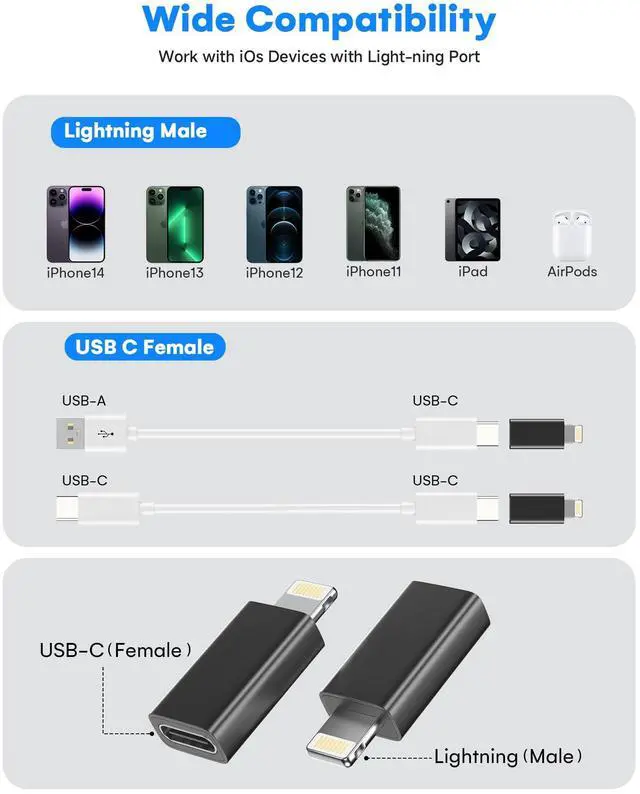
Compatible Devices (Only for Charging and Data Transfer)
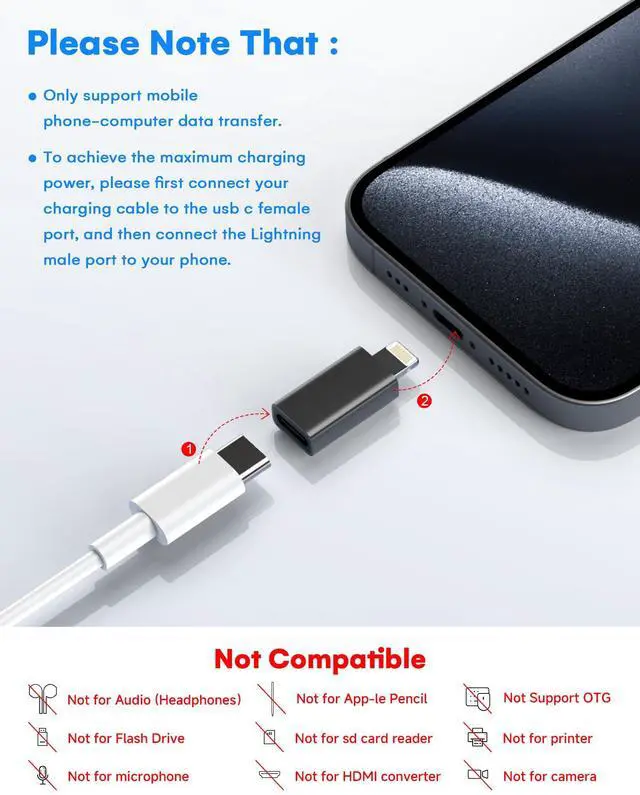
| Important Note | Only supports mobile phone-computer data transfer. Not support the headphone cable. |
|---|---|
| Attension Please | It does not support OTG functions of video and audio, headset. (Not Designed for headphones & Not for App-le wired Earbuds!!) , And Not for iPad Pencil (1st generation), flash drive, ssd/sd card reader, square reader, printer, microphone, camera, mouse, keyboard, car play, u disk,Hubs, video,HDMI converter,etc. |
| For iPhone | For iPhone 14 Pro/14 Pro Max/14/14 Plus/13 Pro/13 Pro Max/13 mini/13/12 Pro/12 Pro Max/12 mini/12/11 Pro/11 Pro Max/11/SE/XS/XS Max/XR/X/8 Plus/8/7 Plus/7/6s Plus/6s/6 Plus/6 |
| For iPad | For iPad (9th genaration),(8th genaration),(6th genaration), (5th genaration),For iPad Pro 12.9-in.(2nd generation),12.9-in.(1st generation),10.5-in, 9.7-in,For iPad Air(3rd generation),iPad Air(1st generation) , For iPad Air 22,For iPad mini (5th generation),4/3/2 |
| For Air Pods | For Air Pods(2nd generation),For Air Pods(3rd generation),For Air Pods Pro |
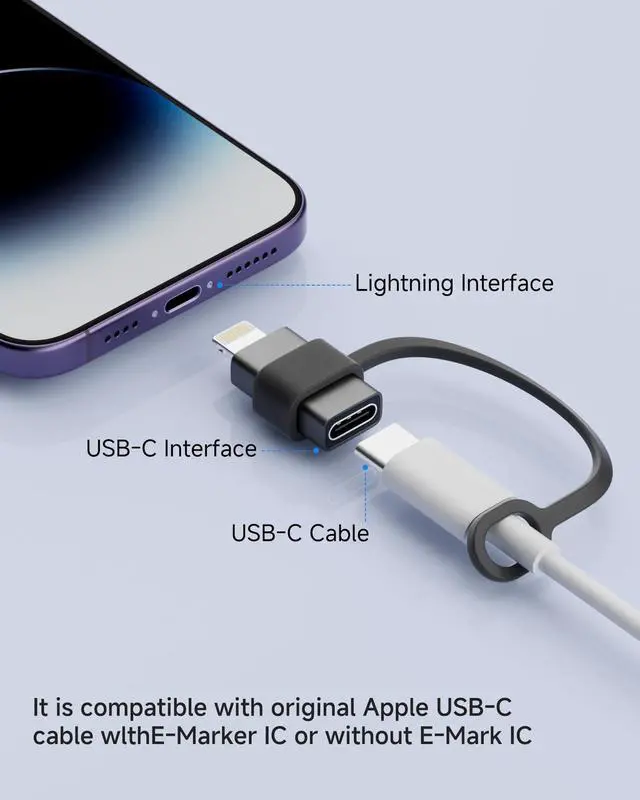
| Tips | To achieve the maximum charging power, please first connect your charging cable to the usb c female port, and then connect the lightning male port to your phone. |

Lertosen Adapter Series
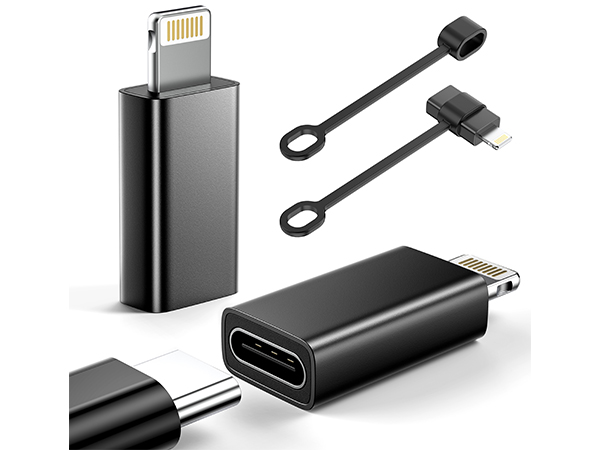
USB C to Lighting Adapter
Charging
Data Transfer
Quantity
2 Pack
Warm Tip
Not for Audio/OTG
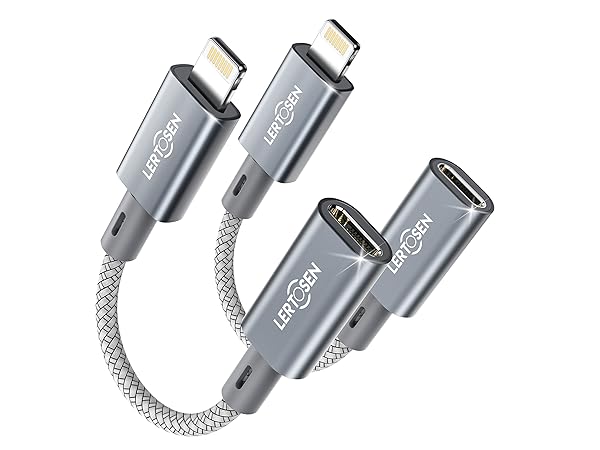
USB C to Lighting Adapter
Charging
Data Transfer
Quantity
2 Pack
Warm Tip
Not for Audio/OTG
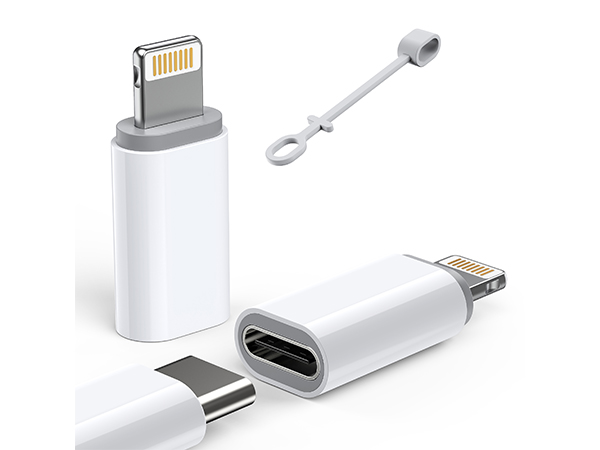
USBC to Lighting Adapter
Charging
Data Transfer
Quantity
2 Pack
Warm Tip
Not for Audio/OTG
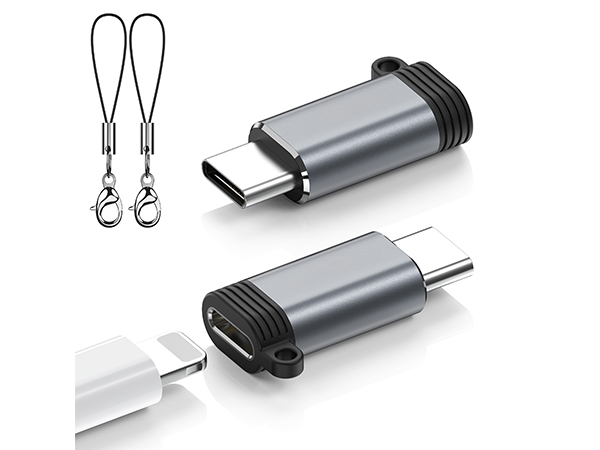
Lighting to USB C Adapter
Charging
Data Transfer
Quantity
2 Pack
Warm Tip
Not for Audio/OTG
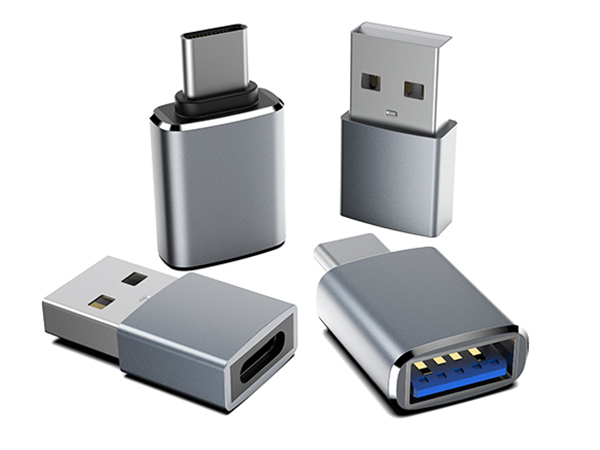
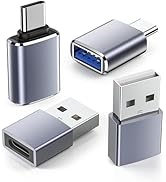
USB A to USB C Adapter
Charging
Data Transfer
Quantity
4 Pack
Warm Tip
Support Audio/OTG
Audio Aux Headphone Adapter
Related Adapters