


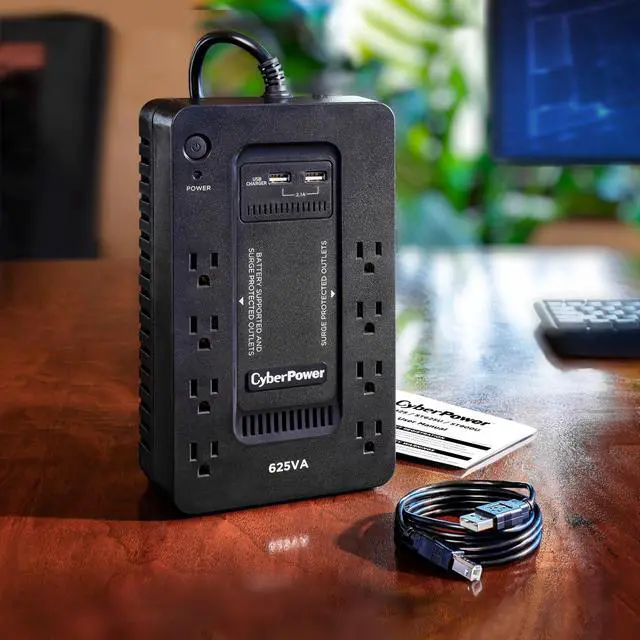


Uninterruptible Power Supply System
Why Do You Need a UPS System?
Even brief power outages can result in data loss or potential hardware damage. A UPS system provides battery backup power to keep your devices running during short outages and provides enough runtime to properly shut down electronics during extended outages.

Typical Applications for the ST625U

Desktop Computers
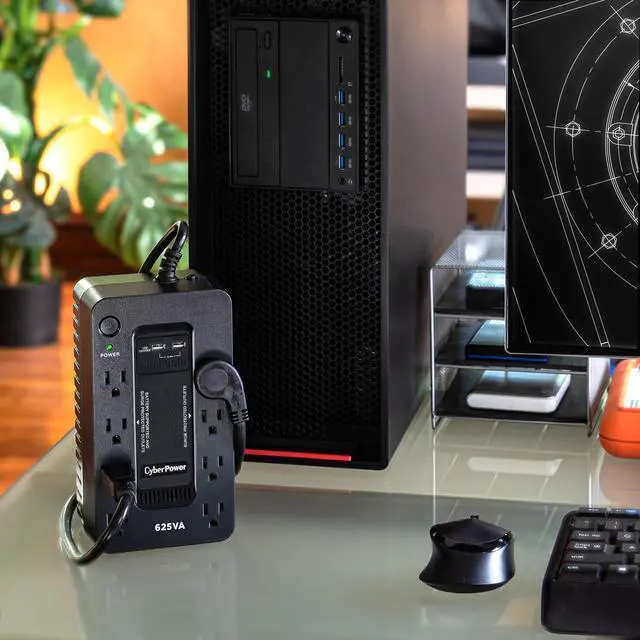
Ensure seamless power to your PC and make certain you have time to safely shut down your system during a longer outage.

Home Networking/VoIP
Keep your smart-home devices connected to your WIFI during power outages and brownouts.

Personal Electronics
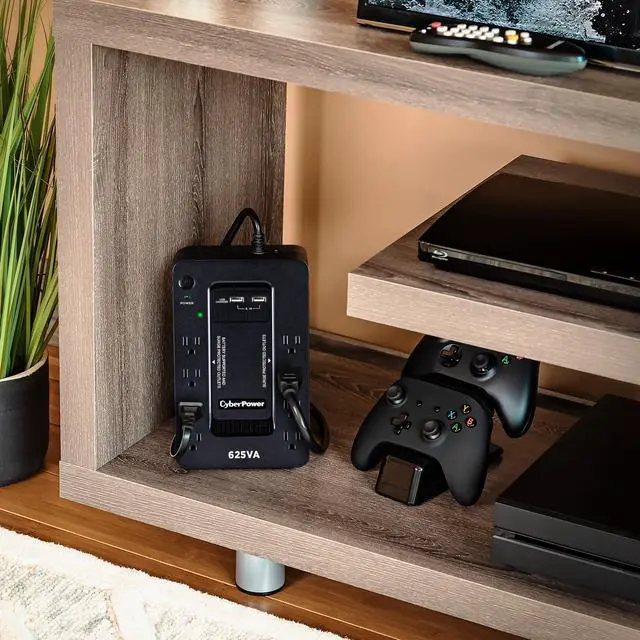
Don’t let the game end when the power goes out. Backup battery power keeps gaming consoles, stereos, and chargers running.

Home Theaters
Protect sensitive televisions, projectors, satellites, and cable boxes from power surges and spikes.
CyberPower Standby UPS Systems
 ST625U |  ST425 |  SL700U |  ST900U | |
|---|---|---|---|---|
Customer Reviews | — | — | — | — |
Price | — | — | — | — |
Battery Power | 625 | 425 | 700 | 900 |
Watts | 360 | 260 | 370 | 500 |
Runtime (Half/Full) | 9/2 Minutes | 6/1.5 Minutes | 9/2 Minutes | 7.5/2 Minutes |
Battery & Surge Protected | 4 Outlets | 4 Outlets | 5 Outlets | 6 Outlets |
Surge Protected Outlets | 4 Outlets | 4 Outlets | 3 Outlets | 6 Outlets |
USB Ports | 2 | 0 | 2 | 2 |
Topology | Standby | Standby | Standby | Standby |
Wave Form | Simulated Sine Wave | Simulated Sine Wave | Simulated Sine Wave | Simulated Sine Wave |
Model Type | Compact | Compact | Slim | Compact |
Management Software | PowerPanel Personal | Not Available | PowerPanel Personal | PowerPanel Personal |
How long will the UPS power my systems after the power goes out?
Run times vary based on the power required by connected devices. This system is estimated run for 9 minutes at half load, 2 minutes for a full load.
Can this UPS model be monitored?
The ST625U comes with a free download of PowerPanel provides a user-friendly dashboard interface for controlling and monitoring the UPS. Free software download available.
Do all of the outlets have battery backup power and surge protection?
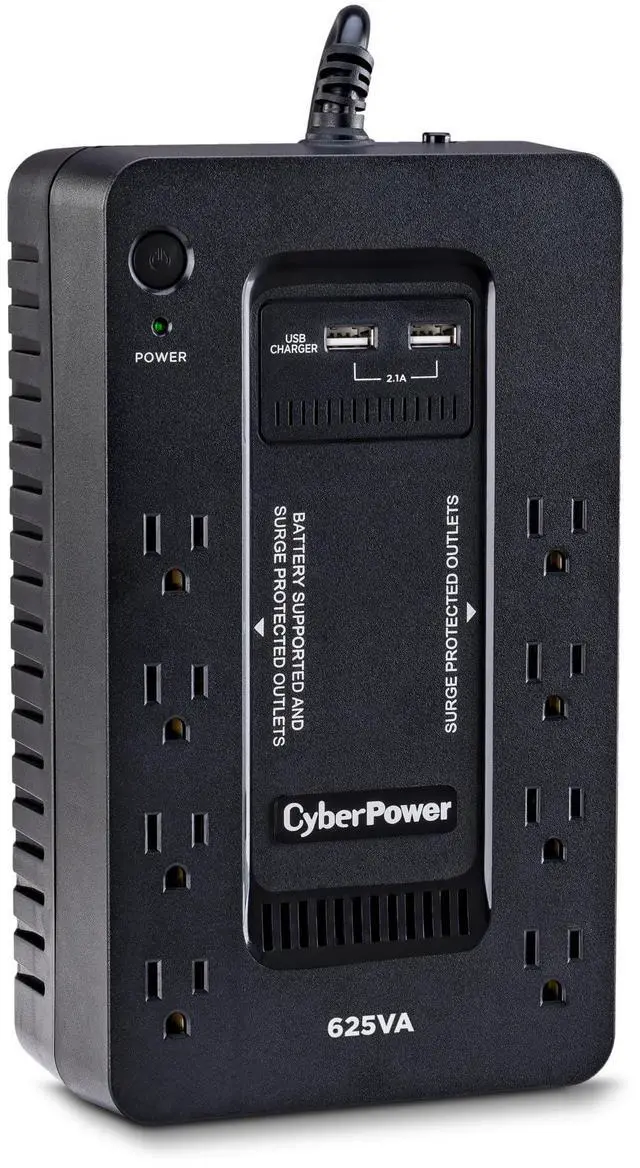
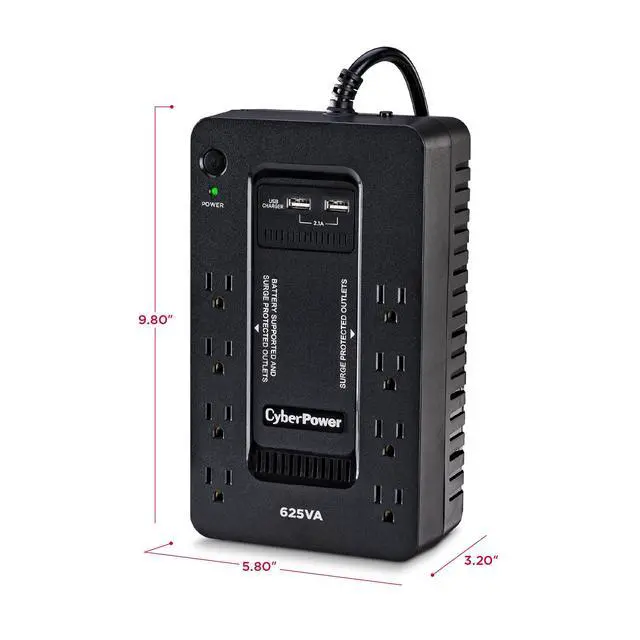
No, not all of the outlets have battery backup power. The ST625U has (4) battery backup and surge protected outlets and (4) surge protected outlets.
Can this unit accommodate larger plugs?
Yes, the ST625U can accommodate four large transformer-based plugs without compromising the access of other outlets.
How do I mute the alarms?
To turn the Alarm Off, quickly press the power button twice. You will hear two short beeps when the Alarm is turned Off. To turn the Alarm back ON, quickly press the power button twice. You will hear a single short beep when the Alarm is turned On.

Why Do You Need a UPS System?
Even brief power outages can result in data loss or potential hardware damage. A UPS system provides battery backup power to keep your devices running during short outages and provides enough runtime to properly shut down electronics during extended outages.
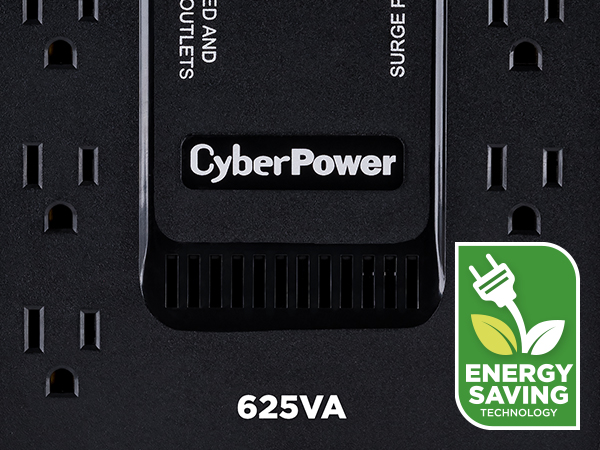
GreenPower UPS Design
Reduces power consumption by utilizing a compact charger and power inverter to create an ultra-efficient backup power system for home and office use.
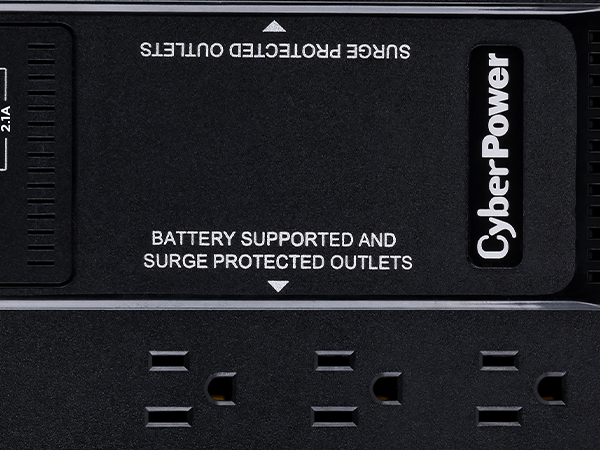
Battery & Surge Protected Outlets
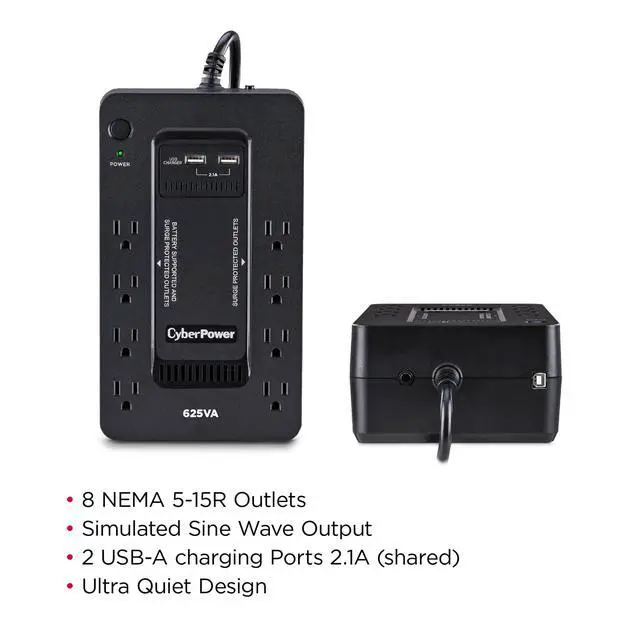
This unit is equipped with four battery and surge protected outlets to keep your equipment running and protected power surges and spikes.
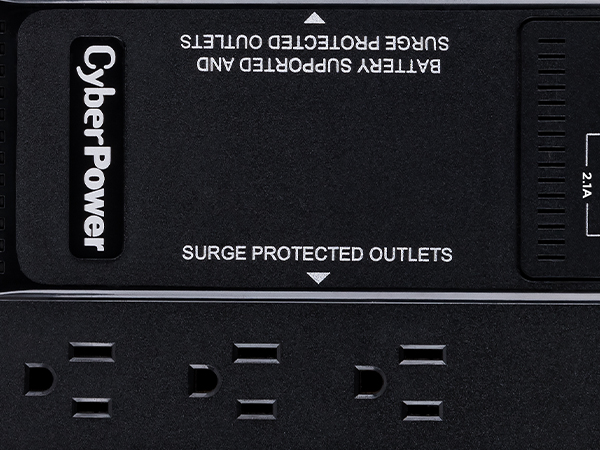
Surge Protected Outlets
The ST625U has four surge only protected outlets to protect your devices during storms and surges.
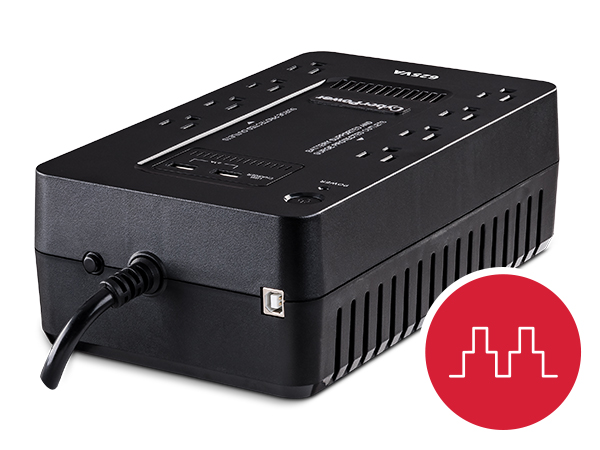
Simulated Sine Wave
Uses pulse wave modulation to generate a stepped, approximated sine wave to supply cost-effective battery backup power for equipment that does not require sine wave output.
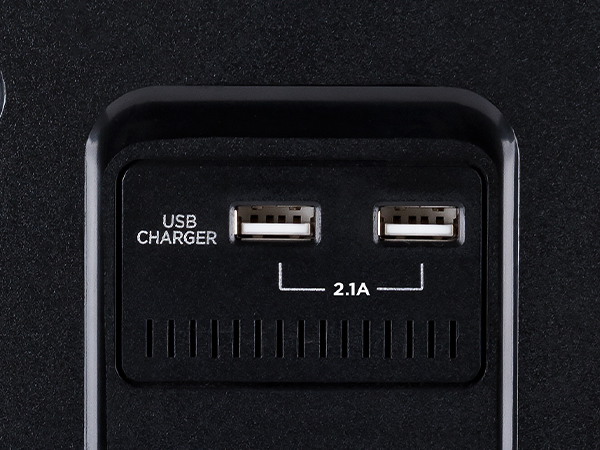
USB Charge Ports
Two USB ports to rapidly charge and power USB devices such as tablets (including iPad), smartphones, MP3 players, and other mobile accessories.
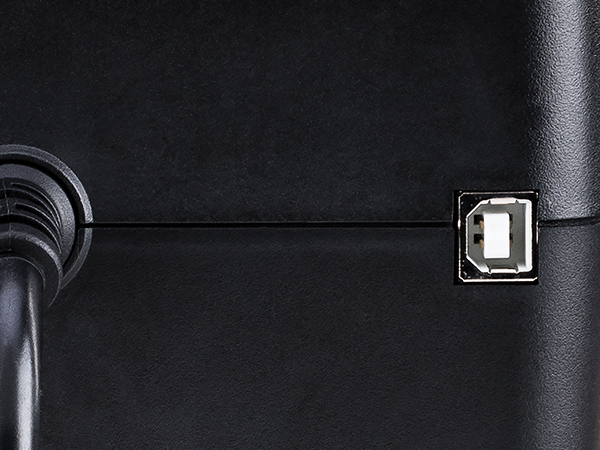
USB Communication Port
HID Compliant USB port allows you to connect to a computer to access additional power management features using PowerPanel Personal management software.
Typical Applications for the ST625U
Desktop Computers
Ensure seamless power to your PC and make certain you have time to safely shut down your system during a longer outage.
Home Networking/VoIP
Keep your smart-home devices connected to your WIFI during power outages and brownouts.
Personal Electronics
Don’t let the game end when the power goes out. Backup battery power keeps gaming consoles, stereos, and chargers running.
Home Theaters
Protect sensitive televisions, projectors, satellites, and cable boxes from power surges and spikes.
CyberPower Standby UPS Systems
ST625U | ST425 | SL700U | ST900U |
|---|---|---|---|
| Customer Reviews | |||
| — | — | — | — |
| Price | |||
| — | — | — | — |
| Battery Power | |||
| 625 | 425 | 700 | 900 |
| Watts | |||
| 360 | 260 | 370 | 500 |
| Runtime (Half/Full) | |||
| 9/2 Minutes | 6/1.5 Minutes | 9/2 Minutes | 7.5/2 Minutes |
| Battery & Surge Protected | |||
| 4 Outlets | 4 Outlets | 5 Outlets | 6 Outlets |
| Surge Protected Outlets | |||
| 4 Outlets | 4 Outlets | 3 Outlets | 6 Outlets |
| USB Ports | |||
| 2 | 0 | 2 | 2 |
| Topology | |||
| Standby | Standby | Standby | Standby |
| Wave Form | |||
| Simulated Sine Wave | Simulated Sine Wave | Simulated Sine Wave | Simulated Sine Wave |
| Model Type | |||
| Compact | Compact | Slim | Compact |
| Management Software | |||
| PowerPanel Personal | Not Available | PowerPanel Personal | PowerPanel Personal |
How long will the UPS power my systems after the power goes out?
Run times vary based on the power required by connected devices. This system is estimated run for 9 minutes at half load, 2 minutes for a full load.
Can this UPS model be monitored?
The ST625U comes with a free download of PowerPanel provides a user-friendly dashboard interface for controlling and monitoring the UPS. Free software download available.
Do all of the outlets have battery backup power and surge protection?
No, not all of the outlets have battery backup power. The ST625U has (4) battery backup and surge protected outlets and (4) surge protected outlets.
Can this unit accommodate larger plugs?
Yes, the ST625U can accommodate four large transformer-based plugs without compromising the access of other outlets.
How do I mute the alarms?
To turn the Alarm Off, quickly press the power button twice. You will hear two short beeps when the Alarm is turned Off. To turn the Alarm back ON, quickly press the power button twice. You will hear a single short beep when the Alarm is turned On.