



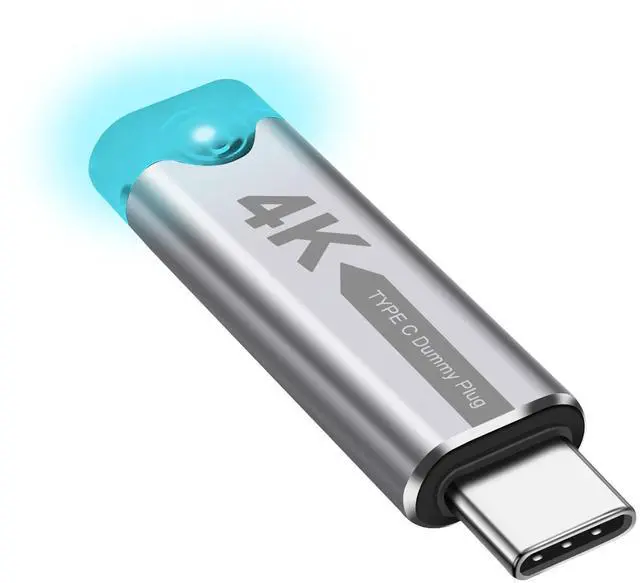
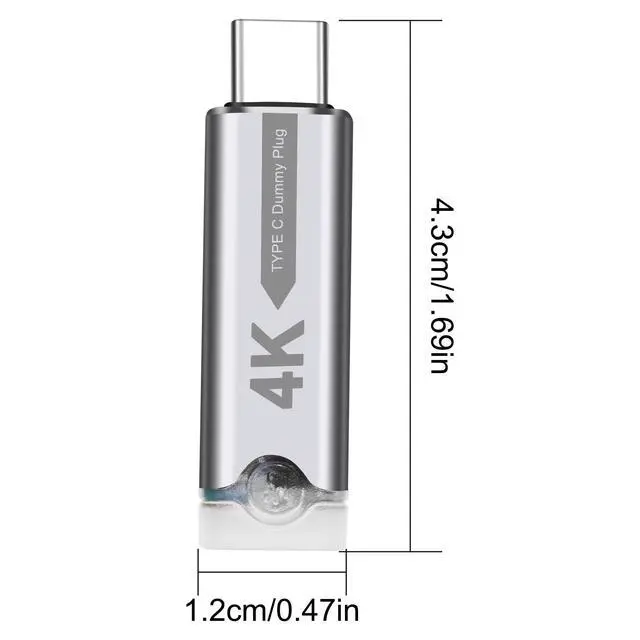




USB Type C Dummys Plug
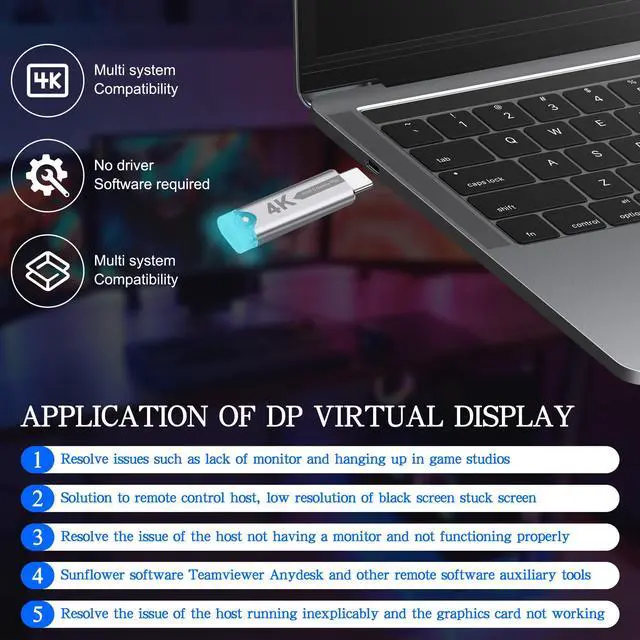
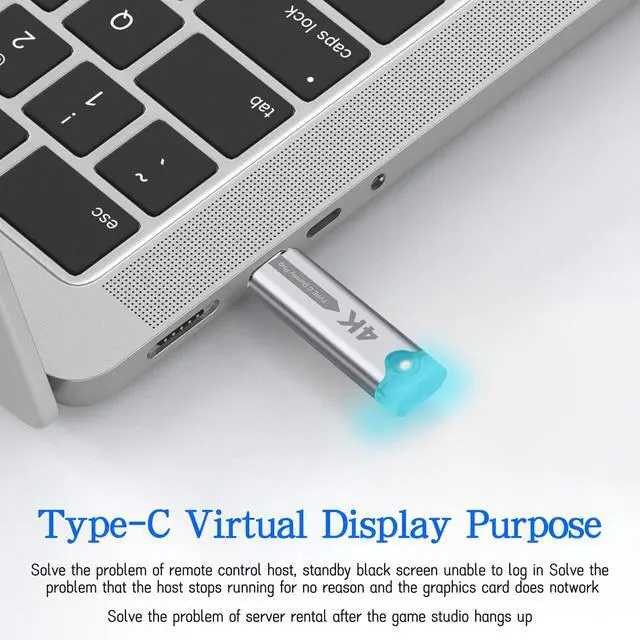
Usage method: After connecting the Type-C virtual plug, your operating system will detect the virtual display and enable the GPU, which functions the same as the real display. Before connecting the display, the GPU hardware is usually disabled, which can lead to poor performance and limited resolution for remote users. After enabling the GPU, various tasks can be performed, including high resolution and refresh rate, thereby achieving hardware-accelerated GPU operations, such as remote desktop and cryptocurrency mining.

Type C Display Emulator
Resolved the issue where the host displayed no output and could not operate normally. This solution features display simulation, capable of storing device name, resolution, refresh rate, and other related parameters. By binding this adapter to the output end of the signal source, the original display content and sequence can be preserved even when the monitor or TV LCD screen is powered off or when a KVM switch is in use, allowing the computer to function as if a physical display were connected. It serves as a virtual display device, ensuring no loss of video signal, no screen shifting, no window displacement, and stable display sequence during display power-off, disconnection, or hot-swapping of the display cable.

ype-C display virtualizer
Product Advantages:
The Type-C display virtualizer offers the following key benefits:
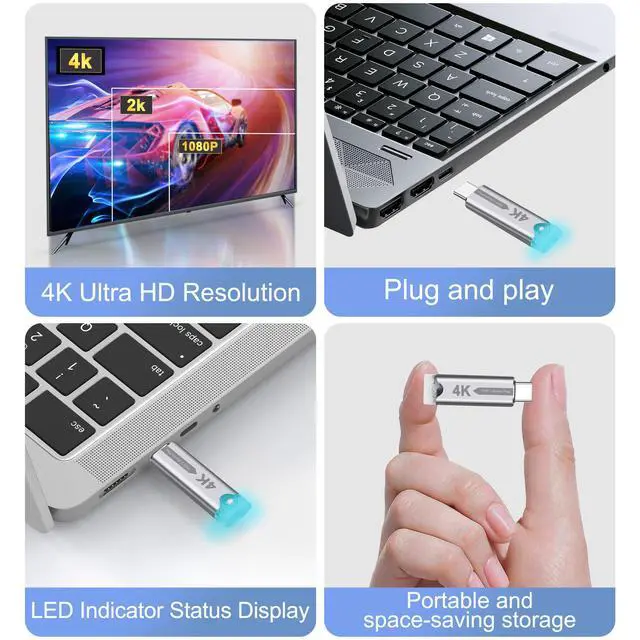
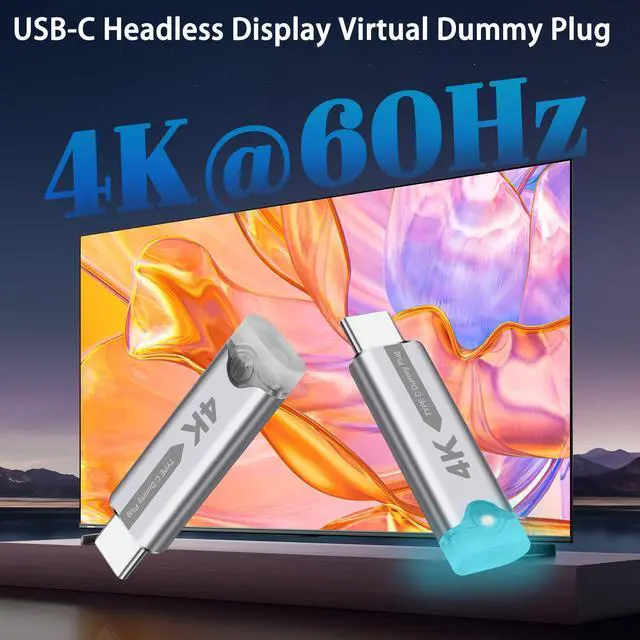
1. Supports simulation of resolutions up to 4K (3840 x 2160 pixels).
2. Compact design with the latest chip integration, ensuring low power consumption and minimal heat generation.
3. Supports plug-and-play and hot-swapping functionality.
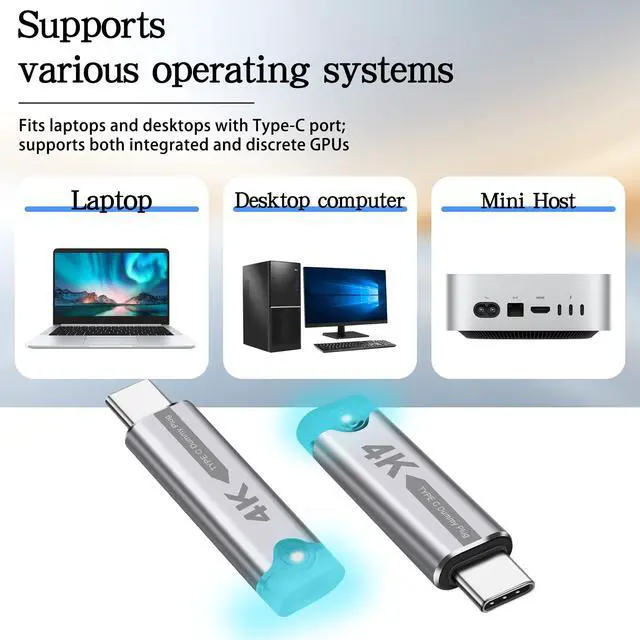
4. Driver-free operation and compatible with all operating systems.

USB-C HDR Virtual Monitor
Strong compatibility, suitable for various devices - FUERAN Type-c fake plugs are highly compatible with a wide range of devices, including desktops, laptops, servers, and other systems that require virtual display output. Whether in a home, office or data center environment, it can provide stable virtual display solutions, greatly enhancing the flexibility and operational performance of the equipment.

Type-C Headless Ghost Adapter


XMSJSIY focuses on your needs, providing high-quality products to solve small troubles in life. There are a variety of products for you to choose from, such as connection conversion between audio devices, power supply for devices, etc., to enhance your experience.
As a small expert in daily life, simplifies complex and messy work steps with professional products, allowing you to enjoy a comfortable, leisurely and happy life.
PowerCon Power Cable
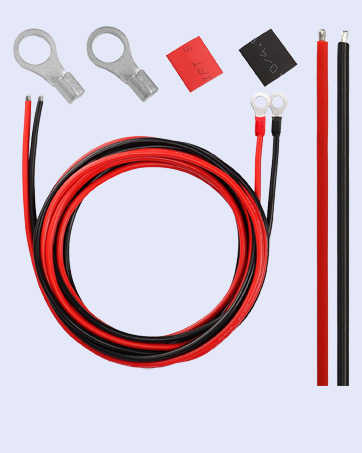
Solar Battery Cables
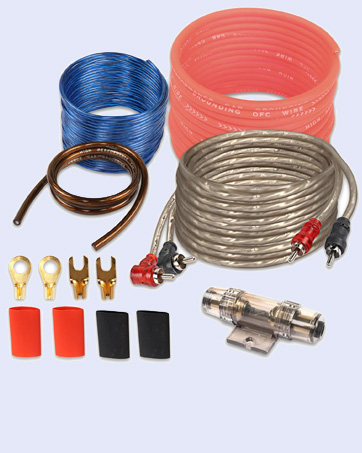
Car Audio Wiring Kit
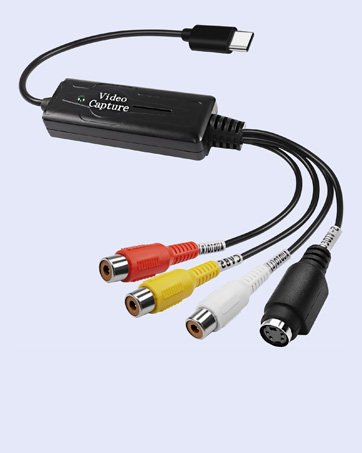
USB C Video Capture
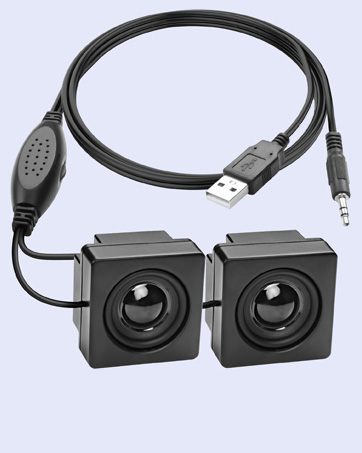
Mini Computer Speaker
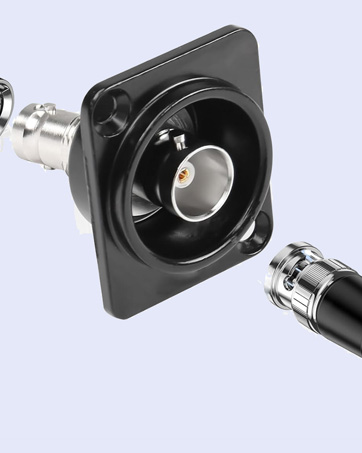
D-Type BNC Connector
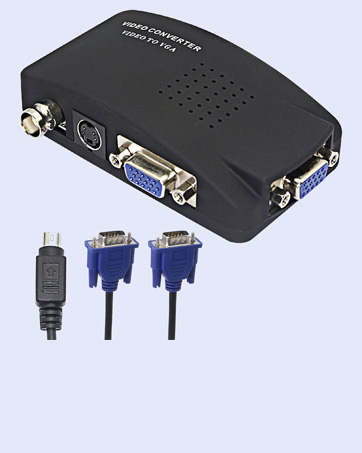
BNC to VGA Video Converter
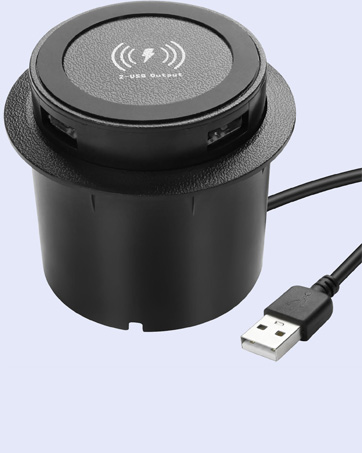
Embedded Wireless Charger
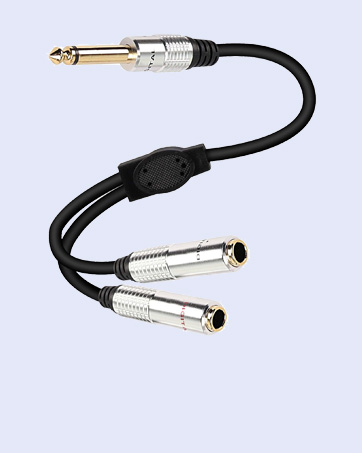
6.35mm TS Y Splitter Cable
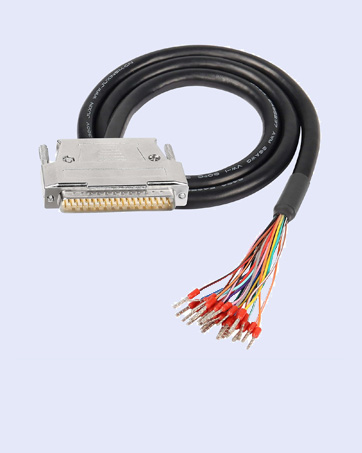
RS232 DB25 Pin Serial Cable
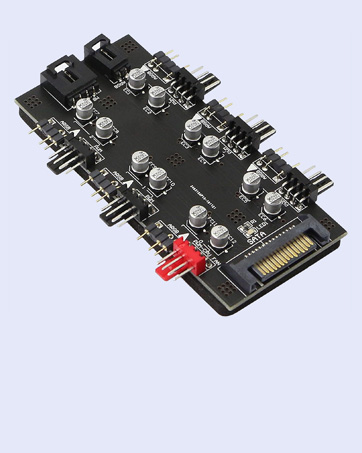
12V 4Pin PWM & 5V 3Pin ARGB
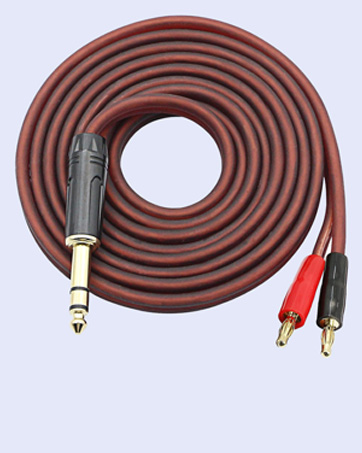
1/4 TRS to Banana
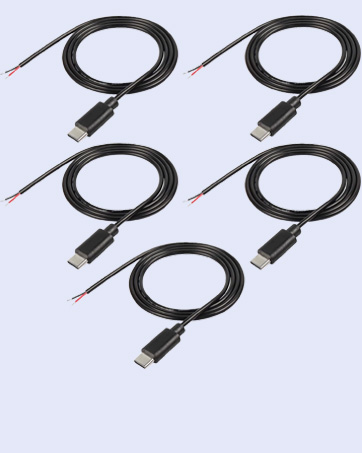
USB Type-C Male Pigtail Cable
USB Type C Dummys Plug
Usage method: After connecting the Type-C virtual plug, your operating system will detect the virtual display and enable the GPU, which functions the same as the real display. Before connecting the display, the GPU hardware is usually disabled, which can lead to poor performance and limited resolution for remote users. After enabling the GPU, various tasks can be performed, including high resolution and refresh rate, thereby achieving hardware-accelerated GPU operations, such as remote desktop and cryptocurrency mining.
Type C Display Emulator
Resolved the issue where the host displayed no output and could not operate normally. This solution features display simulation, capable of storing device name, resolution, refresh rate, and other related parameters. By binding this adapter to the output end of the signal source, the original display content and sequence can be preserved even when the monitor or TV LCD screen is powered off or when a KVM switch is in use, allowing the computer to function as if a physical display were connected. It serves as a virtual display device, ensuring no loss of video signal, no screen shifting, no window displacement, and stable display sequence during display power-off, disconnection, or hot-swapping of the display cable.
ype-C display virtualizer
Product Advantages:
The Type-C display virtualizer offers the following key benefits:
1. Supports simulation of resolutions up to 4K (3840 x 2160 pixels).
2. Compact design with the latest chip integration, ensuring low power consumption and minimal heat generation.
3. Supports plug-and-play and hot-swapping functionality.
4. Driver-free operation and compatible with all operating systems.
USB-C HDR Virtual Monitor
Strong compatibility, suitable for various devices - FUERAN Type-c fake plugs are highly compatible with a wide range of devices, including desktops, laptops, servers, and other systems that require virtual display output. Whether in a home, office or data center environment, it can provide stable virtual display solutions, greatly enhancing the flexibility and operational performance of the equipment.
Type-C Headless Ghost Adapter
XMSJSIY focuses on your needs, providing high-quality products to solve small troubles in life. There are a variety of products for you to choose from, such as connection conversion between audio devices, power supply for devices, etc., to enhance your experience.
As a small expert in daily life, simplifies complex and messy work steps with professional products, allowing you to enjoy a comfortable, leisurely and happy life.
PowerCon Power Cable
Solar Battery Cables
Car Audio Wiring Kit
USB C Video Capture
Mini Computer Speaker
D-Type BNC Connector
BNC to VGA Video Converter
Embedded Wireless Charger
6.35mm TS Y Splitter Cable
RS232 DB25 Pin Serial Cable
12V 4Pin PWM & 5V 3Pin ARGB
1/4 TRS to Banana
USB Type-C Male Pigtail Cable