










iXflash Q Comparison Chart
 iXflash Q |  iXflash Q mini | 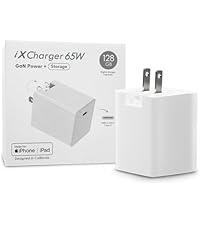 iXcharger |  iXflash Cube USB Type A |  iXflash Cube USB Type C |  iXflash USB C & Lightning |  iXflash USB A & Lightning | |
|---|---|---|---|---|---|---|---|
Customer Reviews | — | — | — | — | — | — | — |
Price | — | — | — | — | — | — | — |
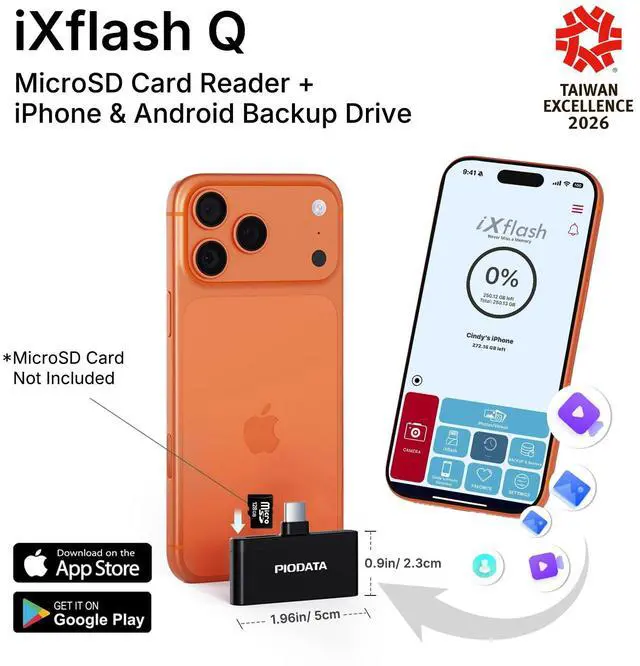
USB connection type | USB-C x 2 (1 male & 1 Female) | USB-C | USB-C | USB-A | USB-C | USB-C & Lightning | USB-A & Lightning |
Auto Backup while charging | Yes | No | Yes | Yes | Yes | No | No |
Charging Capability | Pass-Through Charging - 100W | N/A | Direct Charging - 65W | Pass-Through Charging - 60W | Pass-Through Charging - 60W | N/A | N/A |
Fast Charging Capability | Yes, up to 100W* | No | Yes, Up to 65W | No | Yes, up to 60W* | No | No |
Take continuous video | ? | ? | ? | ? | ? | ? | ? |
Back-up and/or Restore | ? | ? | ? | ? | ? | ? | ? |
Store Entertainment | ? | ? | ? | ? | ? | ? | ? |
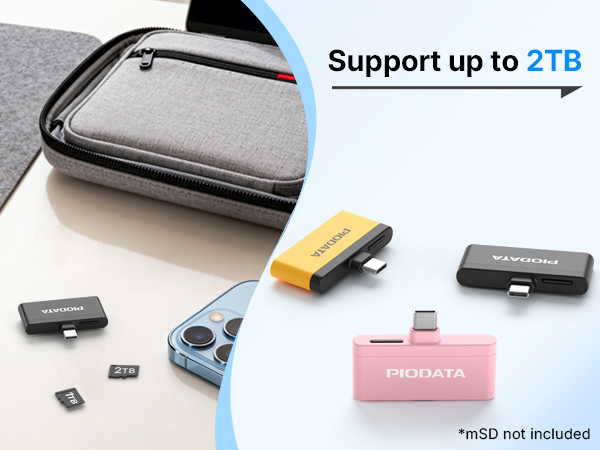
Available Capacity | Memory NOT included | Memory NOT included | 128GB, 256GB, 512 GB & 1 TB | 128GB, 256GB, 512 GB & 1 TB | 128GB, 256GB, 512 GB & 1 TB | 128GB, 256GB, 512 GB & 1 TB | 128GB, 256GB, 512 GB & 1 TB |
Available Colors | Black, Pink, Black/Yellow | Black, Pink | White | White | White, Pink | Gray, Black, Pink, Blue | Gray, Black, Pink, Blue |
Does it require the user to download an App to use this device to backup photos and videos on an iPhone?
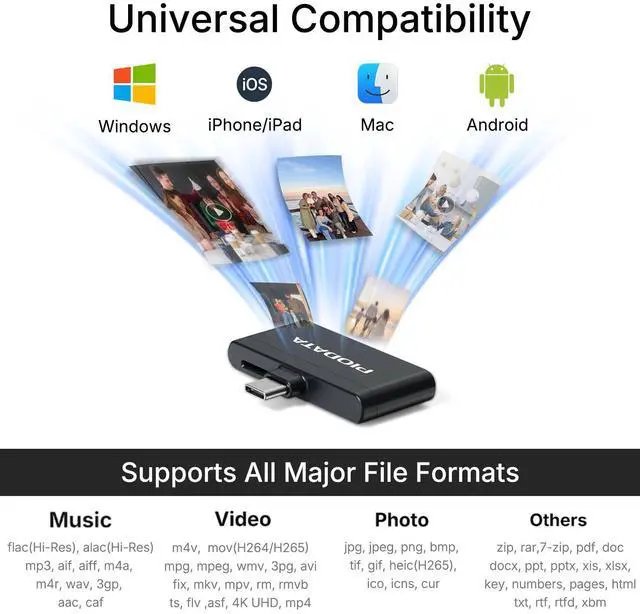
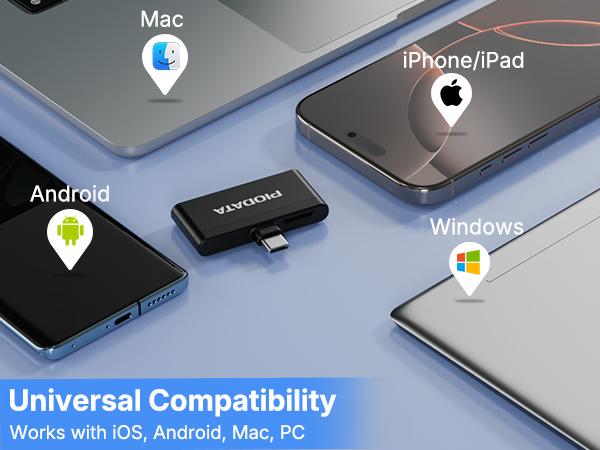
An App is not required. We offer the iXflash App because it offers many additional useful features and is easier to use. But, if you have a USB-C 15, 16, 17 or later iPhone, you can access the photos and videos through the native Apple Files App.
Does it offer an App for Android devices, and if so, is it necessary?
The iXflash Q is one of the few photo/video backup devices with an Android app (phones & tablets). The app isn’t required, but using the PIODATA app from Google Play unlocks more features and improves performance.
Does the iXflash Q support charging while backing up?
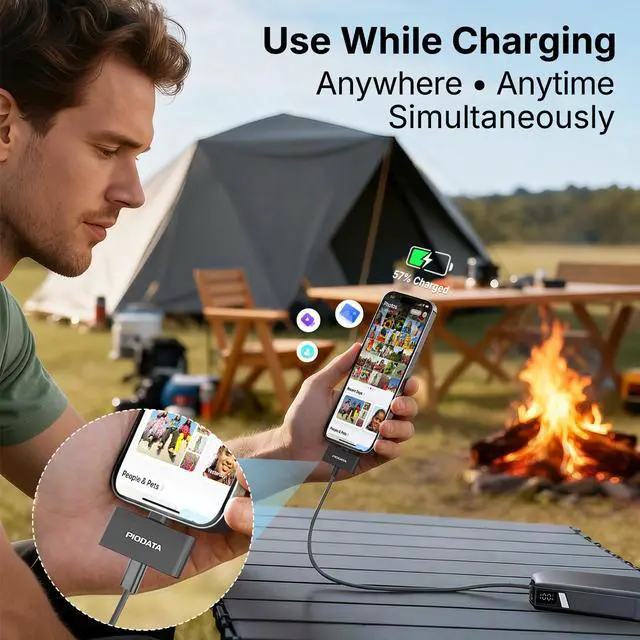
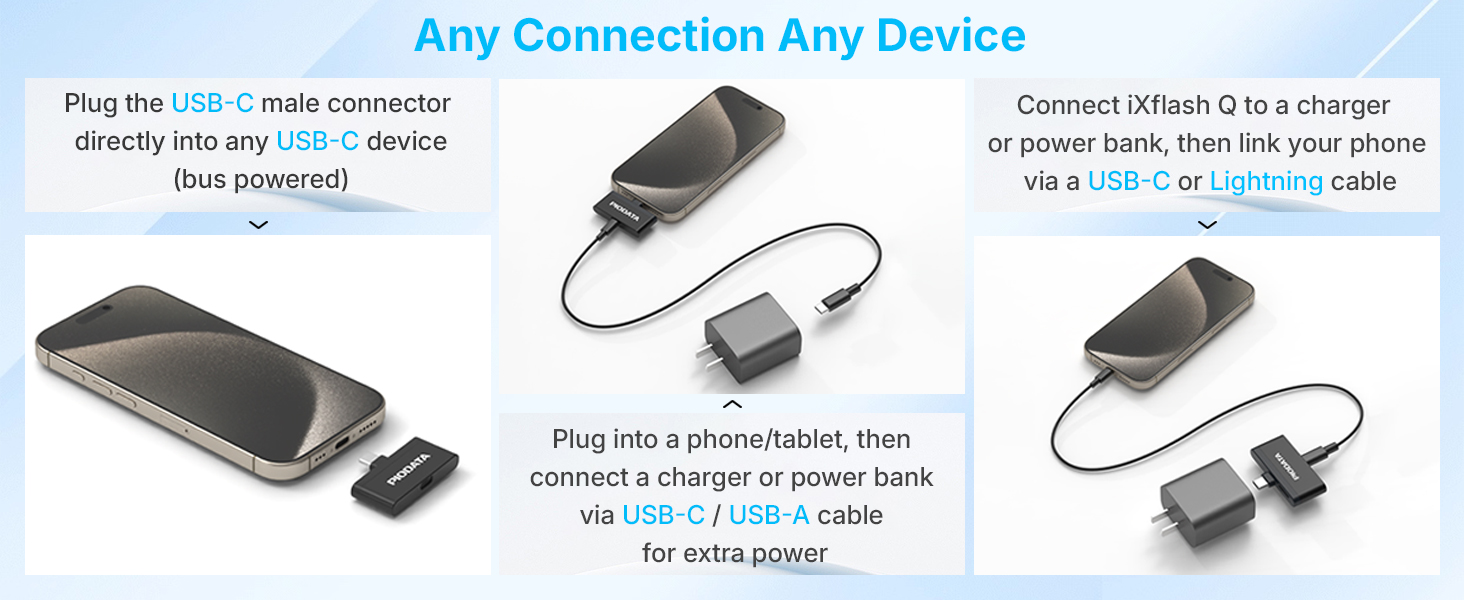
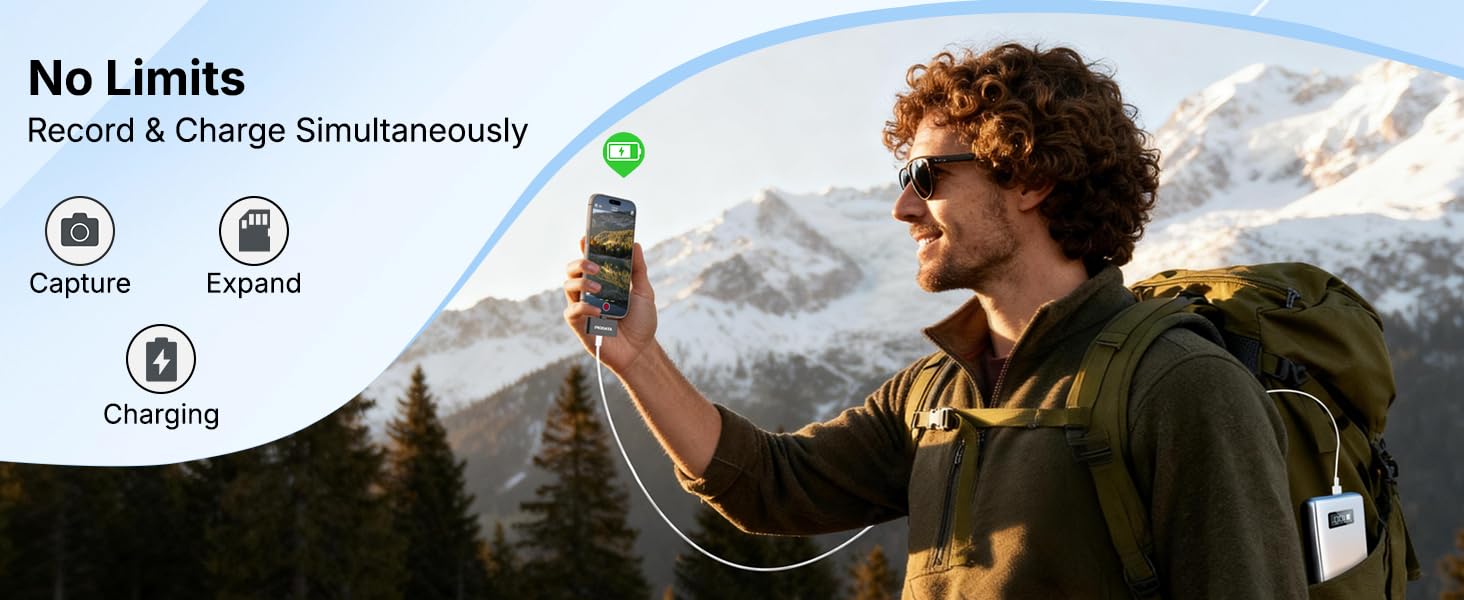
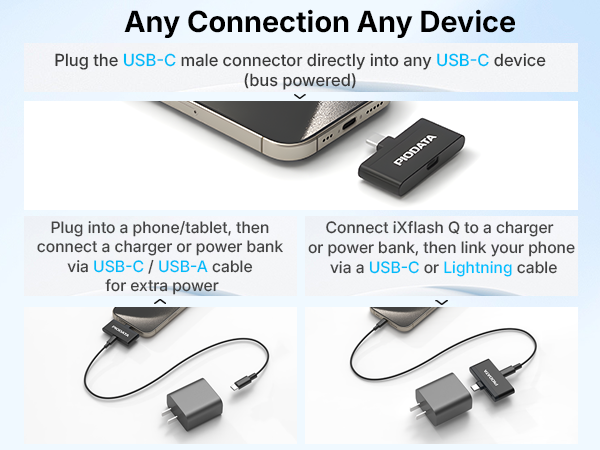
The Q supports pass-through charging when connected to a wall charger or power bank while backing up or performing other functions. For best results, use a USB-C to C cable with a PD Type C charger; USB-A to C cables or adapters are not supported.
Can I directly record video in ProRes onto the MicroSD card in the iXflash Q?
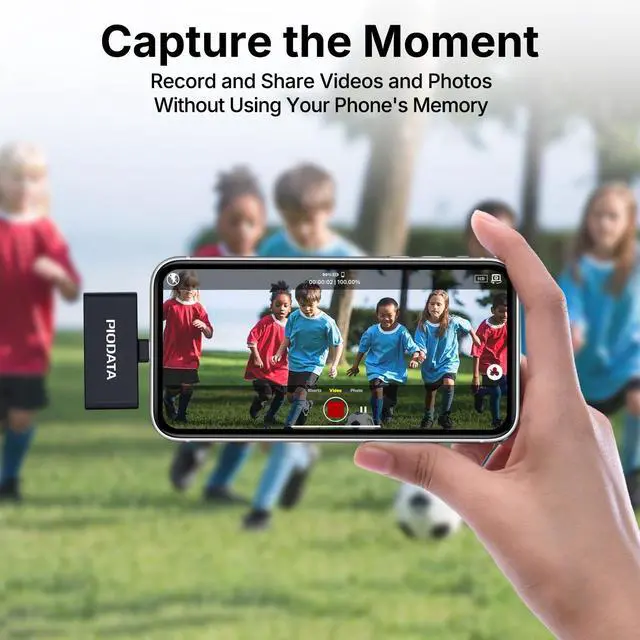
Yes. If iXflash app is not installed, record in ProRes from the Apple Camera. If the iXflash app is installed, go to the iXflash App’s settings & enable access to the Apple Files app. Requires a USB-C Pro/Pro Max iPhone & a V90 or higher microSD card
What if my phone doesn’t charge when it’s connected to a wall plug while backing up?
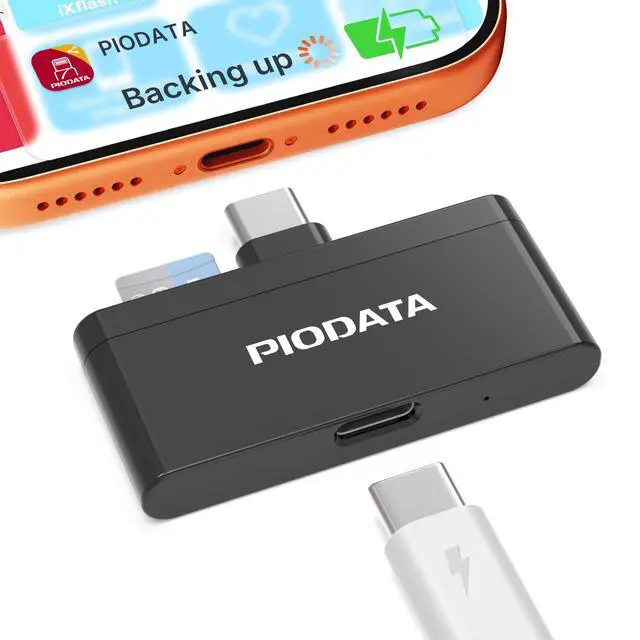
The Q has two USB-C ports (1 male, 1 female) for flexible use. Due to its patented design, pass-through charging requires a USB-C to C cable and a PD USB-C charger, especially for Samsung S & A series; USB-A to C cables or adapters are not supported.

About PIODATA
At PIODATA, we believe storage is more than technology — it’s about protecting what matters most. We create stable and reliable digital storage solutions designed to safeguard your photos, videos, and important files.
As mobile devices become central to everyday life, our mission is to make backup and data management simple, secure, and effortless — so your memories and work stay protected.







iXflash Q Comparison Chart
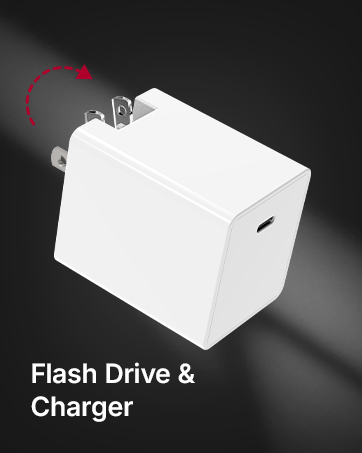
iXflash Q | iXflash Q mini | iXcharger | iXflash Cube USB Type A | iXflash Cube USB Type C | iXflash USB C & Lightning | iXflash USB A & Lightning |
|---|---|---|---|---|---|---|
| Customer Reviews | ||||||
| — | — | — | — | — | — | — |
| Price | ||||||
| — | — | — | — | — | — | — |
| USB connection type | ||||||
| USB-C x 2 (1 male & 1 Female) | USB-C | USB-C | USB-A | USB-C | USB-C & Lightning | USB-A & Lightning |
| Auto Backup while charging | ||||||
| Yes | No | Yes | Yes | Yes | No | No |
| Charging Capability | ||||||
| Pass-Through Charging - 100W | N/A | Direct Charging - 65W | Pass-Through Charging - 60W | Pass-Through Charging - 60W | N/A | N/A |
| Fast Charging Capability | ||||||
| Yes, up to 100W* | No | Yes, Up to 65W | No | Yes, up to 60W* | No | No |
| Take continuous video | ||||||
| ? | ? | ? | ? | ? | ? | ? |
| Back-up and/or Restore | ||||||
| ? | ? | ? | ? | ? | ? | ? |
| Store Entertainment | ||||||
| ? | ? | ? | ? | ? | ? | ? |
| Available Capacity | ||||||
| Memory NOT included | Memory NOT included | 128GB, 256GB, 512 GB & 1 TB | 128GB, 256GB, 512 GB & 1 TB | 128GB, 256GB, 512 GB & 1 TB | 128GB, 256GB, 512 GB & 1 TB | 128GB, 256GB, 512 GB & 1 TB |
| Available Colors | ||||||
| Black, Pink, Black/Yellow | Black, Pink | White | White | White, Pink | Gray, Black, Pink, Blue | Gray, Black, Pink, Blue |
Does it require the user to download an App to use this device to backup photos and videos on an iPhone?
An App is not required. We offer the iXflash App because it offers many additional useful features and is easier to use. But, if you have a USB-C 15, 16, 17 or later iPhone, you can access the photos and videos through the native Apple Files App.
Does it offer an App for Android devices, and if so, is it necessary?
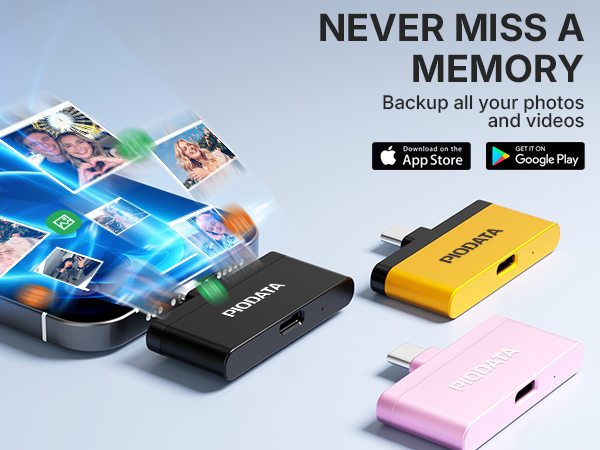
The iXflash Q is one of the few photo/video backup devices with an Android app (phones & tablets). The app isn’t required, but using the PIODATA app from Google Play unlocks more features and improves performance.
Does the iXflash Q support charging while backing up?
The Q supports pass-through charging when connected to a wall charger or power bank while backing up or performing other functions. For best results, use a USB-C to C cable with a PD Type C charger; USB-A to C cables or adapters are not supported.
Can I directly record video in ProRes onto the MicroSD card in the iXflash Q?
Yes. If iXflash app is not installed, record in ProRes from the Apple Camera. If the iXflash app is installed, go to the iXflash App’s settings & enable access to the Apple Files app. Requires a USB-C Pro/Pro Max iPhone & a V90 or higher microSD card
What if my phone doesn’t charge when it’s connected to a wall plug while backing up?
The Q has two USB-C ports (1 male, 1 female) for flexible use. Due to its patented design, pass-through charging requires a USB-C to C cable and a PD USB-C charger, especially for Samsung S & A series; USB-A to C cables or adapters are not supported.
About PIODATA
At PIODATA, we believe storage is more than technology — it’s about protecting what matters most. We create stable and reliable digital storage solutions designed to safeguard your photos, videos, and important files.
As mobile devices become central to everyday life, our mission is to make backup and data management simple, secure, and effortless — so your memories and work stay protected.