




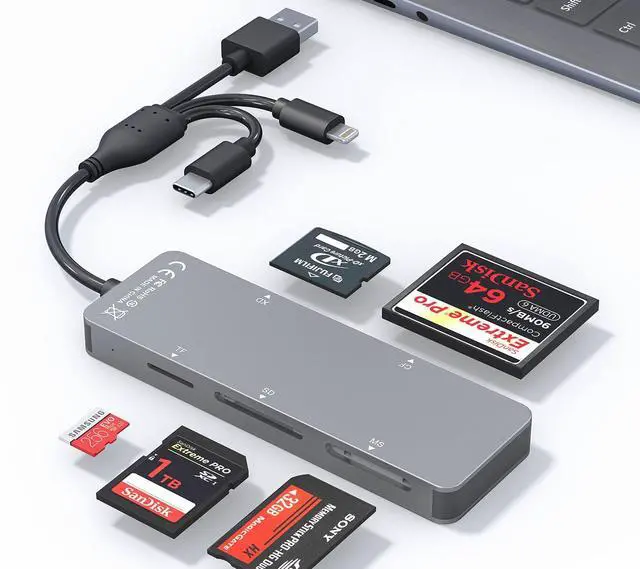


5 in 1 Multi Card Reader
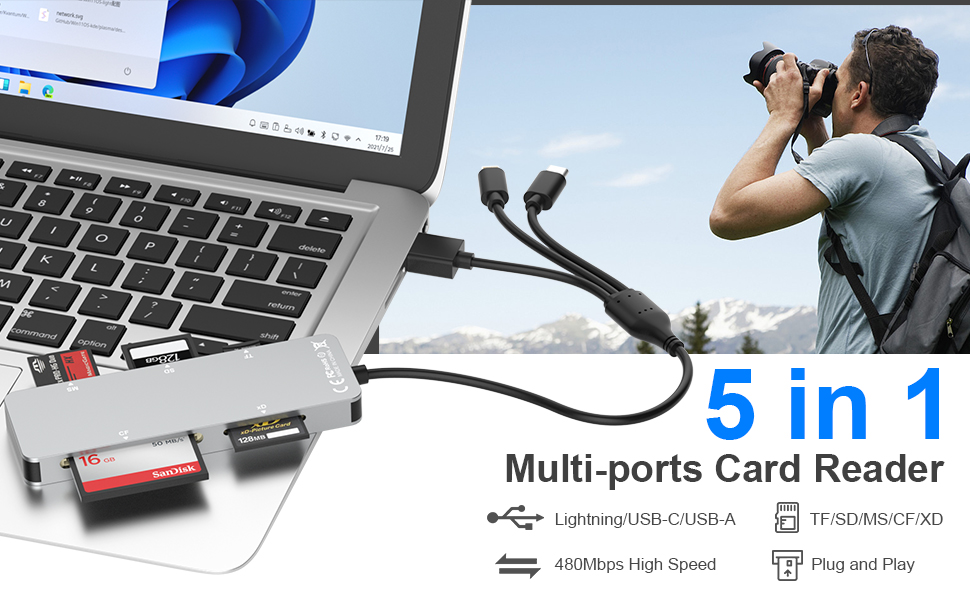
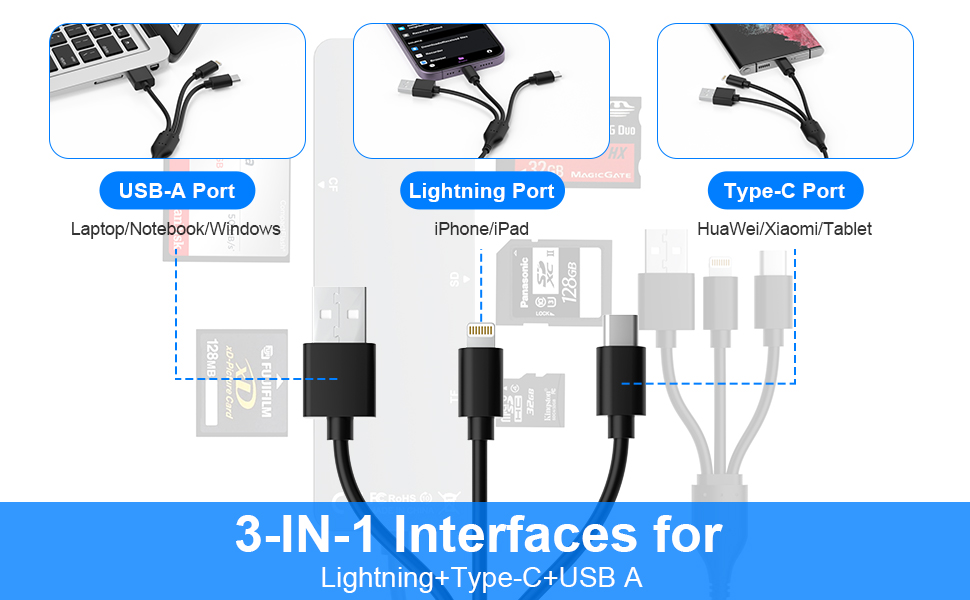
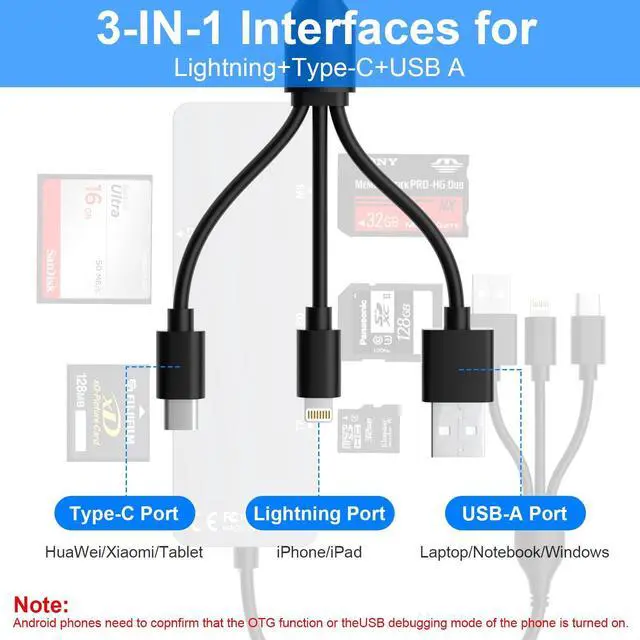
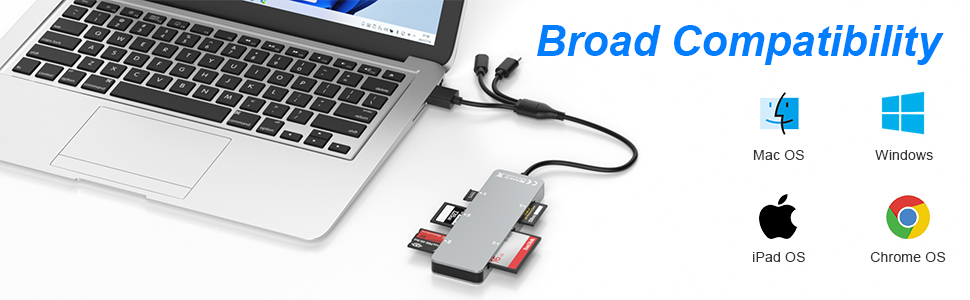
Lightning+USB C+USB A Ports 3 in 1 Port Design
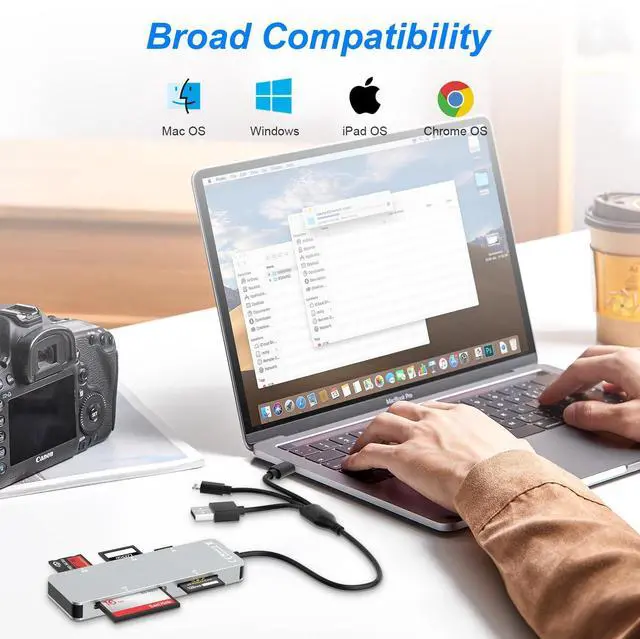
- USB C port supports iPhone 15, Samsung Galaxy, Huawei, tablet, laptop, Macbook and so on.
- Lightning port supports iPhone 14/14 Plus/13/13 Pro/13 Pro Max/13mini/12/12 Mini/11 Pro/11 Pro Max/ XS Max/ XS and so on.
- USB A port supports PC and so on.
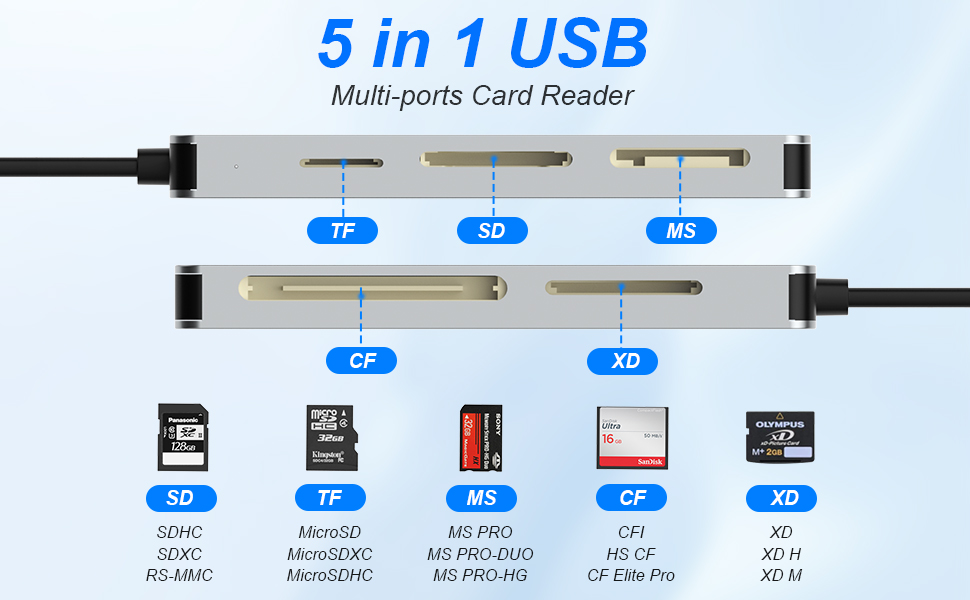
Multi Card Reader
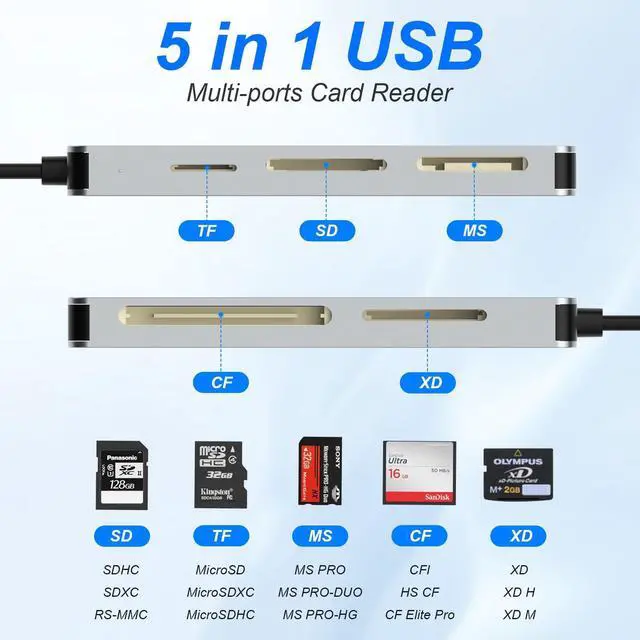
- Comes with CF/SD/TF/XD/MS five card slots.
- Supports a wide range of card types such as SDXC, SDHC, SD, CF, MS, Micro SDXC, and Micro SDHC.
- This design eliminates the need for separate card readers for each card format, thus saving space.
Note: Reading two cards at the same time is not supported.
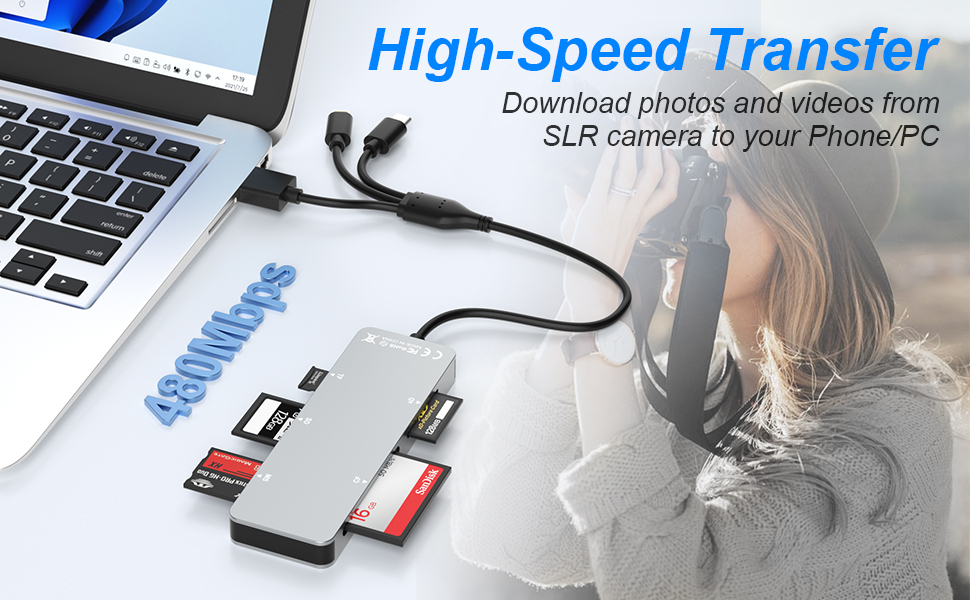
Transfers Data Quickly and is Easy to Carry
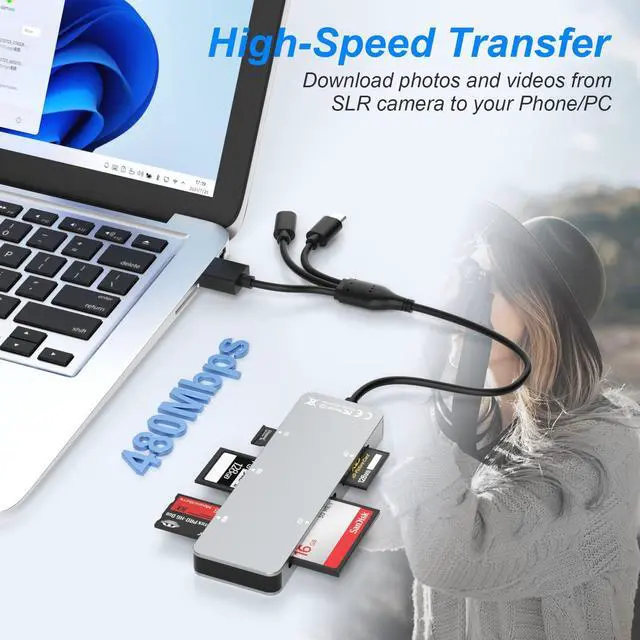
- 480Mbps transfer speed, it swiftly moves your data, saving you time and improving productivity.
- Made of aluminum material, which has good heat dissipation and long service life.
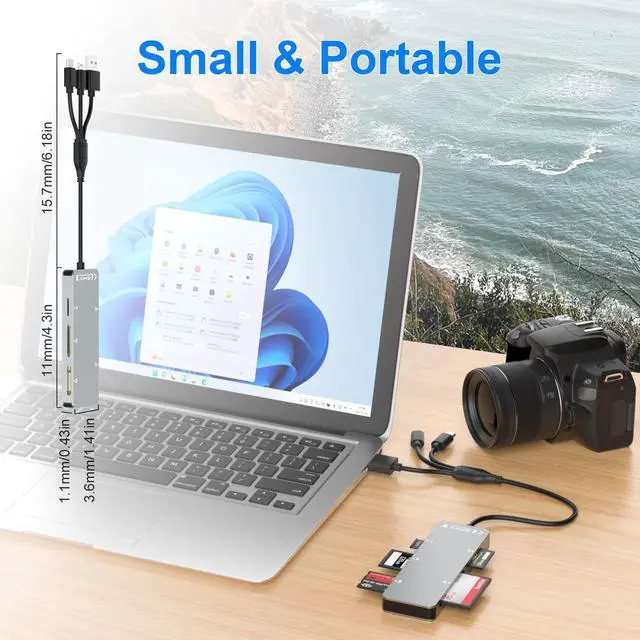
- Compact design makes it easy to carry and use.
Whether on the go or process data at the office, you can easily put it in your pocket or take it with you. Perfect for photographers, studios, and one dealing with large files.
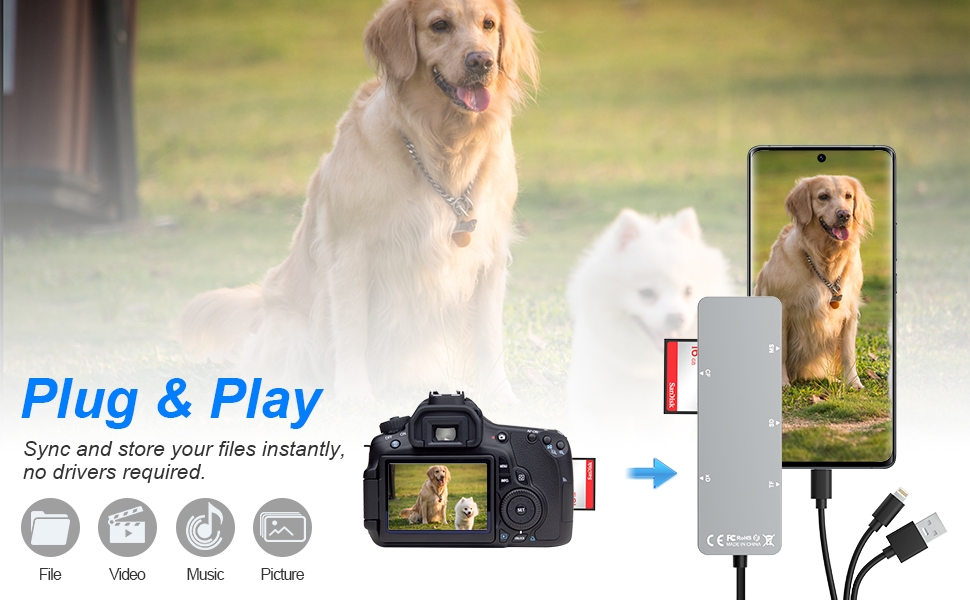
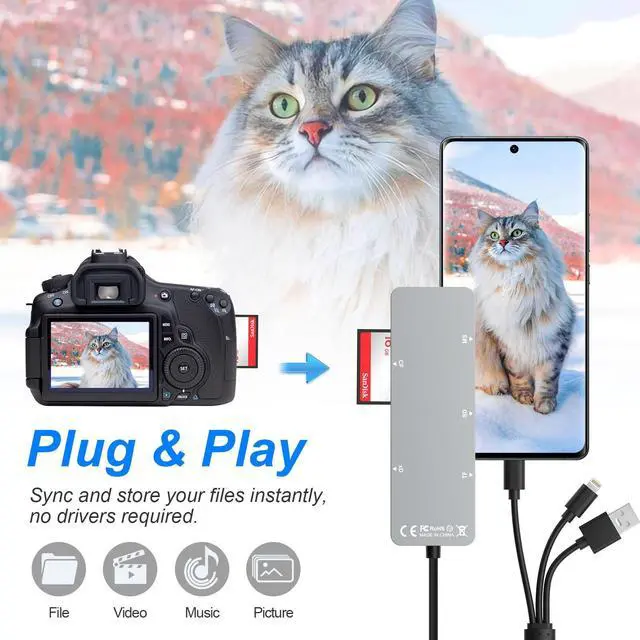
Plug and Play
The micro sd card reader plug and play, eliminates the need for additional drivers, providing a seamless user experience.
OS How to store from phone to memory card?
- 1.Insert the memory card into the card reader
- 2.Then insert the caard reader into the iPhone find the "photos" app
- 3.Select the picture or video you want to save to the memory card
- 4.Click on "save to files"
- 5.Find the card reader file and select Save File to complete the operation.(generally data of memory card is on “Untiled” or "NONAME", which is the name of your memory card)
OS How to store from memory card to phone?
- 1.Insert the memory card into the card reader
- 2.Then insert tthe card reader into the iPhone
- 3.Find the "files" app, Click"Untitled"
- 4.Selsct the photo or video you want to import into your iPhhone
- 5.Select "Save Items" to complete the ooperation
Kind tips:
- Please make sure the memory card is correctly inserted into the card reader.
- If photos or videos cannot be transferred, unplug the card reader and memory card and reconnect them.
- (When some Android phones are plugged in for the first time, a format mismatch prompt may pop up and the U disk needs to be formatted. It can be used normally after formatting, and there is no need to perform this operation again in the future.)
5 in 1 Multi Card Reader
Lightning+USB C+USB A Ports 3 in 1 Port Design
- USB C port supports iPhone 15, Samsung Galaxy, Huawei, tablet, laptop, Macbook and so on.
- Lightning port supports iPhone 14/14 Plus/13/13 Pro/13 Pro Max/13mini/12/12 Mini/11 Pro/11 Pro Max/ XS Max/ XS and so on.
- USB A port supports PC and so on.
Multi Card Reader
- Comes with CF/SD/TF/XD/MS five card slots.
- Supports a wide range of card types such as SDXC, SDHC, SD, CF, MS, Micro SDXC, and Micro SDHC.
- This design eliminates the need for separate card readers for each card format, thus saving space.
Note: Reading two cards at the same time is not supported.
Transfers Data Quickly and is Easy to Carry
- 480Mbps transfer speed, it swiftly moves your data, saving you time and improving productivity.
- Made of aluminum material, which has good heat dissipation and long service life.
- Compact design makes it easy to carry and use.
Whether on the go or process data at the office, you can easily put it in your pocket or take it with you. Perfect for photographers, studios, and one dealing with large files.
Plug and Play
The micro sd card reader plug and play, eliminates the need for additional drivers, providing a seamless user experience.
OS How to store from phone to memory card?
- 1.Insert the memory card into the card reader
- 2.Then insert the caard reader into the iPhone find the "photos" app
- 3.Select the picture or video you want to save to the memory card
- 4.Click on "save to files"
- 5.Find the card reader file and select Save File to complete the operation.(generally data of memory card is on “Untiled” or "NONAME", which is the name of your memory card)
OS How to store from memory card to phone?
- 1.Insert the memory card into the card reader
- 2.Then insert tthe card reader into the iPhone
- 3.Find the "files" app, Click"Untitled"
- 4.Selsct the photo or video you want to import into your iPhhone
- 5.Select "Save Items" to complete the ooperation
Kind tips:
- Please make sure the memory card is correctly inserted into the card reader.
- If photos or videos cannot be transferred, unplug the card reader and memory card and reconnect them.
- (When some Android phones are plugged in for the first time, a format mismatch prompt may pop up and the U disk needs to be formatted. It can be used normally after formatting, and there is no need to perform this operation again in the future.)