






Operation Demonstration
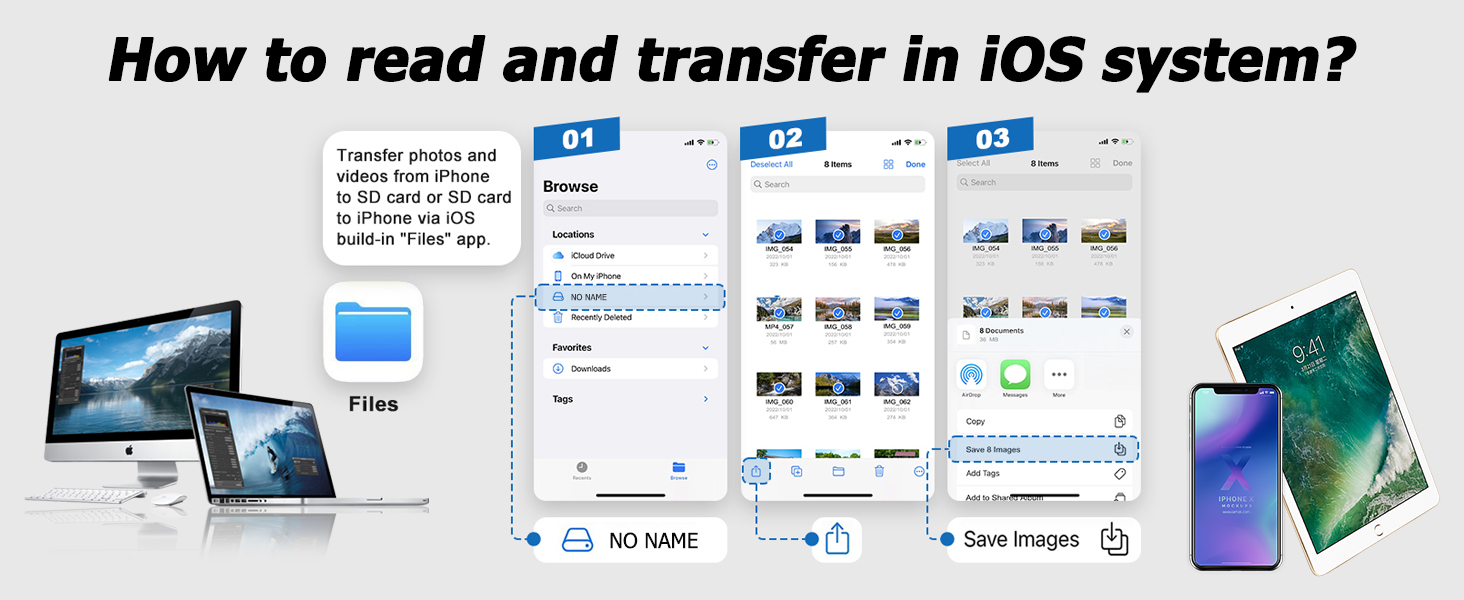
Two-way file transfer is available for iOS 13.0 and later users
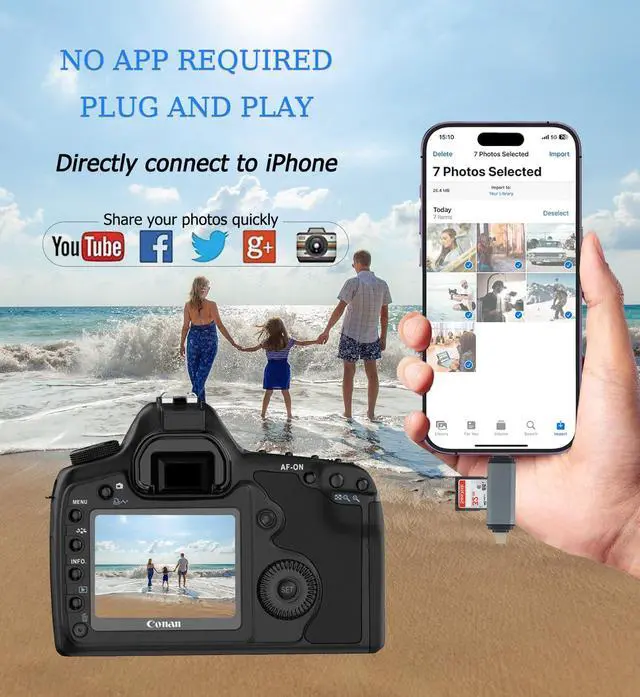
The Files app is an essential application that allows you to transfer files from your memory card to your iPhone and iPad.
Data on your iPhone/iPad is displayed in "My iPhone/iPad," while data on your memory card is displayed in "Untapped" (or "No Name," which is your memory card's name).
You can view and transfer data between your memory card and your iPhone/iPad.
The Files app can manage not only videos and photos, but also files such as music, PDF, Word documents, and Excel files.
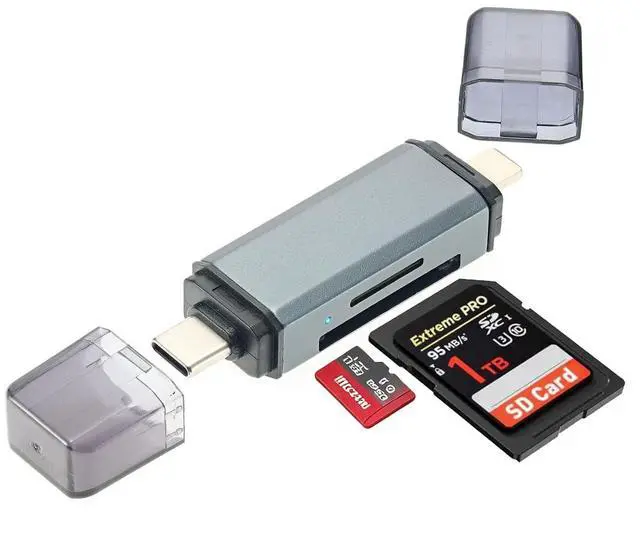
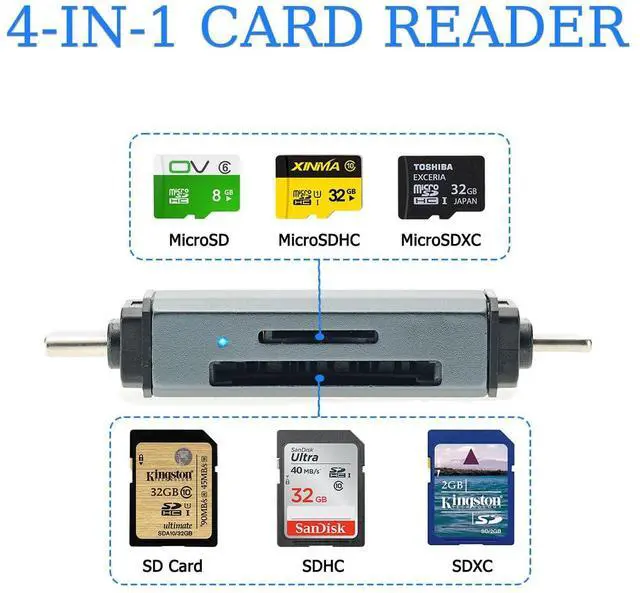
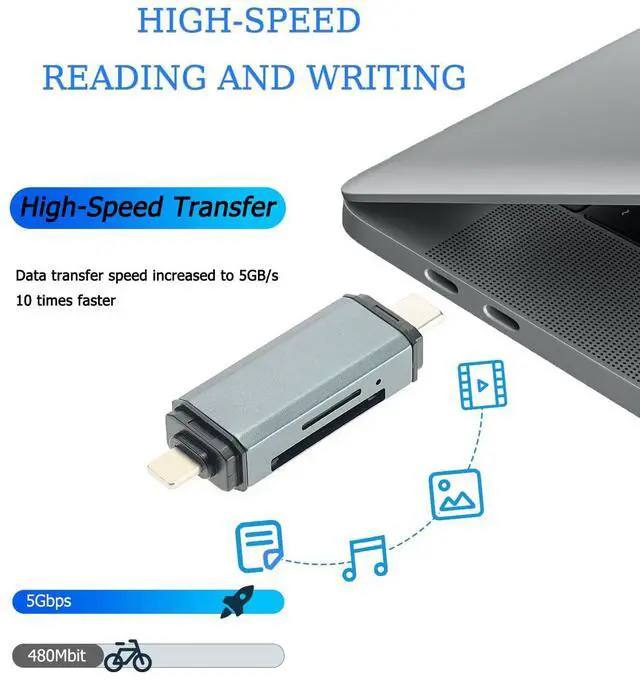
1. Insert your memory card into a card reader. Turn on your iPhone or iPad and connect the card reader to a Lightning/USB-C port.
2. On your iPhone or iPad, open the Files app. You can view the files on your memory card. You can view most file types, such as JPGs, MP3s, Word documents, Excel files, PPT presentations, etc. If you can see the file data but cannot open it, you will need to download a third-party application to read it.
3. You can delete the file, or copy and paste the file from the memory card to your iPhone or iPad. Alternatively, you can copy the file from your iPhone or iPad to the memory card.
Operation Demonstration
Two-way file transfer is available for iOS 13.0 and later users
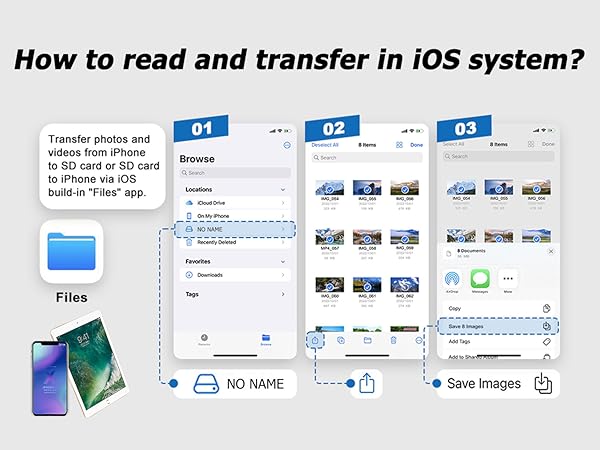
The Files app is an essential application that allows you to transfer files from your memory card to your iPhone and iPad.
Data on your iPhone/iPad is displayed in "My iPhone/iPad," while data on your memory card is displayed in "Untapped" (or "No Name," which is your memory card's name).
You can view and transfer data between your memory card and your iPhone/iPad.
The Files app can manage not only videos and photos, but also files such as music, PDF, Word documents, and Excel files.
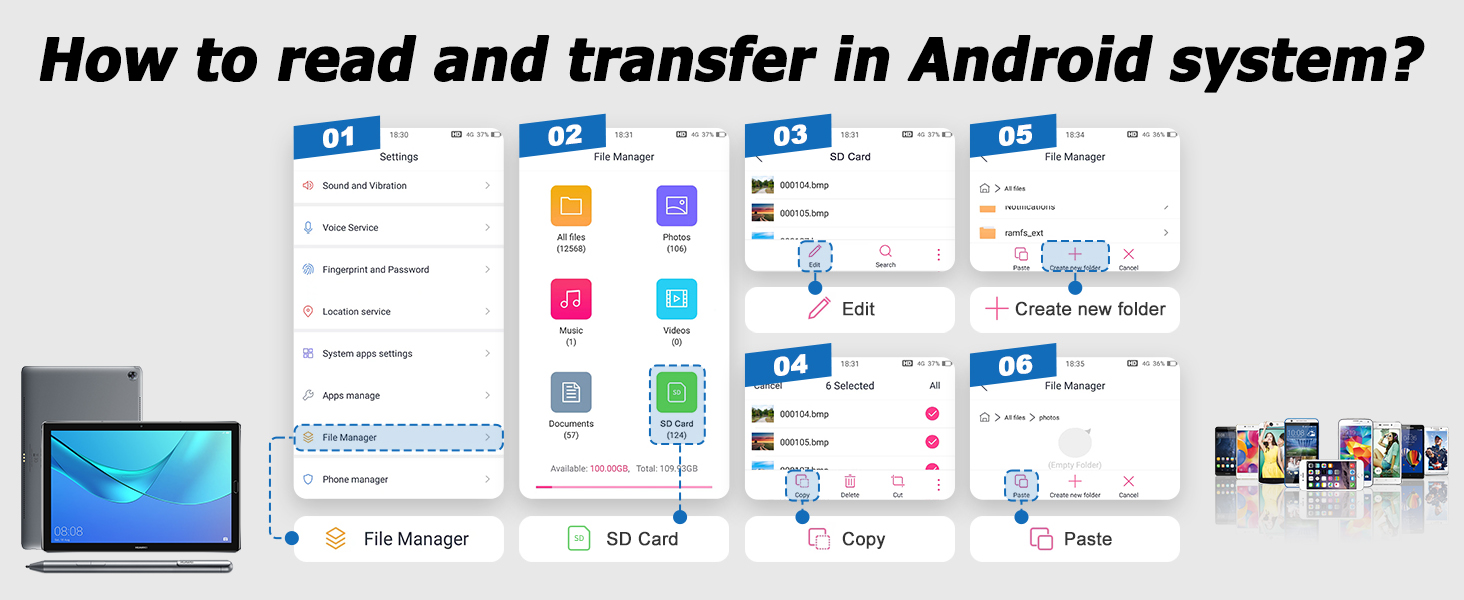
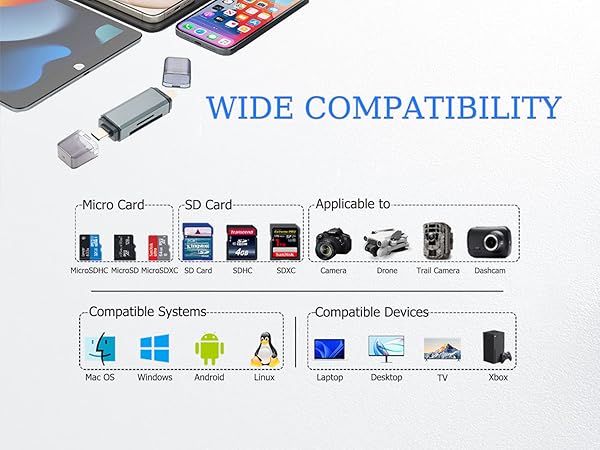
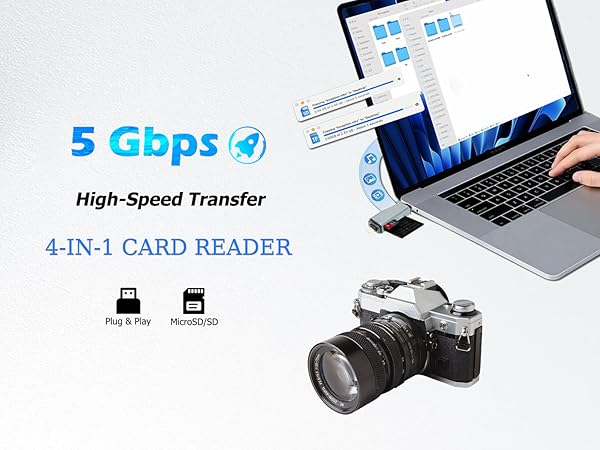
1. Insert your memory card into a card reader. Turn on your iPhone or iPad and connect the card reader to a Lightning/USB-C port.
2. On your iPhone or iPad, open the Files app. You can view the files on your memory card. You can view most file types, such as JPGs, MP3s, Word documents, Excel files, PPT presentations, etc. If you can see the file data but cannot open it, you will need to download a third-party application to read it.
3. You can delete the file, or copy and paste the file from the memory card to your iPhone or iPad. Alternatively, you can copy the file from your iPhone or iPad to the memory card.
